
The pressure can be intense when your eCommerce store needs fresh product photos. You face mounting customer expectations and the looming threat of falling behind your competitors. High-quality eCommerce photography is essential for showcasing your products in the best light and driving sales. Fortunately, you have options. Soona is a popular product photography service with many fans. But what happens if you need to use an alternative? This article will help answer that question as we introduce you to the best Soona alternatives for creating fantastic product photos.
Caspa's AI-powered product photography platform is valuable for achieving your goals, such as learning about the best Soona alternatives for creating fantastic product photos. Using Caspa, you can make studio-quality eCommerce images faster and easier.
Table of Contents
- 10 Best Soona Alternatives for Creating Amazing Product Photos
- What Exactly is Soona, and How Does It Work?
- Why Look for Soona Alternatives
- Choosing an AI Tool for Product Photography
- Get AI Product Photos that Increase Your Sales Today
10 Best Soona Alternatives for Creating Amazing Product Photos
1. Caspa: The All-in-One Alternative for Product Photography
Caspa helps eCommerce brands create stunning product photography with AI, eliminating the need for multiple tools, photographers, and models that traditionally eat up to 20% of revenue. From creating ultra-realistic product shots with human models to editing existing photos, Caspa's all-in-one AI product photography platform handles everything from background removal to upscaling, letting brands produce professional marketing visuals in seconds.
Whether you need custom stock photos or complete studio editing capabilities, Caspa streamlines the entire product visualization workflow into a single, cost-effective solution.
2. Claid.ai
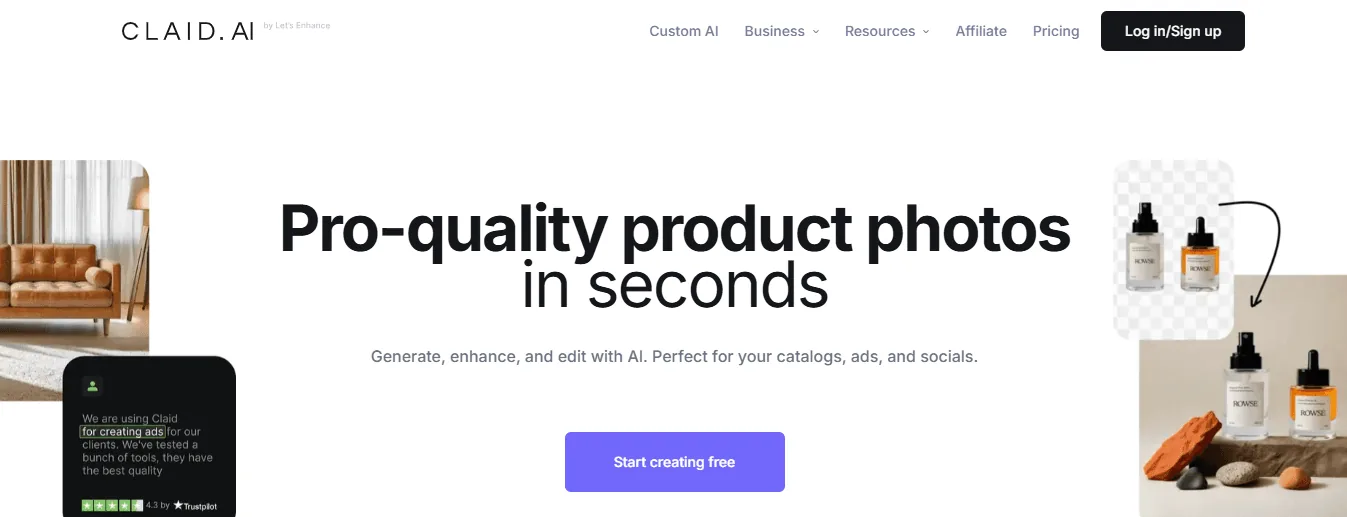
For a powerful, all-in-one product photo editing tool, Claid.ai is tough to beat. It handles background removal and image enhancements, but the AI background generator is its standout feature. Describe the setting you want, and your product will appear there instantly.
It works well for small Shopify stores and significant eCommerce marketplaces alike. The web tool is user-friendly and has an API for automating workflows. It's a big time-saver for dealing with many product images.
Features, Pricing & Benefits
It also recently introduced Custom AI. With just a few product photos, you can train a unique AI model that captures every detail of your item—perfect for generating natural-looking lifestyle shots or creative marketing visuals.
What it offers:
- AI for natural product placement
- Complete editing toolkit from enhancement to background removal and generation
- High-volume photo processing
- Product photography-specific technology
- Custom template uploads (Professional plan)
- AI eraser (Brush)
- Outpainting to different aspect ratios
Pricing:
- Free: 5 image uploads and 50 API credits
- Basic: From $19/month
- Professional: $49/month
- API: from $59 for a one-time bundle of 1000 credits.
Pros:
- Specialized in product photography
- All-in-one suite:
- Background removal
- Generation
- Enhancement
- Upscaling
- Color correction
- Scalable API from self-serve to enterprise plans
- API for automation
- Custom template styles (Professional plan)
- Custom AI for ultra-realistic lifestyle shots and virtual models
Cons:
- Free trial limited to 5 uploads
- Lacks some features found in more general-purpose tool
- Limited mobile experience
3. Adobe Firefly
Adobe Firefly is the AI-focused addition to the Adobe suite. It creates images, including product photos. It integrates smoothly with Photoshop and Illustrator. The text-to-image feature is impressive, describe what you want, and it generates an image.
It's great for creative professionals pushing boundaries but not exclusively for product photography like some specialized tools.
What it offers:
- Text-to-image generation
- Generative fill
- Text effects and recoloring
- Upcoming: text to template, image extension, text to brush/pattern/vector
- Compatible with other Adobe products like Photoshop
Pricing:
- Free: 20 credits/month (watermarked)
- Premium: $5/month (100 credits/month, no watermark)
Pros:
- Diverse feature set
- High-quality output
- Supports 100+ languages
- Low-cost premium plan
- Easy for beginners
- Fast image generation
- Displays multiple outputs per credit
Cons:
- It doesn't save prompted images
- No templates
- Not optimized for mobile
- Some features are still in development
- Aggressive marketing and potential for price changes
4. Pebblely
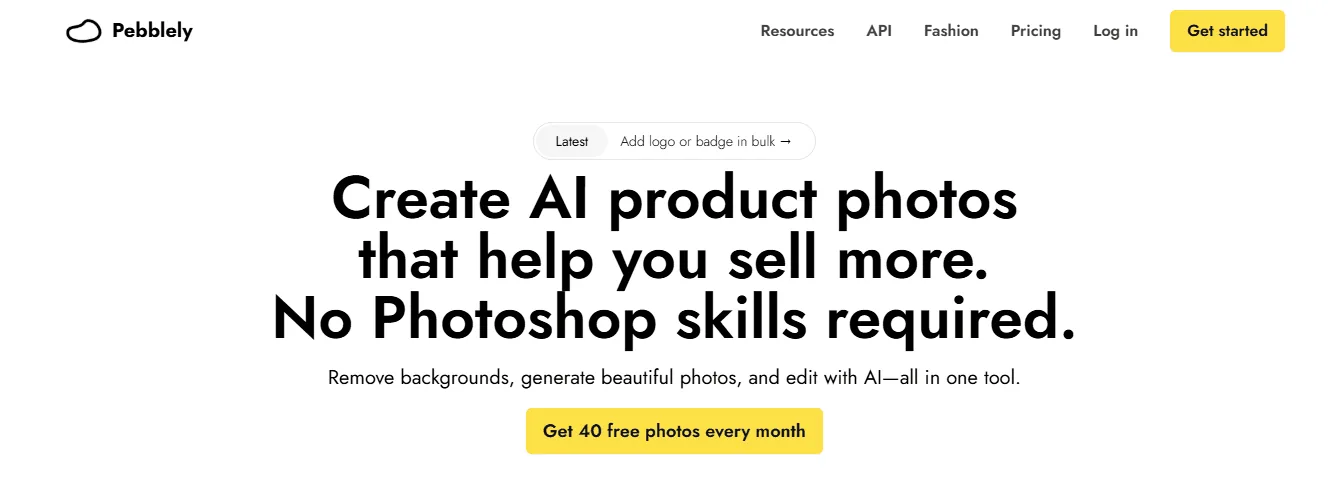
Pebblely offers a user-friendly solution for creating professional-looking product shots without needing advanced editing skills or high costs. It's particularly well-suited for small business owners, Etsy sellers, or anyone looking to enhance their product images quickly.
The tool allows users to remove backgrounds, create multiple product versions in different settings, and handle bulk image processing.
What it offers:
- AI-powered background removal and generation
- Custom scene creation with text prompts and reference images
- Resolution up to 2048x2048
- Bulk image processing
- Reusable custom backgrounds
- 40+ pre-made background themes
- Mobile-friendly interface
Pricing:
- Basic: $19/month (1000 images/month)
- Pro: $39/month (unlimited images)
Pros:
- User-friendly interface
- Consistent, high-quality outputs
- Mobile-friendly
Cons:
- Limited free plan
- Inconsistent results with reference images
- Poor performance with human models
- Limited template options compared to some competitors
5. Magic Studio
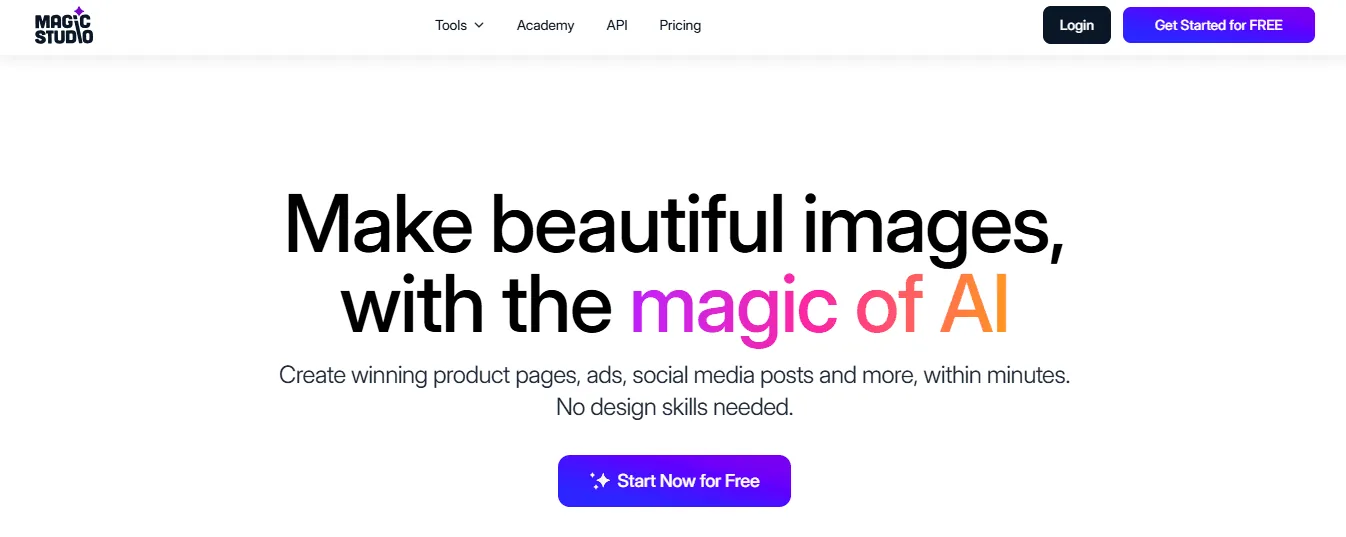
Magic Studio offers a suite of AI-powered image editing tools, including:
- Magic Eraser
- Background Remover
- AI Image Generator
- Image Upscaler
- Background Blur
- AI Art Generator
While these tools are helpful for general photo editing, Magic Studio has also introduced a spin-off product specifically for eCommerce called "Product Photos."
The main Magic Studio suite enhances product images for online stores or social media. It offers a useful one-click enhancement option and various templates for marketing needs. Its background generation feature (Magic Backgrounds) is limited to basic options such as colors and images without using generative AI.
Features, Pricing & Benefits
Magic Studio's “Magic Backgrounds” interface and options
For more advanced AI-powered product photography, Magic Studio's "Product Photos" tool offers specialized features for eCommerce needs.
What it offers:
- AI-powered background generation for product images
- Two modes:
- Themes (pre-made templates)
- Describe Scenes (text-based generation)
- Built-in background removal
- Integration with other Magic Studio tools
Pricing:
- Monthly: $49.99/month
- Yearly: $299.99/year
- Note: The main Magic Studio suite has separate pricing at $14.99/month or $59.99/year.
Pros:
- Specialized tool for eCommerce product photos
- Integrates with other Magic Studio features
- Simple, user-friendly interface
- Realistic results in real-world-like scenes
Cons:
- Limited customization options
- Inconsistent product blending
- Occasional issues with product preservation
- Less effective for abstract or studio-like scenes
- Higher price point compared to some competitors
6. Photoroom
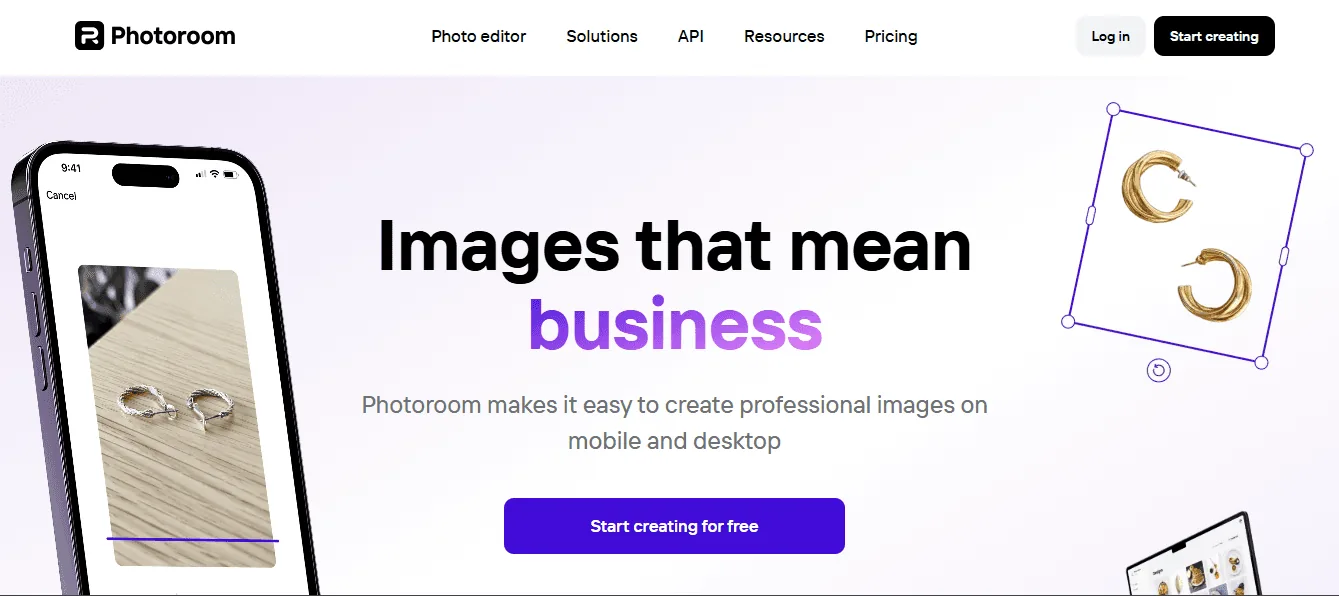
Photoroom is designed for online sellers who must create many product listings efficiently. Its background removal tool is excellent, and it can process multiple images at once, which is helpful for extensive inventories. It integrates well with eCommerce platforms. It might offer fewer AI background generation features than other tools.
What it offers:
- Mobile app for on-the-go editing
- Background removal and replacement
- Social media size presets
- Assisted and manual background generation prompts
- Magic retouch for object removal
- Magic resize for easy exporting
Pricing:
- Monthly: $12.99/month
- Yearly: $89.99/year
Pros:
- Well-rated mobile app (4.9/5 on iOS)
- Quick processing
- Effective background removal
- Poster creation tools
- Comprehensive tutorials
- Optimized for various eCommerce platforms (Depop, Amazon, Etsy)
Cons:
- No free version (7-day trial only)
- Lacks generative fill
- No AI human models or elements
- Can't generate backgrounds for multiple products at once
7. Flair.ai

Flair.ai offers a user-friendly design studio experience. Its drag-and-drop interface lets you create professional-looking product photos without design expertise. It includes 3D object features to make products stand out and has valuable collaboration tools for team projects.
While great for creating eye-catching product images quickly, it may not have all the automated editing capabilities of some specialized eCommerce tools.
What it offers:
- Project-based organization
- Pre-built elements (platforms, fruits, flowers)
- Human model elements for product interaction
- Template quality and variety
- Dark mode UI
Pricing:
- Free: 100 credits/month, 10 projects/month
- Pro: $10/month (unlimited generation and projects)
- Enterprise: Custom pricing with extra features
Pros:
- Substantial free plan
- Affordable unlimited plan
- Team collaboration tools
- Quality templates
- Easy output management
- Generous free plan (100 credits/month)
Cons:
- Messy image management
- No background removal editing
- Templates can become repetitive
- Inconsistent human element quality
- Unclear image ownership terms
- Can't edit photos in bulk or bundle products together
8. Stylyzed.ai
Stylyzed.ai is an AI tool that produces product photos with distinctive aesthetics, personalized backdrops, and creative layouts. It provides excellent versatility for companies who want to add a creative touch to their product photos.
Features:
- AI-generated custom styles
- High-resolution output
- Multiple background and scene options
Pros:
- Creates visually striking and stylish product images
- No photography expertise is needed
Cons:
- For some products, some scenes could appear artificial.
- Restricted authority over more intricate details
9. Unbound
Unbound is a potent artificial intelligence tool for producing extensive images, making it ideal for companies that require batch processing. It is appropriate for e-commerce platforms with large inventory since it automates the development of product photos while upholding high-quality standards.
Features:
- Processing extensive image collections in batches
- AI-powered improved image quality
- Removing and replacing the background
Pros:
- Highly efficient for processing multiple products
- Saves time on manual editing
Cons:
- More suitable for large-scale operations
- Limited design control in comparison to other tools
10. Zeg AI

Zeg AI automates the creation of product photos using AI-enhanced editing features. It specializes in backdrop removal, lighting correction, and product-centric upgrades, making it suitable for firms that want to produce flawless graphics with little effort.
Features:
- Background removal and editing
- Image enhancement (lighting, sharpness)
- AI-powered product placement
Pros:
- Easy to use for beginners
- Streamlines the image creation method
Cons:
- Limited features for advanced editing
- Best suited for more straightforward product images
Related Reading
• How to Take the Best Product Photos
• How to Edit Product Photos
• Midjourney Product Photography
• Ecommerce Product Photos
What Exactly is Soona, and How Does It Work?
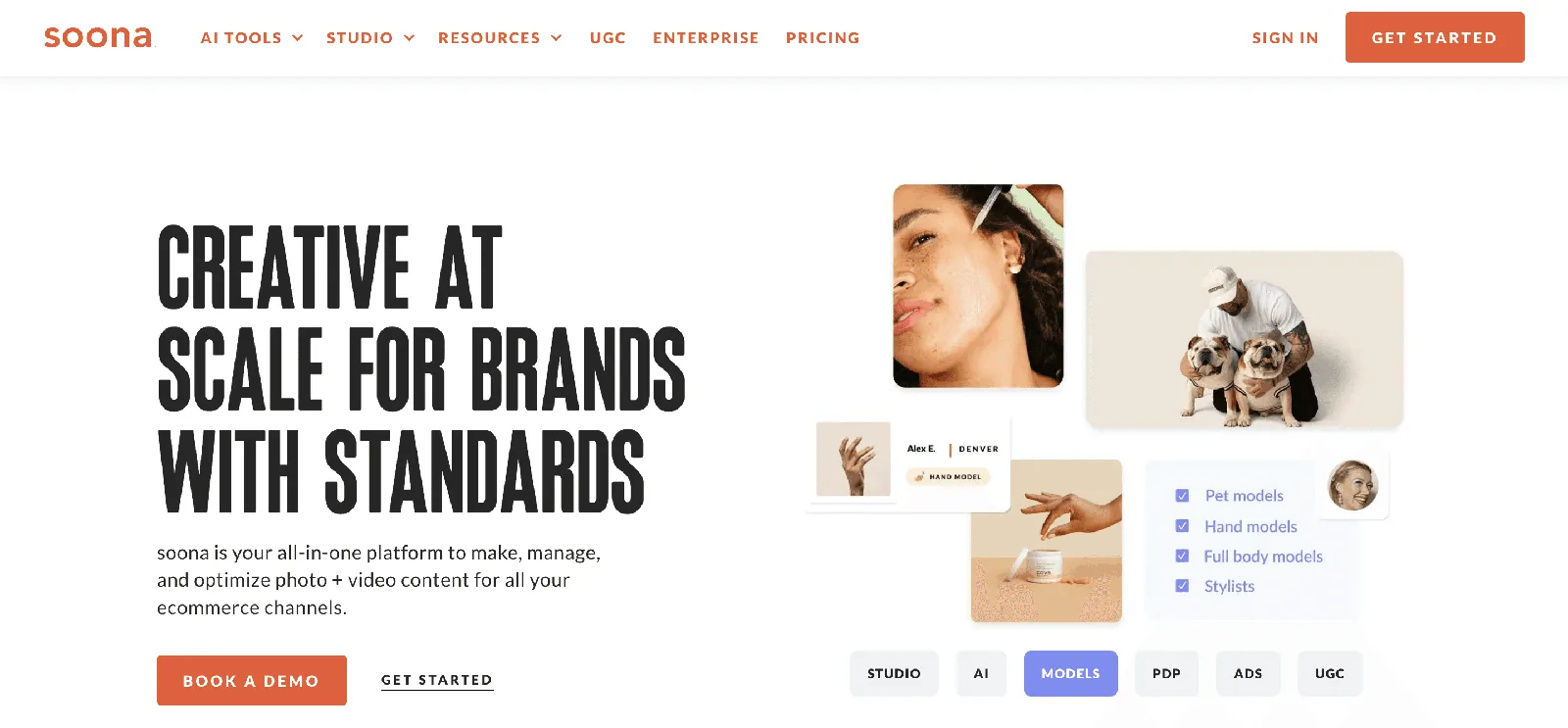
Soona is a streamlined content creation platform designed for brands that need high-quality product photos and videos without the hassle of traditional production. Users can ship their products to Soona's studios, where creative professionals produce custom content perfect for e-commerce listings and social media.
Brands can also collaborate virtually during live sessions, guiding the creative process in real-time. It’s a game-changer for eCommerce businesses, offering a fast and frictionless way to get professional visuals without hiring an entire creative team or renting a studio.
How Does Soona Work?
The process is simple:
1. Book a Session
You start by scheduling a shoot online, selecting the type of content you need (photos, videos, GIFs, etc.), and shipping your products to a Soona studio.
2. Join Virtually
You can log in remotely on shoot day and direct the shoot in real-time. This means you can see the photos as they’re taken, provide feedback, and make adjustments instantly.
3. Receive Edited Visuals
Soona’s platform automates background removal and basic edits using AI, ensuring quick turnaround times. Once the images are ready, you can download and use them immediately.
4. Seamless Integration
If you're selling on Amazon, Shopify, or other platforms, Soona makes optimizing and uploading your visuals directly easy.
5. Asset Management
Your visuals are stored in an online media library, giving you easy access whenever needed.
Why Do Brands Use Soona?
The biggest draw is speed and convenience. Traditional product photography can be expensive and time-consuming, but Soona makes it accessible—even for small businesses—by offering an on-demand, virtual-first solution.
It’s beneficial for brands that frequently update product listings, run seasonal campaigns, or need fresh content regularly.
Why Look for Soona Alternatives

Soona requires you to ship your products to one of its studios, which means it’s only accessible to businesses in the regions where it operates. If you're outside these areas, using Soona may not be an option—or shipping costs and delays could make it less practical.
Studio-Only Content: No Customization or Personalization
Since all Soona shoots take place in their professional studios, you’re limited to what can be captured in a controlled environment.
This is great for clean, polished product shots, but if you need lifestyle photography, outdoor settings, or highly customized environments, Soona won’t be the best fit. Brands that rely on location-based visuals or want their products shot in real-world settings might need to explore other options.
Physical Product Handling Required: Not Ideal for All eCommerce Stores
Unlike AI-generated product photography or virtual mockups, Soona still requires you to send your products to their studio physically. This means extra time for shipping and handling, and it may not be ideal for businesses with:
- Perishable goods
- Oversized items
- Digital products that don’t have a physical form
If your brand operates on a dropshipping model or sells made-to-order items, Soona’s process could create logistical challenges.
Related Reading
• Types of Product Photography
• Product Photography Setup
• Product Photography Ideas
• DIY Product Photography Setup
• Lifestyle Product Photography
• Product Photography Examples
Choosing an AI Tool for Product Photography

AI-powered product photography tools specialize in different areas of product photography. Some automate background removal and lighting adjustments, while others generate entire product images without a physical photoshoot.
Before investing in an AI product photography tool, consider whether you need:
- AI editing (background removal, color correction, retouching)
- AI-generated scenes (placing your product in different environments without a photoshoot
A tool like Caspa helps create product photos with authentic props and models), or AI-generated products (creating hyper-realistic product images without physical samples).
Realism and Customization Matter
Not all AI product photography tools are created equal. The best tools let you fine-tune details like lighting, angles, and backgrounds so that your product looks natural and matches your brand aesthetic.
Look for tools that provide high-quality, realistic renders, customizable environments and lighting, and the ability to maintain accurate product textures and details.
Cost, Scalability, and Your Product Photo Needs
AI product photography tools range from free or budget-friendly options to enterprise-grade platforms. A simple AI background remover might be enough if you have a small catalog.
But if you’re managing hundreds of SKUs, a tool that automates batch processing and bulk edits will save you time and money.
Get AI Product Photos that Increase Your Sales Today
Caspa's AI product photography platform uses machine learning to create hyper-realistic product images and edit existing photos.
With Caspa, you can generate a library of custom stock images for your eCommerce store in minutes, increasing sales and improving your SEO.
Related Reading
• Best Lens for Product Photography
• Product Photography Pricing
• Use AI for Product Photography
• Product Photography Tools
• AI Product Image Generator
• AI Product Photography
• AI Product Photos
• AI Photoshoot