
AI Beauty Product Photography
Upload one photo of a lipstick, compact, palette or hair product. Caspa's AI beauty product photography places it on marble, at a vanity or in a model's hand, with the packaging and label kept as they are.
30-day money-back guarantee
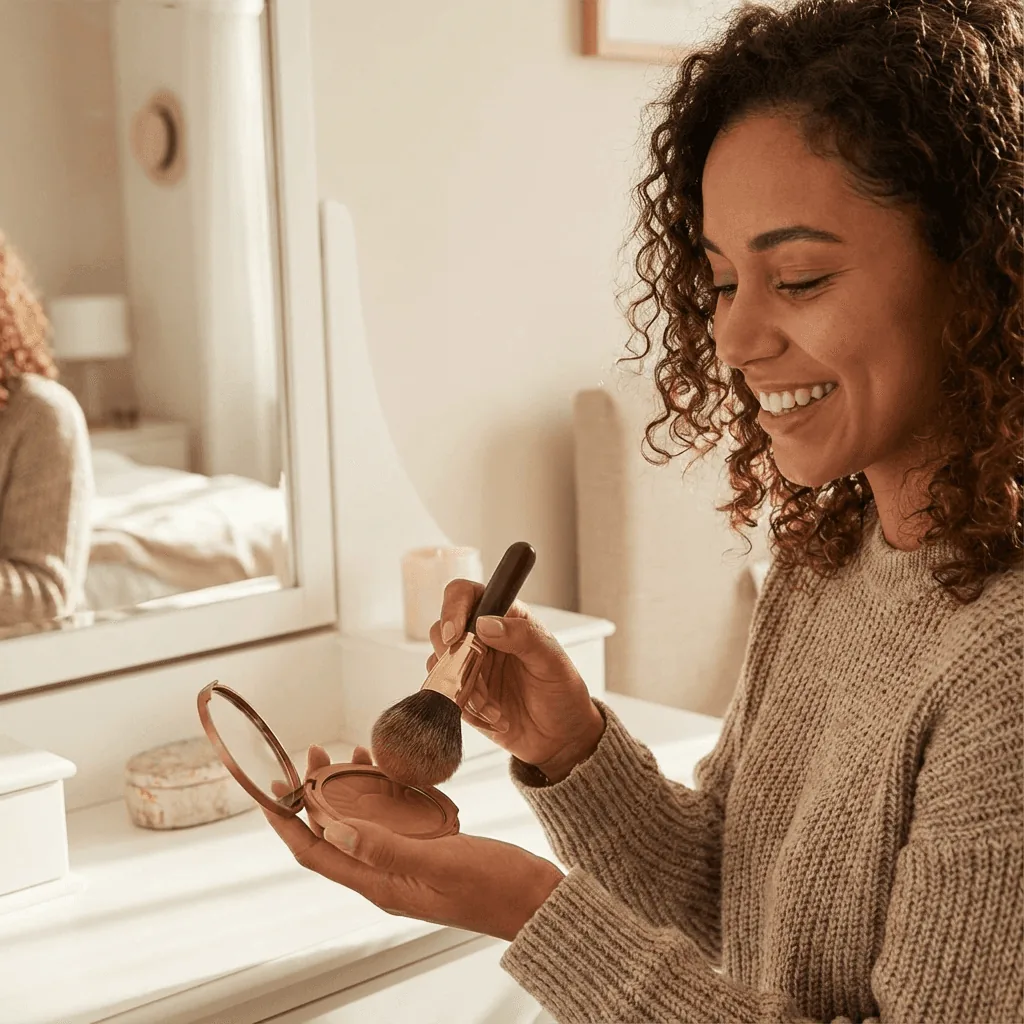
Beauty product photos you can make
From one packshot to a full gallery for your store, ads and social.
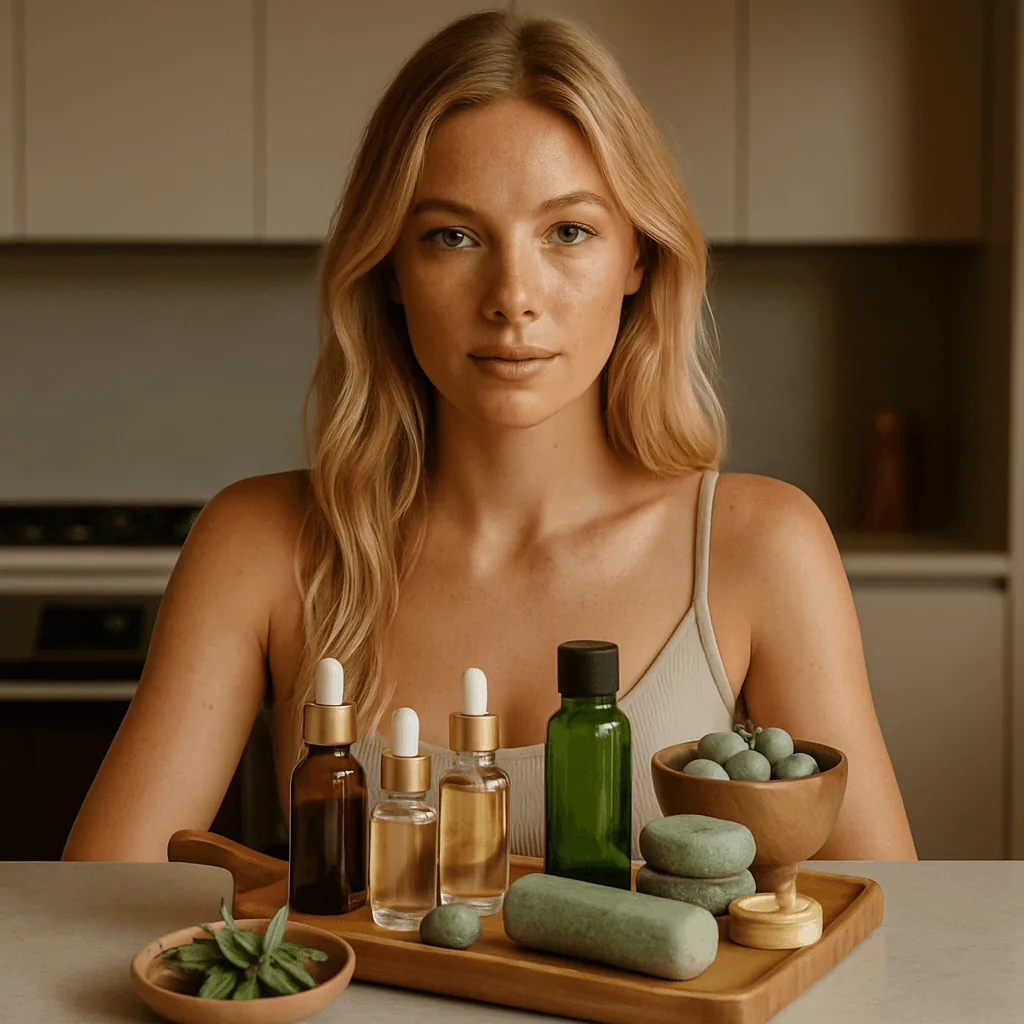
The whole range on a tray
Bottles, jars and tools arranged together with a model, the way a routine looks at home.
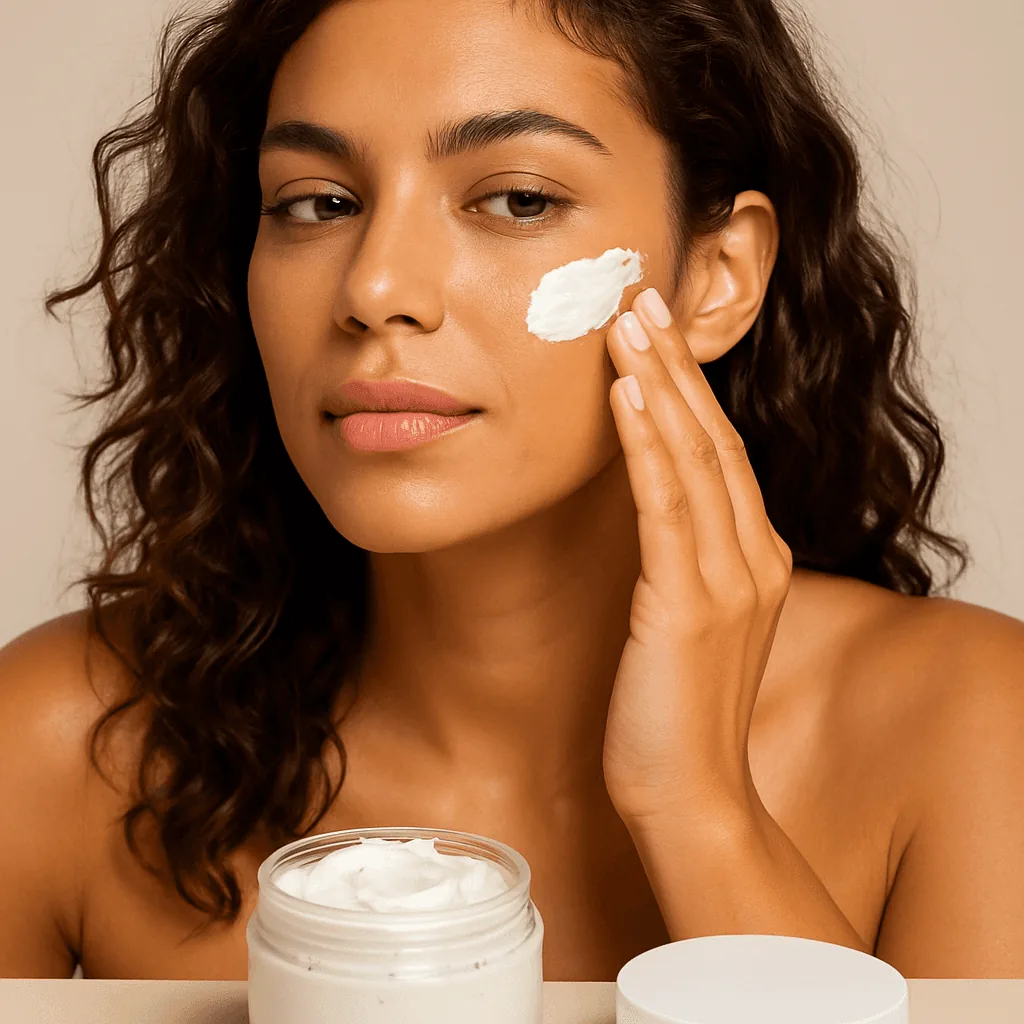
Application close-ups
Cream on a cheek, a brush on a lid: the moment shoppers imagine using it.
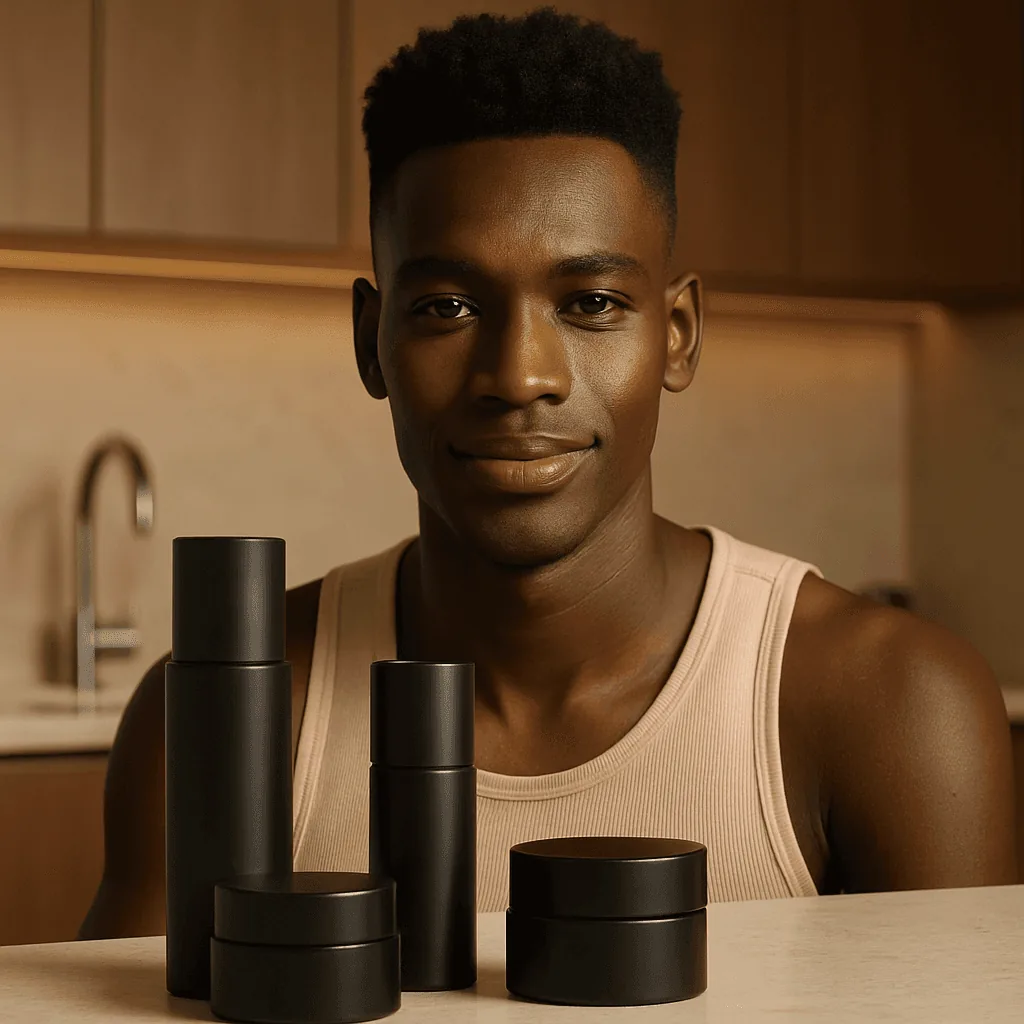
Grooming and men's ranges
Darker palettes and kitchen or bathroom counters for men's skincare and haircare.
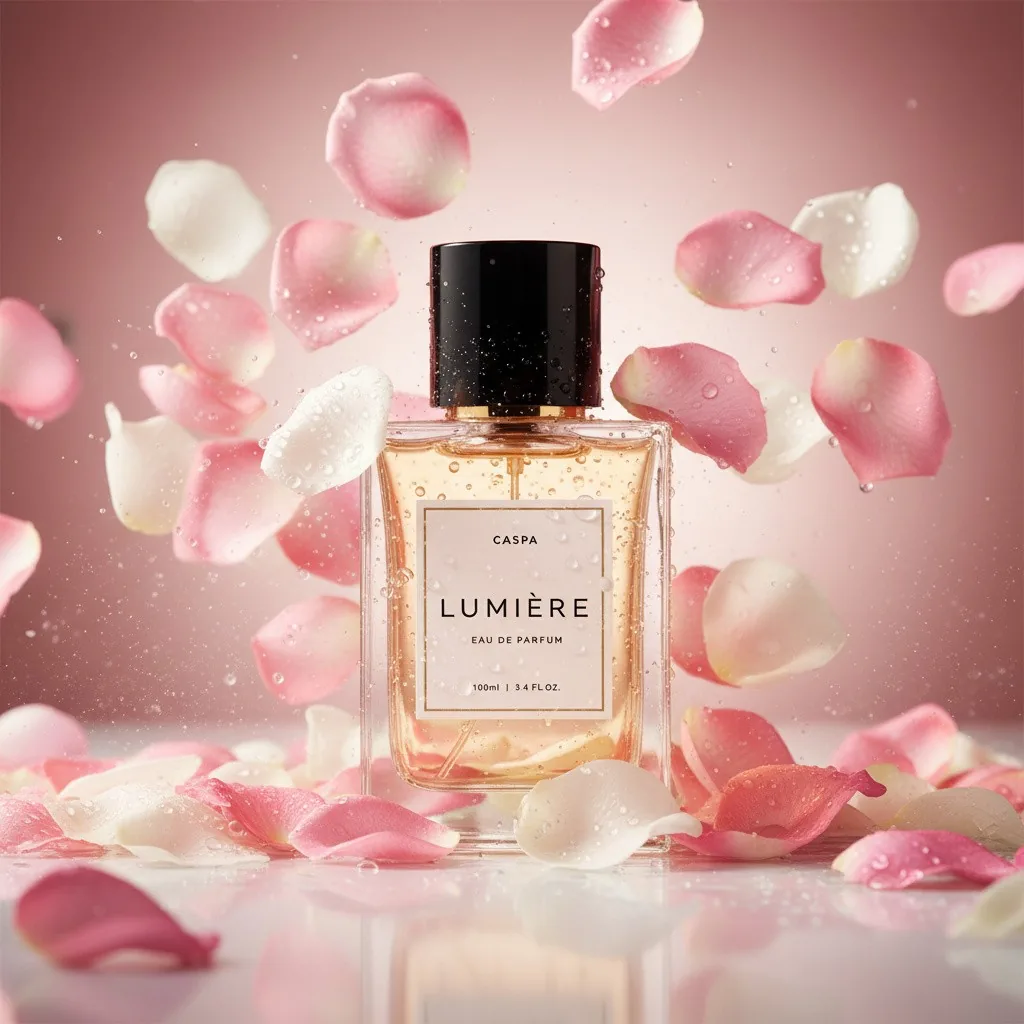
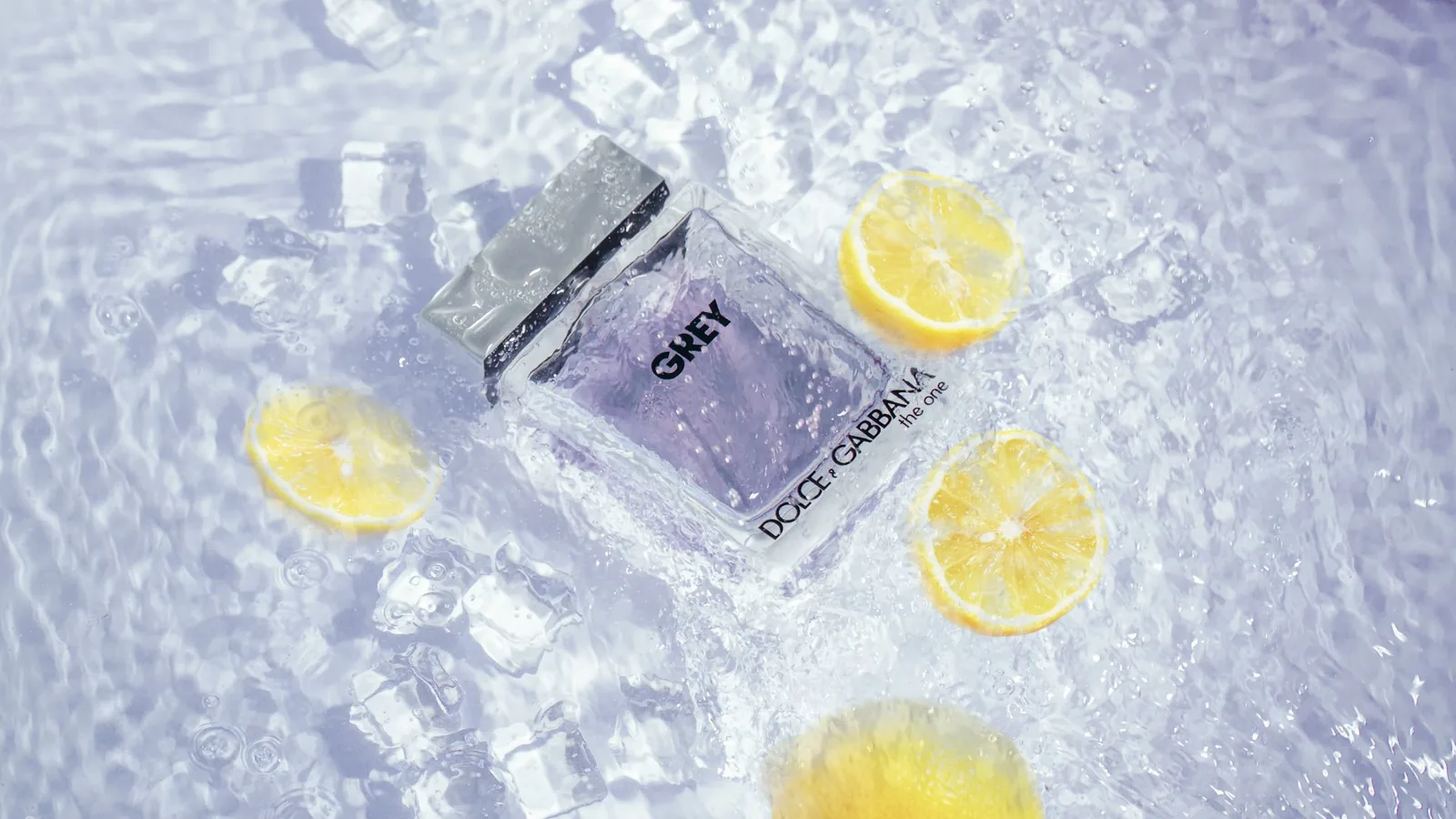
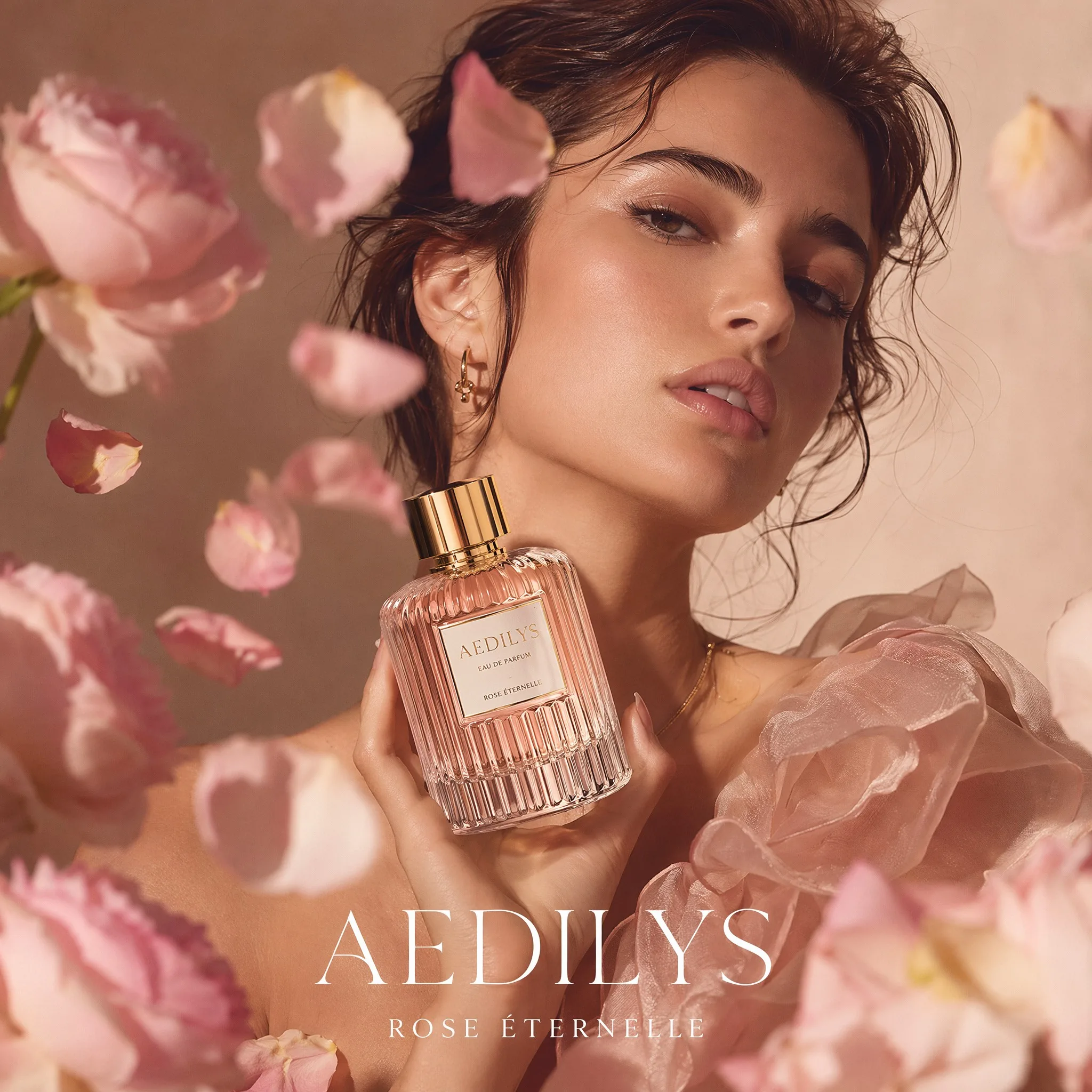
Fragrance among petals
Bottles among rose petals or on stone. More ideas on our perfume product photography page.
Your packaging, unchanged
Same case, same bullet, same color. Caspa builds the scene around the product you uploaded.
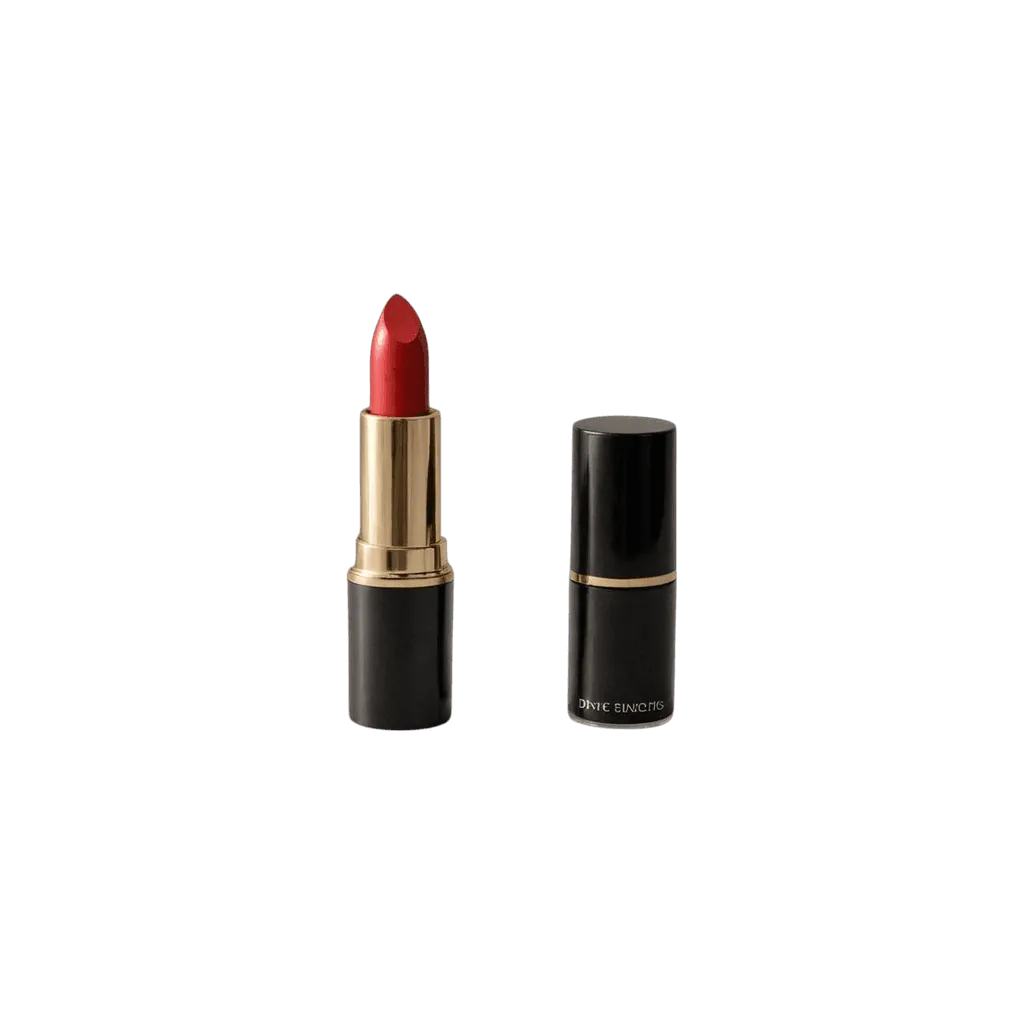
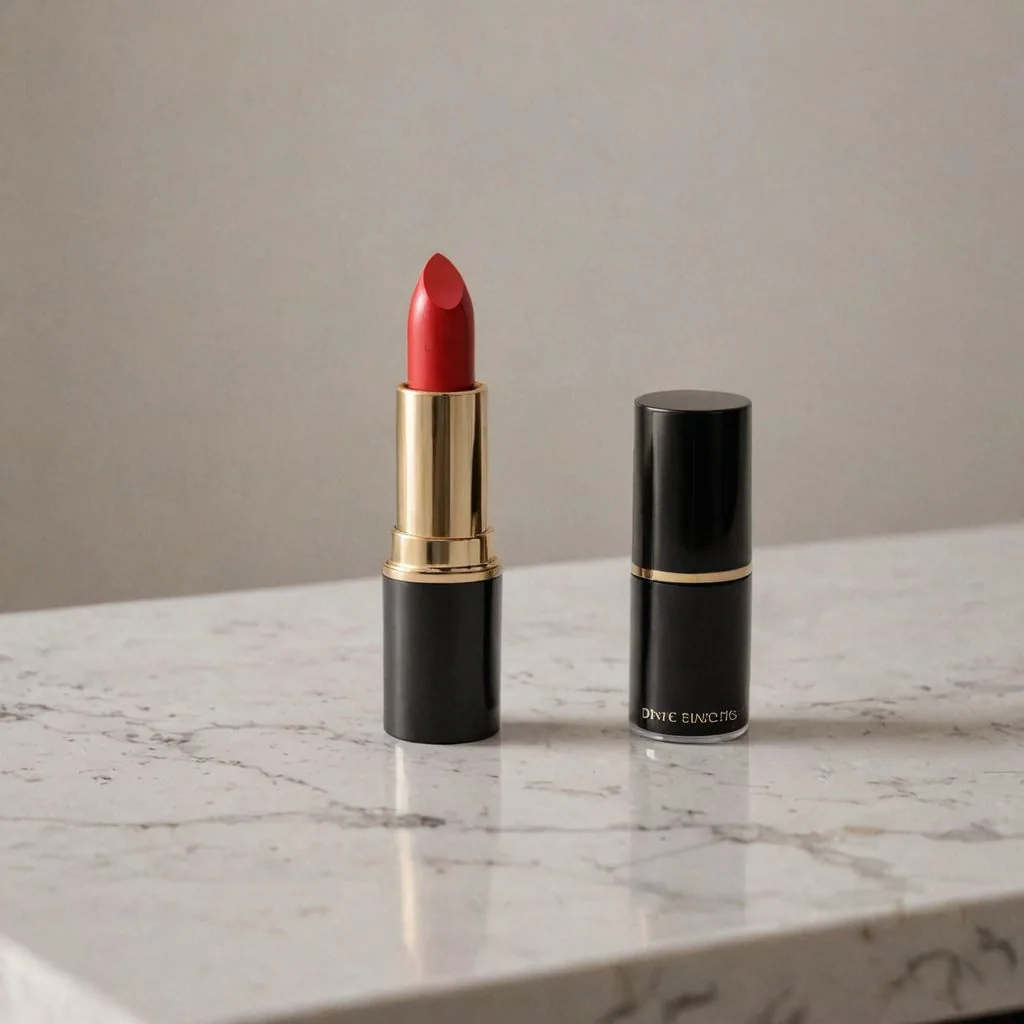
How AI beauty product photography works
Three steps from a packshot to a styled image.
Upload one product photo
Shoot the product on a plain background with the label facing the camera. Uncap lipsticks and glosses if you want the bullet or wand in the shot.
Pick a scene or describe one
Choose marble, a vanity, a bathroom shelf or a model's hand, or describe it, such as a nude lipstick on travertine with soft morning shadows.
Download or make a video
Download for your store and marketplaces. On Growth or Scale, turn a still into a short product video for ads and social.
The beauty product shot list
What shoppers want to see before they buy makeup and beauty online.
A clean main image
The product alone on white, label forward, for search results and marketplaces.
Real swatches
Shade and finish on skin, shot for real. A generated swatch won't match your formula, so photograph these yourself.
Texture up close
Cream, powder, gel or oil, close enough to see. Use a real photo here too.
Size in hand
A hand holding the product, so a mini isn't mistaken for full size.
In use
The product being applied, with the brush, sponge or fingertip that goes with it.
Ingredients and claims
A readable back-of-pack shot or an infographic of the key ingredients.
Beauty image rules on Amazon, Etsy and Shopify
The main points for beauty sellers, as of October 2026. Each guide has the full list.
- Amazon: the main image on a pure white background (RGB 255, 255, 255), with the product filling 85% or more of the frame and images of 1,000 pixels or more on the longest side so labels hold up at zoom. Brand owners can add A+ content below the listing. Amazon image requirements and A+ content image specs
- Etsy: at least one unedited photo of the actual product against a real background on every listing. Styled AI scenes can fill the other slots. Etsy image requirements
- Shopify: images up to 5000 x 5000 px and under 20 MB; square 2048 x 2048 px images usually display best. Shopify image requirements
What sellers say

I sell skincare products on my Shopify store and also on Amazon, and Caspa AI has made creating the product photos so easy!!! I love that I can position my products in any background. Would definitely recommend.
Beauty product photography guides
From the Caspa blog: lighting, setups and editing for cosmetics.
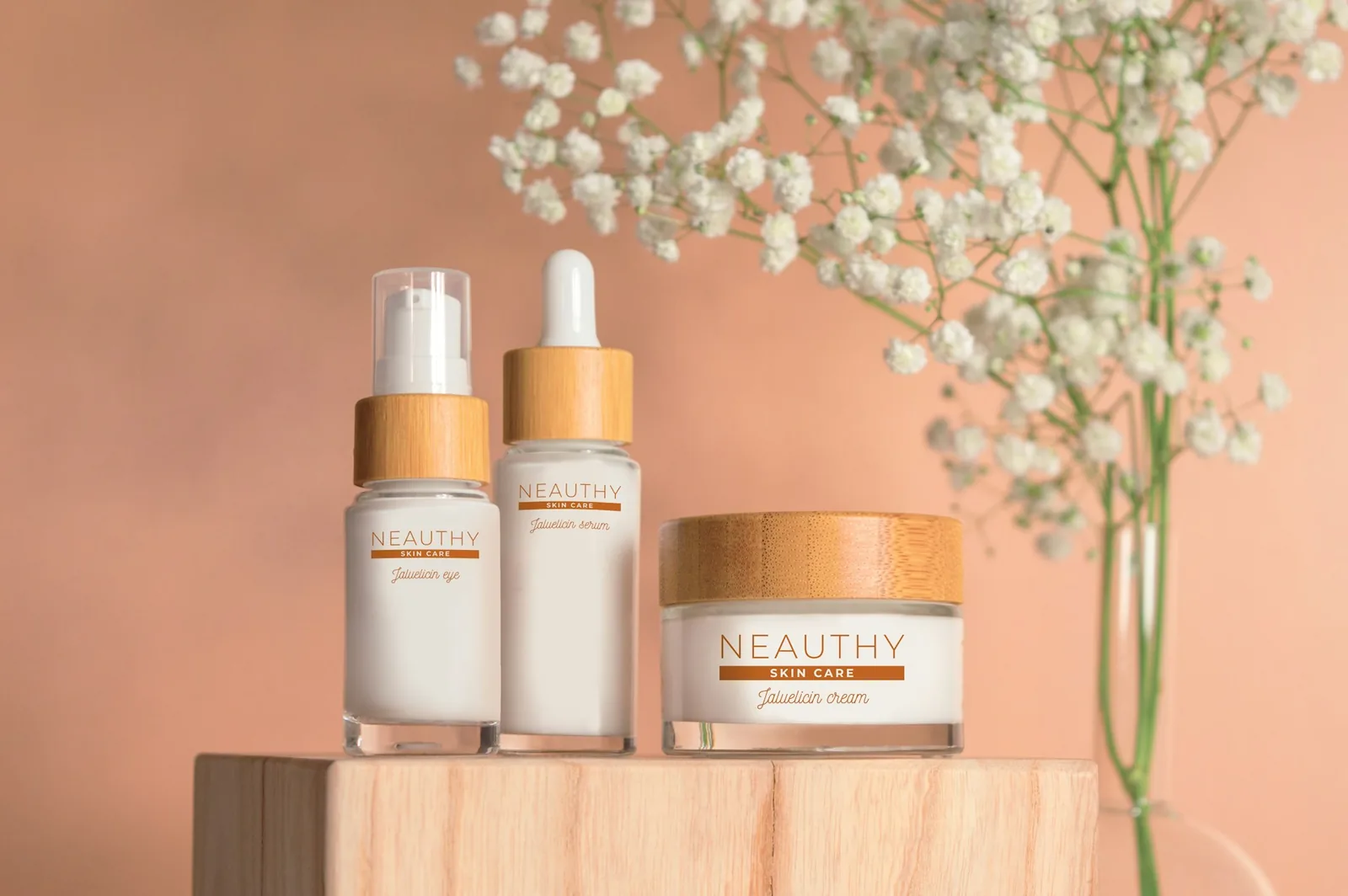
A complete guide to cosmetic product photography
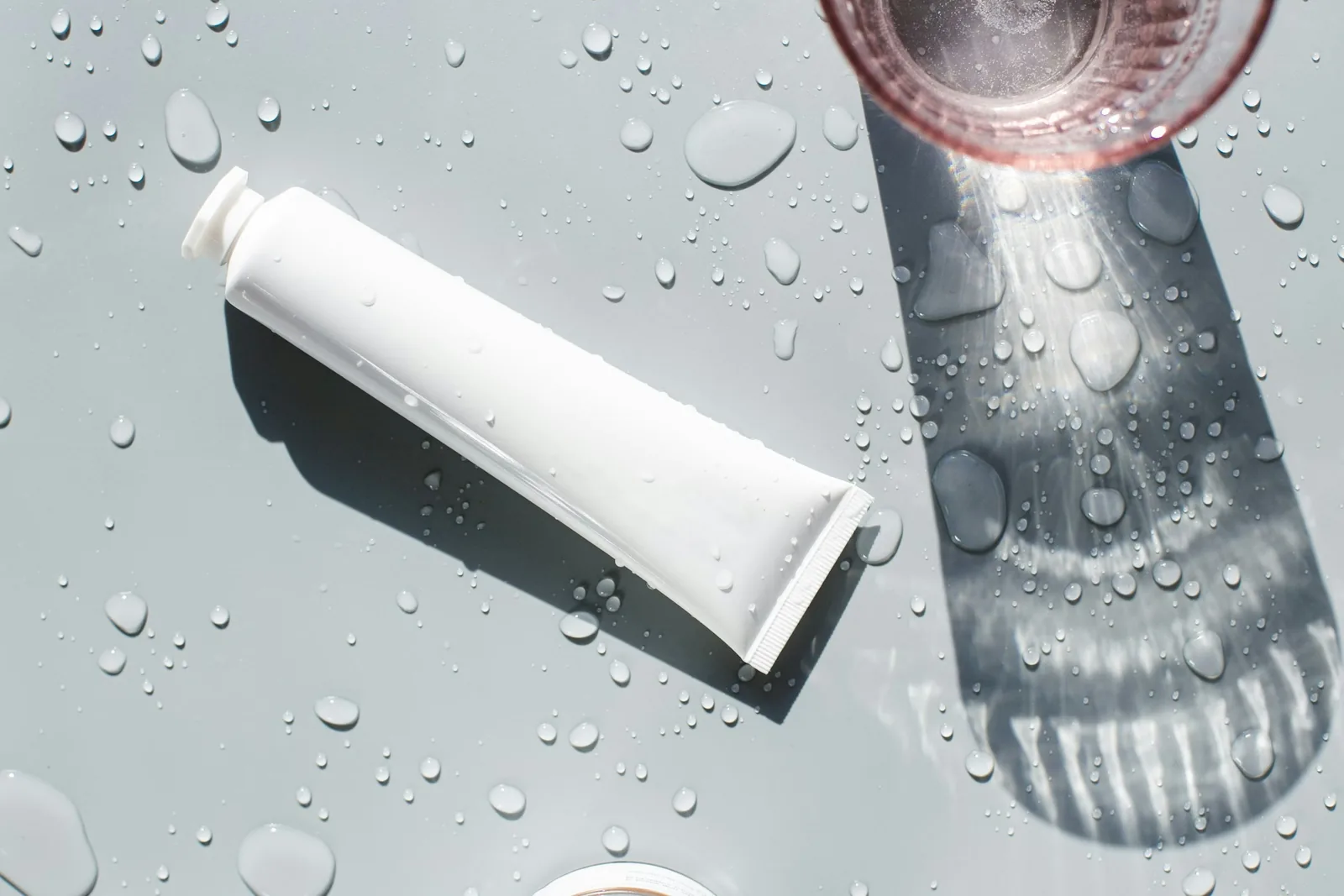
Skincare product photography: ideas, gear and lighting
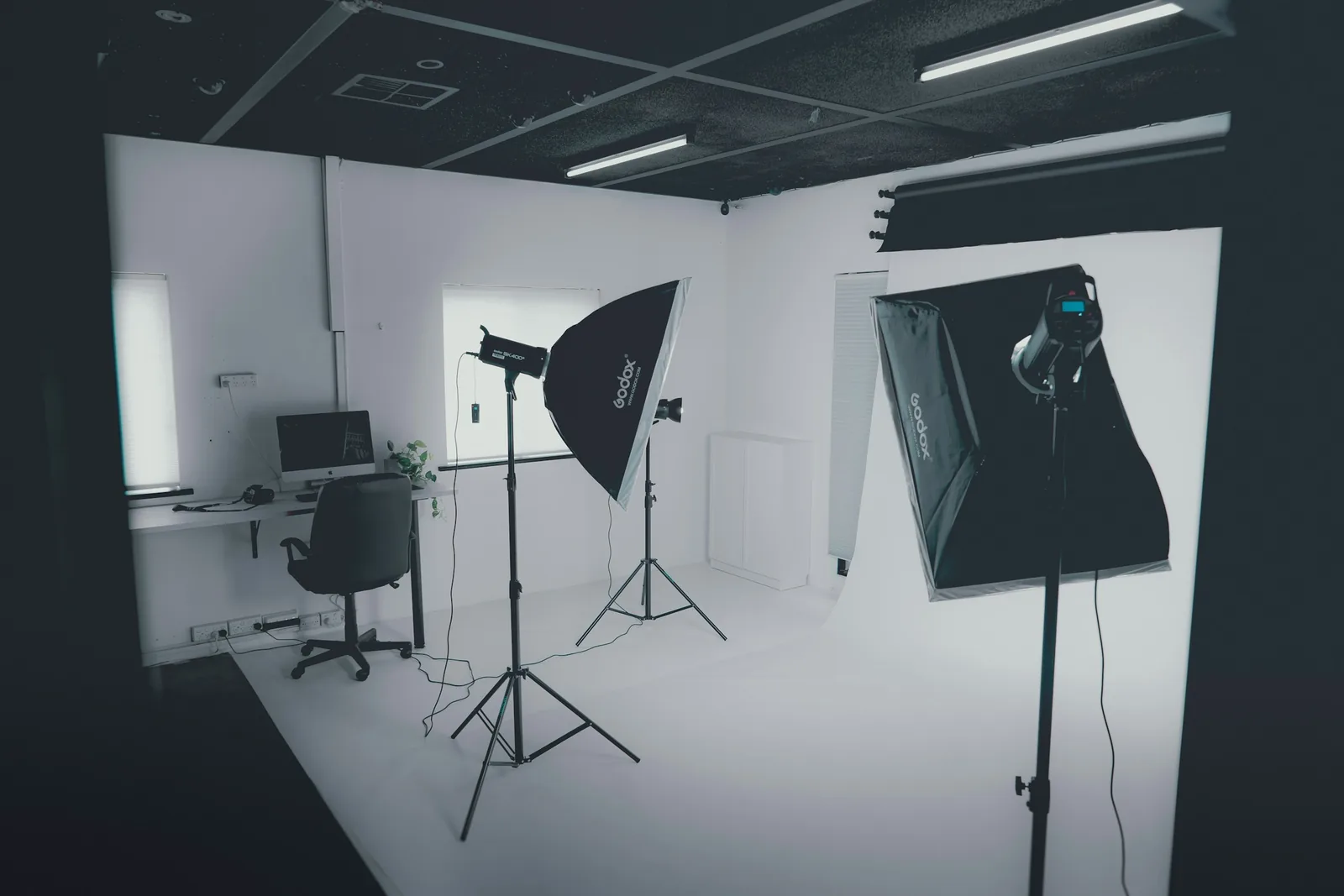
10 light types for product photography
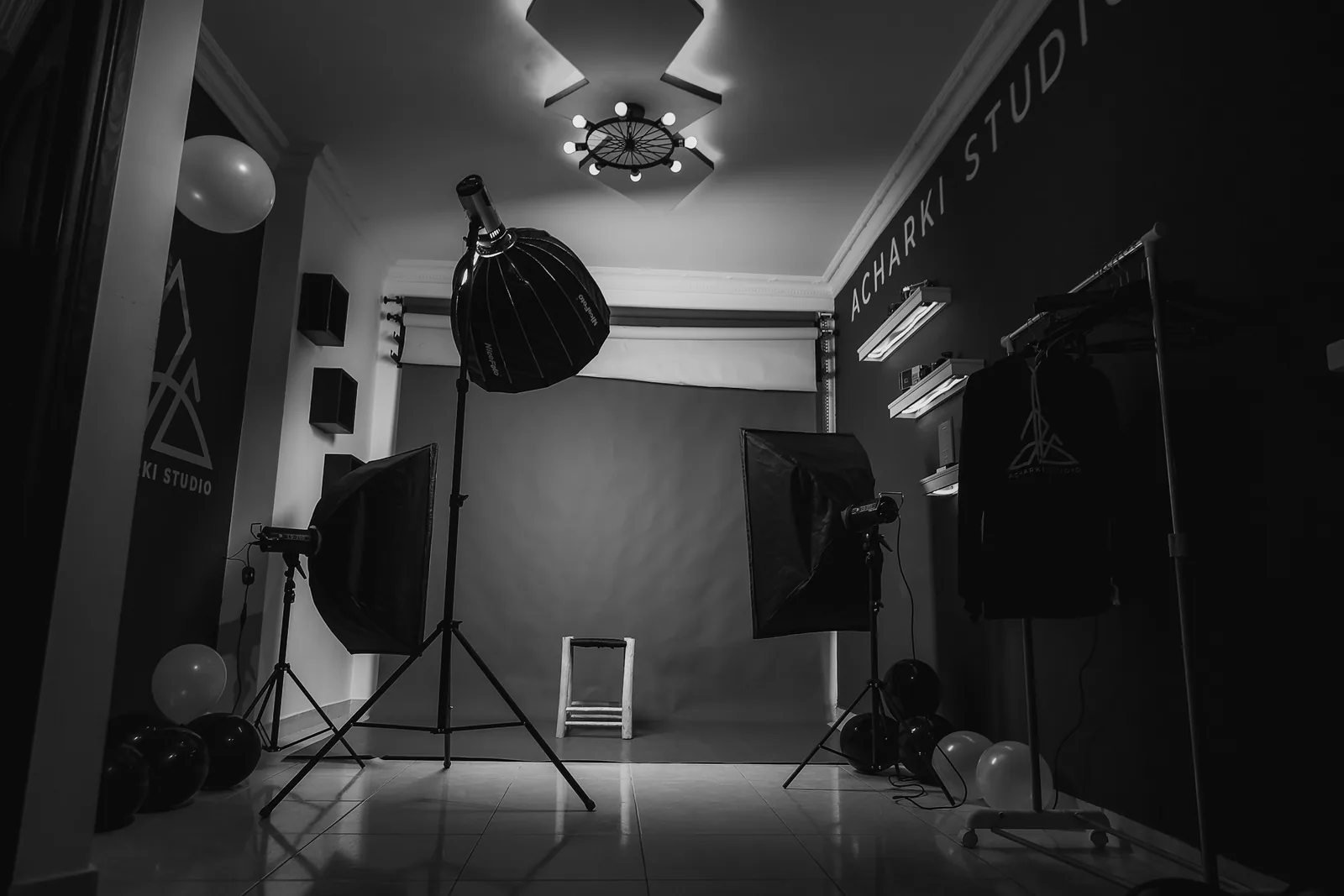
A simple DIY product photography setup
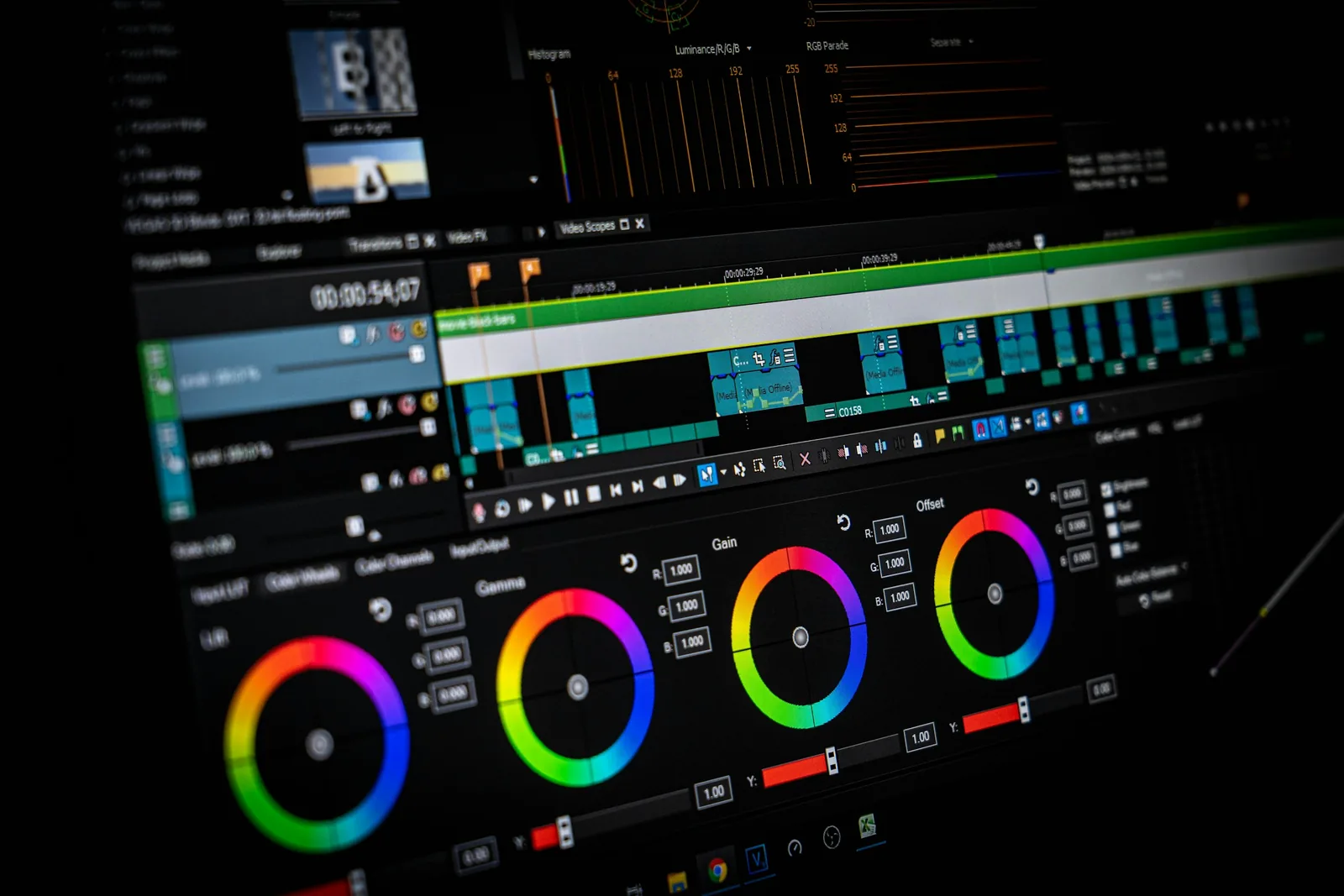
How to edit product photos: 15 tips and 9 tools
23 product photography examples and ideas
Related: AI skincare product photography, AI perfume product photography and AI candle photography.
Frequently asked questions about beauty product photography
Any other questions? Get in touch.
No. Caspa keeps the product as it is, so packaging, label text and logo stay the same. Anything outside the pack, like a swatch or a smear of cream, is generated, so photograph real swatches yourself.
Yes. Choose an AI model and describe the moment: applying lipstick, blending with a brush, pressing a compact. Use these as secondary images and keep a clean packshot as the main image.
Yes. Infographics, A+ content and AI editing are included on Starter, Growth and Scale, so you can lay out benefits, ingredients and how-to steps next to the product.
Yes. Add several products to one photo to show a set, a routine or a row of shades. Shoot each product in the same light so they match.
A sharp photo of one product on a plain background, label facing the camera. A phone photo taken by a window works.
Starter is $59 a month ($39 a month billed yearly) for 500 credits and images only. Growth is $99 a month ($66 billed yearly) for 1,000 credits and adds video. Scale is $249 a month ($166 billed yearly) for 2,500 credits. New subscriptions have a 30-day money-back guarantee.
Make beauty photos from your own packshot
Upload one product photo and see it on marble, at a vanity or with a model in minutes.
30-day money-back guarantee