
AI Jewelry Photography for Product Listings
Upload one photo of a ring, necklace or pair of earrings. Get jewelry photography on a model, on marble or on clean white, with the piece itself unchanged.
10 free image credits · No credit card required
Jewelry photos you can make from one product shot
The shots jewelry listings lean on, made from the photo you already have.
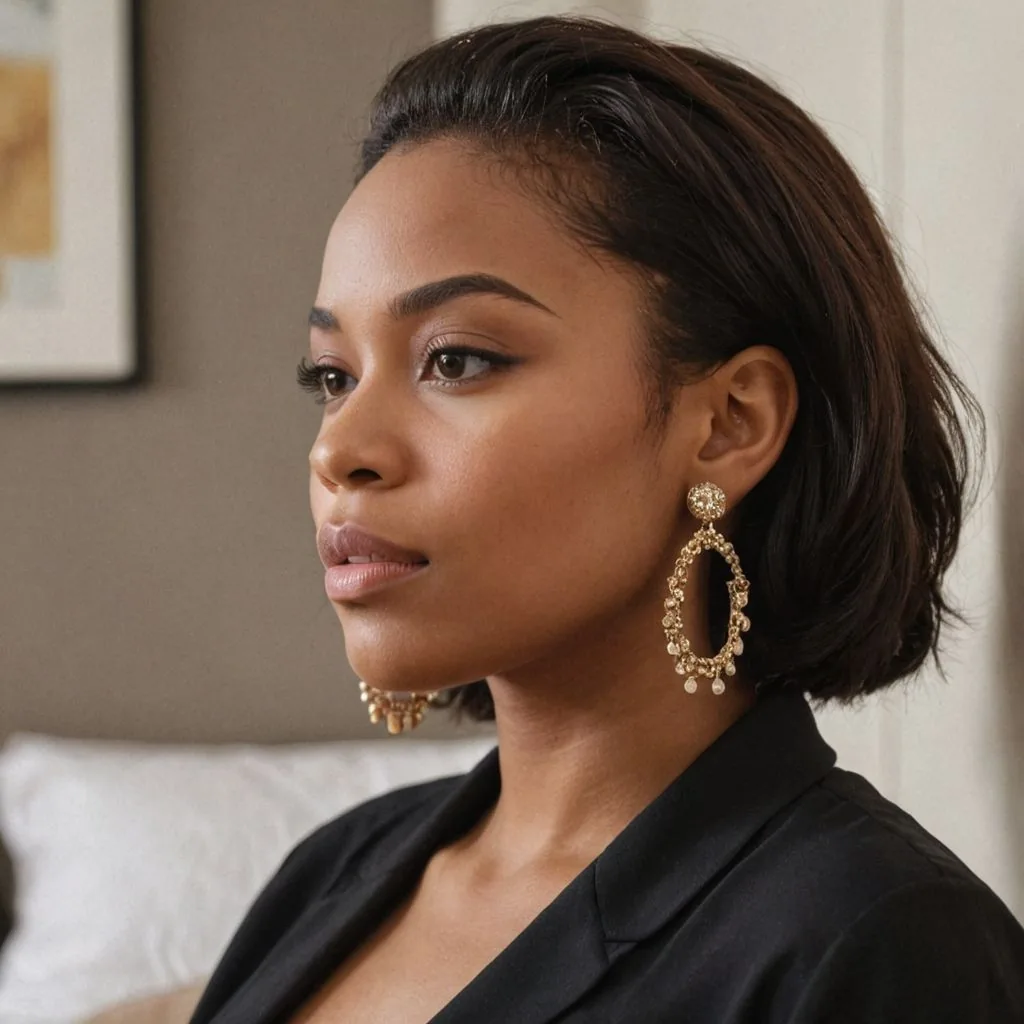
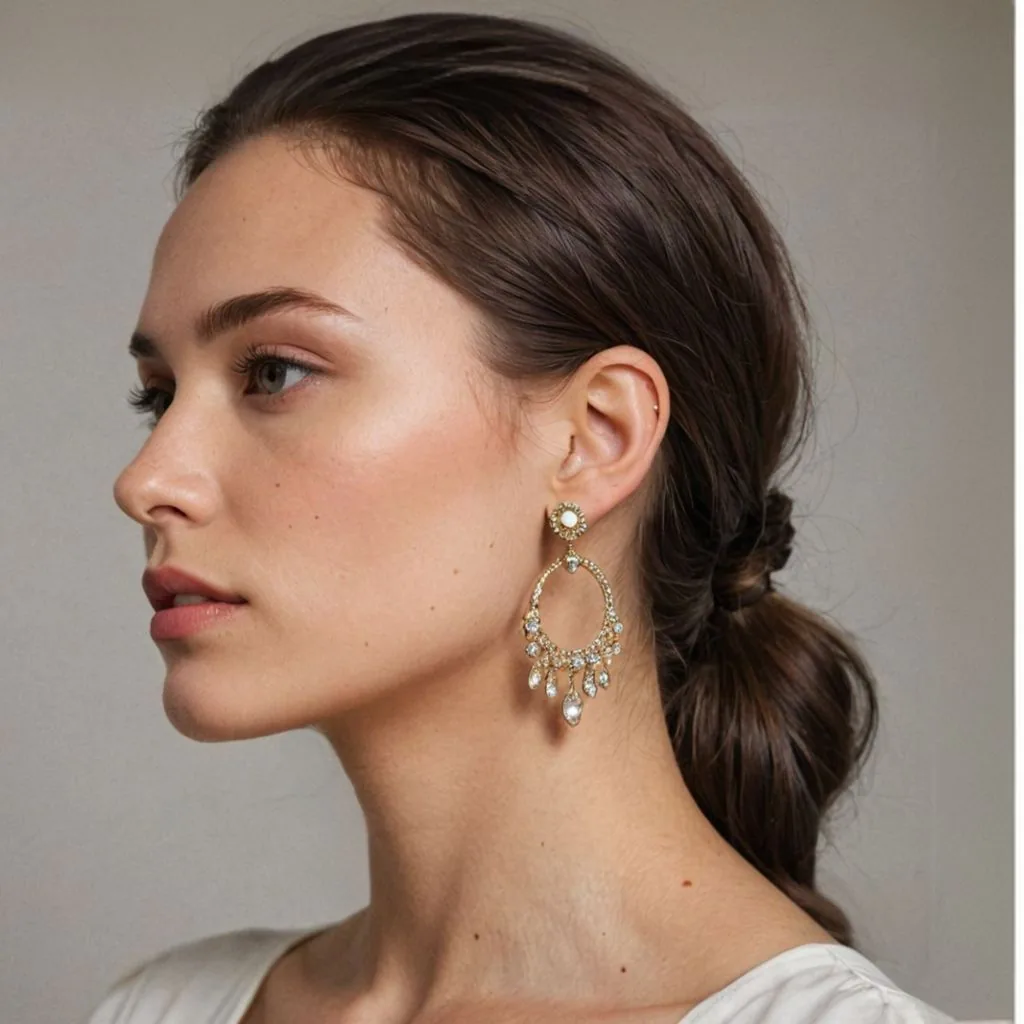
Earrings on a model
Profile and three-quarter views that show drop length and how the earring hangs.
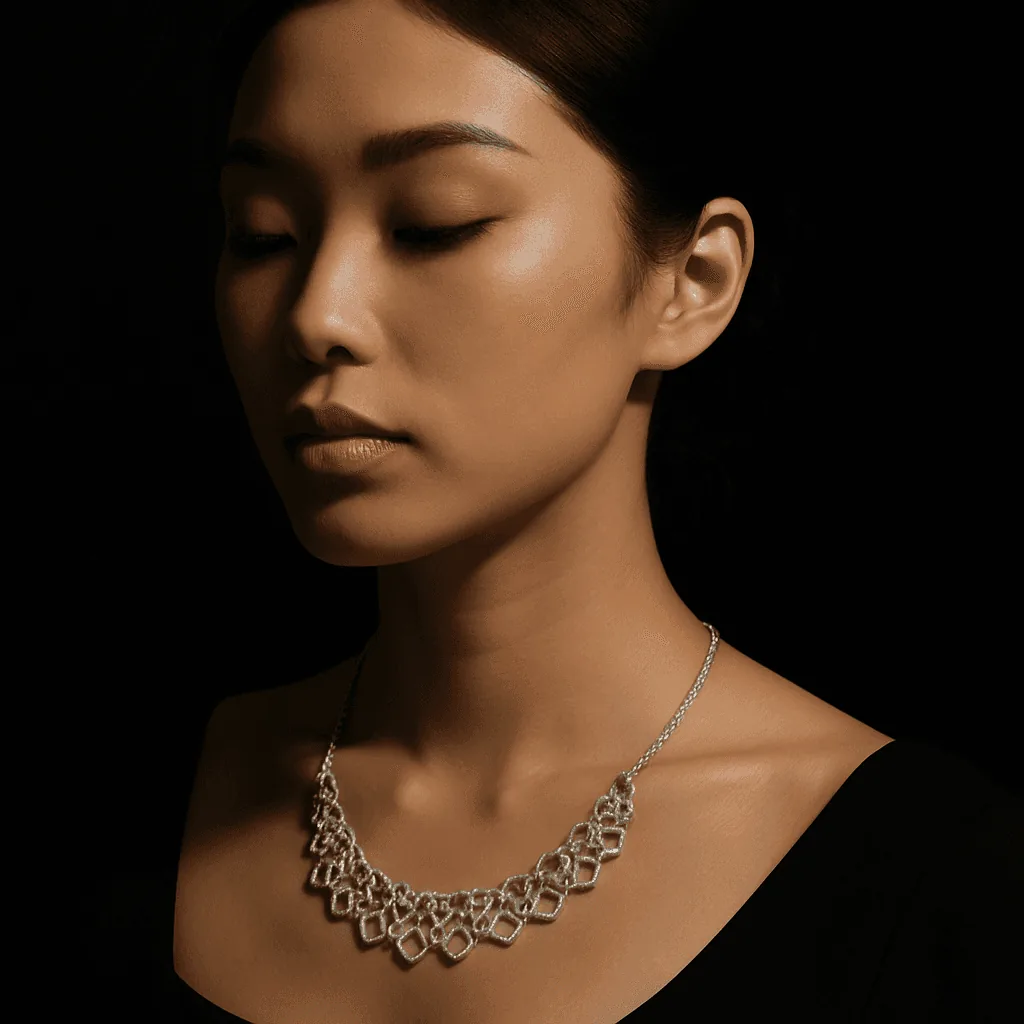
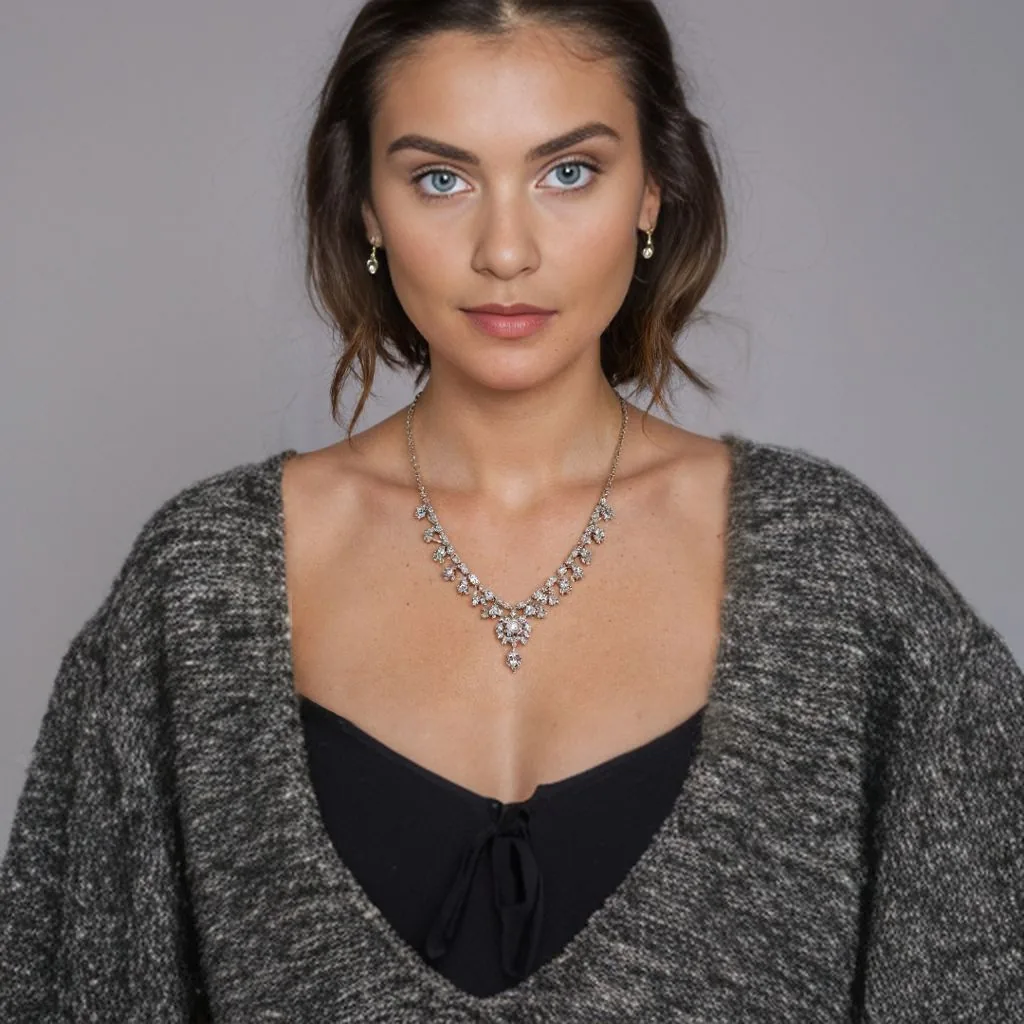
Necklaces at the neckline
The chain where it really sits, against skin or a dark top, so length and drape read at a glance.
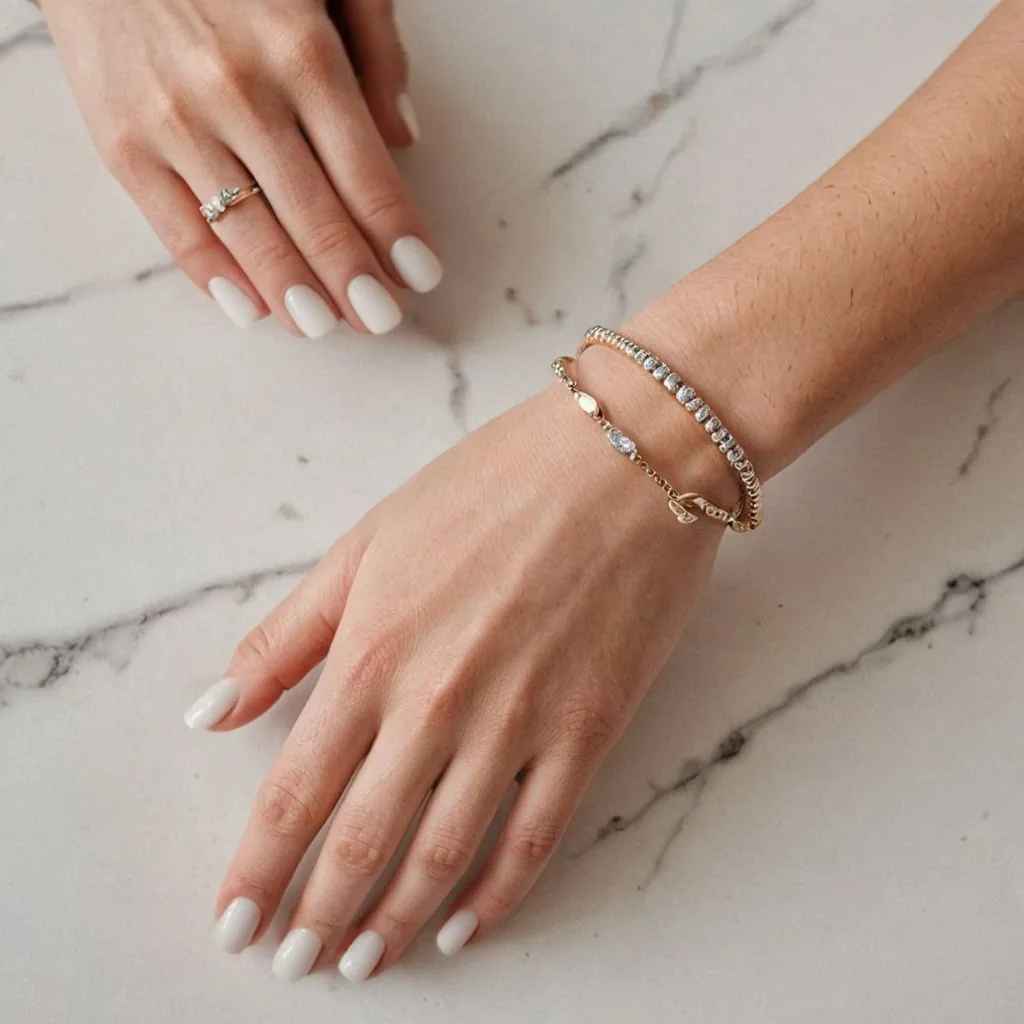
Rings and bracelets on a hand
A hand gives instant scale: band width, bracelet thickness, how a stack looks together.

Bright studio portraits
Front-facing shots on a light backdrop for statement pieces, collection pages and gift guides.
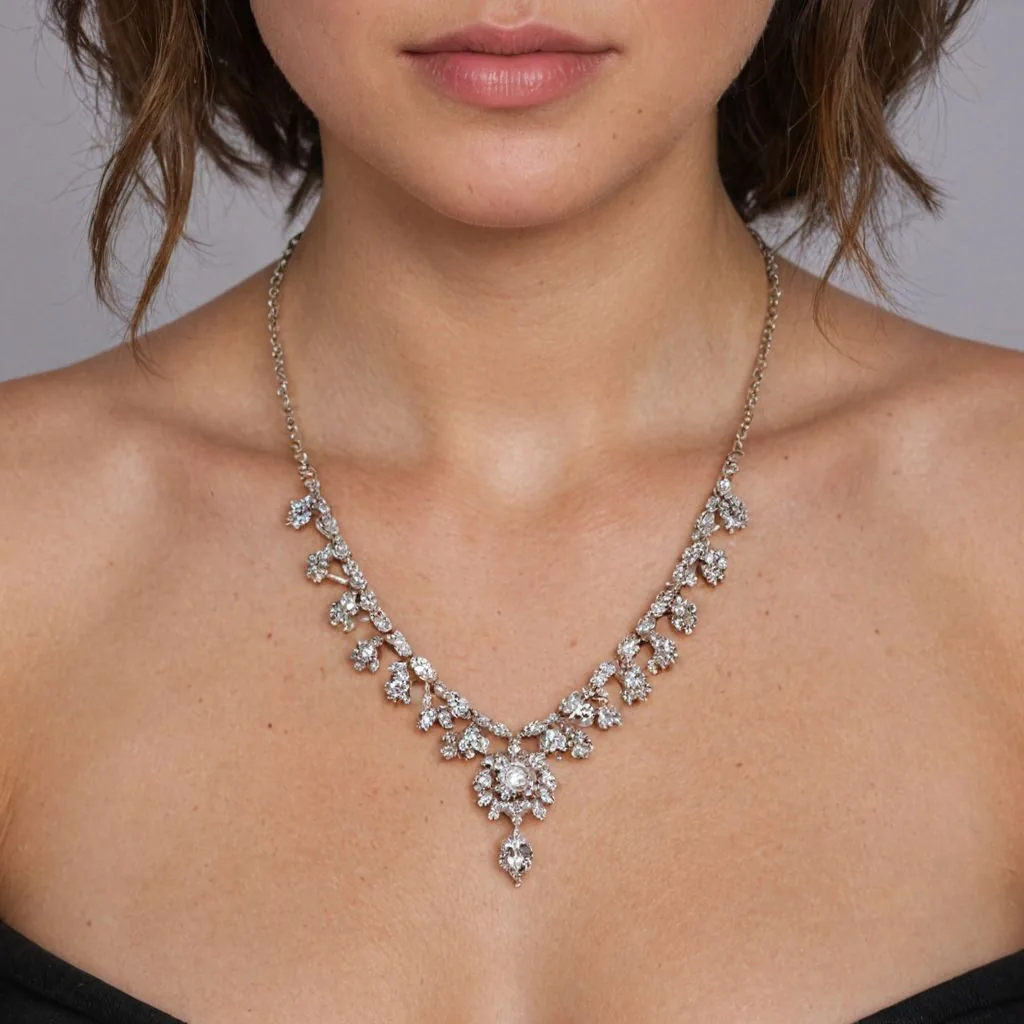
Close crops on the detail
A tight frame on stones and settings for the image shoppers zoom into.
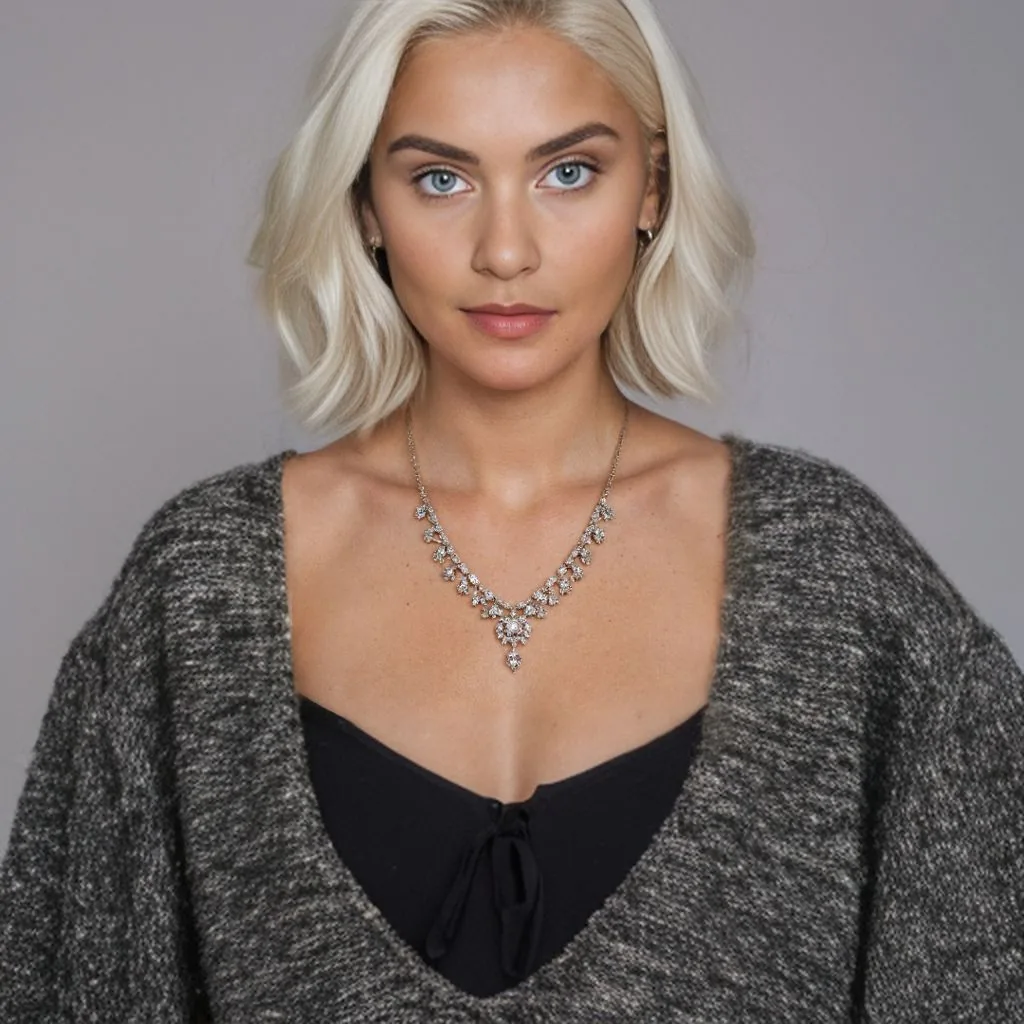
The same piece on different models
Keep the pose, change the model, and see which image your customers respond to.
Your piece, unchanged
Same stones, same clasp, same finish. Caspa builds the scene around the jewelry you uploaded.
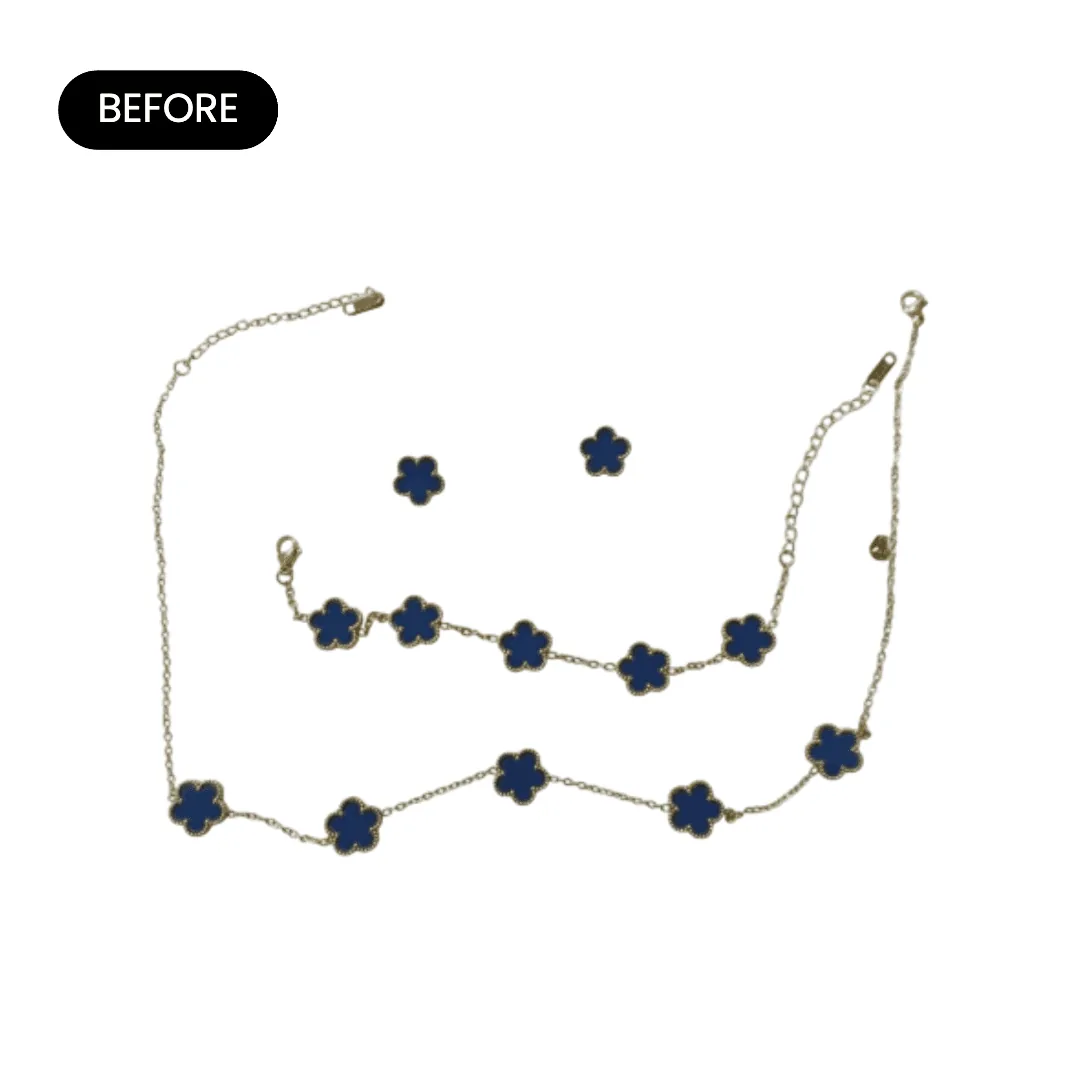
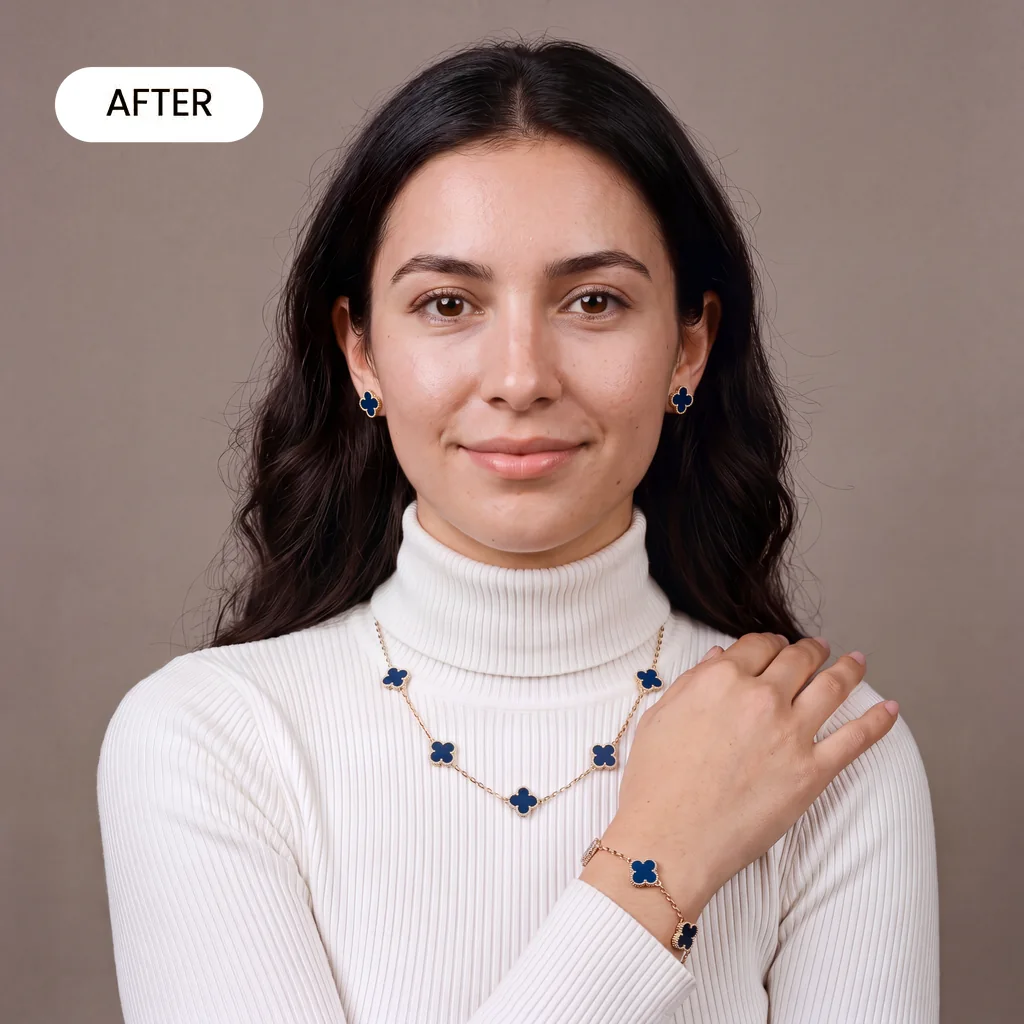
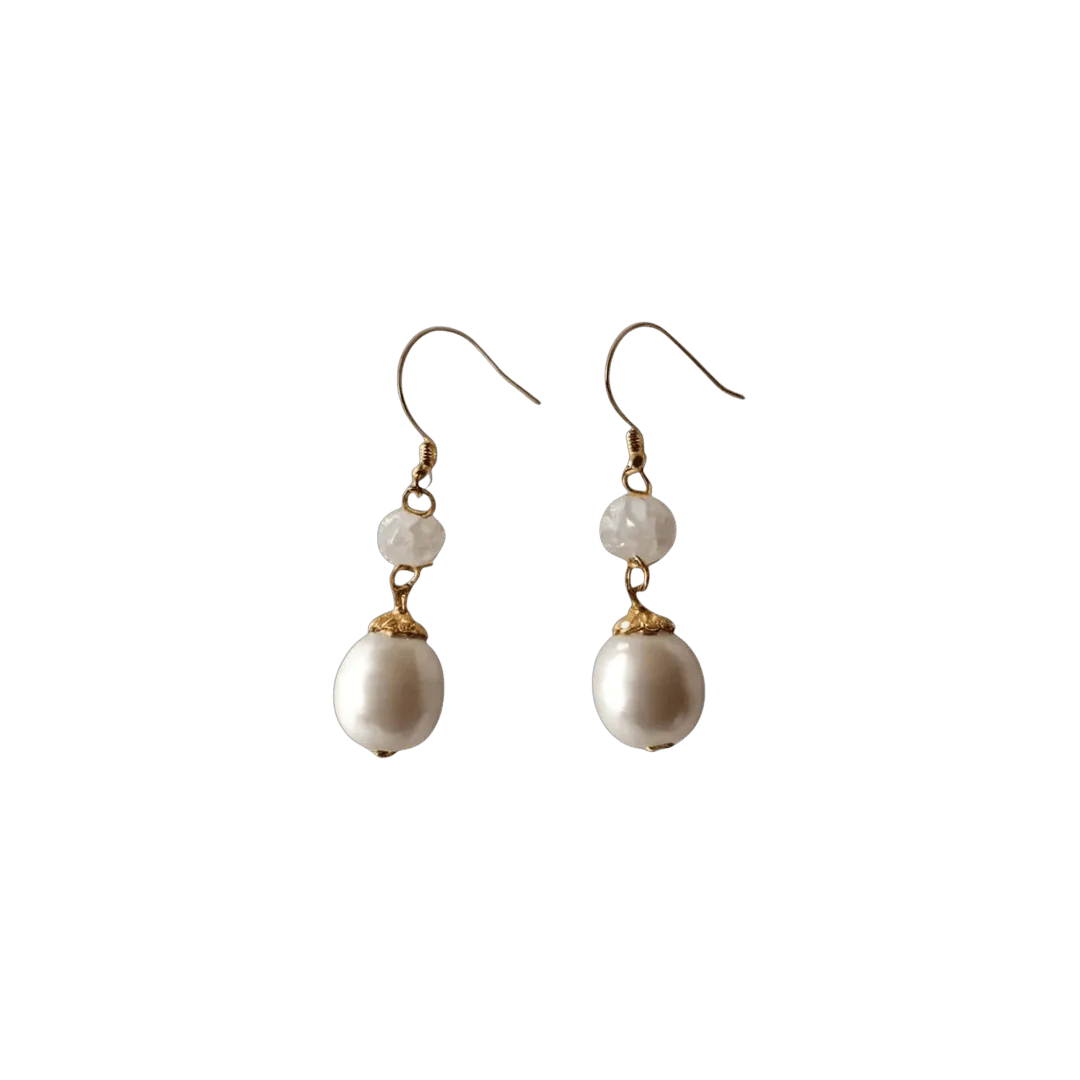
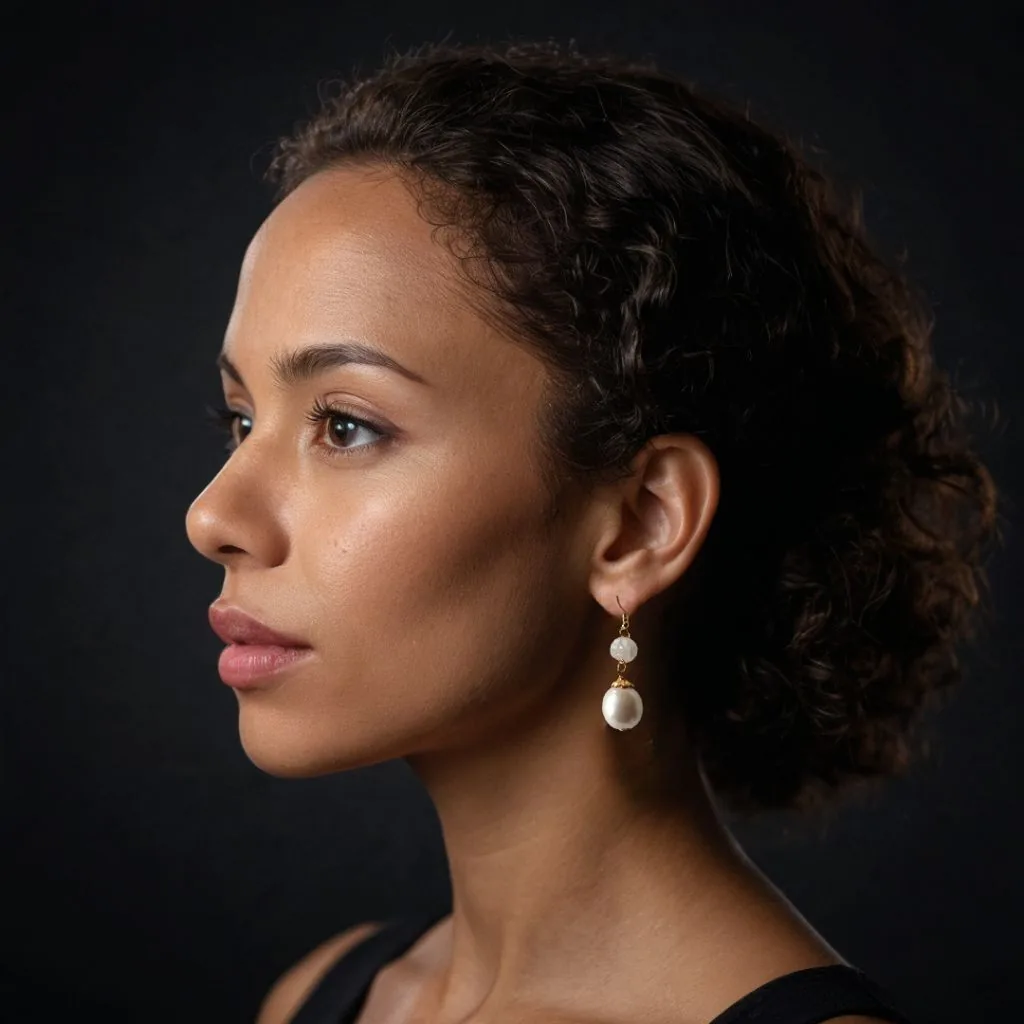
How AI jewelry photography works
Three steps from one product photo to a full listing gallery.
Upload one product photo
A phone photo is fine. Shoot the piece on a plain background in soft daylight: earrings as a pair, necklaces laid flat with the clasp showing.
Pick a scene or describe one
Choose a model, a hand or a surface, or type the shot you want, such as gold hoops on a model with her hair tied back in warm window light.
Download or make a video
Download the images for your listings. On Growth or Scale, turn any result into a short product video for your page, ads or social.
The jewelry shot list
Six shots that answer the questions jewelry buyers ask before they buy.
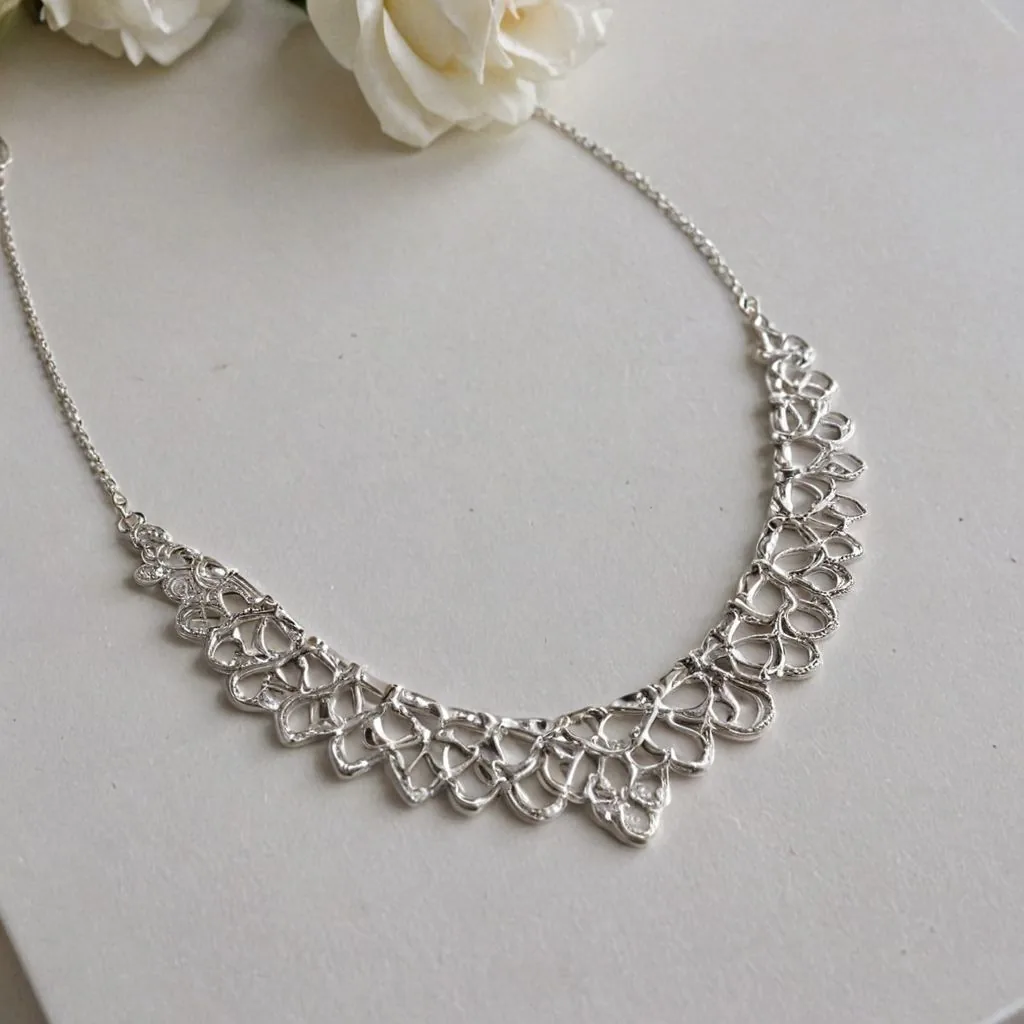
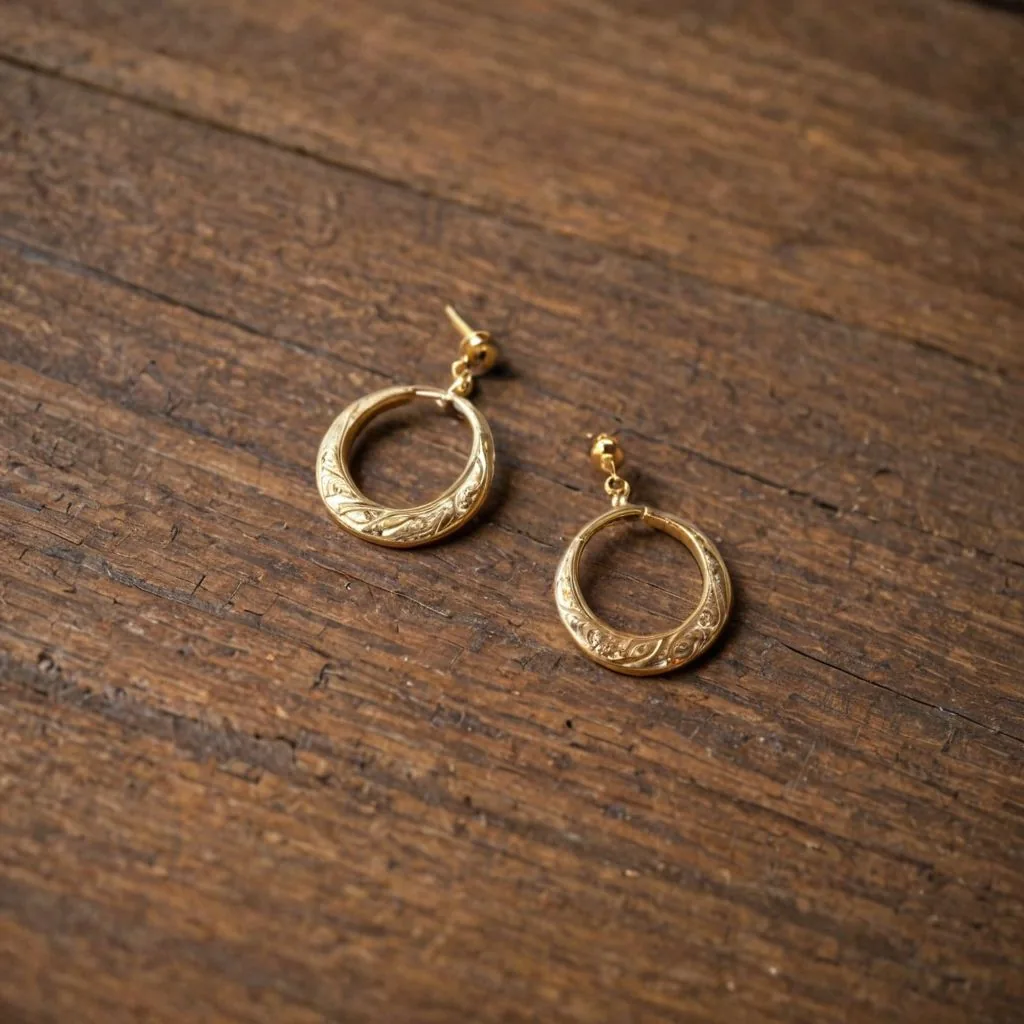
Main image on white
The piece alone, centered and sharp. It is the thumbnail shoppers click in search results.
Scale on the body
Earrings on an ear, a ring on a finger, a pendant at the collarbone, so size is obvious.
Stones and setting up close
Prongs, pavé, cut and color, sharp enough to hold up when shoppers zoom in.
Clasp and back
Lobster clasp, toggle, screw back or butterfly. Buyers check how a piece fastens.
Metal color in neutral light
Yellow gold, rose gold and silver shift under warm light. One neutral shot sets the right expectation.
Length, worn and flat
Necklaces and bracelets shown both worn and laid flat, so length is easy to judge.
Jewelry image rules on Amazon, Etsy and Shopify
The main points for jewelry sellers, as of October 2026. Each guide has the full list.
- Amazon: product shots on a pure white background (RGB 255, 255, 255), with the piece filling 85% or more of the frame and images of 1,000 pixels or more on the longest side so shoppers can zoom into stones. Amazon image requirements
- Etsy: every listing needs at least one unedited photo of the actual piece against a real background. AI scenes can fill the rest of the gallery, and Etsy suggests noting AI edits in the description. Etsy image requirements
- Shopify: images up to 5000 x 5000 px and under 20 MB, with square 2048 x 2048 px images usually displaying best. Use one aspect ratio for every main image so collection grids line up. Shopify image requirements
Jewelry photography guides
Longer reads from the Caspa blog on shooting, styling and selling jewelry.
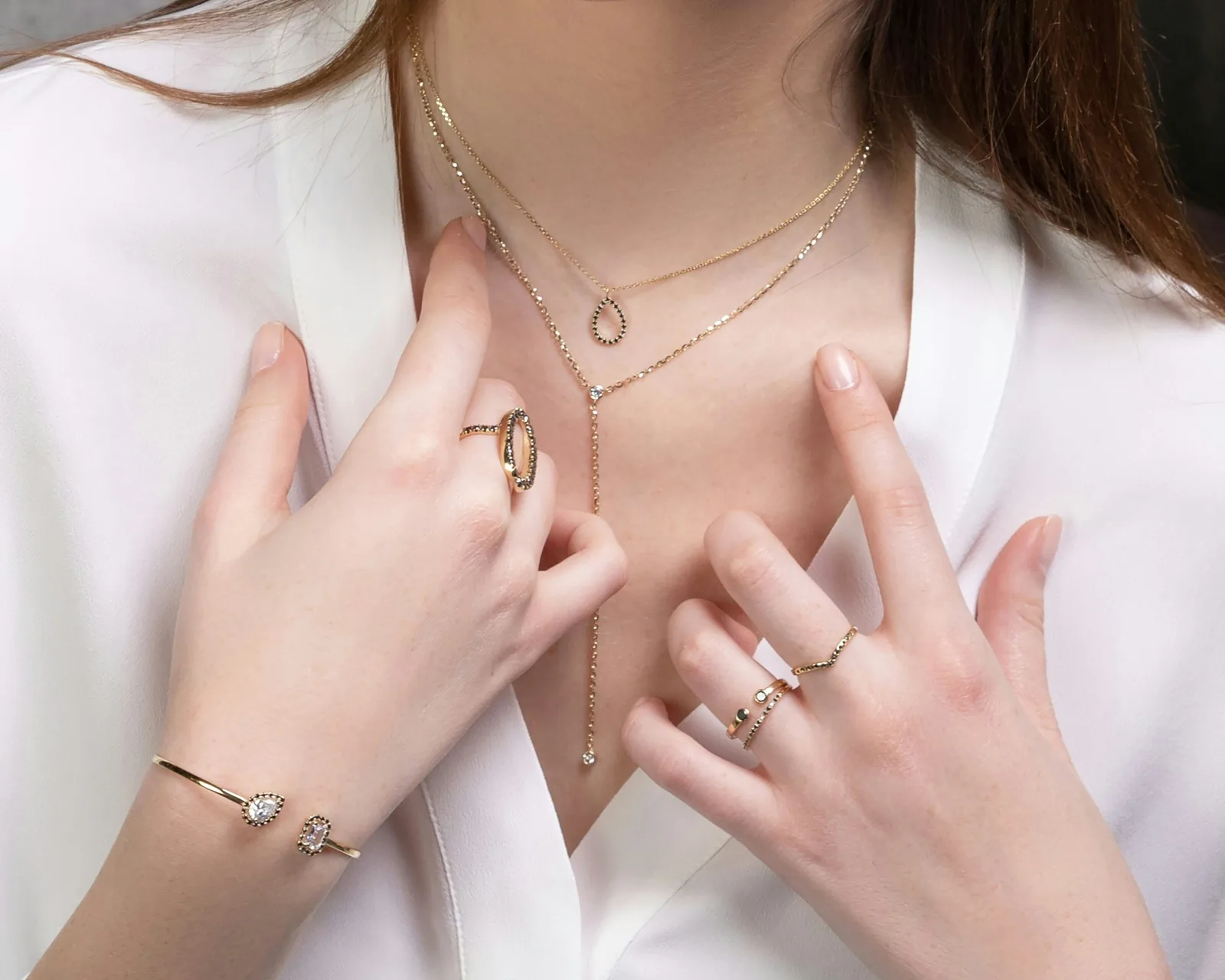
How to photograph jewelry for an online store
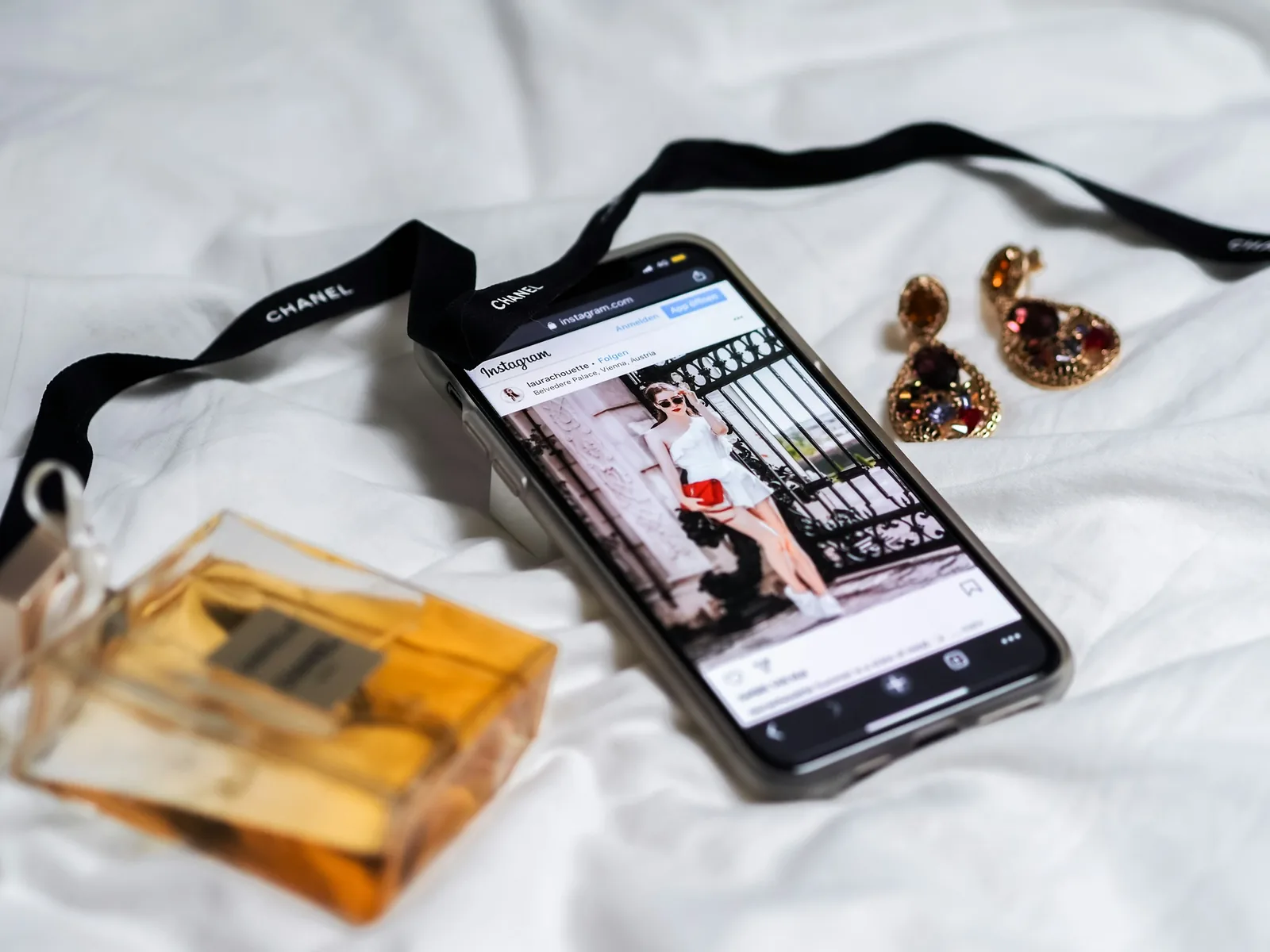
How to take jewelry photos with your phone
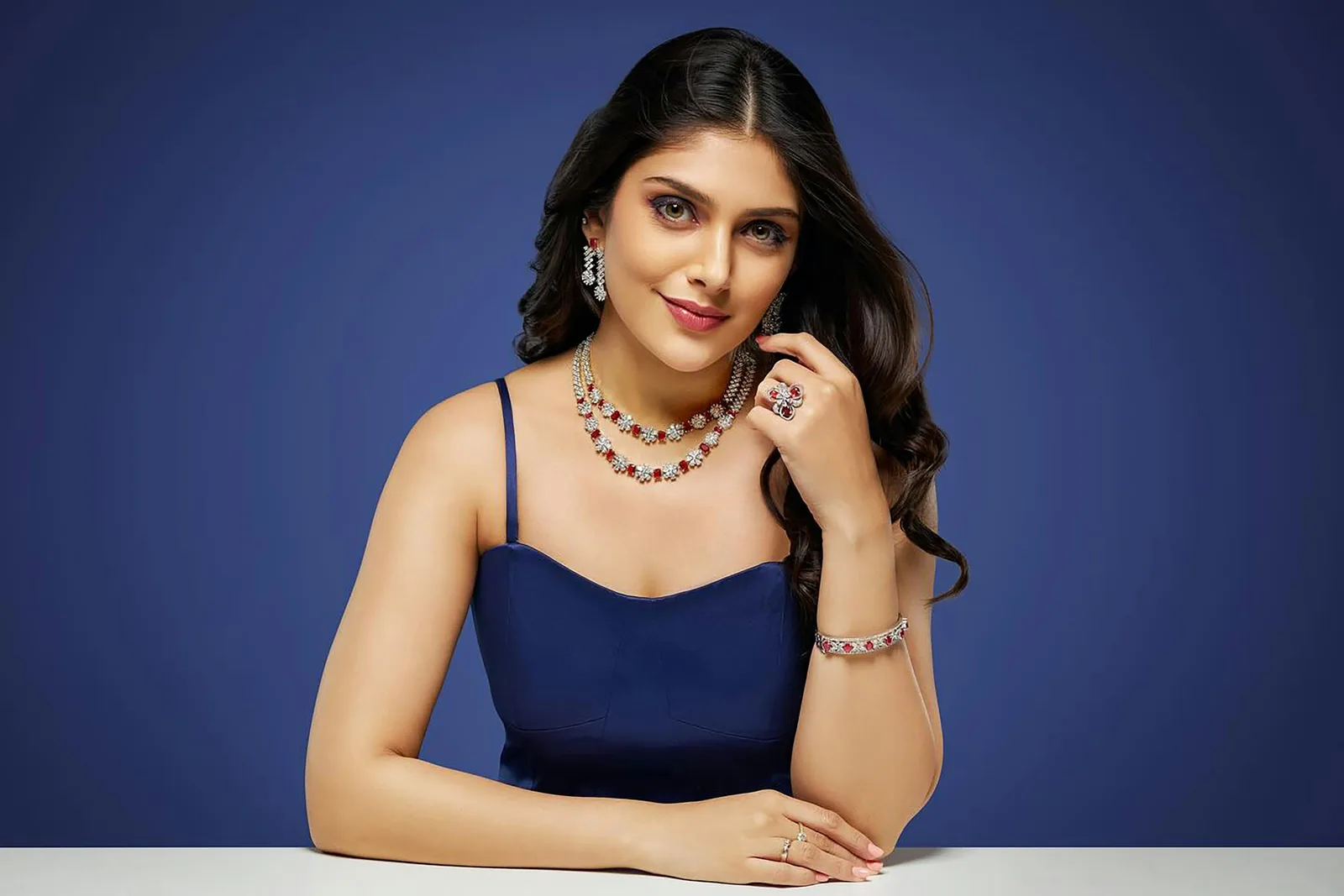
12 lenses for jewelry photography and how to choose
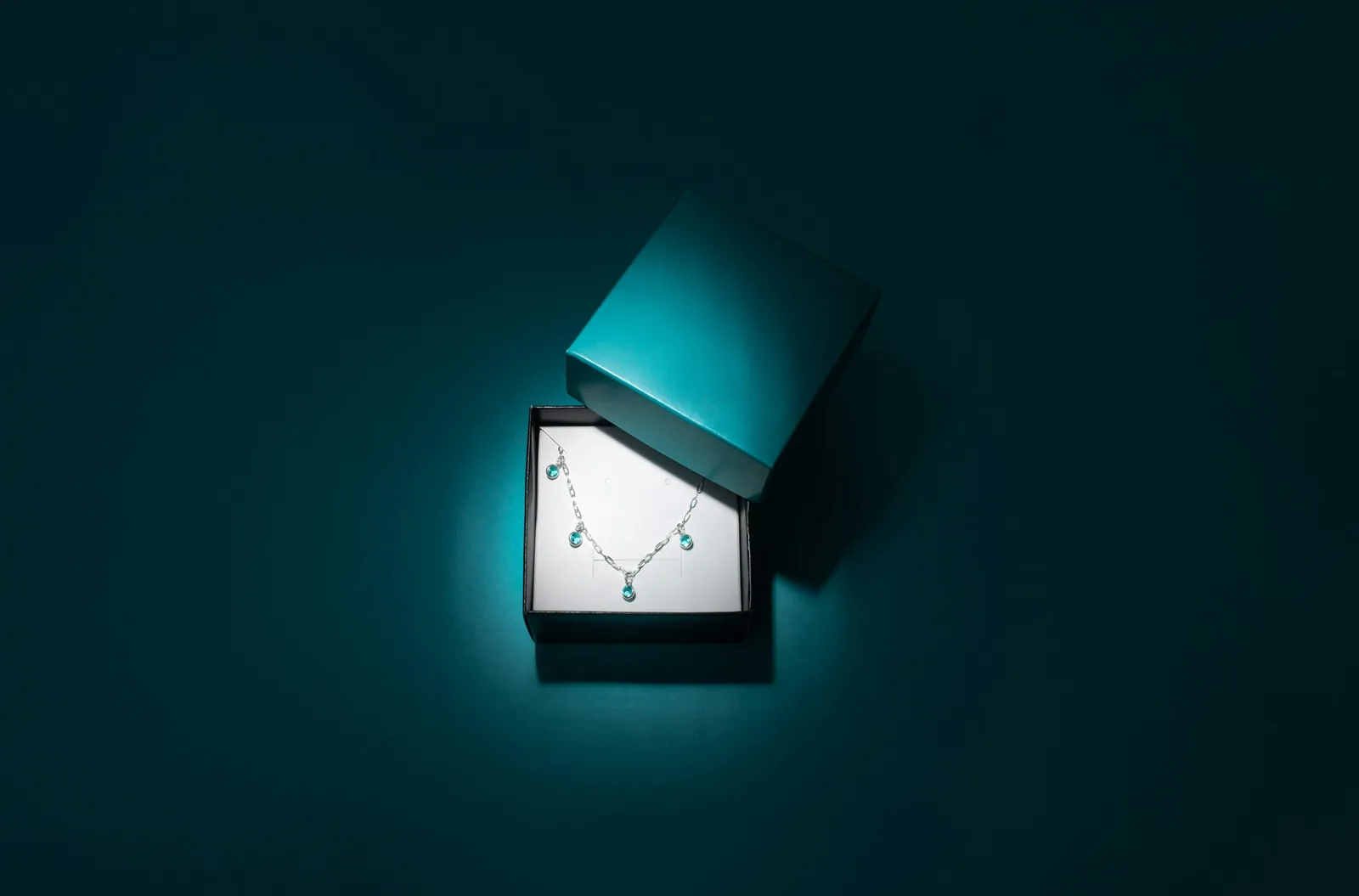
Light boxes for jewelry photography: 12 options
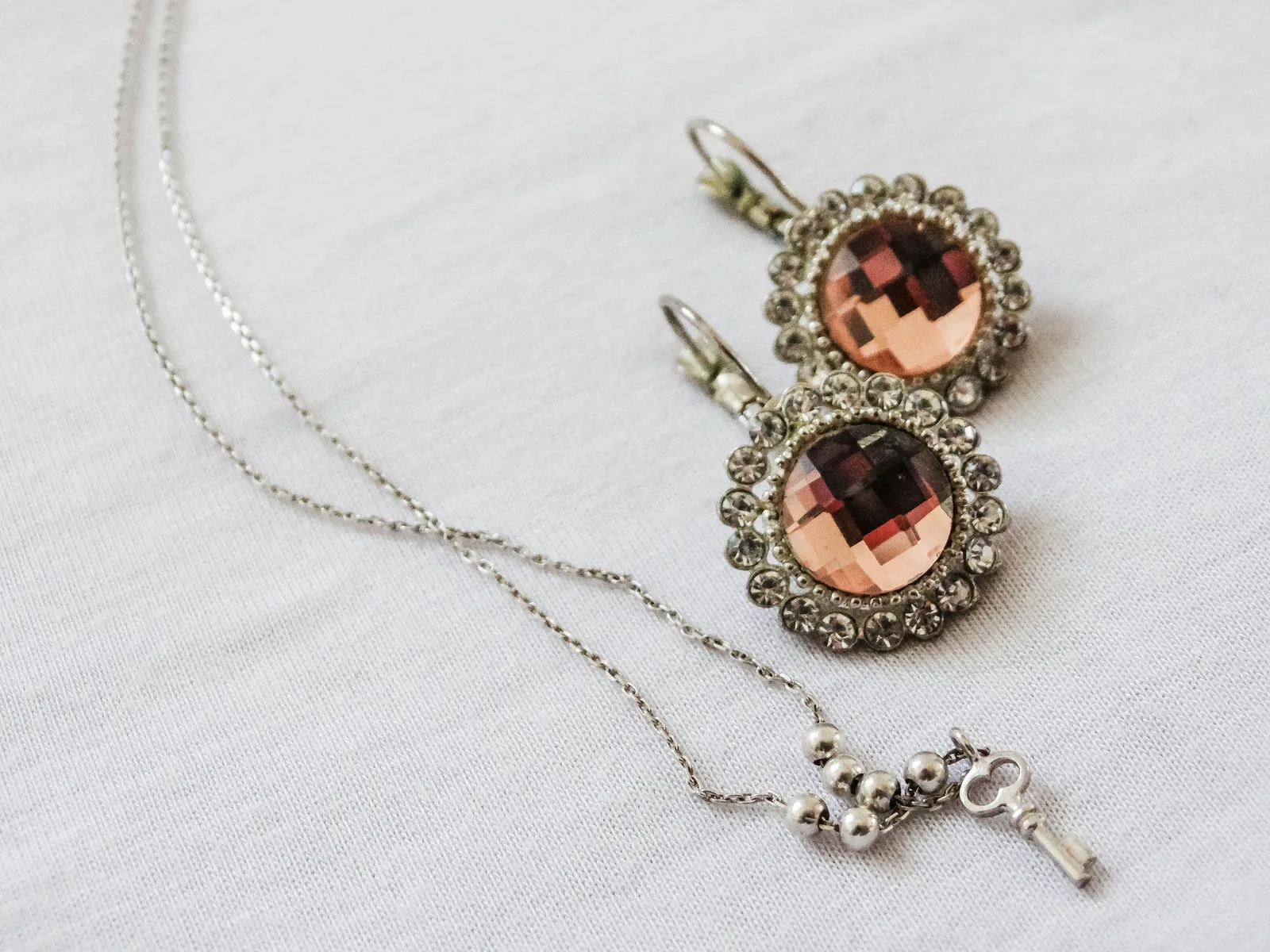
13 backgrounds for jewelry photography
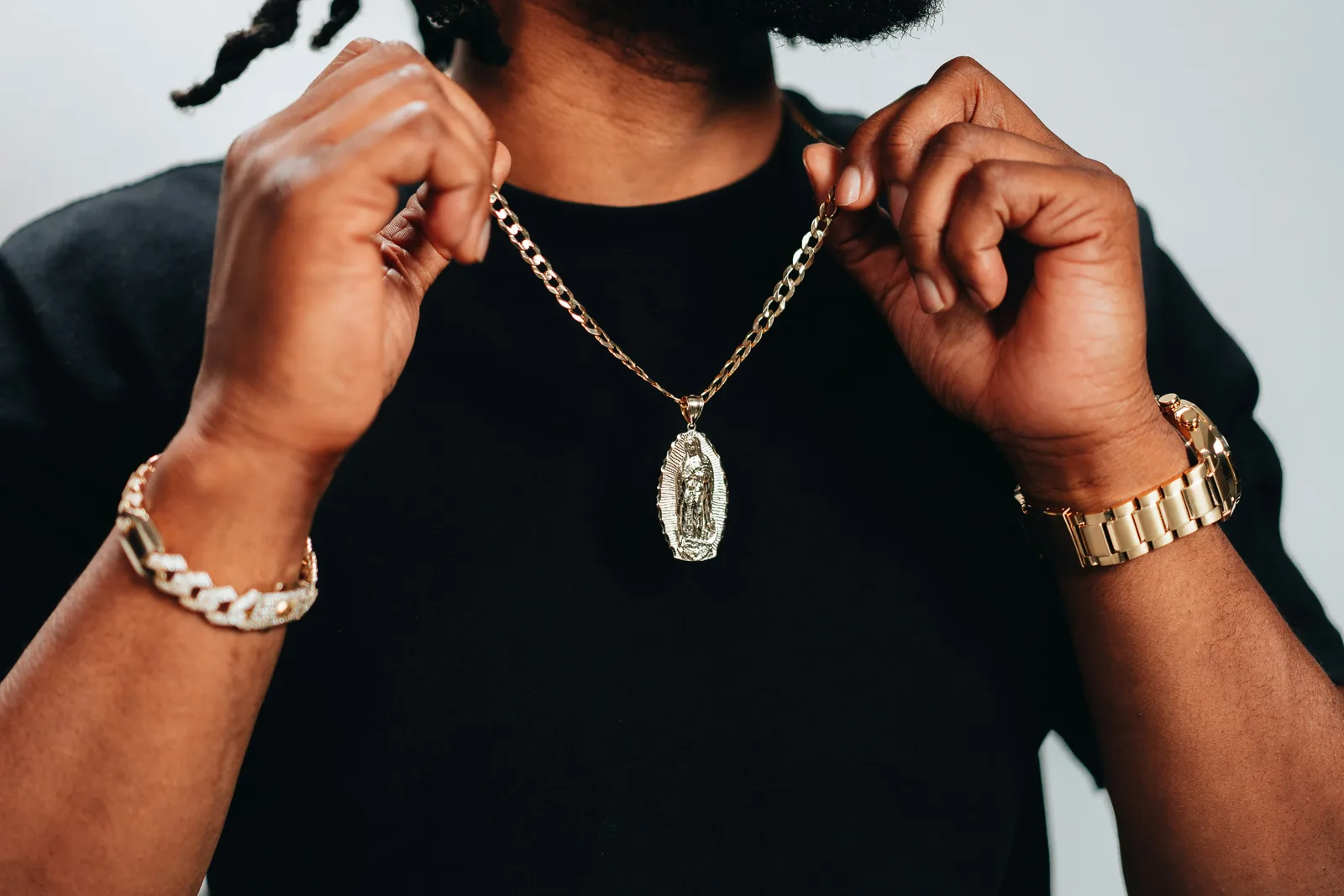
17 props for jewelry photography
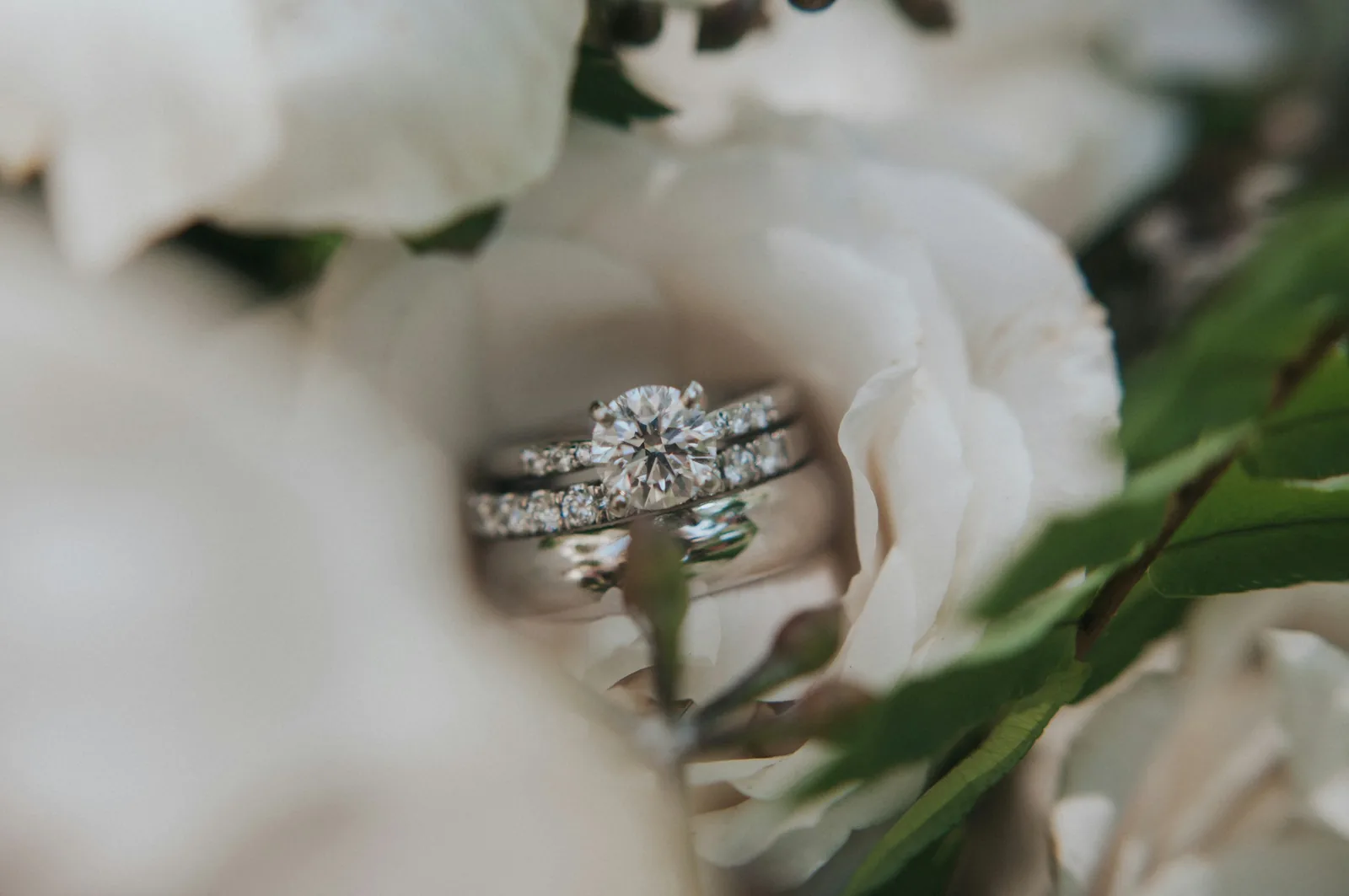
8 creative jewelry photography ideas
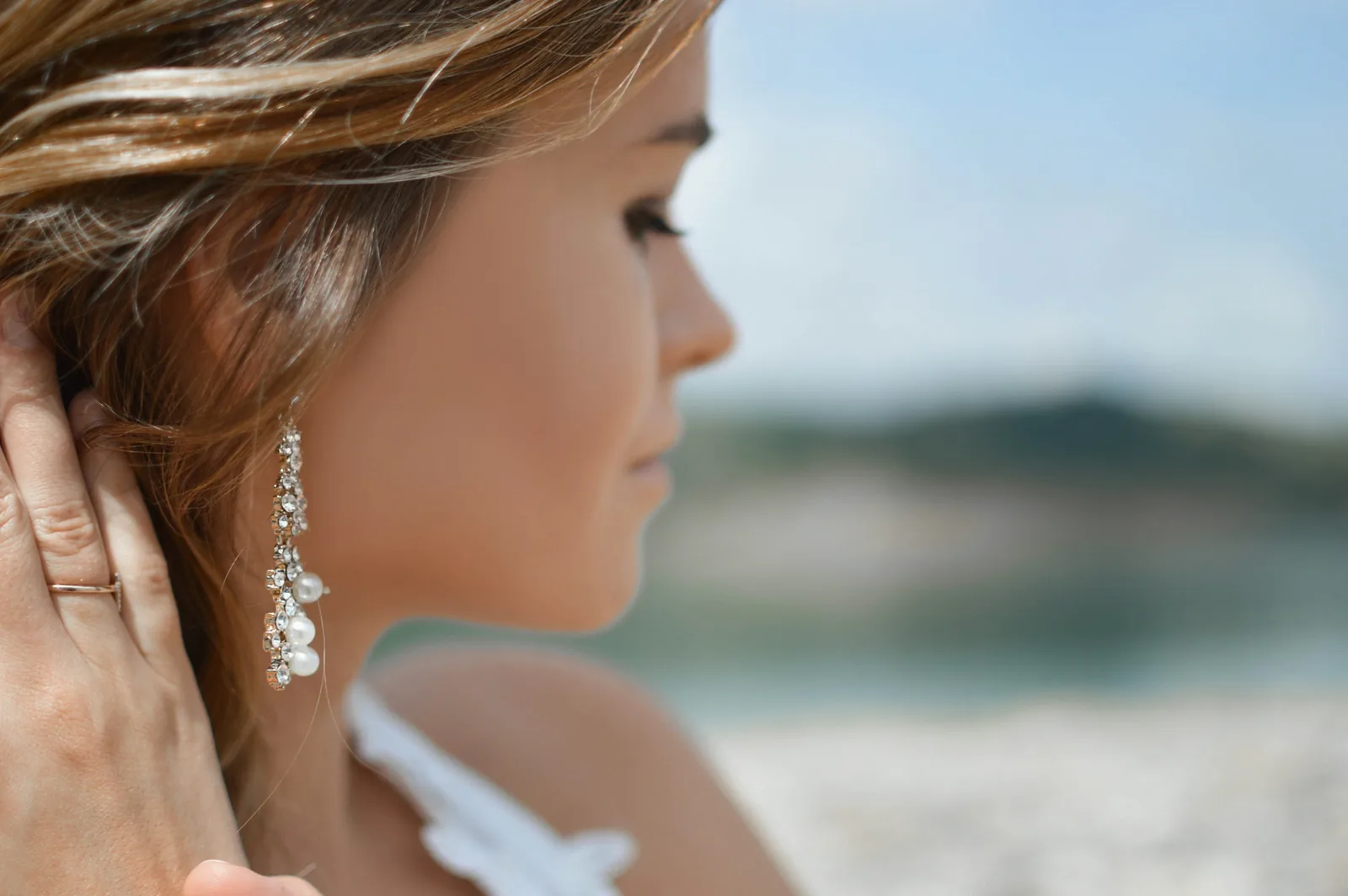
14 earring photography ideas and 8 tips

How to sell jewelry on Instagram in 5 steps
Selling watches or sunglasses too? See AI watch photography, AI eyewear photography and AI fashion photography.
Frequently asked questions about jewelry photography
Any other questions? Get in touch.
Yes. Upload a clear photo of the ring and place it on a hand, on a stand or on a surface such as marble or velvet. For engagement and statement rings, add a close-up so the stone and setting are sharp at full size.
No. Caspa places your piece in a new scene and keeps the product itself unchanged unless you choose to edit it. Fine detail can only be as sharp as your upload, so start from a well-lit photo and check each result at full size before you publish.
Shoot in soft, diffused light, such as a light box or a window covered with a thin white sheet, and turn the flash off. Hold a white card opposite shiny metal to soften reflections, and focus on the detail that matters most. Our guides to light boxes and jewelry lenses go deeper.
Yes. Choose an AI model and Caspa shows the piece worn: from the side for earrings, at the neckline for necklaces, on the wrist for bracelets. Try a few models to see which suits your brand and your customers.
Yes, you can use the images you create for your business. Follow each marketplace's rules: Amazon asks for a white-background main image, and Etsy requires at least one unedited photo of the real piece.
Every new account gets 10 free credits, no credit card required. Starter is $59 a month ($39 a month billed yearly) for 500 credits and images only. Growth is $99 a month ($66 billed yearly) for 1,000 credits and adds video. Scale is $249 a month ($166 billed yearly) for 2,500 credits. New subscriptions have a 30-day refund on unused credits.
Make jewelry photos from your own product shot
Upload one photo and see your piece on a model or a styled surface within minutes. No studio, no photographer.
10 free image credits · No credit card required