
AI Furniture Product Photography
Upload one photo of a sofa, bed, chair or lamp. Caspa's AI furniture product photography places it in a furnished room in your style, with the shape, fabric and finish kept as they are.
10 free image credits · No credit card required
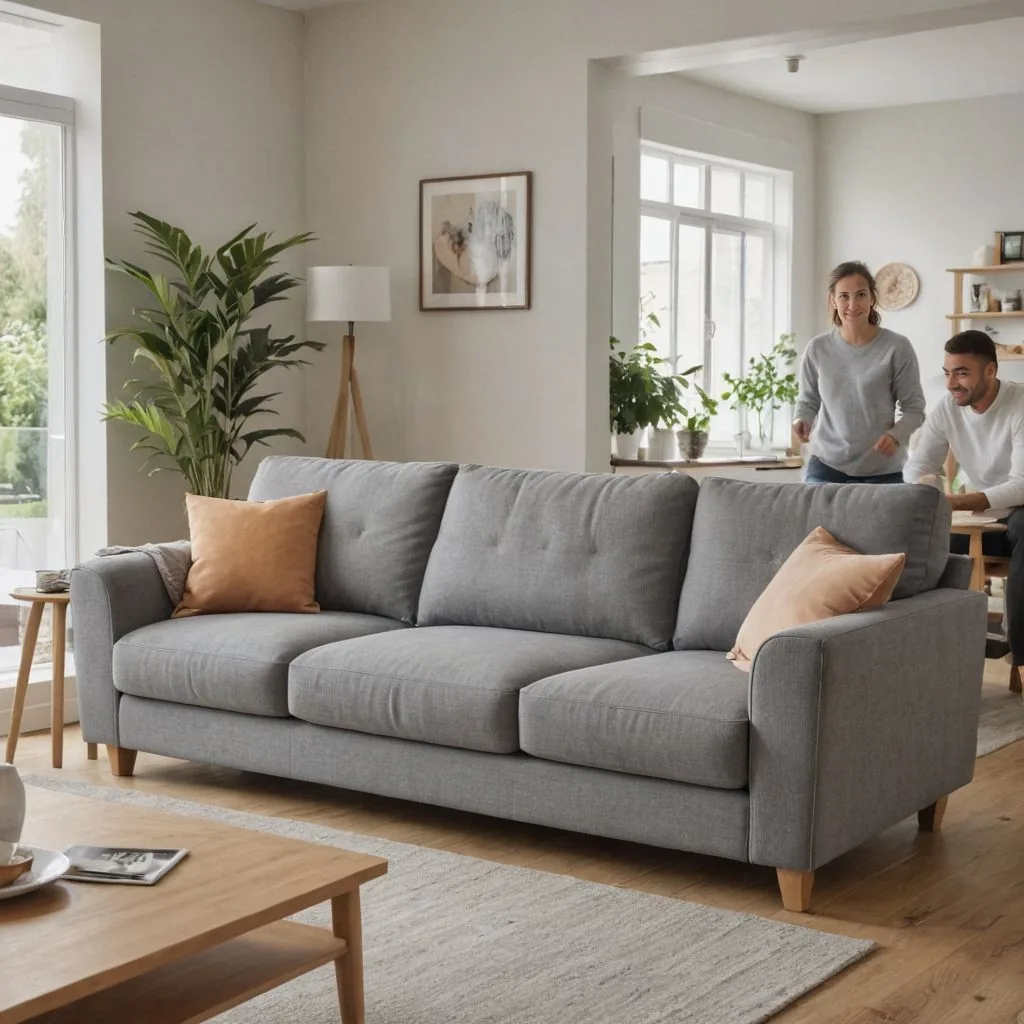
Furniture photos you can make
Room sets without renting a room, from the photo you already have.
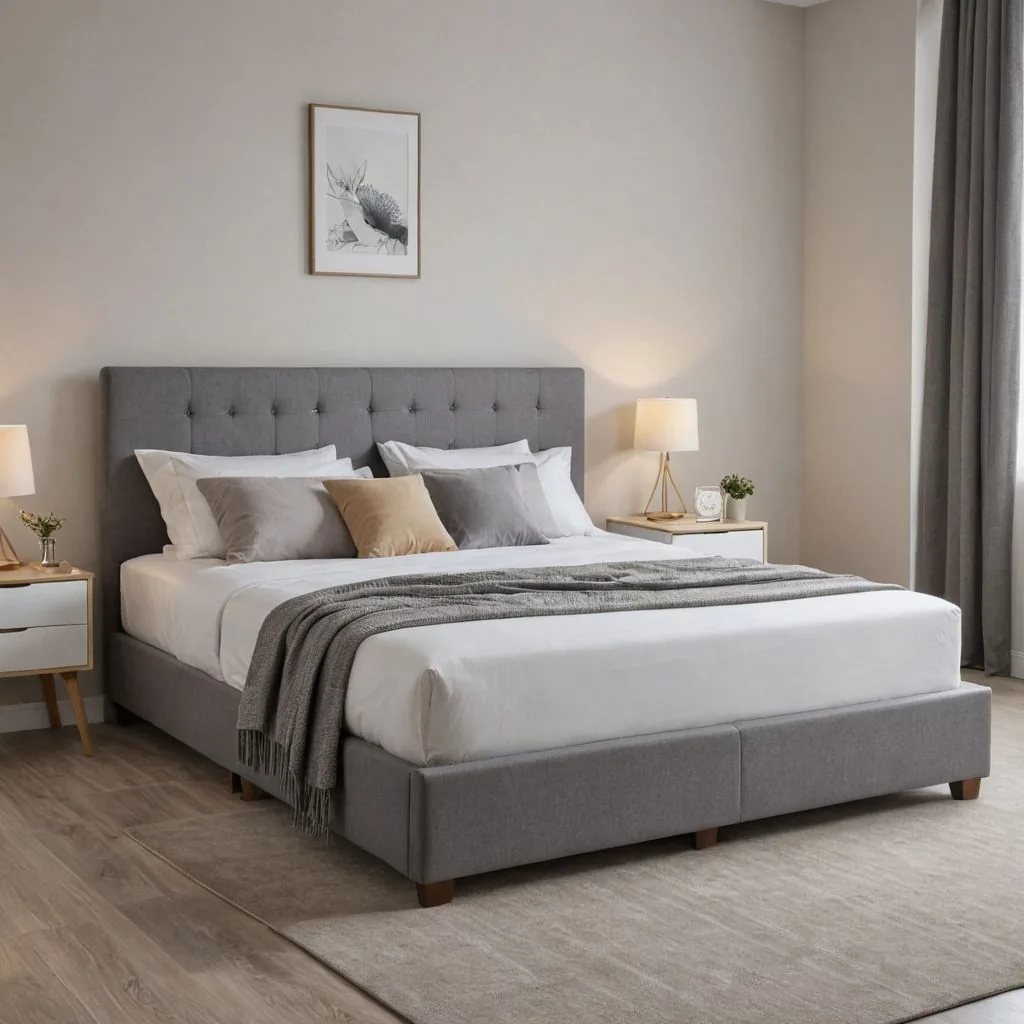
Bedroom sets
A bed dressed and styled in a calm, modern bedroom, with lamps and a rug.
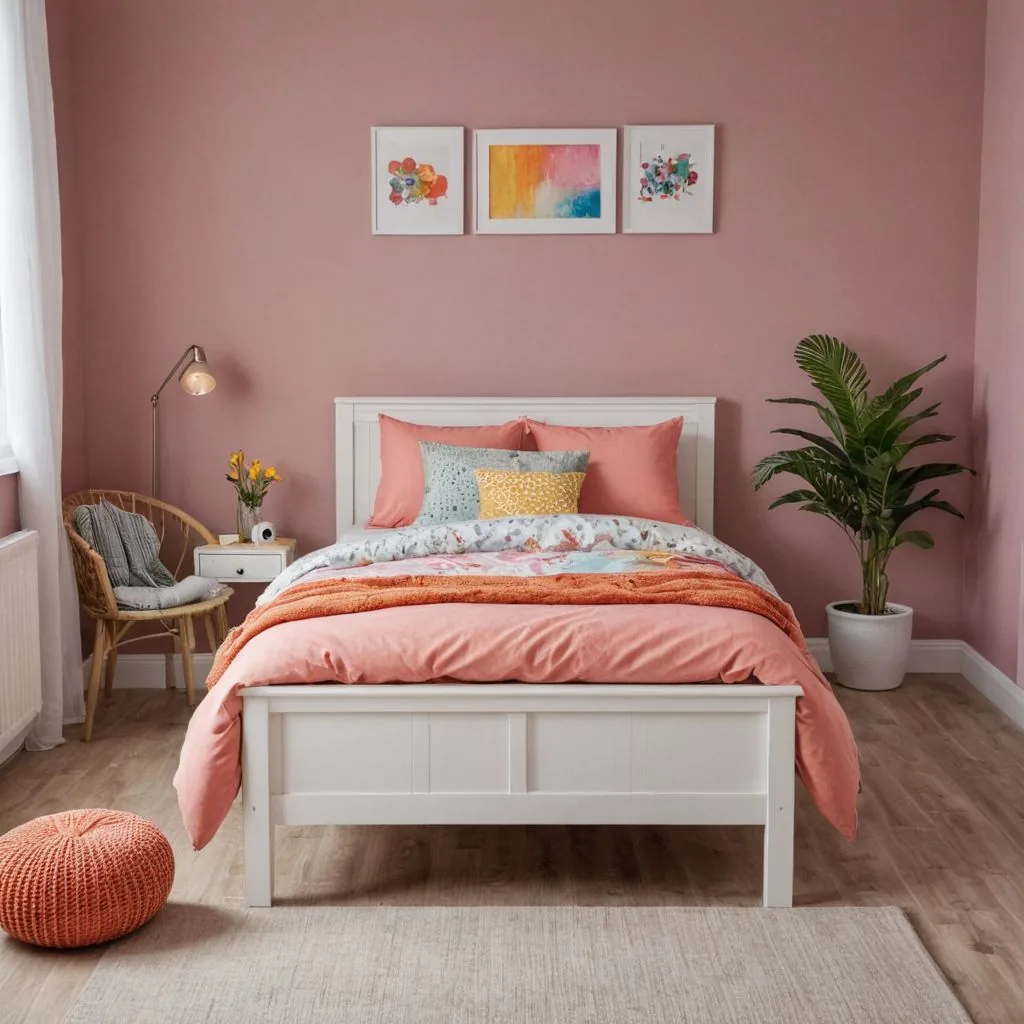
Rooms in your colors
Pick the wall color and decor so the piece stands out, like this white bed against pink.
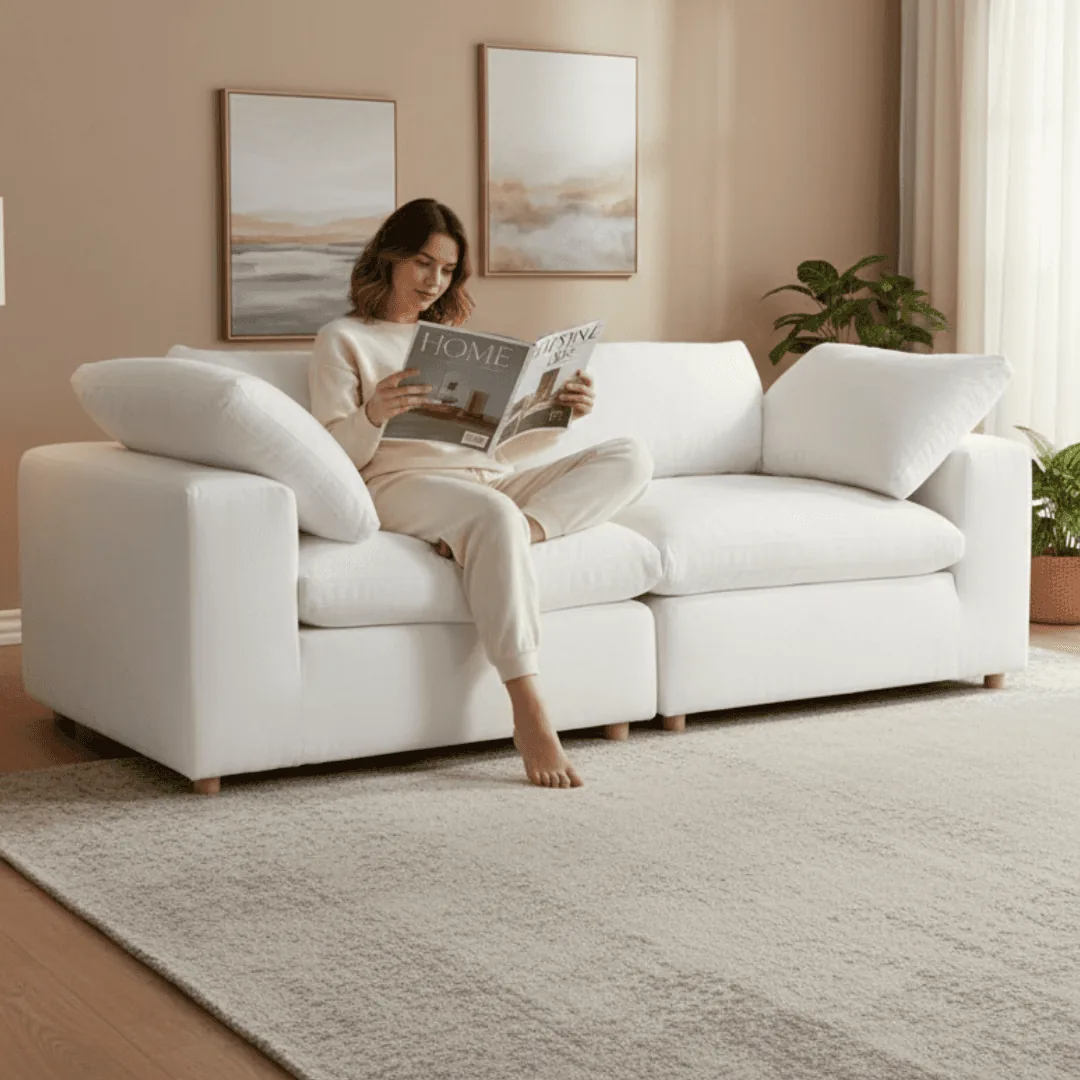
Furniture in use
Someone reading on the sofa shows comfort and scale better than an empty room.
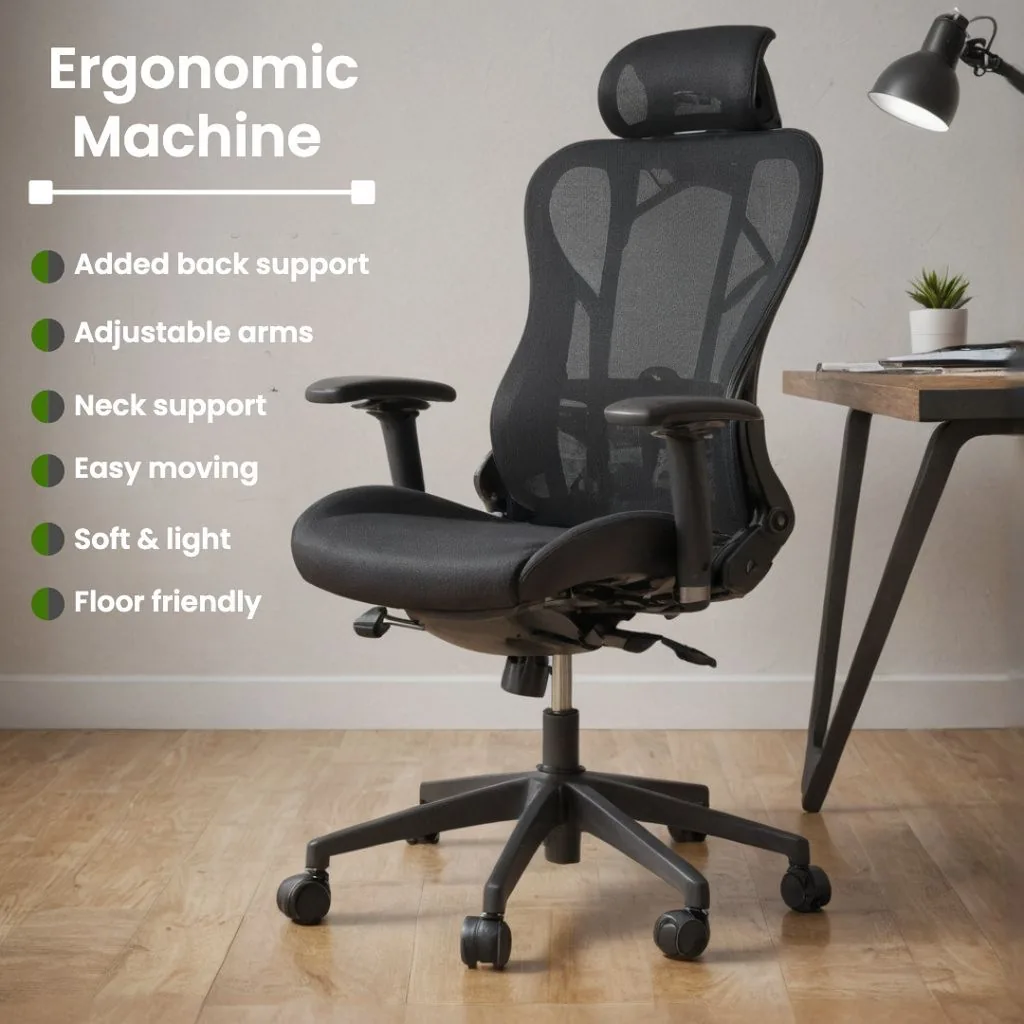
Feature infographics
Back support, adjustable arms, materials: called out right on the product image.
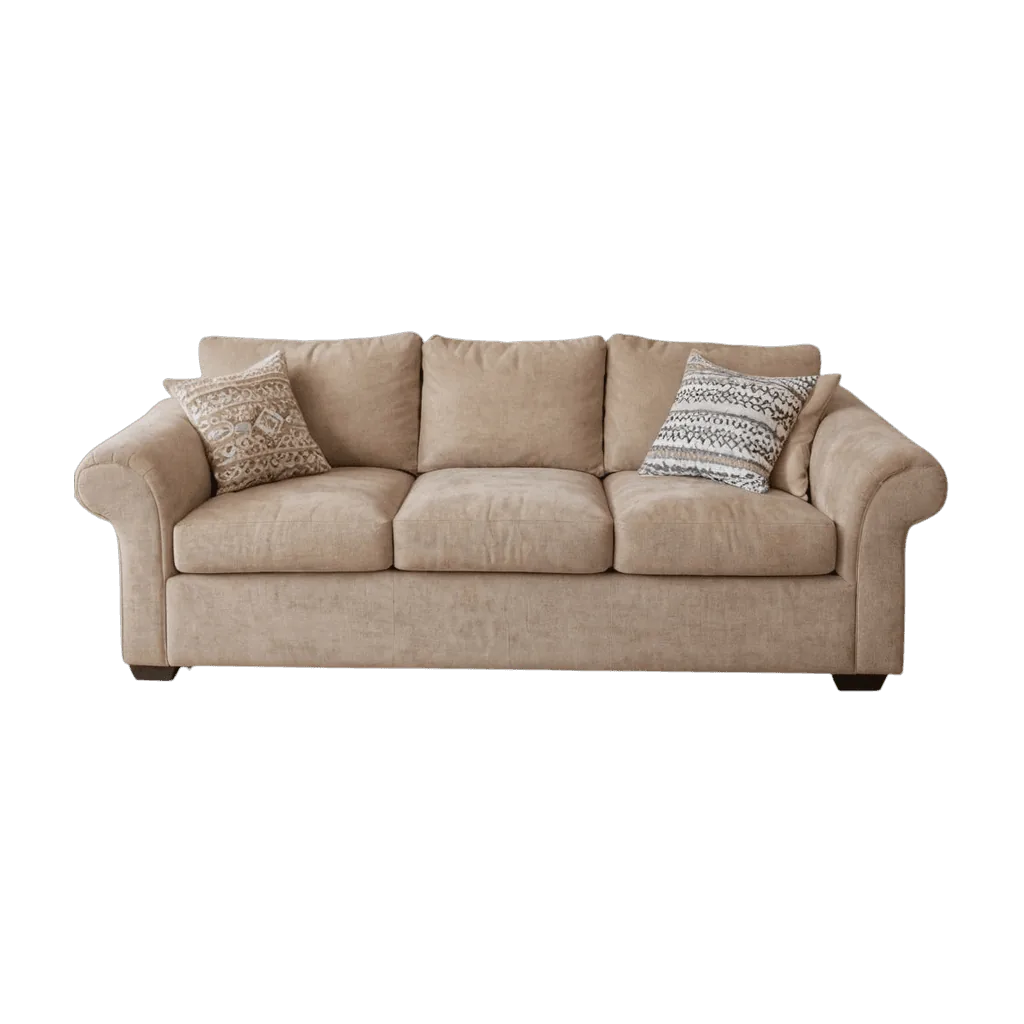
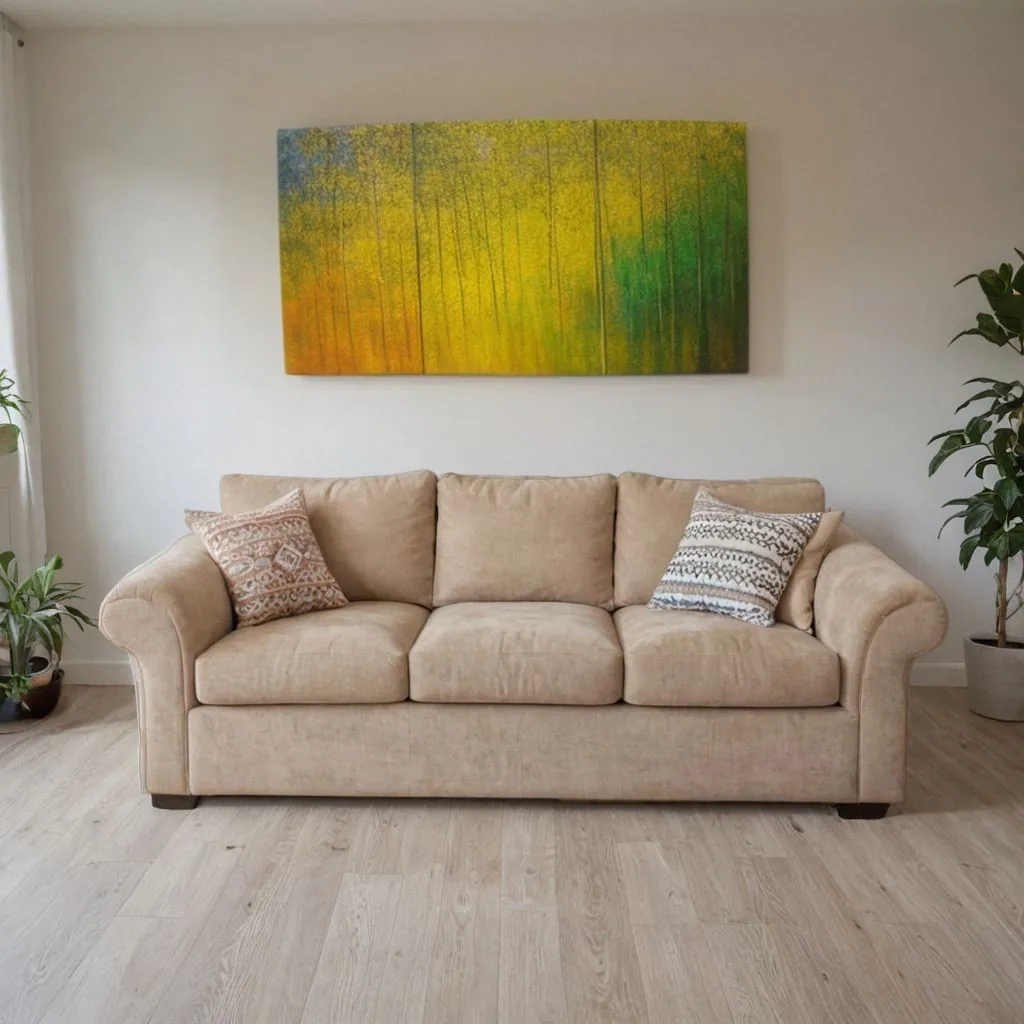
Your piece, unchanged
This sofa was a plain cut-out. The room, the rug and the painting are new; the sofa isn't.
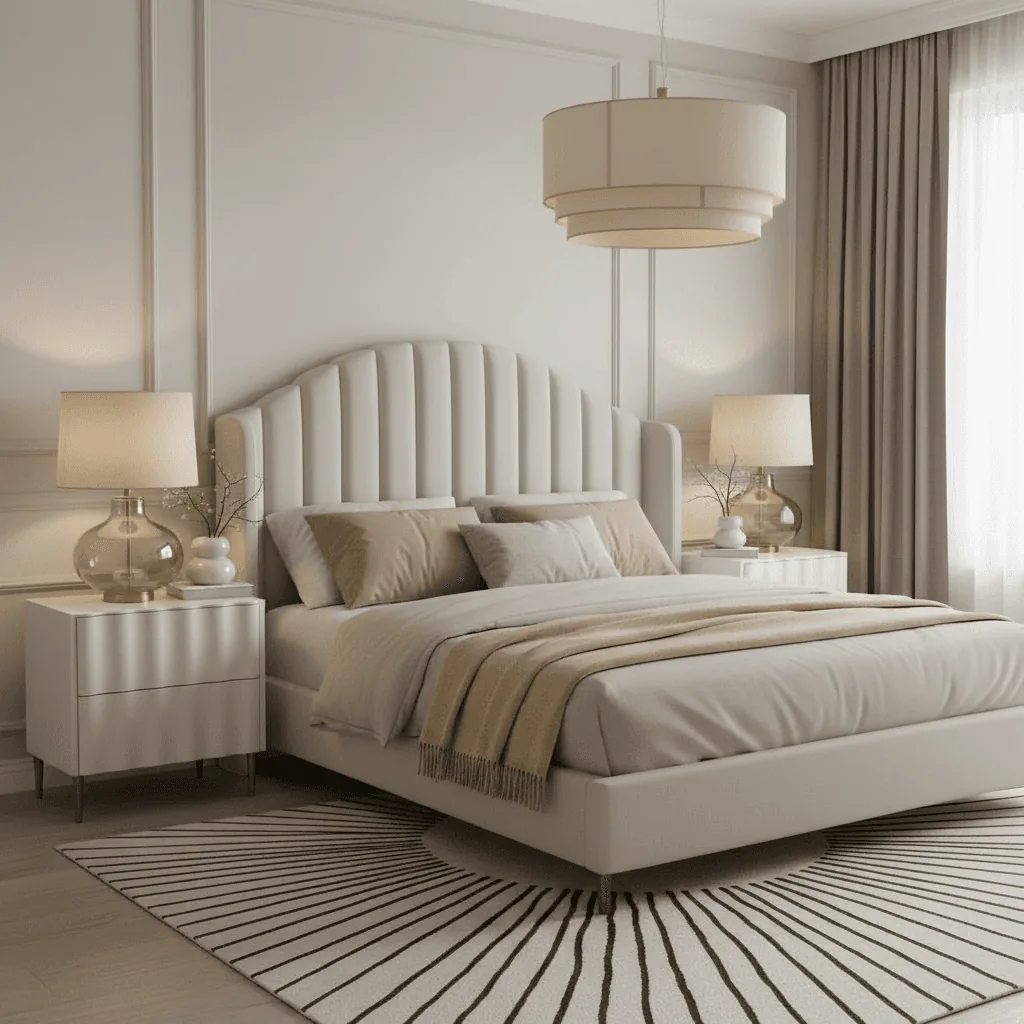
Several pieces, one room
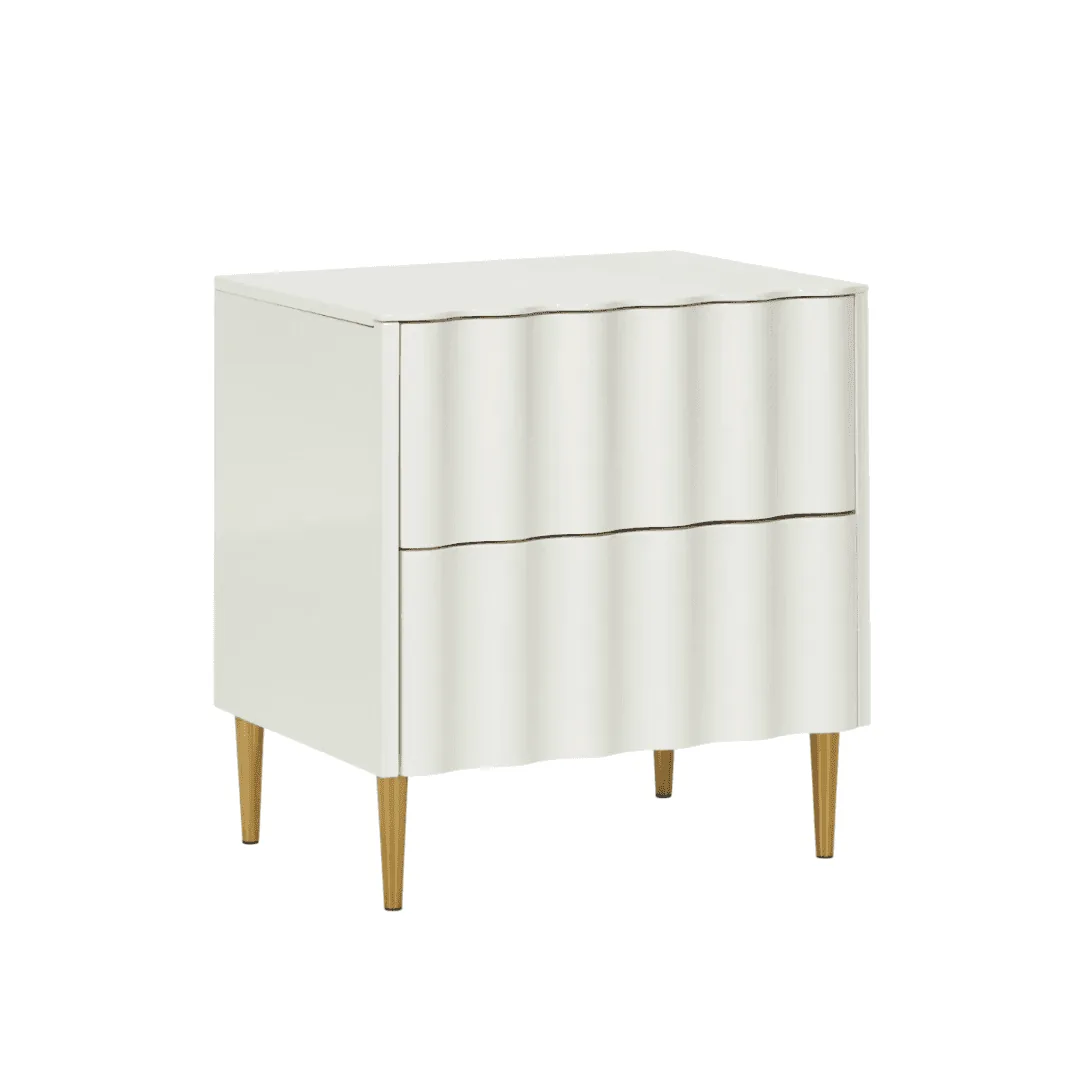
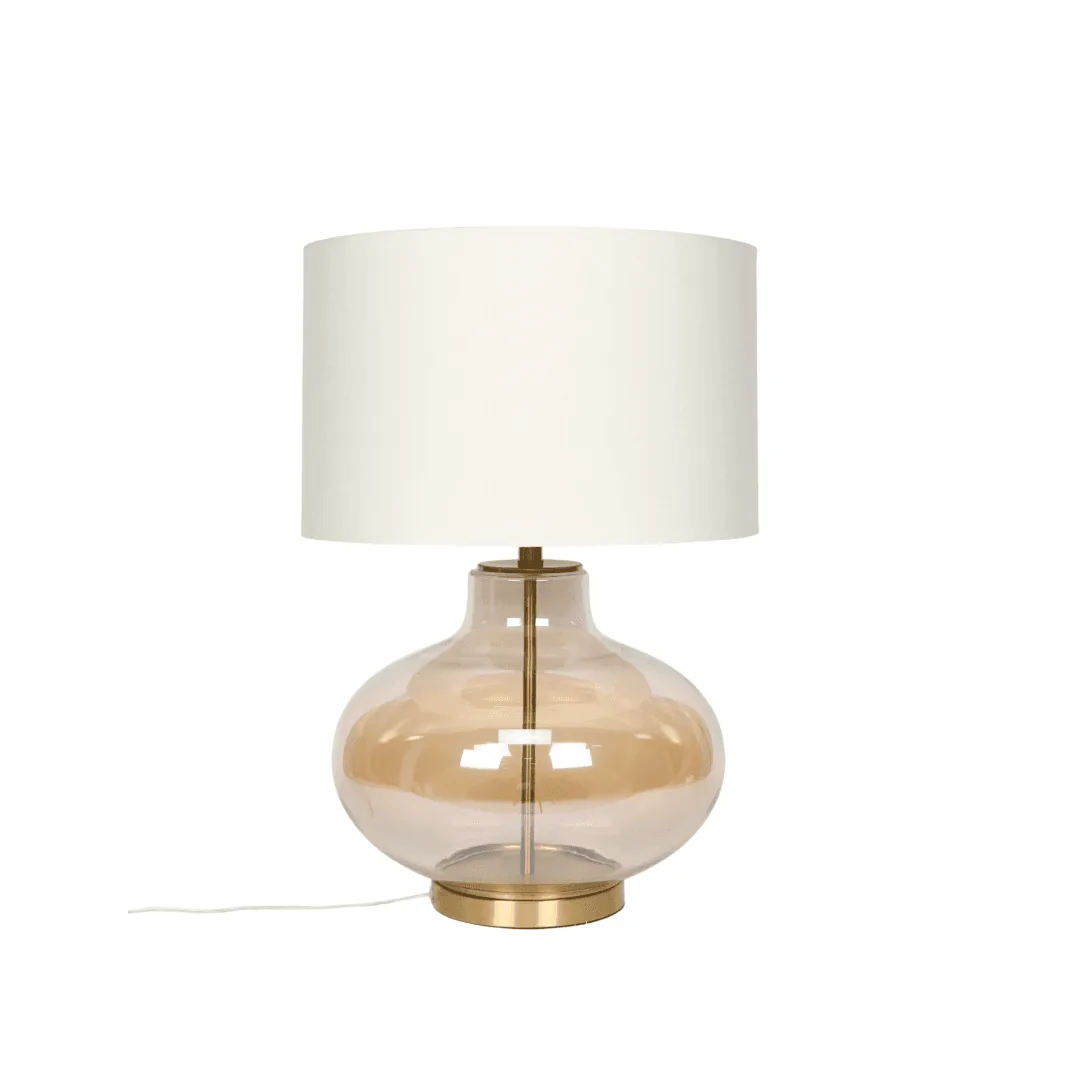
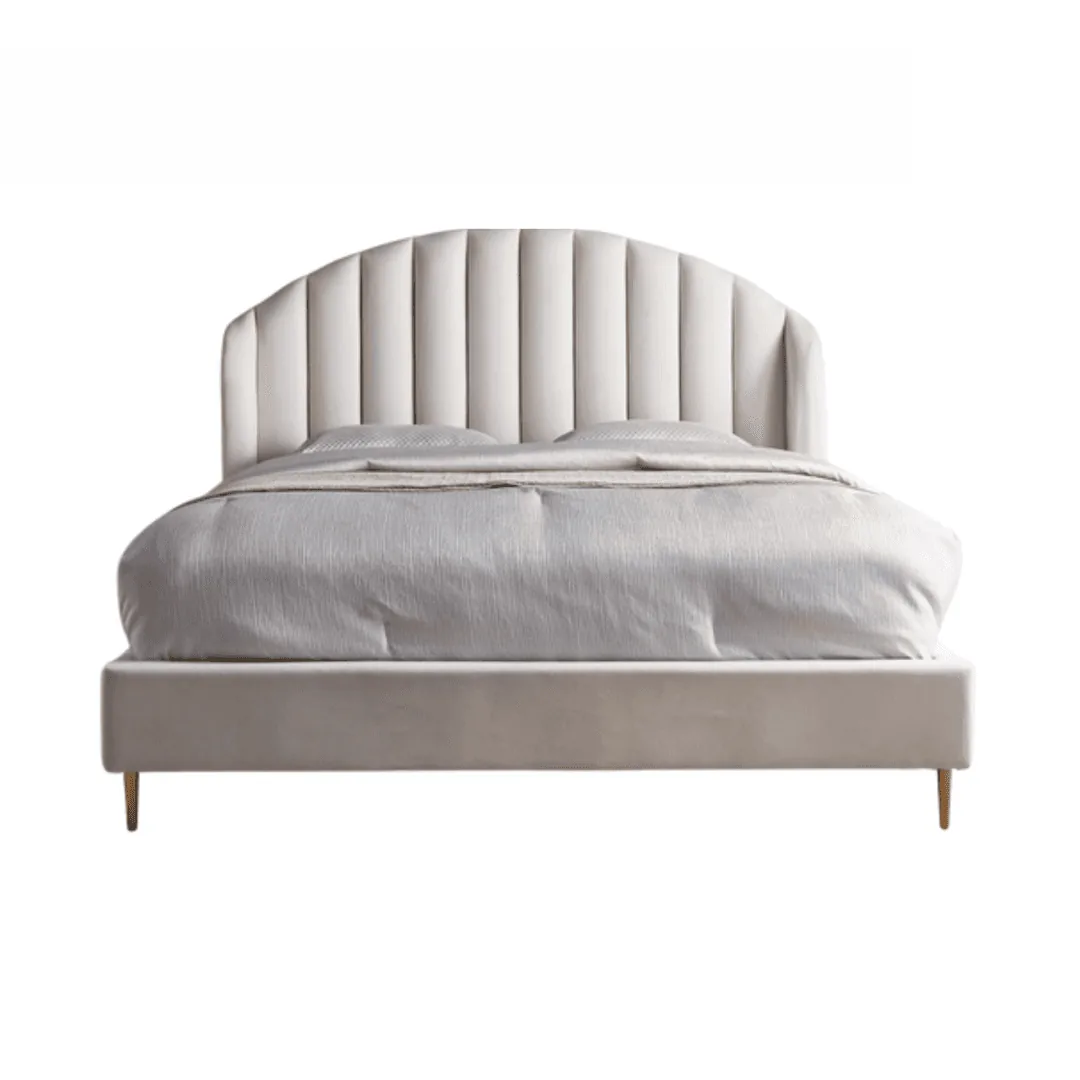
The bed, the nightstand and the lamp were three separate product photos.
How AI furniture product photography works
Three steps from a cut-out to a room set.
Upload one product photo
Shoot the whole piece straight on, legs and all, against a plain wall, or upload the cut-out you already have. A phone photo works.
Pick a scene or describe one
Choose a room style or describe it, such as a grey sofa in a bright Scandinavian living room with oak floors.
Download or make a video
Download for your store and marketplaces. On Growth or Scale, turn a room shot into a short product video.
Before you upload
Shoot straight on, at seat height
Keep the camera level with the seat and the whole piece in frame, legs included. Phone wide-angle lenses stretch furniture, so step back and zoom in slightly.
Use the cut-out you have
A clean cut-out from an earlier shoot works as the upload, as long as the edges are sharp and the color matches the real fabric or finish.
The furniture shot list
What shoppers need to see before buying furniture they can't sit on first.
The piece in a room
A wall, a rug and a doorway give a sense of scale that dimensions alone don't.
A dimensions graphic
Height, width and depth on one image, plus seat height for chairs and sofas.
Fabric and finish up close
Weave, grain, stitching and the legs, sharp when shoppers zoom in.
Every angle
Front, side, back and three-quarter, so nothing is a surprise on delivery.
Every option
One image per color or fabric, in the same room and light.
What moves
Drawers open, a recliner back, a table extended: show the features you charge for.
Furniture image rules on Amazon, Etsy and Shopify
The main points for furniture sellers, as of October 2026. Each guide has the full list.
- Amazon: the main image on a pure white background (RGB 255, 255, 255), with the piece filling 85% or more of the frame and images over 1,000 pixels per side for zoom. Room scenes go in the other slots. Amazon image requirements
- Etsy: makers need at least one unedited photo of the actual piece against a real background on every listing; AI room sets can fill the rest. Etsy image requirements
- Shopify: images up to 5000 x 5000 px and under 20 MB; square 2048 x 2048 px images usually display best. Keep one aspect ratio across main images. Shopify image requirements
Furniture and home photography guides
From the Caspa blog: lifestyle shots, lighting and editing for home products.

What lifestyle product photography is
20 types of product photography for online stores
A guide to kitchen product photography
10 light types for product photography
23 product photography examples and ideas
How to edit product photos: 15 tips and 9 tools
Related: AI lifestyle product photography and AI candle photography.
Your questions about furniture product photography answered
Any other questions? Get in touch.
Yes. Upload a photo of the whole piece, whether it is a sofa, a bed or a wardrobe, and Caspa places it in a room. Check the scale against your real dimensions before you publish, and regenerate if the room looks too big or too small.
No. A clear phone photo of the piece on a plain background is enough to start. If you get stuck, email hello@caspa.ai and the team will help.
Yes. Upload each piece and combine them in one scene, like the bed, nightstand and lamp above.
Yes. Describe the style, such as Scandinavian, mid-century or rustic, or name the colors you want, and generate variations until it fits.
No. Caspa keeps the product as it is and generates the room around it. Shoot your photo in even daylight so the color you upload is the color shoppers see.
Every new account gets 10 free credits, no credit card required. Starter is $59 a month ($39 a month billed yearly) for 500 credits and images only. Growth is $99 a month ($66 billed yearly) for 1,000 credits and adds video. Scale is $249 a month ($166 billed yearly) for 2,500 credits. New subscriptions have a 30-day money-back guarantee.