
AI Clothing Photography for Online Stores
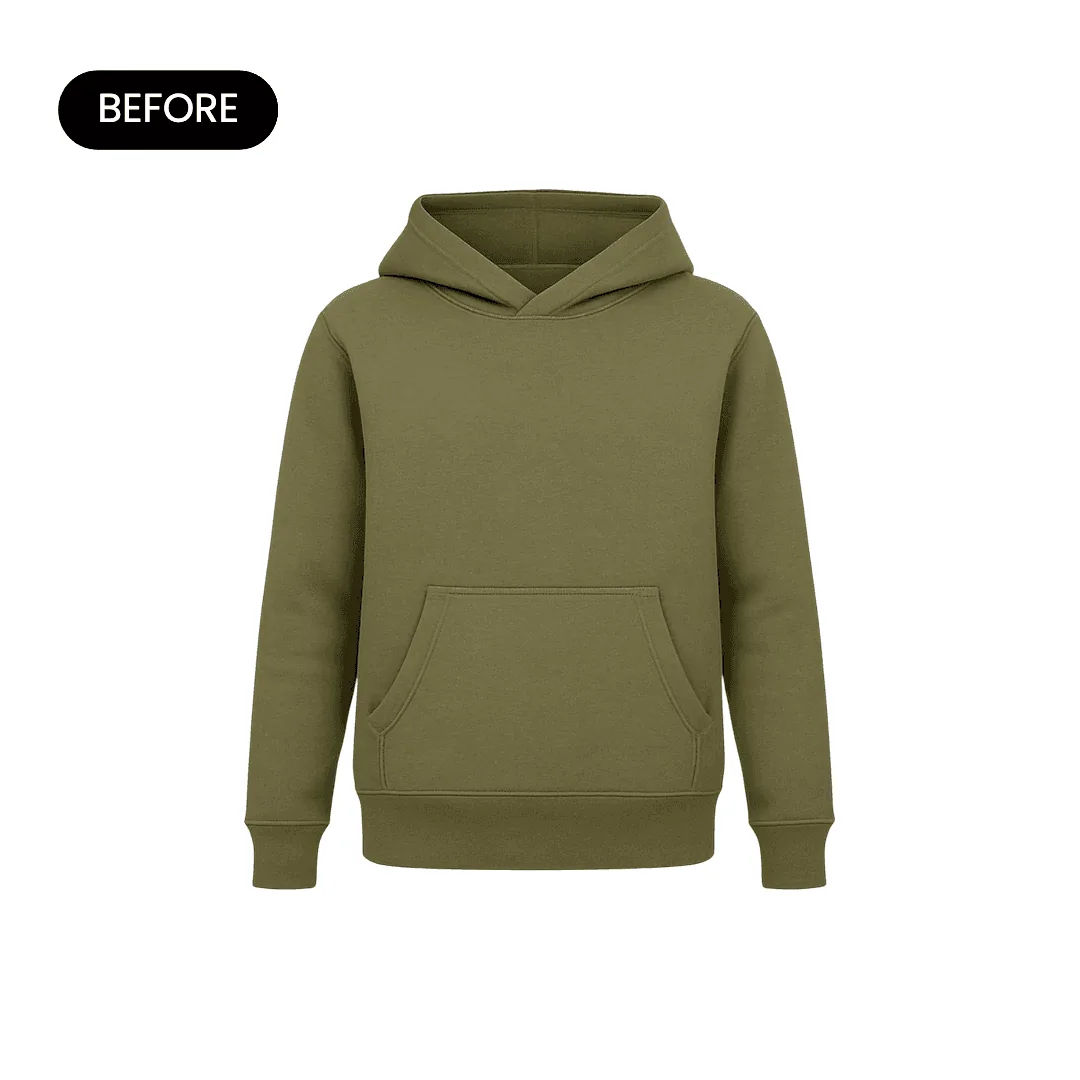
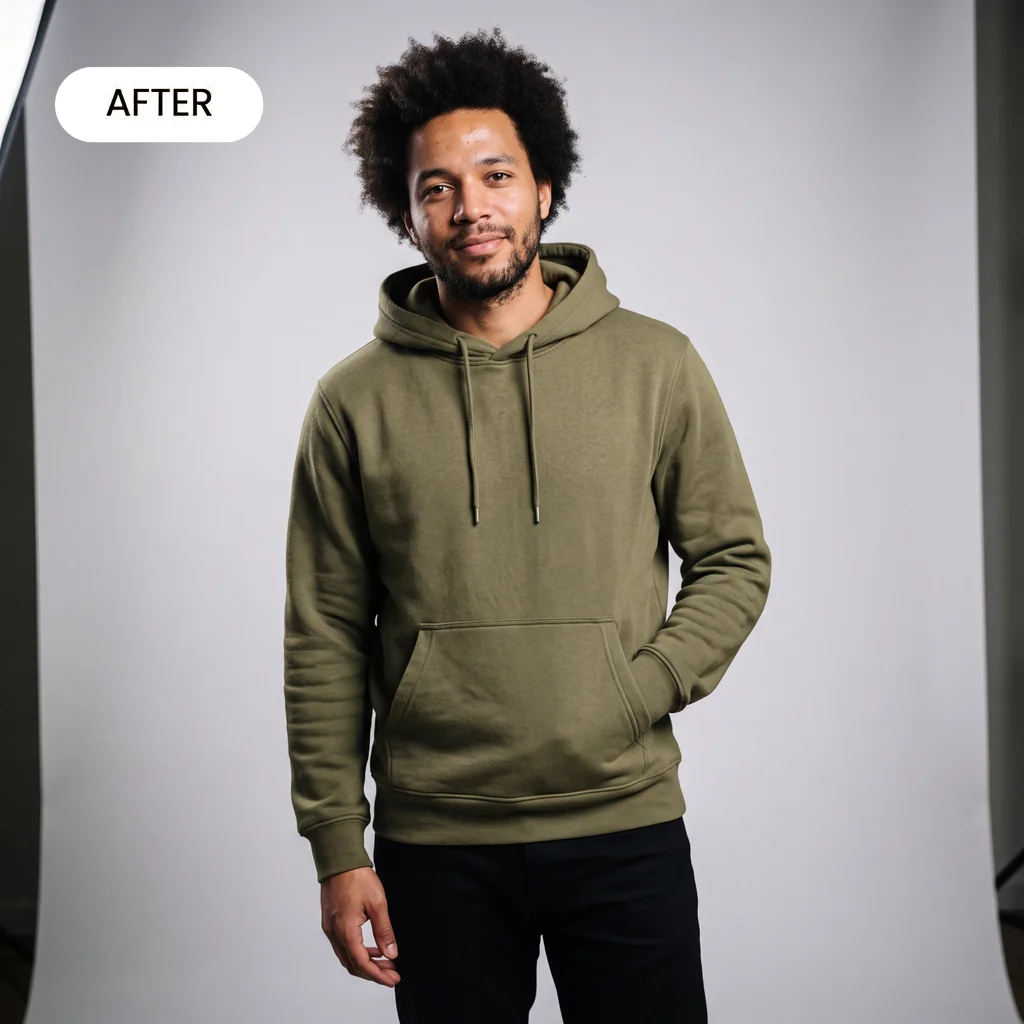
Upload a flat lay or hanger photo of a garment. Caspa's AI clothing photography turns it into on-model, flat lay and studio shots, with the print, color and stitching kept as they are.
10 free image credits · No credit card required
Clothing photos you can make from one upload
The core shots an apparel listing needs, without booking a model or a studio.
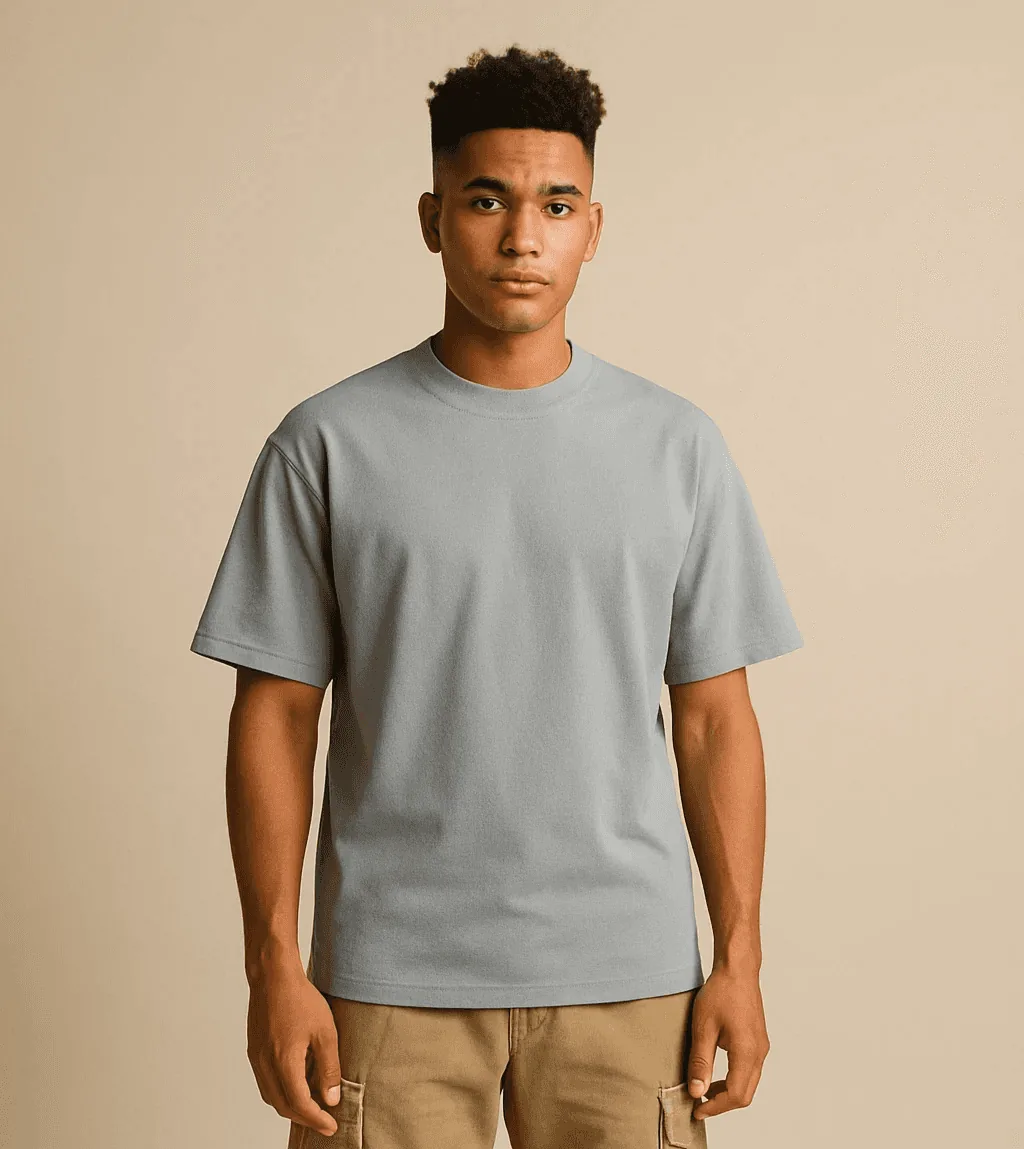
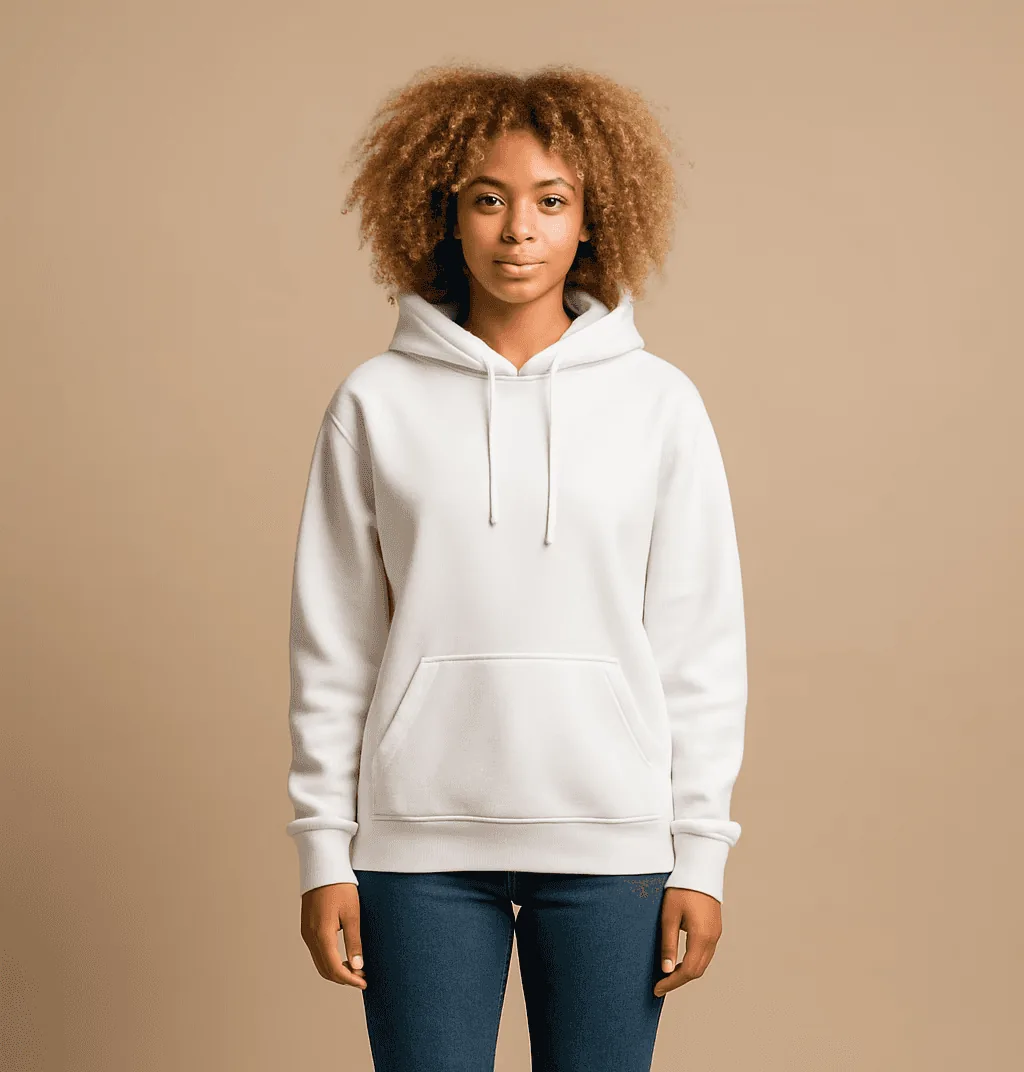
Full-length on a model
Head-to-toe shots that show the whole outfit and where the hem falls.
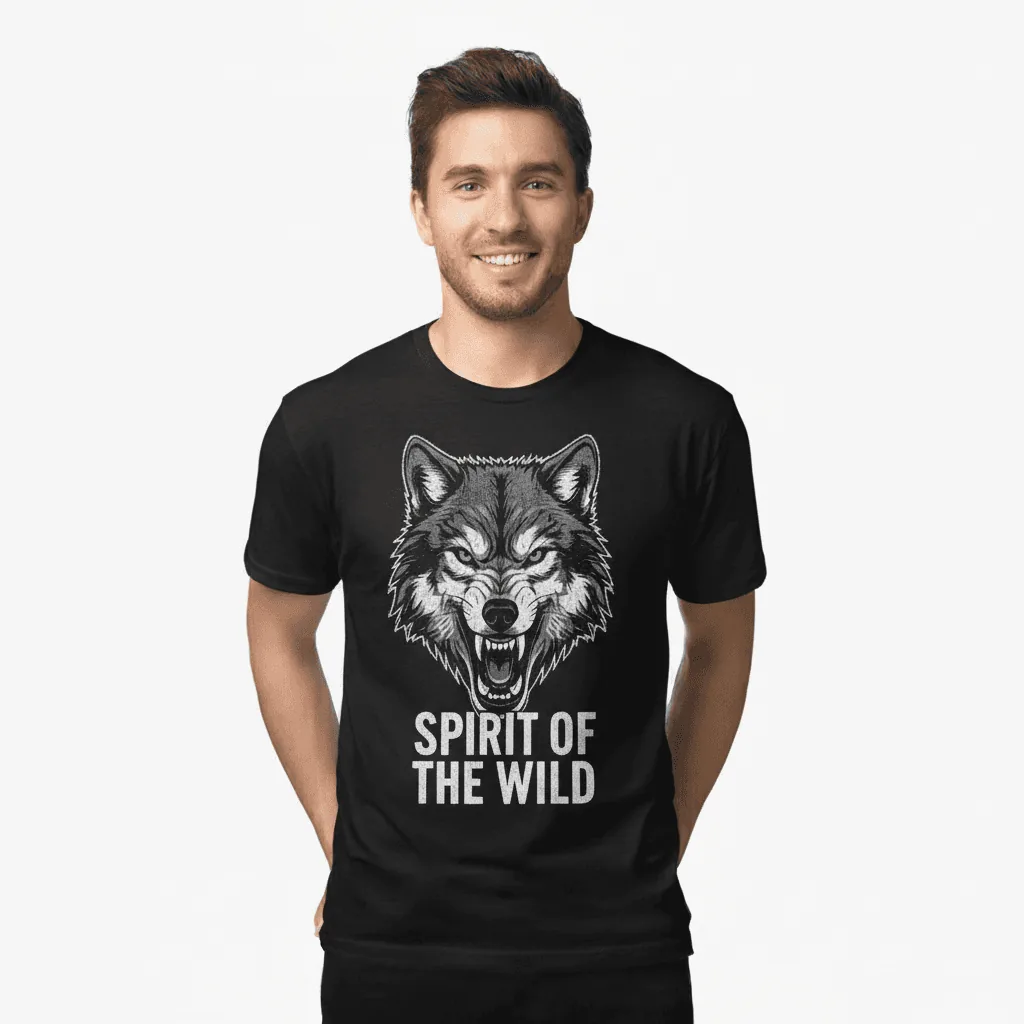
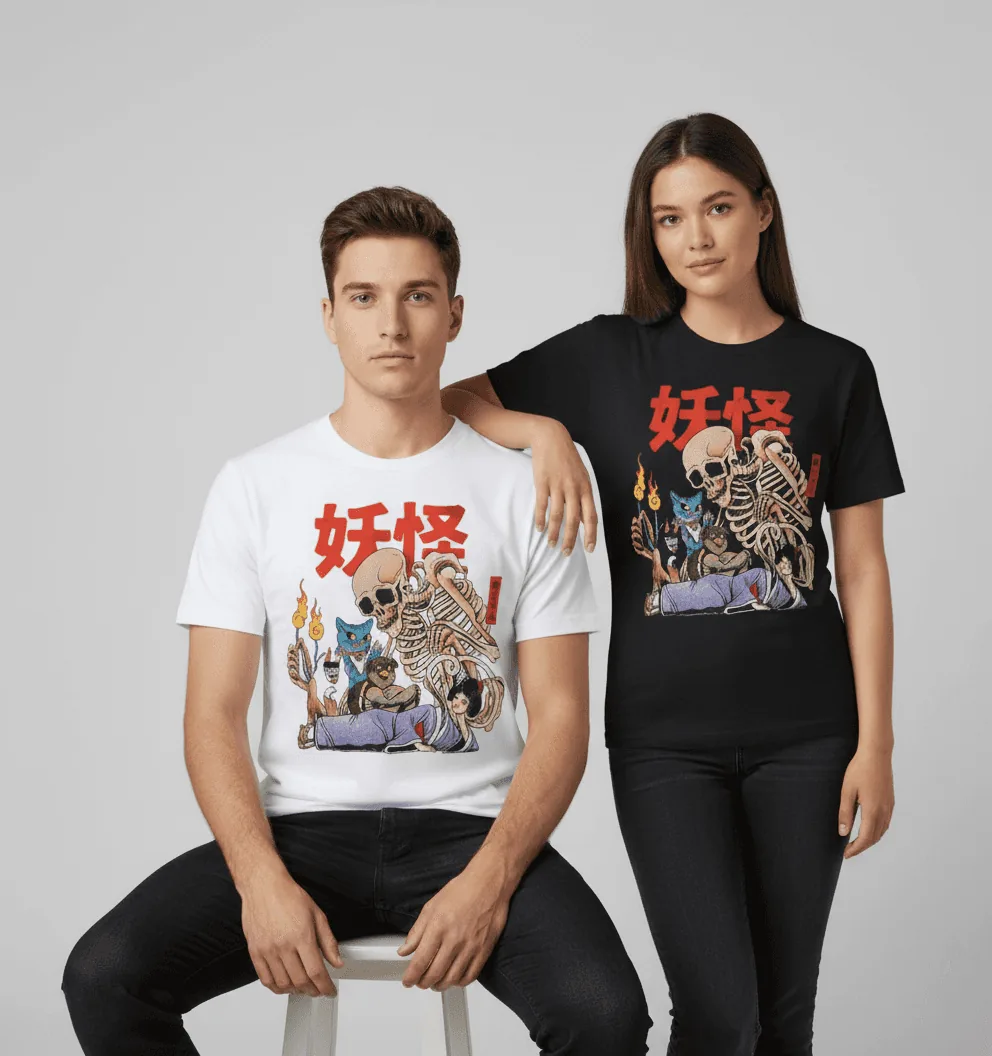
Graphic tees on a model
Front prints, slogans and logos stay readable on the model.
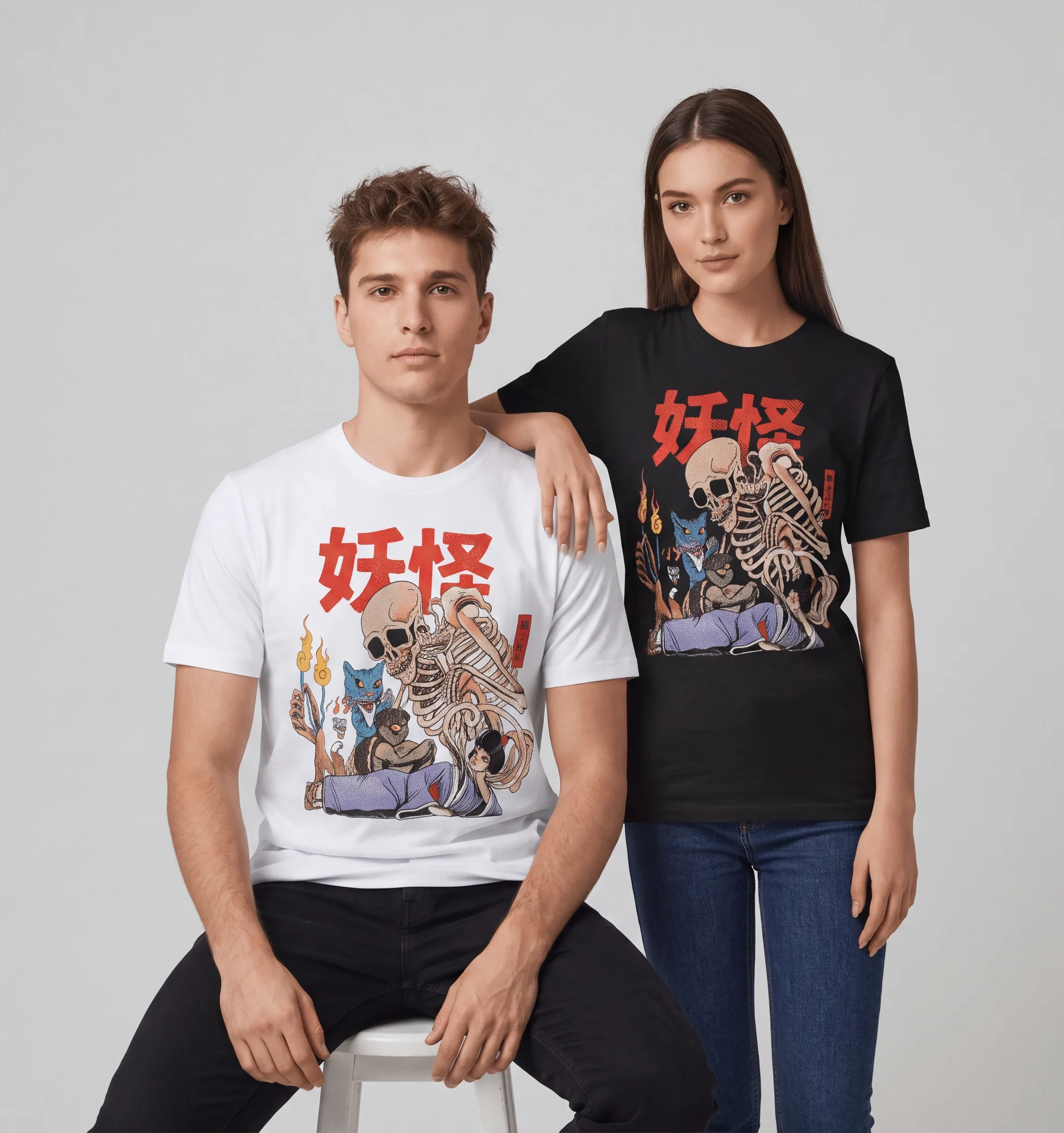
Colorways side by side
The same design in two colors, on two models, in one image.
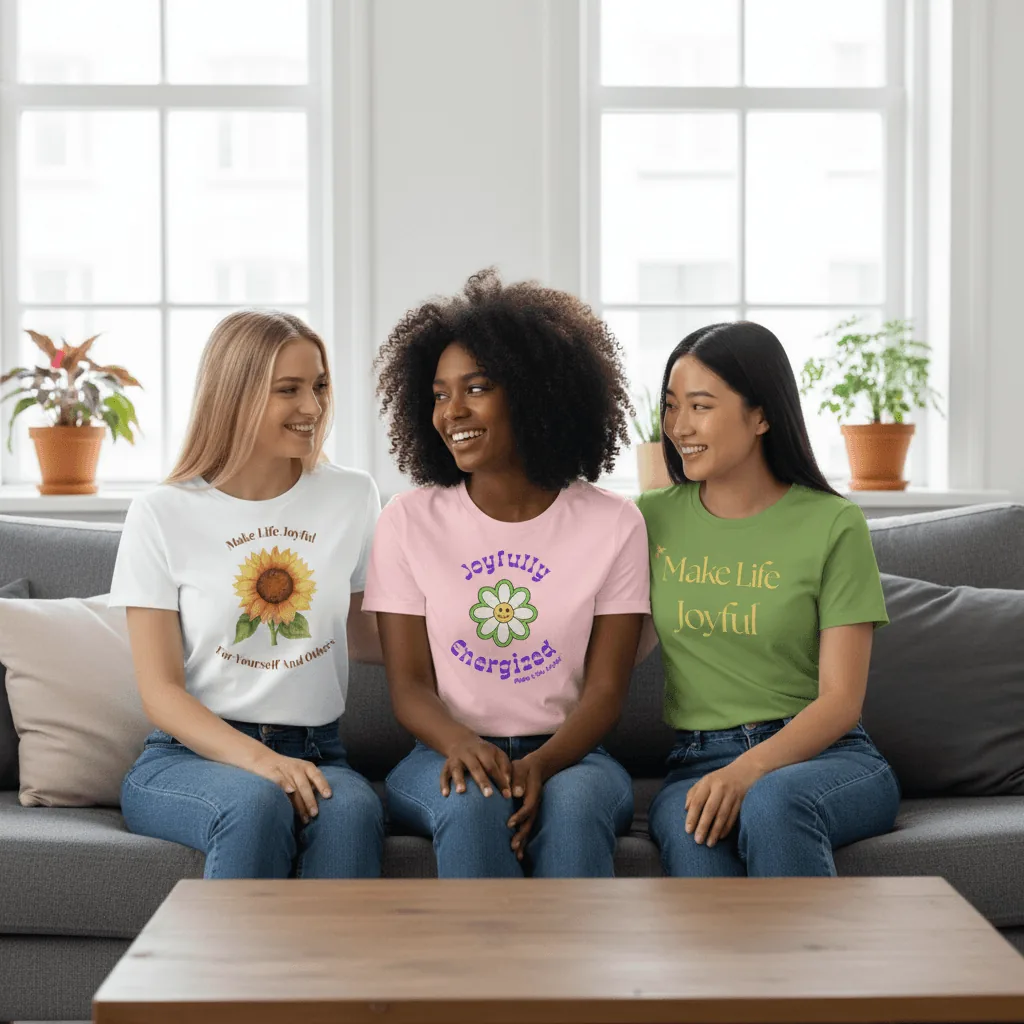
Several products in one scene
Put three styles from a collection into one lifestyle image for ads and social.
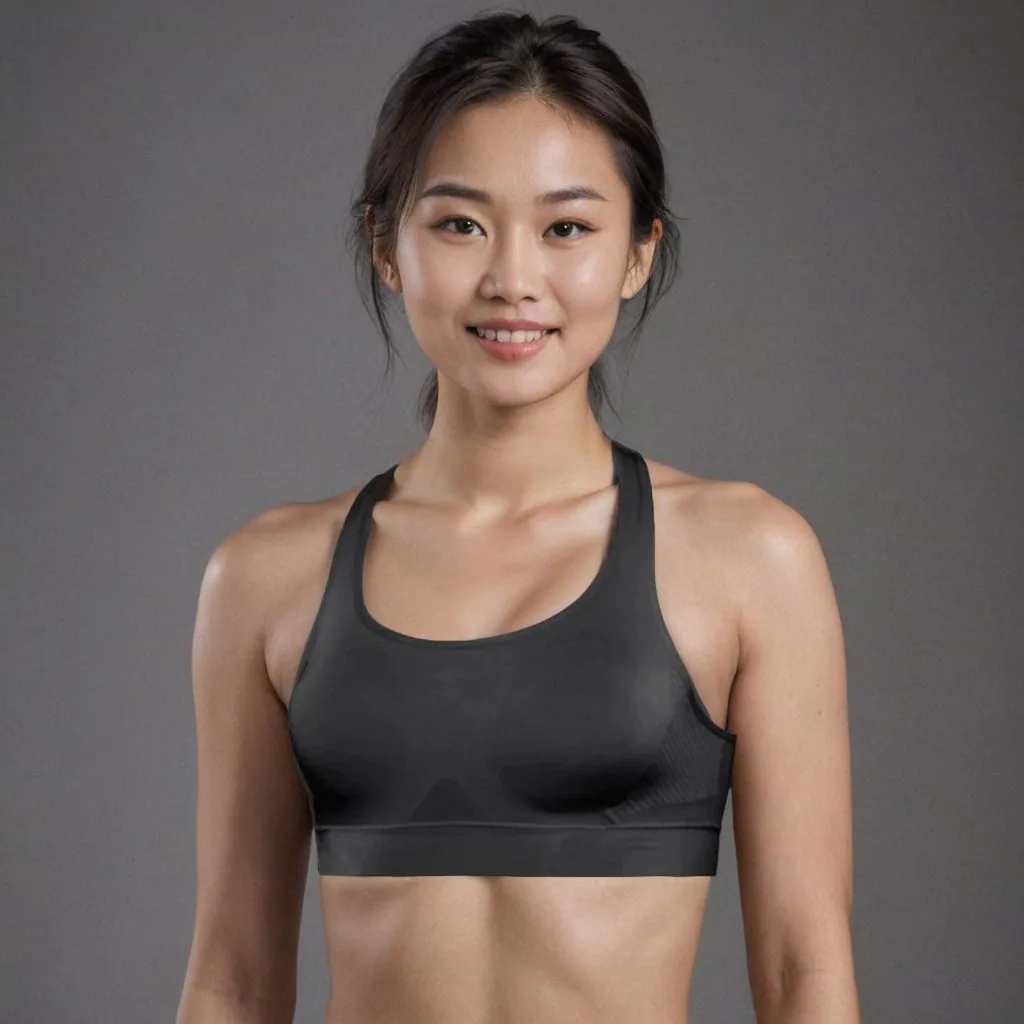
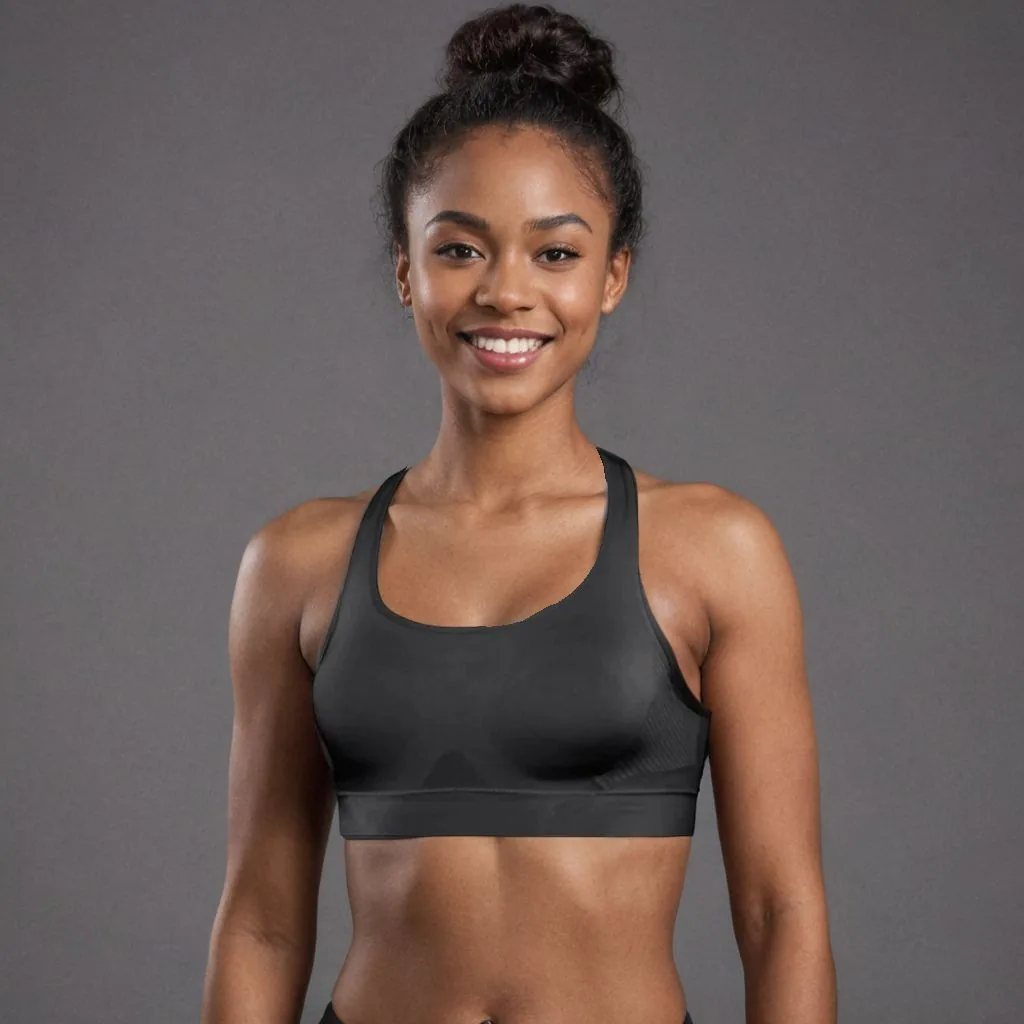
Activewear on different models
The same sports bra on a second model, so you can test which image works for your audience.
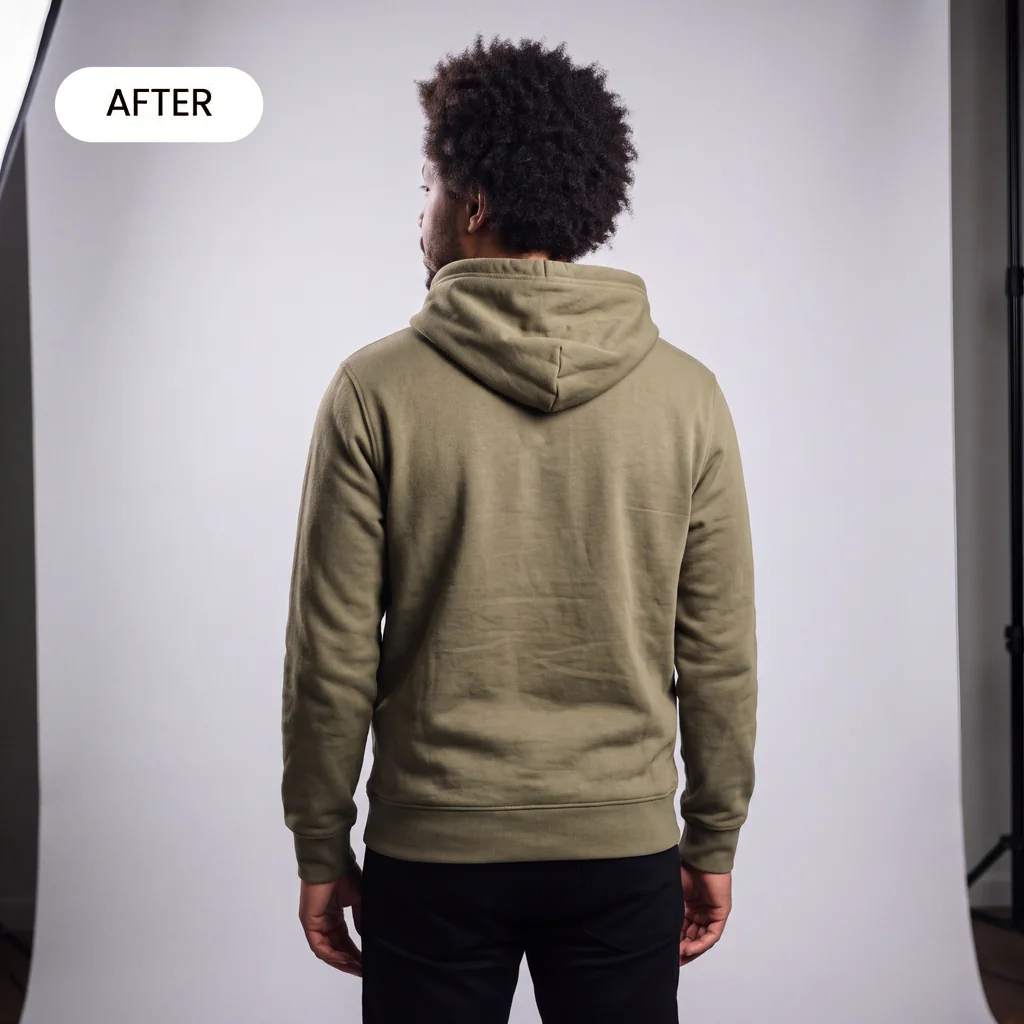
Back views
The back of the garment on the same model, made from a photo of the back.
Your garment, unchanged
Same cut, same color, same print. The model and the backdrop are the only new parts.
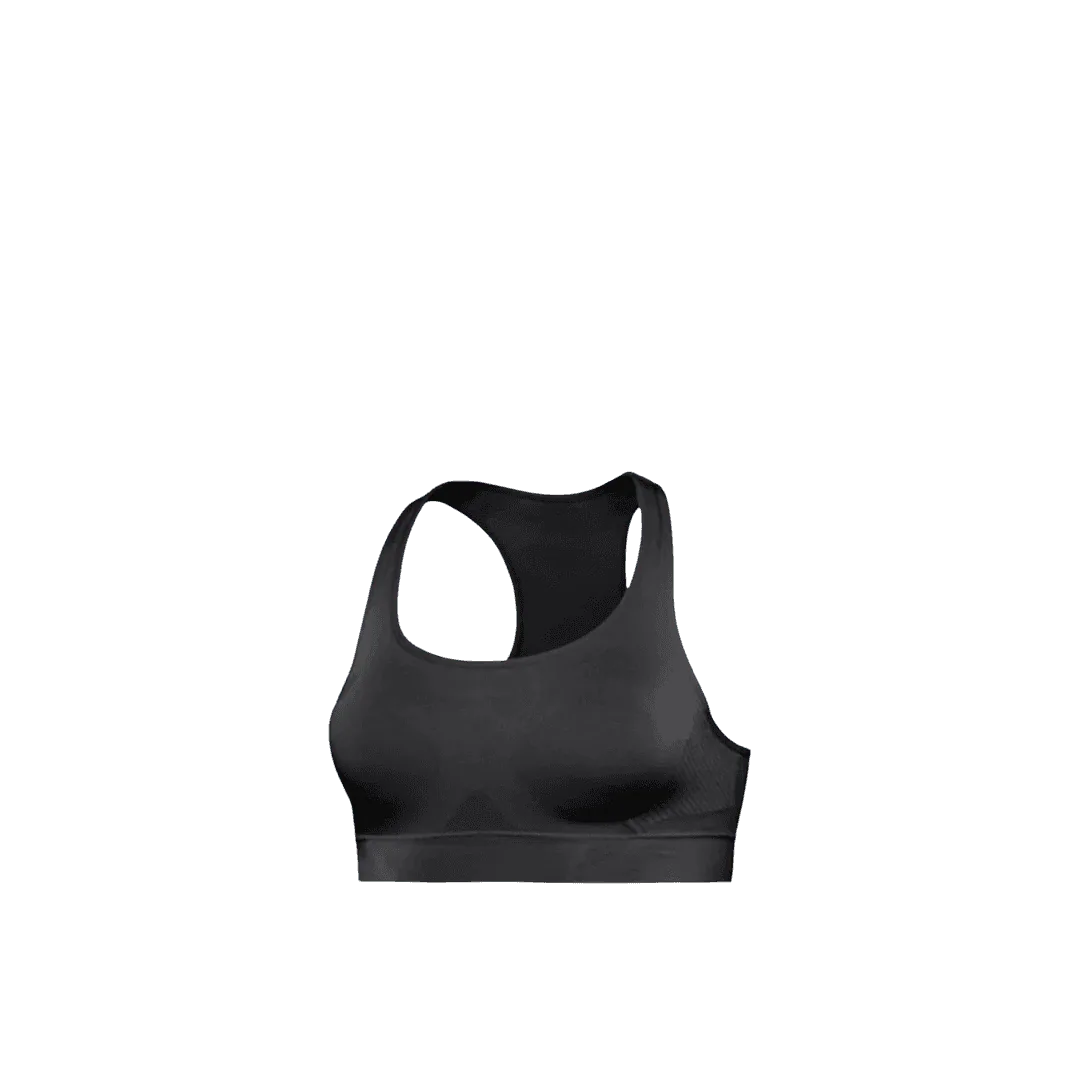
How AI clothing photography works
Three steps from a flat lay to a full apparel gallery.
Upload one product photo
Lay the garment flat or hang it against a plain wall, smooth out creases and shoot in daylight. One garment per photo.
Pick a scene or describe one
Choose a model and backdrop or a flat lay surface, or describe the shot, such as an oversized hoodie on a model on a city street at dusk.
Download or make a video
Download for your store and marketplaces. On Growth or Scale, turn an on-model shot into a short product video that shows drape and movement.
Before you upload
Steam, then shoot
Creases and lint carry into every image made from your photo. Steam the garment, lint-roll it and shoot it flat from directly above, or on a hanger against a plain wall.
Get the color right first
Shoot by a window in daylight and compare the photo with the garment in your hand. Fix the color in the upload, because every image you make starts from it.
The clothing shot list
What shoppers check before they buy clothes online.
Front and back
Both sides of every garment. Back prints, zips and hoods are easy to miss.
On a body
At least one on-model shot to show fit, drape and length.
Fabric close-up
Texture and weight: rib, fleece, denim wash, knit gauge.
Details
Labels, buttons, pockets, embroidery and stitching.
Every colorway
One image per color, shot the same way, so the options compare cleanly.
Size guide
A size chart or measurements graphic next to the photos. Caspa's infographic tools can lay one out.
Clothing image rules on Amazon, Etsy and Shopify
The main points for apparel sellers, as of October 2026. Each guide has the full list.
- Amazon: the main image on a pure white background (RGB 255, 255, 255), with the garment filling 85% or more of the frame and images of 1,000 pixels or more on the longest side for zoom. Amazon image requirements
- Etsy: at least one unedited photo of the actual garment against a real background is required. On-model shots made with AI can fill the rest of the gallery. Etsy image requirements
- Shopify: images up to 5000 x 5000 px and under 20 MB; square 2048 x 2048 px usually displays best. Shoot every main image at the same ratio so collection grids line up. Shopify image requirements
Clothing photography guides
Step-by-step reads from the Caspa blog for apparel brands.

A complete guide to clothing photography
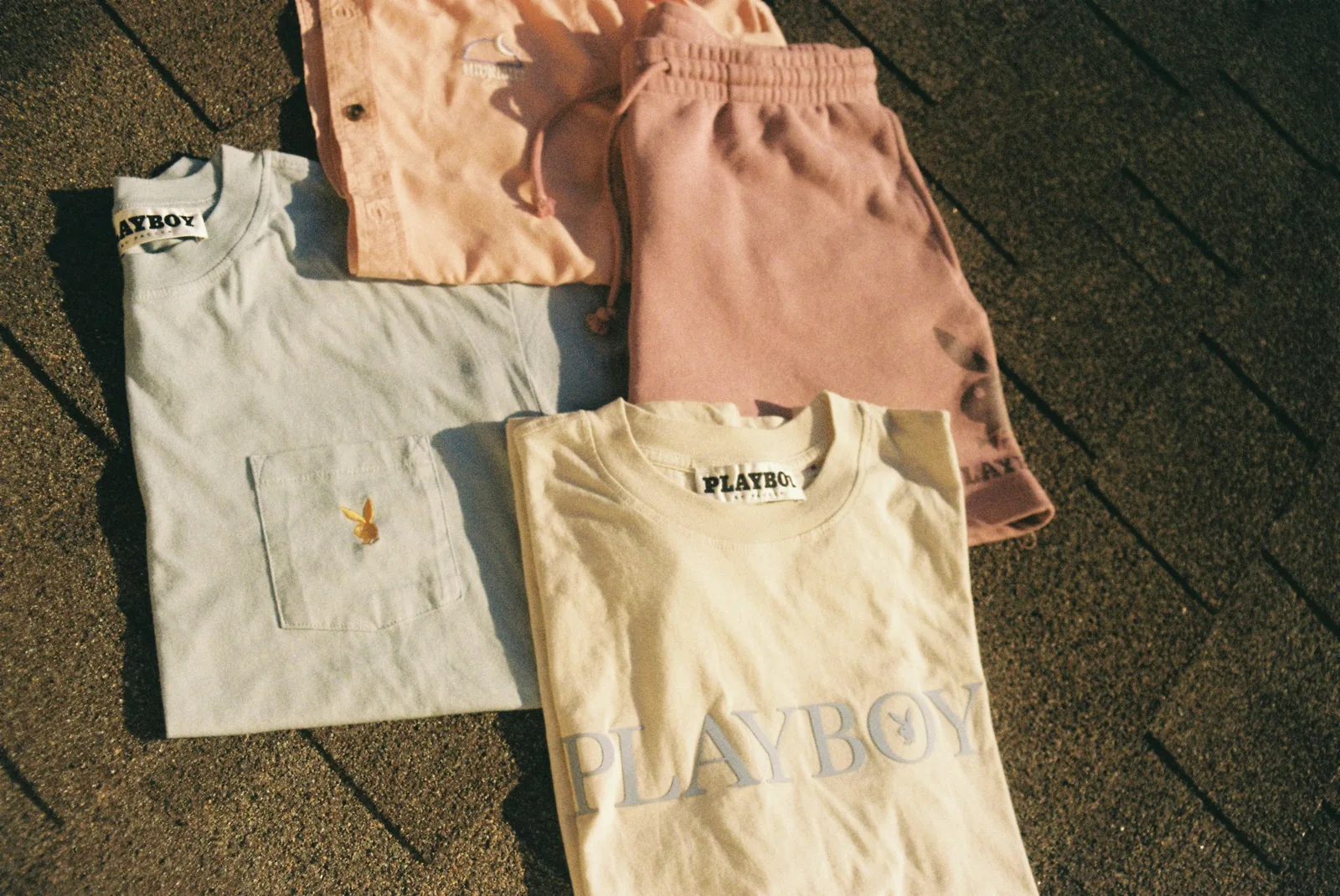
11 flat lay clothing photography ideas
11 t-shirt product photography ideas
8 photoshoot ideas for clothing brands
10 ways to reduce fashion return rates
Ecommerce fashion photography basics
Selling shoes or bags as well? See AI fashion photography, AI shoe photography and AI bag photography.
Frequently asked questions about clothing photography
Any other questions? Get in touch.
Yes. Upload a flat lay or hanger photo and choose an AI model. The garment is shown worn, with its print and color kept as they are.
No. A flat lay on a plain surface or a hanger shot against a wall works. Iron the garment first: the cleaner the upload, the cleaner the result.
Yes. Place the garment on linen, wood, marble or paper and add simple props, such as sunglasses, a plant or a pair of shoes.
Yes. Upload a photo of the back too. Caspa works from what your photos show, so a back print or a zip needs its own source photo to come out accurate.
You stay in control. Use a pure white background for Amazon main images, and on Etsy keep at least one unedited photo of the real garment, as of October 2026. The image requirement guides above have the details.
Every new account gets 10 free credits, no credit card required. Starter is $59 a month ($39 a month billed yearly) for 500 credits and images only. Growth is $99 a month ($66 billed yearly) for 1,000 credits and adds video. Scale is $249 a month ($166 billed yearly) for 2,500 credits. New subscriptions have a 30-day refund on unused credits.
Make clothing photos from your own flat lay
Upload one garment photo and get on-model and studio shots in minutes. No mannequin, no model booking.
10 free image credits · No credit card required