
AI Skincare Product Photography
Upload one photo of a serum, cream or cleanser. Caspa turns it into skincare product photos on a bathroom shelf, a spa counter or in a model's hands, with the label and packaging kept as they are.
10 free image credits · No credit card required
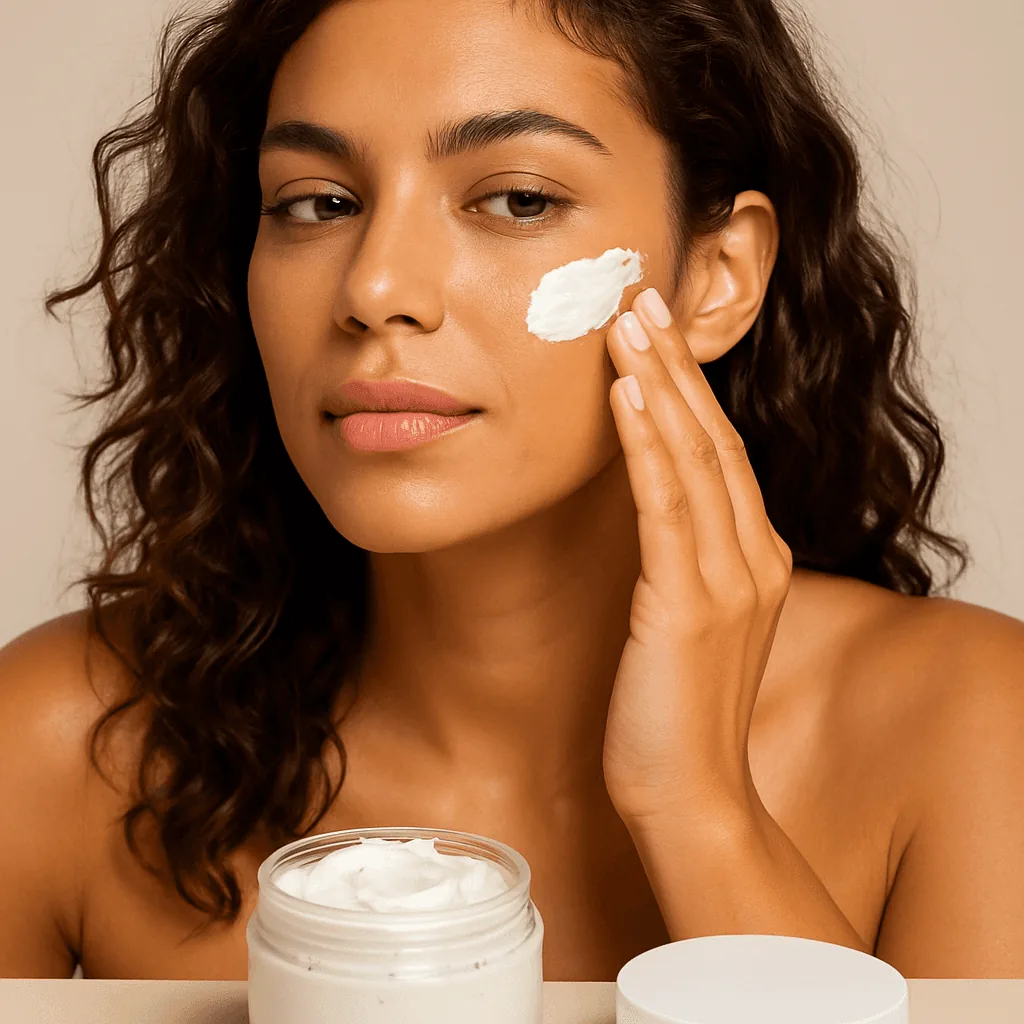
Skincare product photos you can make
One product photo, every shot your listing and ads need.
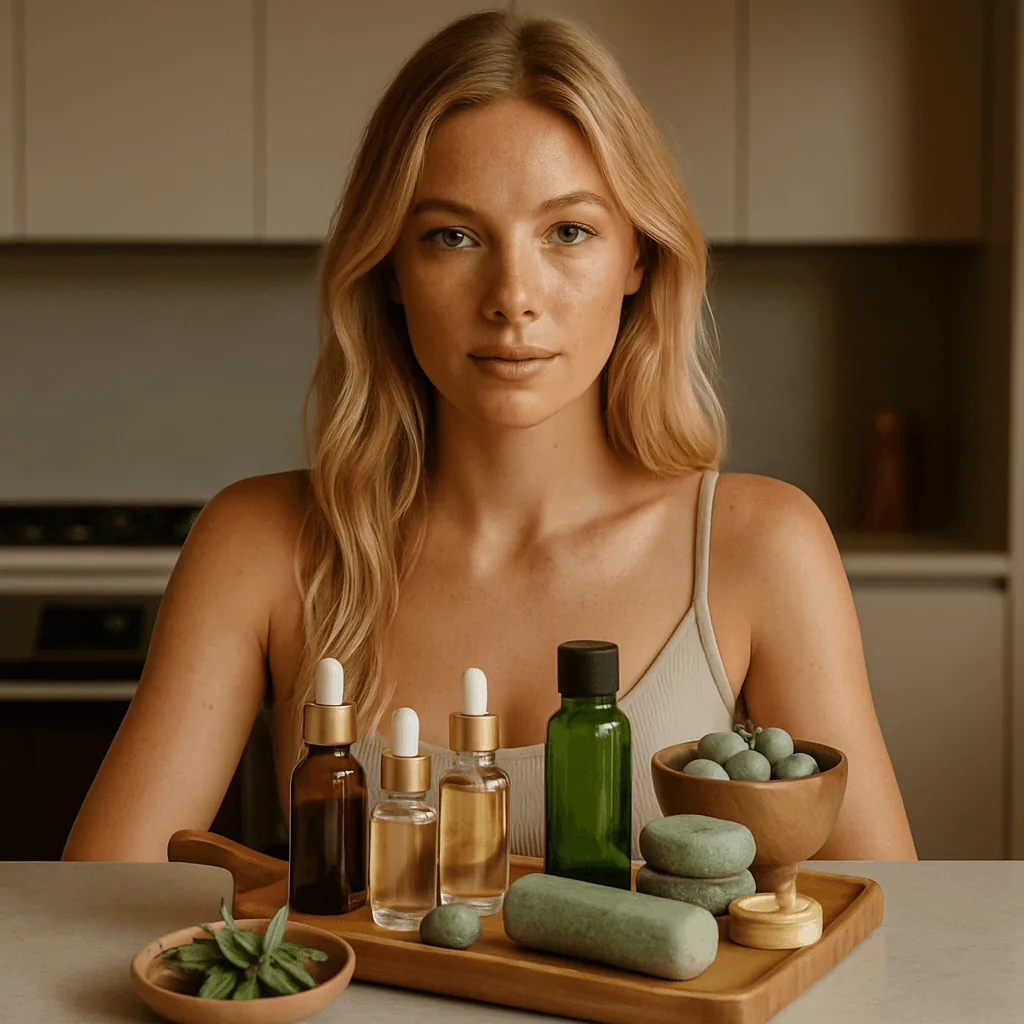
Spa and wellness scenes
Stone, wood and greenery for natural and clean beauty brands.
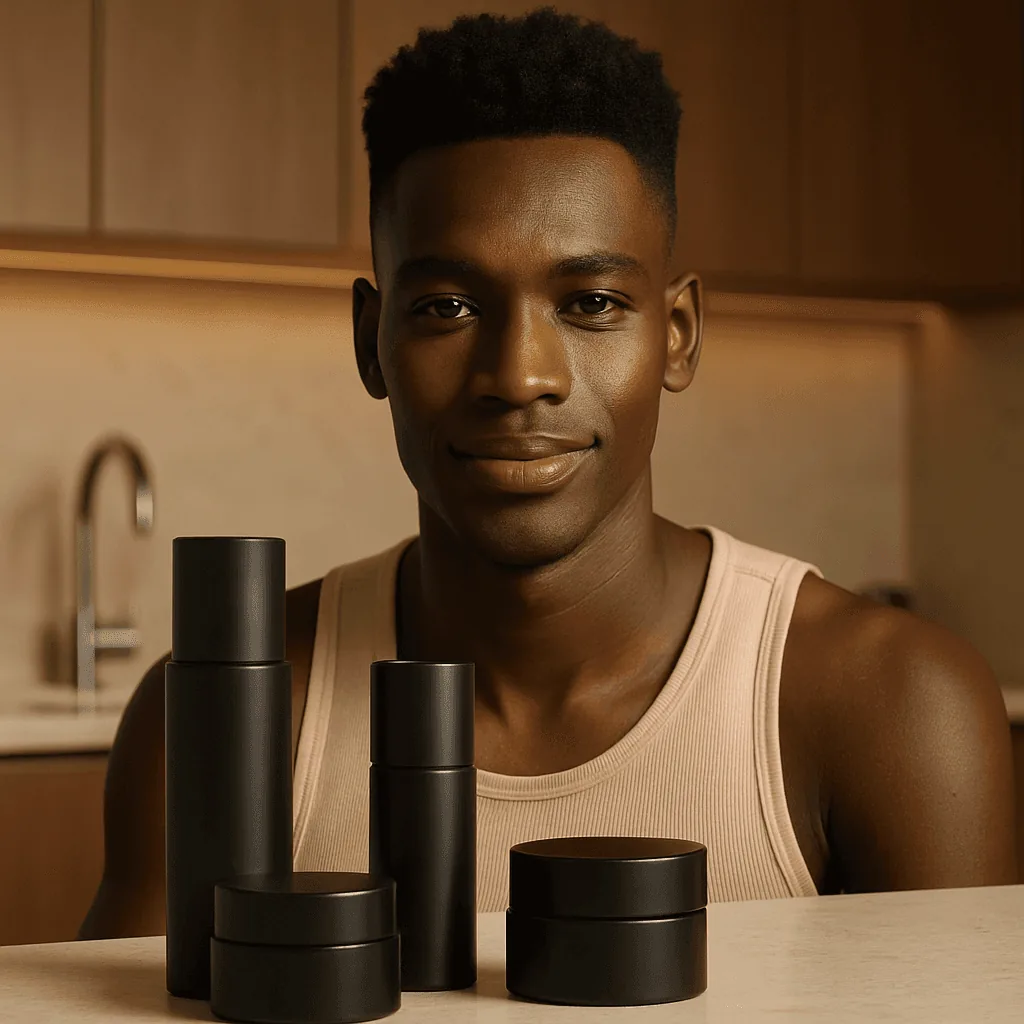
Men's skincare
Darker palettes and kitchen or bathroom counters for grooming ranges.
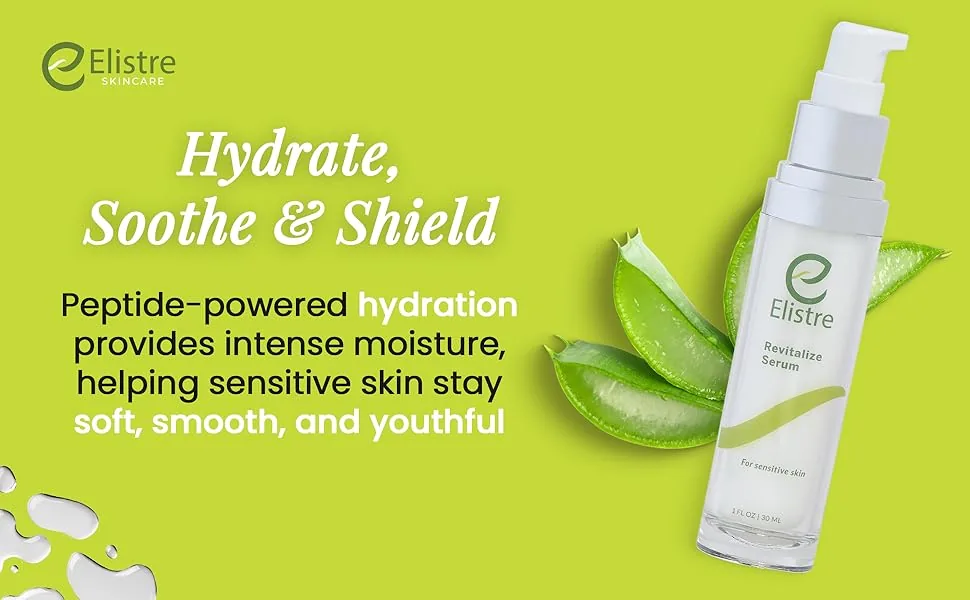
A+ content banners
Wide benefit banners like this one, for Amazon A+ content and your own product pages.
How AI skincare product photography works
Three steps from a bottle shot to a styled gallery.
Upload one product photo
Shoot the bottle or jar on a plain background with the label facing the camera. A phone photo by a window is enough.
Pick a scene or describe one
Choose a bathroom shelf, a spa counter or a model's hands, or describe it, such as an amber serum bottle on wet stone with eucalyptus.
Download or make a video
Download for your store, marketplaces and ads. On Growth or Scale, turn a still into a short product video.
The skincare shot list
What skincare shoppers look for before they buy.
Label at zoom
Product name, size and key claim readable when shoppers zoom in.
Texture, shot for real
A swirl of cream or a drop of serum. Generated texture isn't your formula, so photograph this one yourself.
Size in hand
The bottle held in a hand, so 30 ml and 100 ml aren't confused.
How to apply
Where and how much: face, under the eyes, body.
Routine order
Cleanser, serum and moisturizer shown in sequence for sets and bundles.
Ingredients
A clear ingredient list, or an infographic of the key actives.
Scenes that suit skincare
Match the scene to the claim
Hydration reads as water and wet stone, natural as wood and leaves, clinical as white tile and glass. Pick the setting that says what the formula does before shoppers read a word.
Keep one look across the range
Use the same surface and light for every product in a range, so your collection page looks like one brand rather than six photo shoots.
Line products up in routine order
Cleanser first, moisturizer last. When a set is arranged in the order it's used, shoppers understand the routine at a glance.
Keep the small print readable
Ingredient lists and claims must hold up at zoom. Shoot the back label straight on in even light and give it its own image.
Skincare image rules on Amazon, Etsy and Shopify
The main points for skincare sellers, as of October 2026. Each guide has the full list.
- Amazon: the main image on a pure white background (RGB 255, 255, 255), with the product filling 85% or more of the frame and images of 1,000 pixels or more on the longest side so shoppers can zoom into the label. Eligible brands can add A+ content below the listing. Amazon image requirements and A+ content image specs
- Etsy: at least one unedited photo of the actual product against a real background on every listing; AI scenes can fill the other slots. Etsy image requirements
- Shopify: images up to 5000 x 5000 px and under 20 MB; square 2048 x 2048 px images usually display best. Shopify image requirements
Skincare photography guides
From the Caspa blog: lighting, setups and sizes for skincare listings.
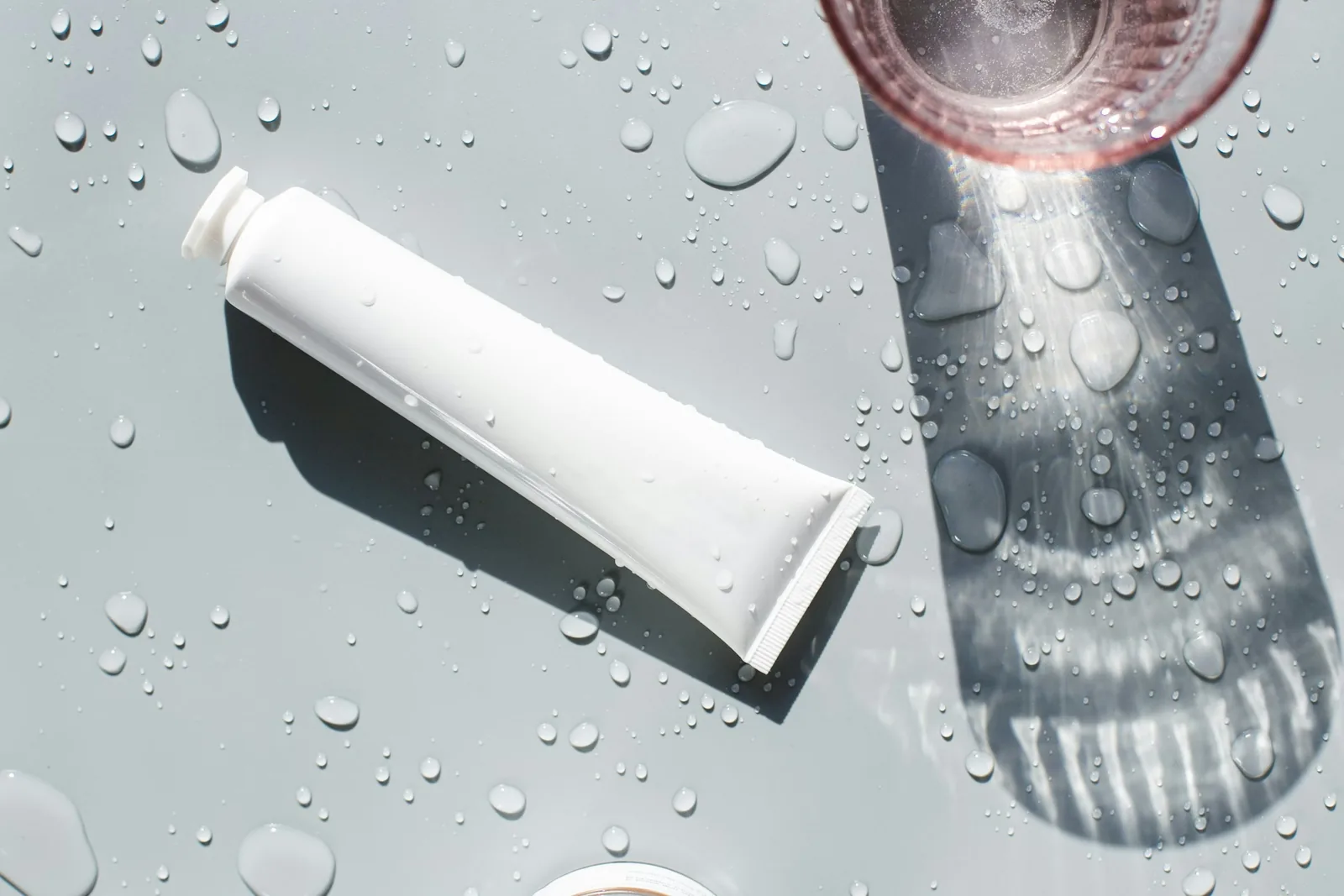
Skincare product photography: ideas, gear and lighting
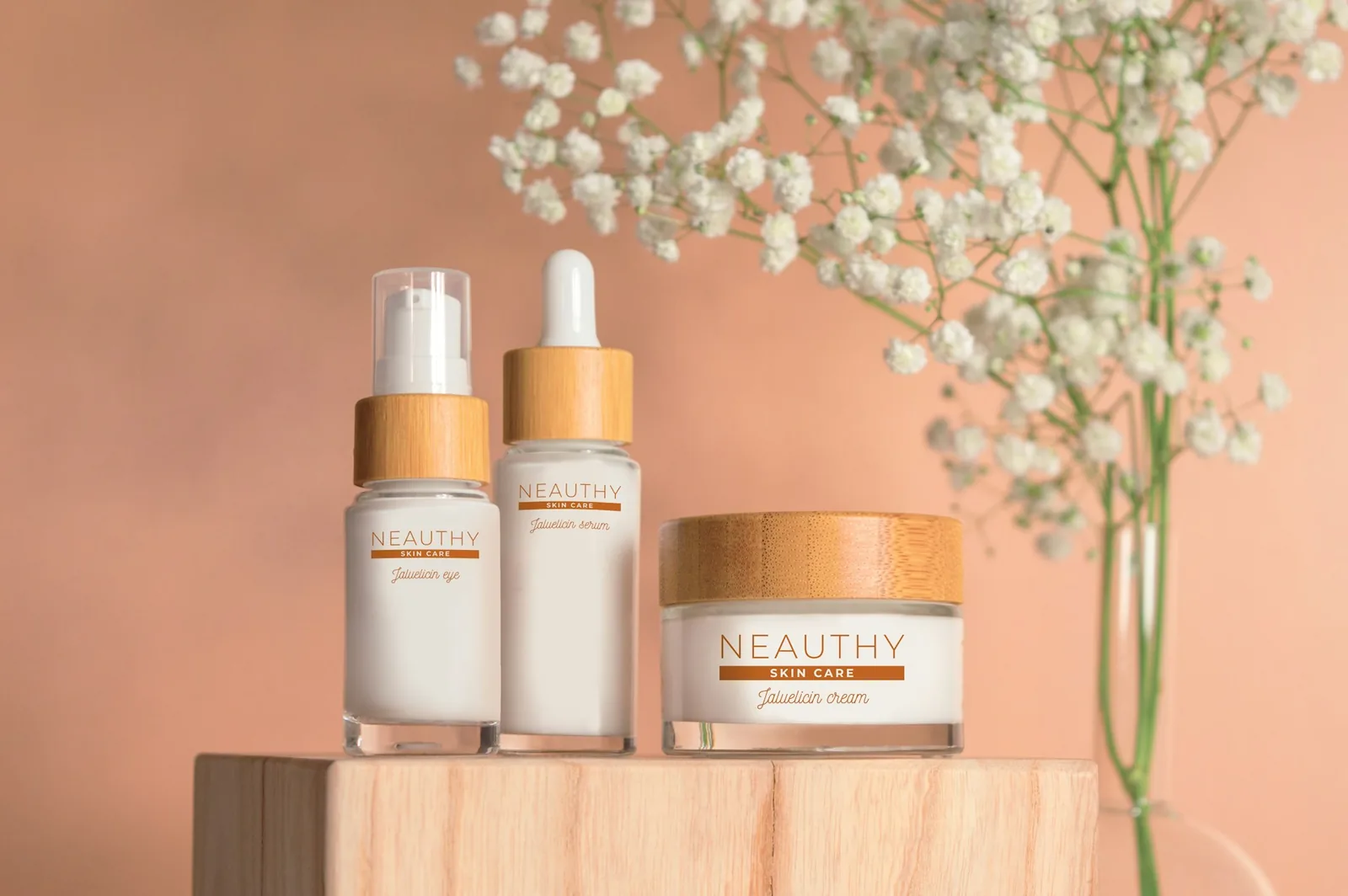
A complete guide to cosmetic product photography
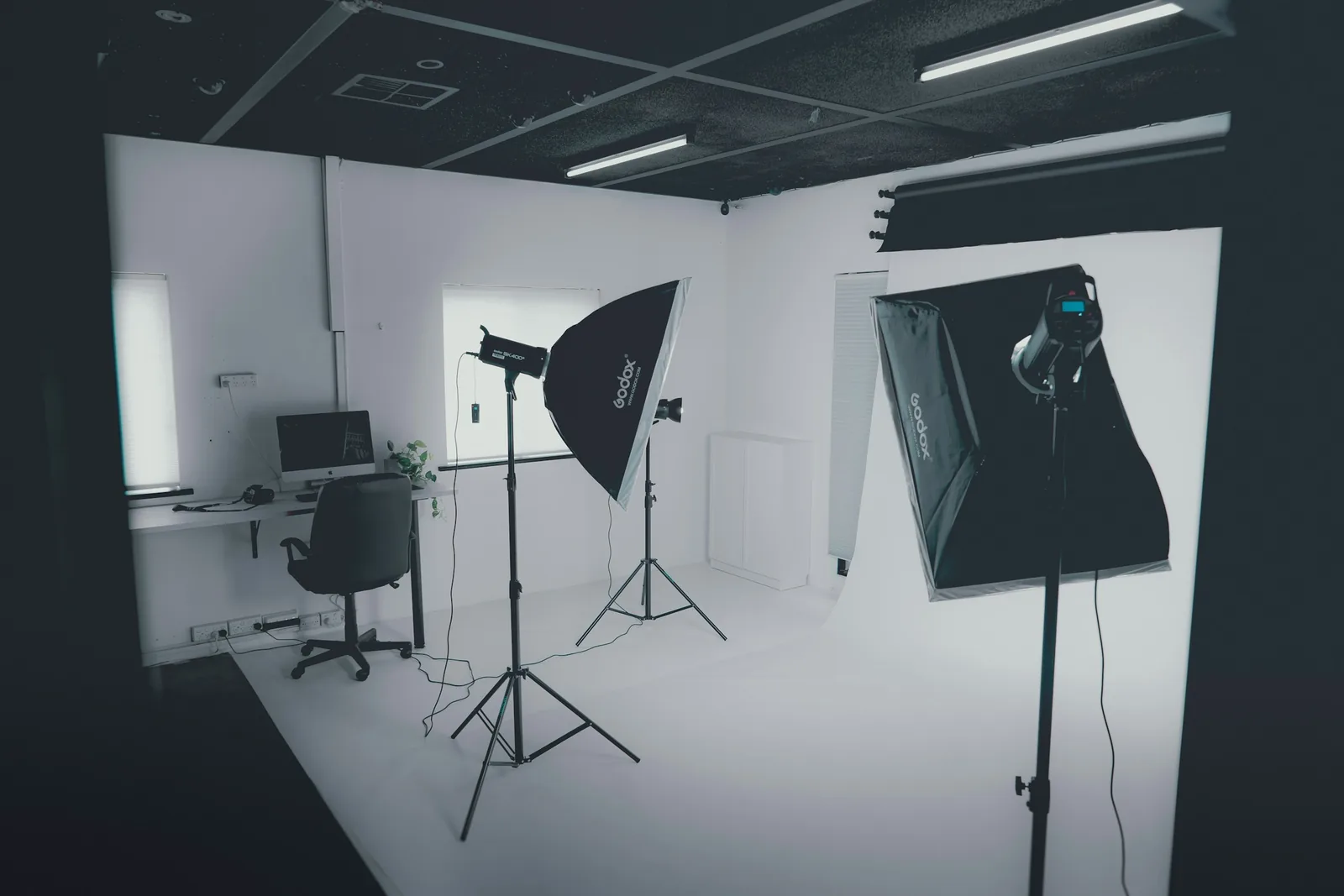
10 light types for product photography
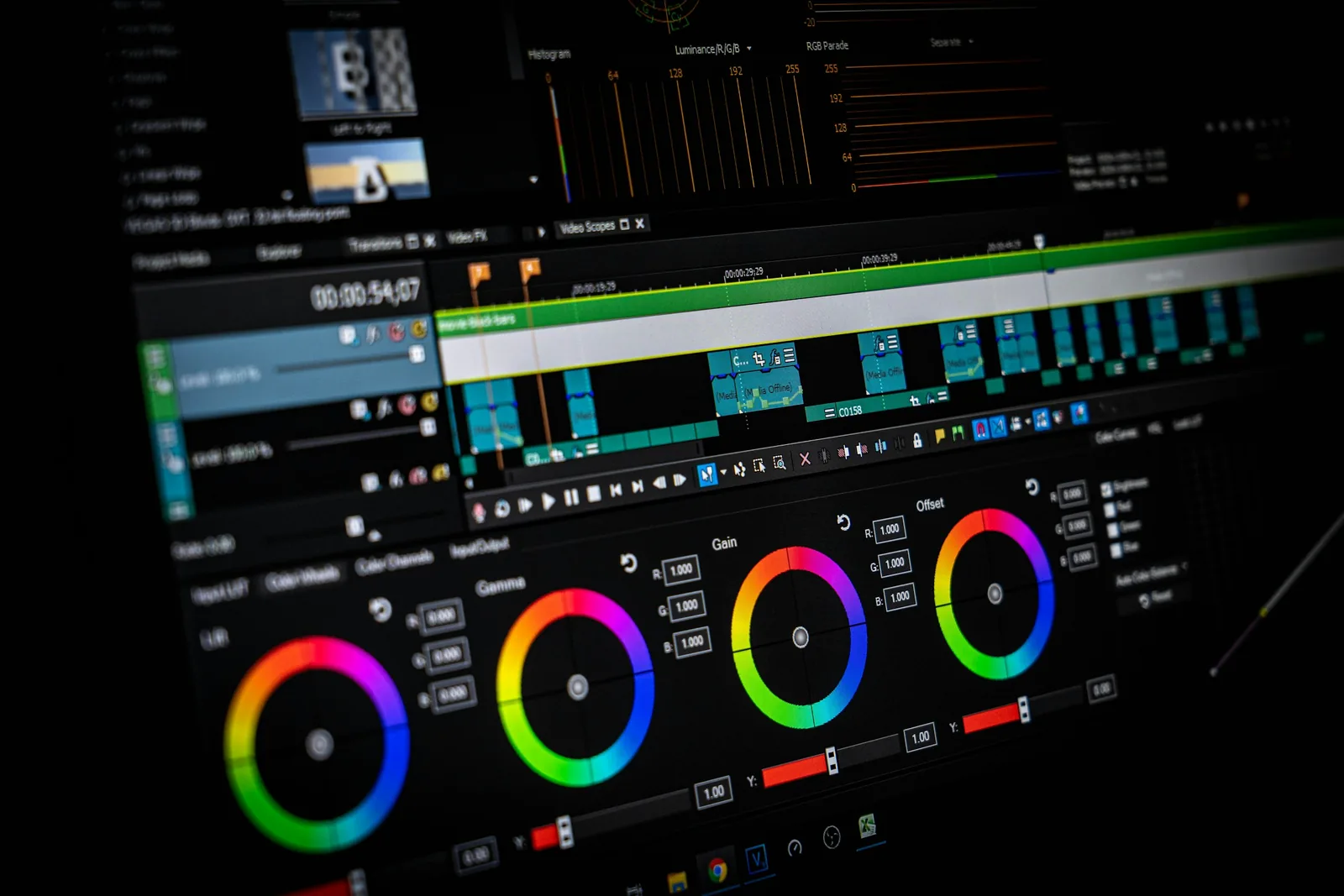
How to edit product photos: 15 tips and 9 tools
The best size for ecommerce product images
23 product photography examples and ideas
Related: AI beauty product photography, AI perfume product photography and AI candle photography.
Frequently asked questions about skincare product photos
Any other questions? Get in touch.
No. Caspa keeps the product as it is and generates the scene around it, so the label, cap and logo stay the same. Check small print at full size before you publish.
It can add texture to a scene, but generated texture is not your formula. For texture shots, use a real photo of your product and let Caspa handle the settings around it.
Don't generate them. AI-made skin results would not show what your product actually does. Use only real results photos that you have permission to publish.
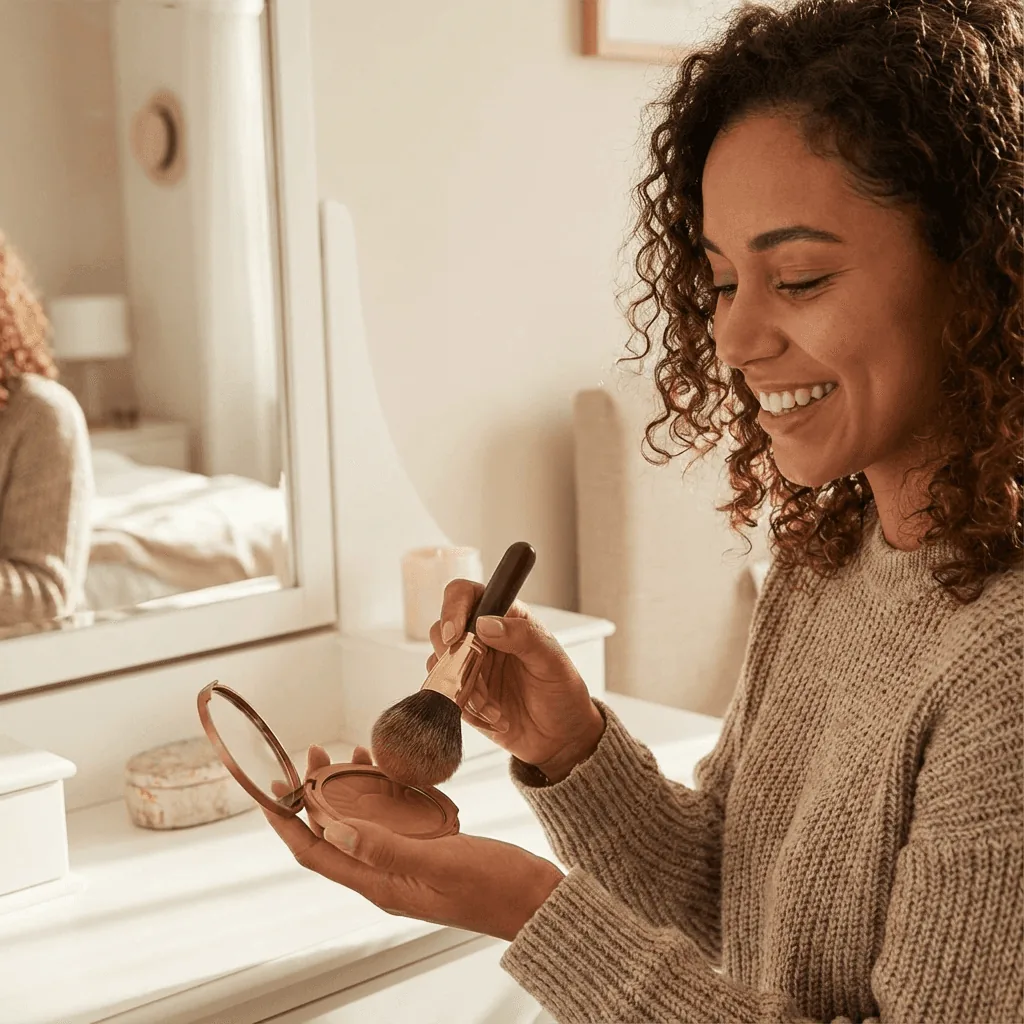
Yes. Choose an AI model and place the product in their hands, on a vanity or mid-routine. Try a few models to match your customers.
Yes. Infographics, A+ content and AI editing are included on Starter, Growth and Scale.
Every new account gets 10 free credits, no credit card required. Starter is $59 a month ($39 a month billed yearly) for 500 credits and images only. Growth is $99 a month ($66 billed yearly) for 1,000 credits and adds video. Scale is $249 a month ($166 billed yearly) for 2,500 credits. New subscriptions have a 30-day refund on unused credits.
Make skincare photos from your own product shot
Upload one bottle or jar and see it on a vanity, a spa counter or in a model's hands within minutes.
10 free image credits · No credit card required