
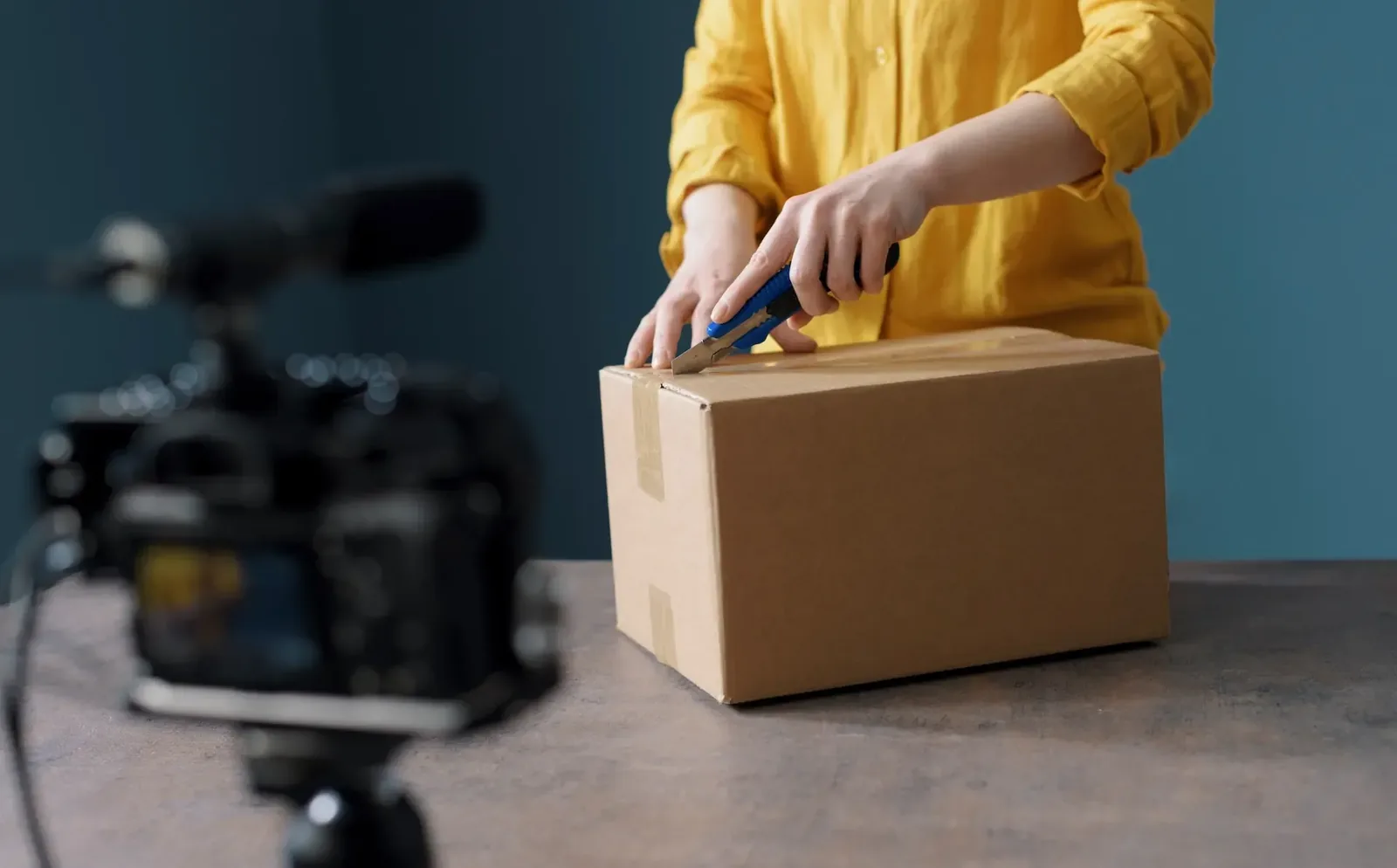
These product video ideas are for ecommerce sellers who need more than a slideshow of photos: 20 video types with a quick note on how to make each one, where each format works best (product page, marketplace listing, social, ads, email), 10 real examples from ecommerce brands, and a workflow you can run with a phone.
In this guide
- What is a product video?
- 20 product video ideas
- Where each product video works best
- How to make product videos on a small budget
- How to tell if a video is working
- 10 product video examples
- FAQ
What Is a Product Video?
A product video is a short video that shows a product's features, benefits and use, so shoppers can see it move, work and fit into real life before they buy. Ecommerce brands use them on product pages, marketplace listings, social media, ads and email. The most common types are demos, unboxings, tutorials, lifestyle videos and customer testimonials.
Video does what photos cannot: it shows how a fabric moves, how a lid clicks shut, how big a bag is on a shoulder, and how long setup really takes.
20 Product Video Ideas
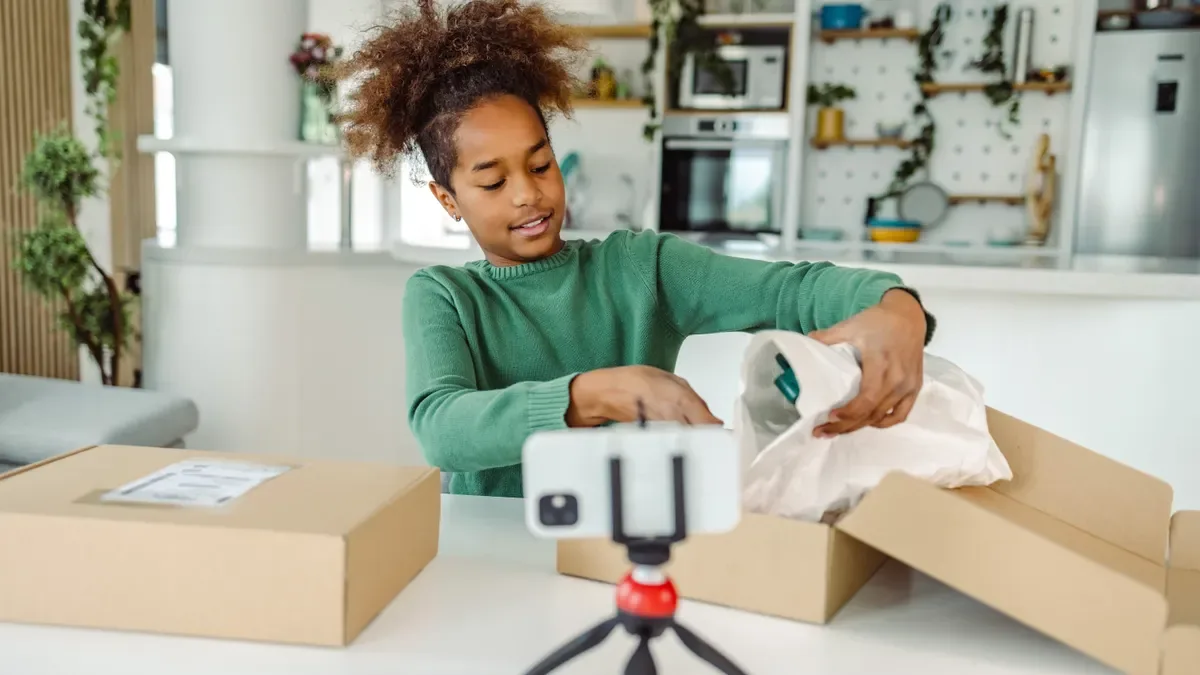
1. Unboxing
Open the package on camera and show everything inside, including the packaging. It answers "what exactly do I get?" and works for gifts, subscription boxes, electronics and premium products.
2. Product Demo
Show the product doing its main job, start to finish, with no cuts that hide effort. Keep the product in frame and the hands natural.
3. Feature Spotlight
One video, one feature: the hidden pocket, the leak-proof lid, the fast charge. Short spotlights make good ads and are easy to update when a feature changes.
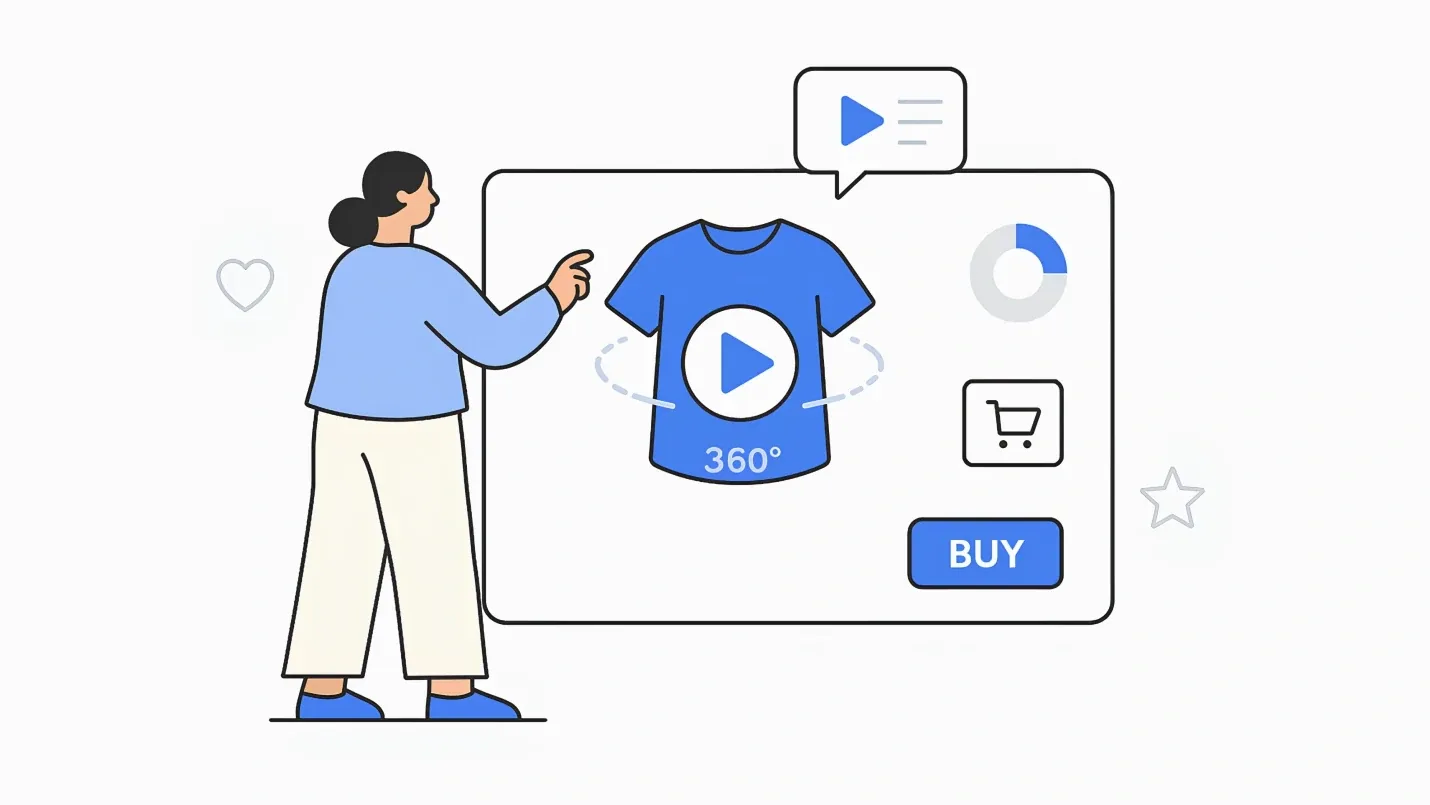
4. 360-Degree Spin
Put the product on a turntable and film one slow rotation against a plain background. It is the simplest video for a product page and shows shape and finish from every side.
5. Size and Scale
Show the product in hands, on a body or next to everyday objects. It answers the most common question in product reviews: "how big is it really?"
6. How-To or Tutorial
Walk through setup or use step by step. Tutorials reduce support questions and prove the product is easy to use. Beauty, kitchen, tech and DIY products benefit most.
7. Lifestyle Video
The product in a real moment: a stove on a beach at night, a bottle on a morning run, a throw on a sofa on a rainy day. Lifestyle videos sell the feeling and suit ads, homepages and social posts.
8. Before and After
Show the problem, use the product, show the result: a stain lifted, a room organized, wine poured with and without an aerator. Keep lighting and framing identical in both halves so the comparison is honest.
9. Comparison
Your product against the previous model or the usual alternative, on the points buyers care about. Stick to facts the viewer can see on screen.
10. Behind the Scenes
How the product is made, sourced or designed: the workshop, the materials, the designer explaining a decision. It works especially well for handmade, sustainable and premium brands.
11. Customer Testimonial
A real customer explains the problem they had and what changed. Film in their own space, keep it unscripted, and get written permission to use it.
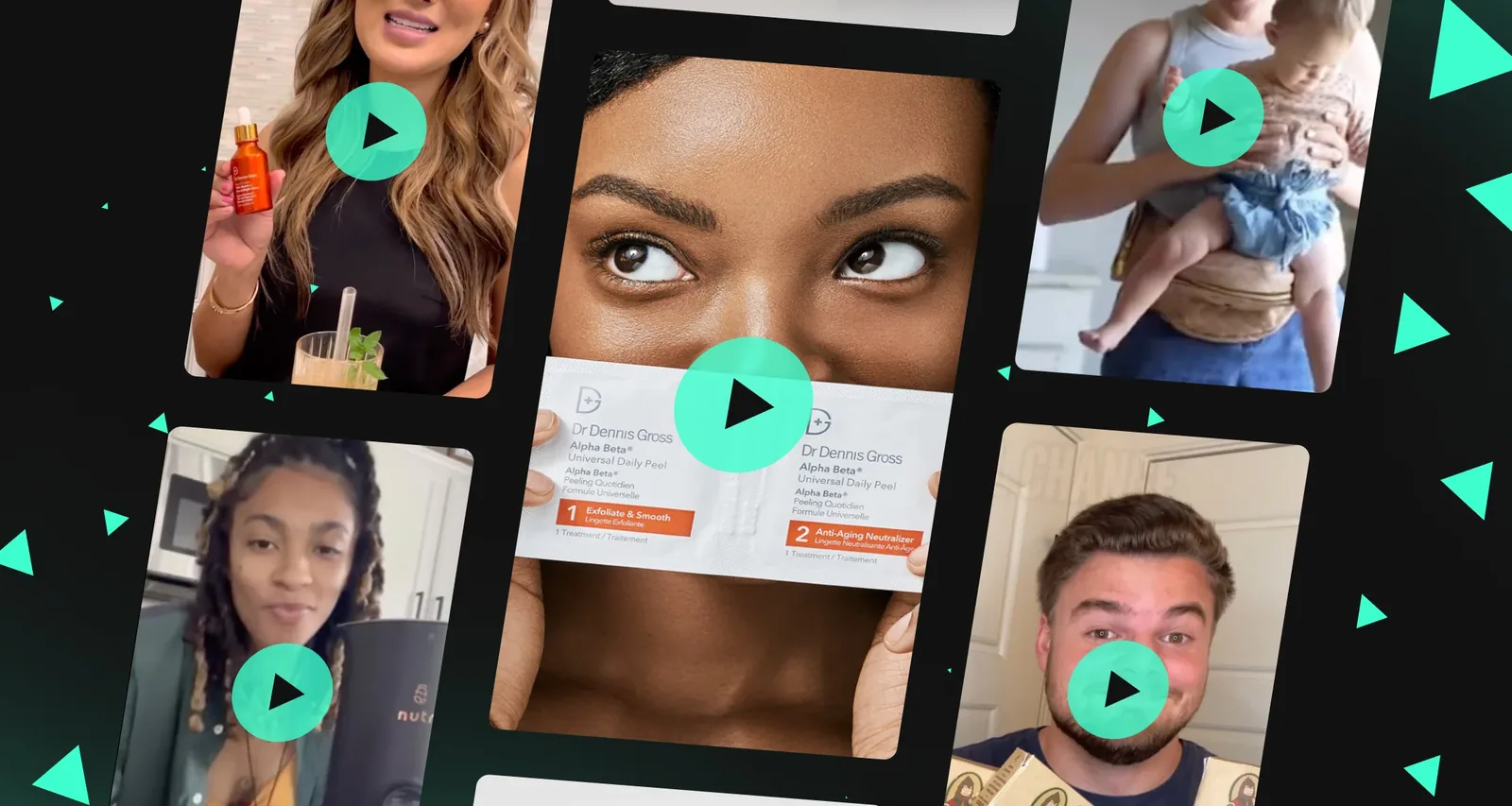
12. User-Generated Content
Clips customers post themselves, reused with permission on your product pages, social accounts and ads. They look native on TikTok and Reels because they were made there.
13. Animated Explainer
For what a camera cannot film: how a filter traps particles, how an app syncs, what happens inside a mattress. Keep the real product on screen at the start and the end.
14. Launch Teaser
A few seconds of a new product, a reveal and a date. Post it to social and email before launch day to build a waiting list.
15. Short-Form Social Clip
Vertical, fast and built around a hook in the first seconds: a satisfying moment, a surprising use, a quick reaction. Make several per product and post the best ones as ads.
16. Problem and Solution Story
A relatable frustration, then the product fixing it. Story beats a list of features read aloud, even for everyday products.
17. FAQ, Assembly and Care
Answer the questions your inbox gets every week: how to assemble it, clean it, store it, change a part. Link these videos from the product page and order emails.
18. Styling or Ways to Use
Five ways to wear one scarf, three meals from one container set, one bag carried four ways. These videos turn one product into many reasons to buy.
19. Seasonal and Gift Guide
Tie products to a holiday or season: a gift guide for Mother's Day, a cozy edit for winter, a summer picnic. Reshoot the setting, not the product.
20. Offer or Promo Video
A short, bold video for a sale or limited edition, with the offer and deadline on screen and one clear call to action. It stands out in an inbox or feed where a static banner gets scrolled past.
Where Each Product Video Works Best
| Channel | Best formats | Tips |
|---|---|---|
| Product page | 360 spin, demo, size and scale, how-to | Short, silent by default, placed in the image gallery; compress the file so the page stays fast |
| Marketplace listings | Demo, feature spotlight, unboxing | Each marketplace has its own video rules; check them before you edit (see our marketplace requirements pages) |
| TikTok, Reels, Shorts | Short-form clips, UGC, ways to use, before and after | Vertical and full screen, hook in the first seconds, captions on screen |
| YouTube | Tutorials, comparisons, behind the scenes, longer demos | Descriptive titles and descriptions, chapters, a custom thumbnail |
| Paid ads | Feature spotlights, lifestyle, testimonials, offers | Several versions per product so you can test hooks |
| Launch teasers, offers, care and assembly videos | Most inboxes do not play video; use a GIF or a still with a play button that links to it |

Most of these views happen on phones, often with the sound off, so design every video to make sense muted: show the product early, put key words on screen and add captions.
How to Make Product Videos on a Small Budget
- Start with the buyer's question, not the product. Read your reviews, returns and support emails, and make each video answer one question: does it fit, is it hard to set up, what does it look like in a real room.
- Plan the shots. Write a short script or a list of clips: wide shot, close-ups of details, hands using it, the result. Five to ten clips make a 30-second video.
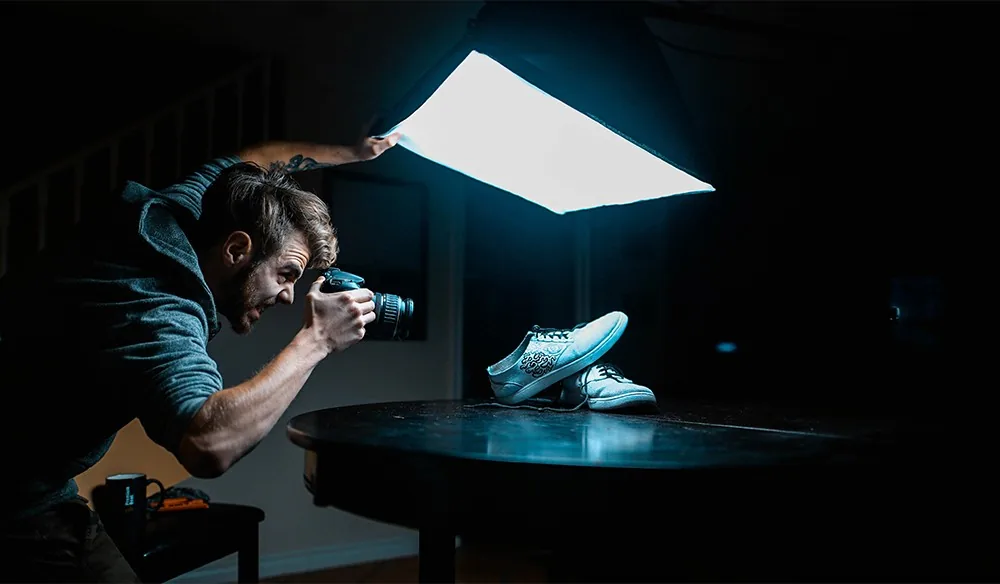
- Use the gear you have. A recent phone, a small tripod or gimbal, and window light are enough for product page and social videos. Film at the highest quality your phone allows and lock the exposure so the brightness does not pump.
- Light it softly. Diffuse a window or use one large LED panel, and keep the background plain. The same light setup across products makes a catalog look consistent.
- Hook early and keep it short. Show the product in the first seconds. Use 6 to 15 seconds for ads and social clips, 15 to 60 seconds for product page demos, and as long as needed for tutorials.
- Edit for sound off. Add captions and short on-screen text, then music if the channel suits it.
- End with one call to action: shop now, see sizes, watch the tutorial.
- Cut one shoot into many videos. A single session can give you a product page loop, a vertical clip, a 6-second ad, a GIF for email and stills for the gallery.
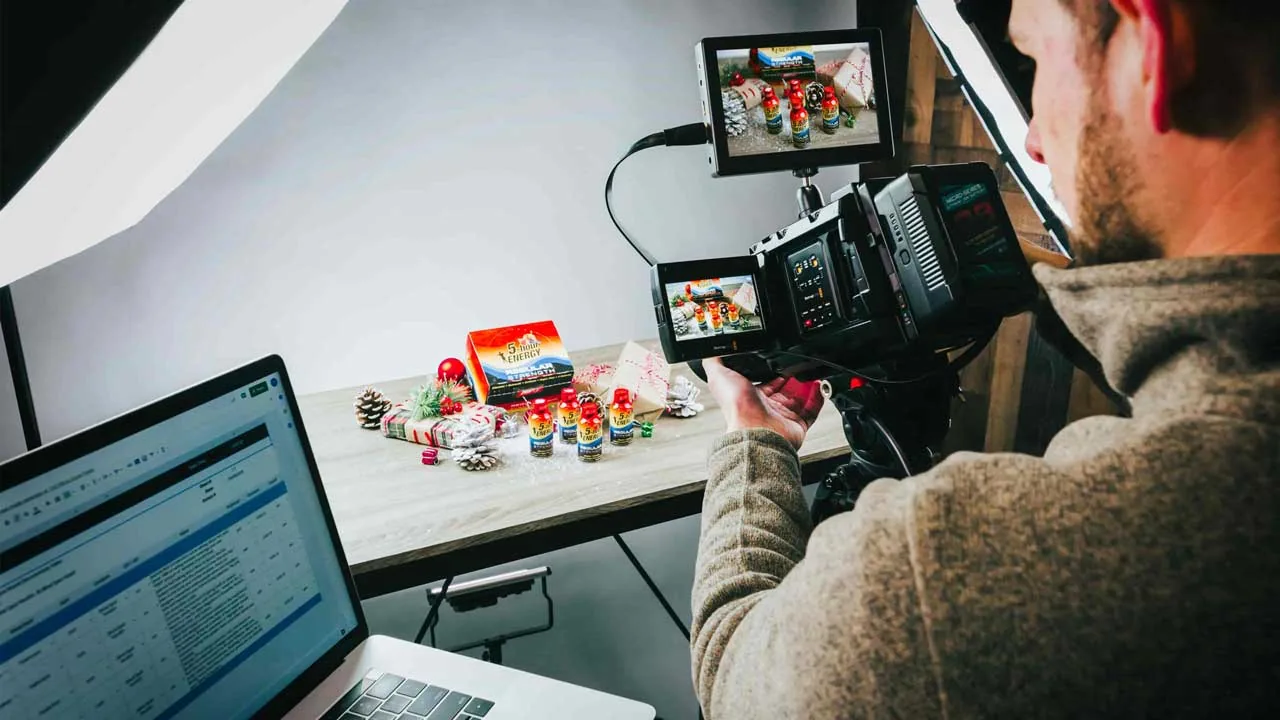
For lighting, camera settings and production in more depth, read our product videography guide, and for demo-specific ideas, these product demonstration examples.
How to Tell If a Video Is Working
- Watch time and drop-off: where viewers stop tells you which seconds to cut.
- Click-through and add-to-cart: compare product pages and ads with and without the video.
- Test one change at a time: a different hook, thumbnail or length, not all three.
- Read the comments and questions: they show what the next video should answer.
10 Product Video Examples From Ecommerce Brands
All links checked in October 2026.
1. Samsung The Frame: a Teaser and a Demo in One
Make your own TV with The Frame shows how the TV doubles as framed art in a real home, and the tagline doubles as the call to action.
2. Nintendo Switch: Show, Don't Tell
Welcome to Nintendo Switch! shows the console moving between TV, tabletop and handheld play without a single feature list.
3. Solo Stove: Lifestyle Over Specs
Summer is better with s'mores, sun and a Solo Stove puts the fire pit at a beach night with friends, so viewers picture the evening, not the steel.
4. Vintorio: Before and After
The Vintorio wine aerator video compares wine poured with and without the aerator, then covers how to assemble, clean and store it.
5. AeroGarden: a Complete Tutorial
The AeroGarden Sprout seed starting video walks buyers through using the product from start to finish.
6. Hydro Flask: One Line, Every Size and Color
Hydro Flask Hydration Bottles focuses on one product line and shows its features, sizes and colors.
7. iRobot: One Feature, One Video
Dirt Detect on the Roomba i7+ sells a single feature instead of the whole robot.
8. Man Crates: Opening the Box Is the Show
Wooden Crate Grand Opening turns opening the package into entertainment and shows exactly what arrives.
9. Sierra Designs: the Designer Explains
High Route Tent 1FL, designed by Andrew Skurka lets the designer explain the decisions behind the tent, which builds trust with expert buyers.
10. Big Blanket Co: Humor, Pain Point, Proof
The Biggest, Best Blankets in the World uses humor to move from the problem to a demo to customer reviews, and its sections work as shorter clips too.
For more pages that use video well, see our product listing page examples.
Frequently Asked Questions
What is a product video?
A product video is a short video that shows what a product looks like, how it works and how it fits into real life. Ecommerce brands use product videos on product pages, marketplace listings, social media, ads and email to answer the questions photos cannot.
What are the main types of product videos?
The main types are product demos, unboxings, 360-degree spins, tutorials, lifestyle videos, feature spotlights, before and after videos, comparisons, behind-the-scenes videos, customer testimonials and user-generated content.
How long should a product video be?
As short as the job allows: about 6 to 15 seconds for ads and social clips, 15 to 60 seconds for a product page demo, and a few minutes for tutorials and YouTube videos. Show the product in the first seconds whatever the length.
How do you make a product video for ecommerce?
Pick one question the video must answer, list the shots, and film with a phone on a tripod in soft window light against a plain background. Edit to a short cut with captions and one call to action, then cut extra versions for social, ads and email.
Where should I post product videos?
Put demos, spins and size videos on your product pages and marketplace listings, short vertical clips on TikTok, Instagram Reels and YouTube Shorts, tutorials and comparisons on YouTube, and short spotlights and testimonials in ads. In email, link to the video from a GIF or a still.
Can you make a product video from a photo?
Yes. AI video tools can turn a single product photo into a short video with a scene and movement. Caspa does this on its Growth and Scale plans: you upload a photo, pick a scene and export the video, with the product kept unchanged.
Make Product Videos From Your Product Photos
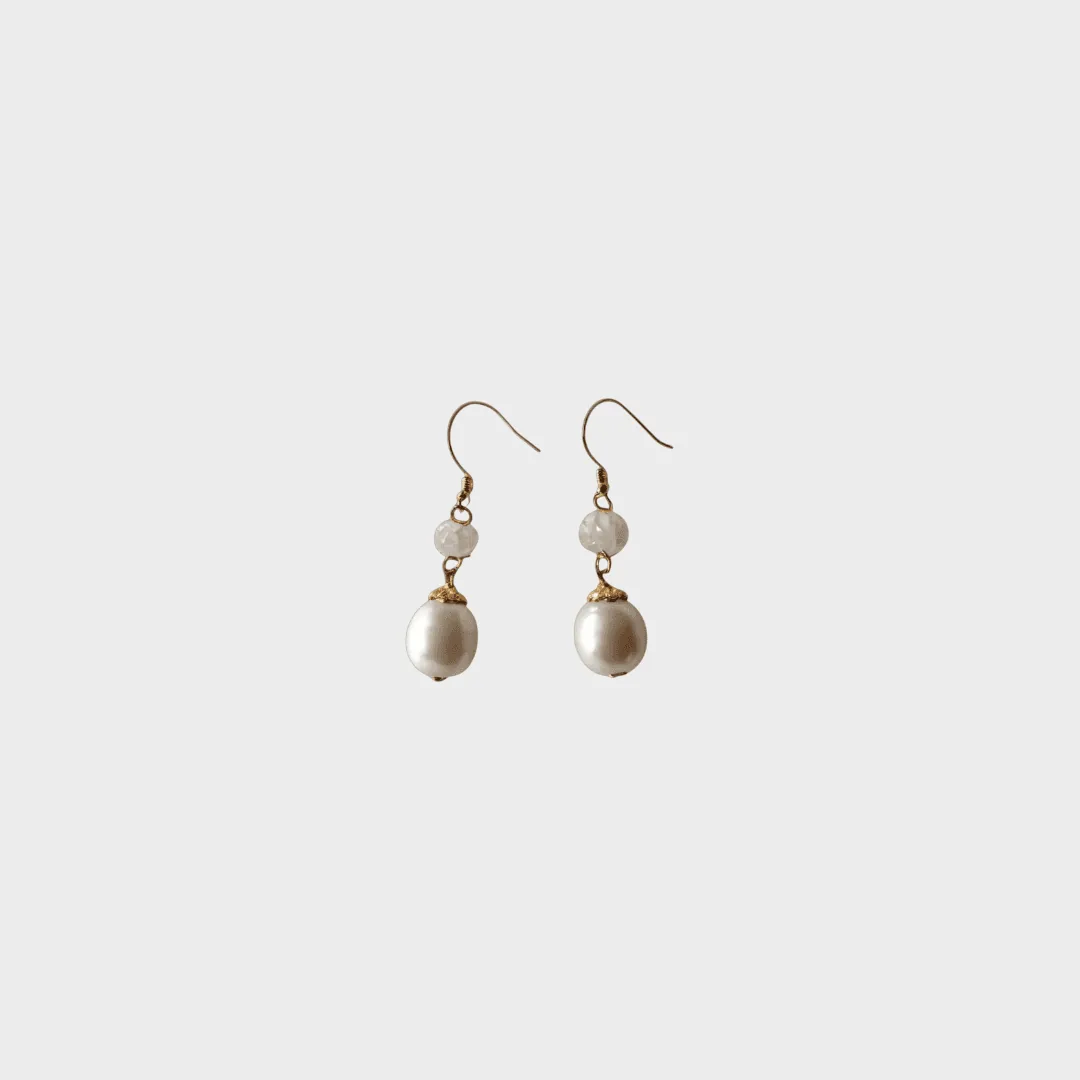
If filming every product is not realistic, start from the photos you already have. Upload one product photo to Caspa, pick a scene and export a short video for your product page, ads or social posts. You can add AI human models who interact with the product, and the product itself stays unchanged.
Video is included on the Growth and Scale plans (see pricing), and every new account gets 10 free credits, no credit card required. See examples on the AI product video page and in our AI product video generator guide.