
AI Watch Product Photography
Watch photography without a macro setup. Upload one photo of your watch and get a white-background main image, on-wrist shots and lifestyle scenes, with the dial, logo and strap kept as they are.
10 free credits · No credit card required
What you can make from one watch photo
Six kinds of shot, all from the same product photo.
White-background main image
The watch alone on pure white, dial to camera. Set the hands to 10:10 before you shoot; Caspa keeps them where you put them.
On-wrist shots
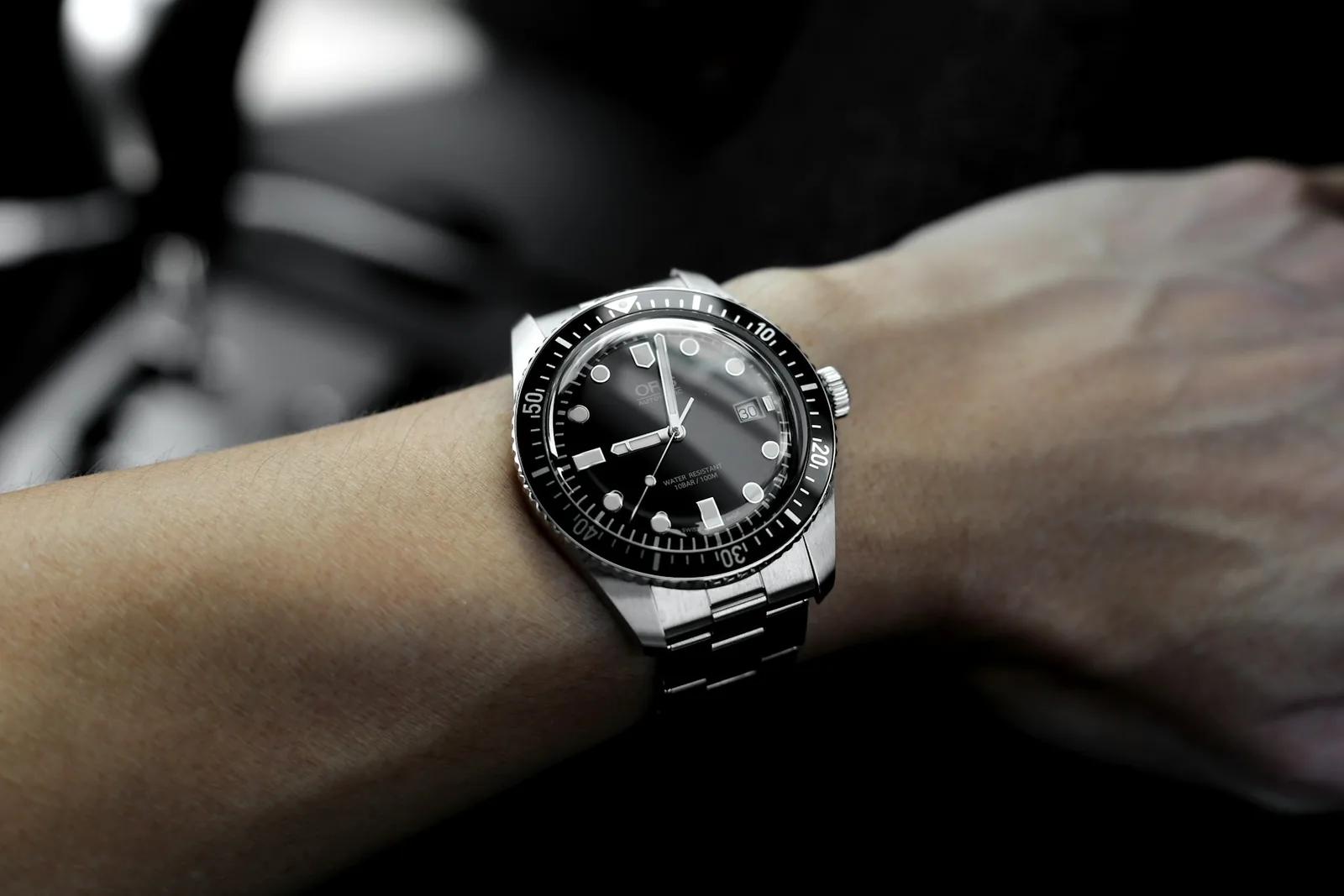
An AI model wearing the watch, bare wrist or shirt cuff, so shoppers can judge the case size against a real arm.
Lifestyle scenes
A diver on a boat deck, a dress watch beside a fountain pen, a field watch on a canvas pack. Pick a scene or describe it.
Gift and flat lay shots
The watch on a leather valet tray with cufflinks, or laid out with its strap options. Caspa can put several products in one photo.
Spec infographics
Case diameter, movement, water resistance and strap material as callouts, for secondary images and A+ content.
Short product video
Turn a watch photo into a short clip for product pages, ads and social, on the Growth and Scale plans.
How it works
From one watch photo to a full listing in three steps.
Upload one product photo
Set the hands, wipe the crystal and photograph the watch on a plain surface. Caspa keeps the dial, logo and strap as they are.
Pick a scene or describe one
Choose white, a model or a template, or type it: “steel diver on a teak boat deck, morning sun”.
Download or make a video
Download images for your listings, upscaled to 4K if you need it, or turn one into a product video on Growth or Scale.
Watch photography shot list
What a buyer checks before paying for a watch they haven’t held.
Angles
- Dial straight on, hands at 10:10
- Three-quarter view from the crown side
- Side profile for case thickness
- Caseback, especially engraved or display backs
Details
- Dial texture, indices and date window
- Bezel markings and crown
- Clasp or buckle, open and closed
- Bracelet links or strap stitching up close
Size and range
- On a wrist, so the case size reads
- Case diameter and lug-to-lug on an infographic
- Each dial and strap color at the same angle
- Box and papers in a secondary image, never the main one
Shoot yourself: the caseback, the clasp, the lume and close-ups of the dial texture. Buyers zoom in on these, and they have to match the watch that arrives.
Make with Caspa: the white-background main image, on-wrist shots, lifestyle scenes and ad creatives for every dial and strap, starting from those photos.
Marketplace rules for watch images
Main-image rules as of October 2026. Marketplaces update them, so check before you list.
Amazon. Amazon’s guidelines for watches want the watch alone on pure white (RGB 255, 255, 255) in the main image: one view, no model, no box or swing tags, filling at least 85% of the frame. On-wrist and lifestyle shots go in the other slots. Amazon image rules
Etsy. Every listing needs at least one unedited photo of the actual watch against a real background. On the other photos Etsy allows AI edits such as new backgrounds, as long as the item still looks like what the buyer receives. Etsy recommends 2,000 pixels or more on each side. Etsy photo rules
Shopify. Shopify sets no background rule. Square images at 2048 x 2048 pixels usually display best, and one aspect ratio for every main image keeps collection pages even. Shopify image sizes
Watch photography guides
Doing the product shoot yourself? Start with these.
Questions about AI watch photography
Any other questions? Get in touch.
No. Caspa keeps your watch as photographed, including the logo, dial text and hand position, and changes only the scene around it. Set the hands where you want them before you take the photo.
At 10:10 the hands frame the brand name under 12 o’clock and stay clear of the date window and subdials. It’s a convention in watch advertising, not a marketplace rule.
Yes. Add an AI model and describe the shot, for example a bare wrist on a desk or a shirt cuff at a café table. Amazon wants the main image without a model, so use on-wrist shots for the other images, ads and social.
Fix it in the photo you upload. Light the watch from the side through a diffuser and tilt the dial slightly away from the light, so the crystal doesn’t mirror the room or your phone. Caspa works from that photo, so a clean crystal there carries into every scene.
Yes, on the Growth and Scale plans. Caspa turns a single photo of your watch into a short product video for product pages, ads and social.
Every new account gets 10 free credits, no credit card required. Starter costs $59 a month, or $39 a month billed yearly, for 500 credits and images only. Growth adds video: $99 a month, or $66 billed yearly, for 1,000 credits. Every plan includes a commercial use license, and new subscriptions have a 30-day money-back guarantee. See all plans.