
AI Wine, Beer and Spirits Product Photography
Wine photography and bottle photography without a studio. Upload one photo of your bottle or can and get a white-background packshot, bar and dinner-table scenes and gift sets, with the label kept as printed.
10 free credits · No credit card required
What you can make from one bottle photo
Six kinds of shot, all from the same product photo.
White-background packshot
The bottle alone on pure white, label square to the camera, for marketplace, retailer and wholesale listings.
Bar and table scenes
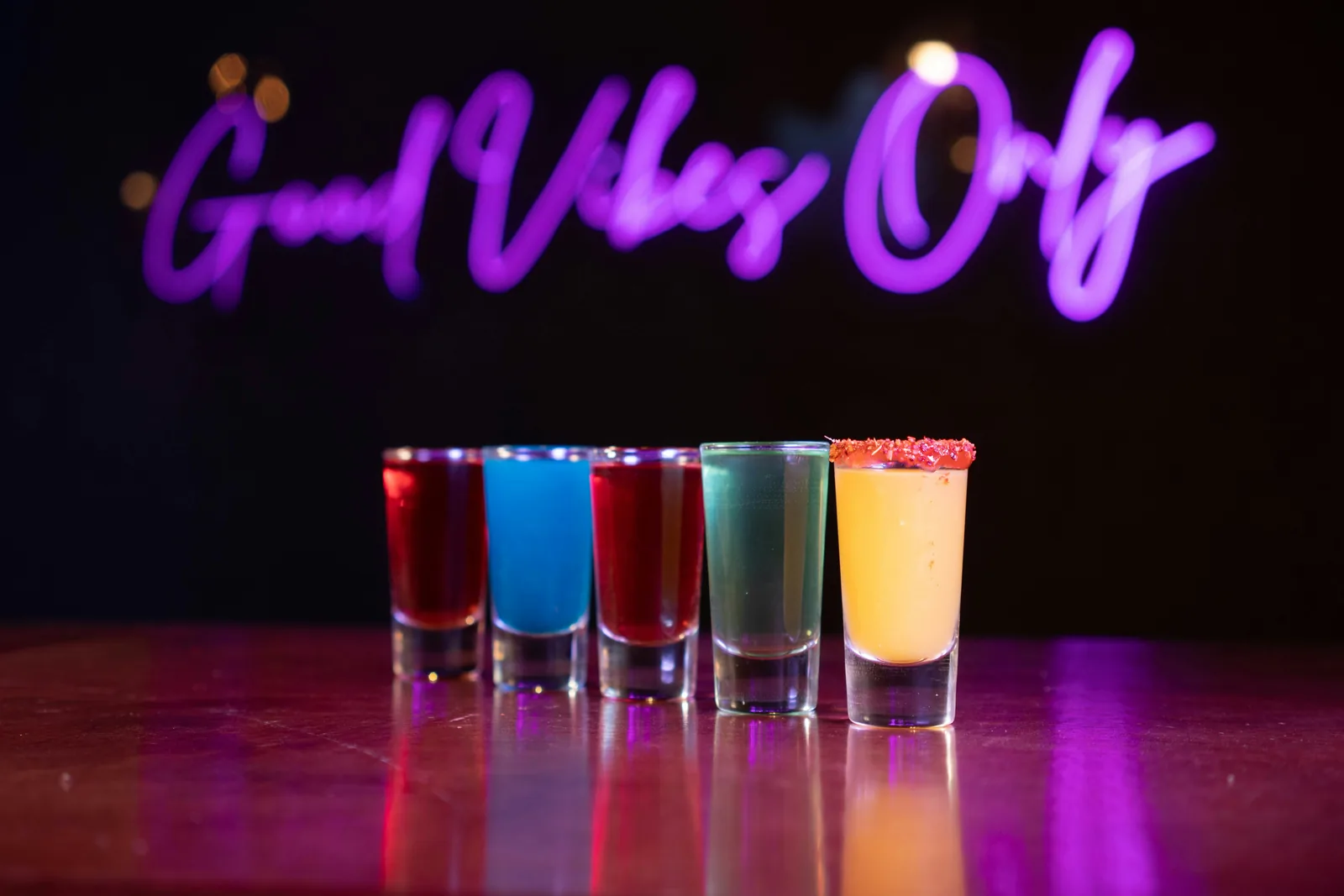
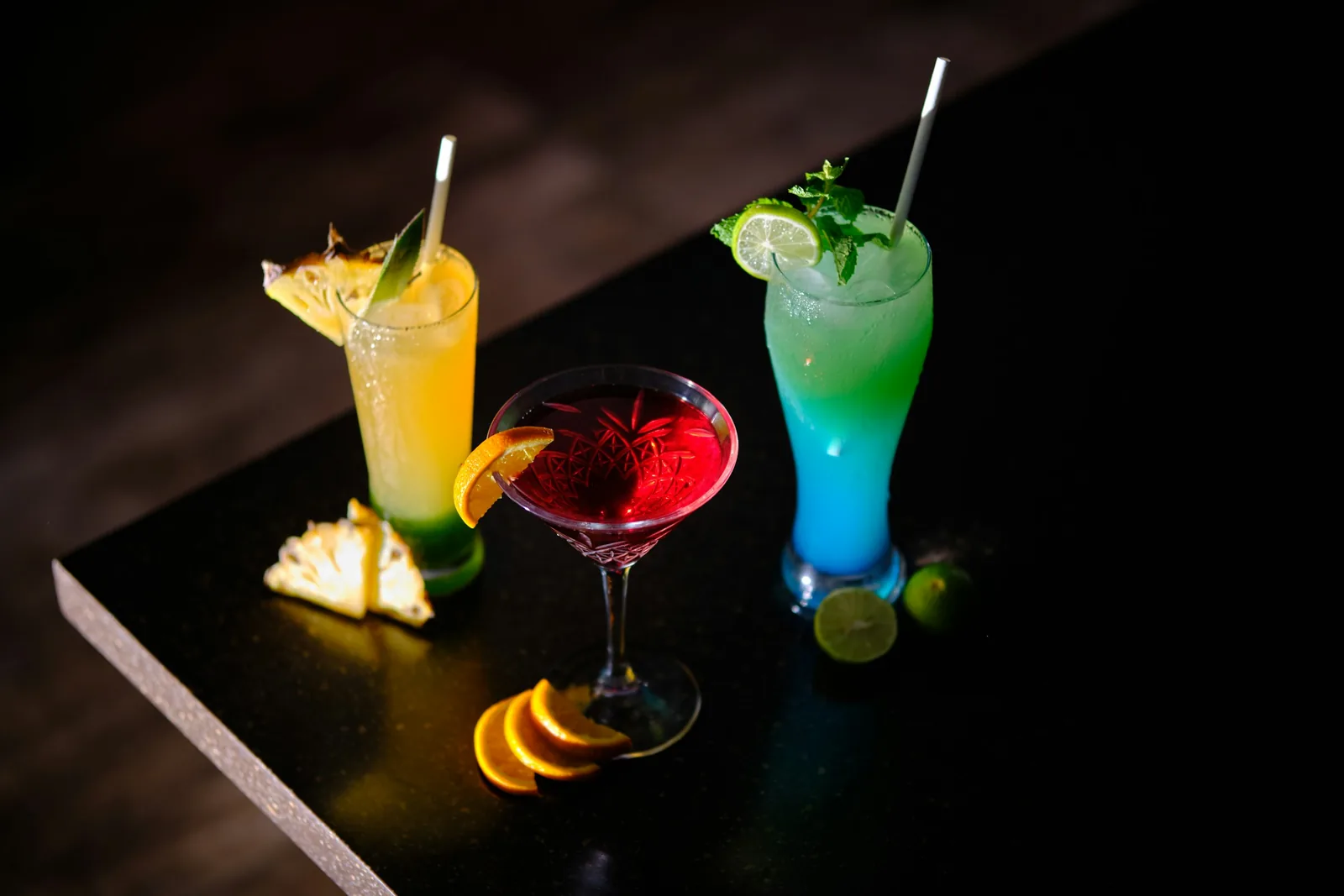
A red on a candlelit dinner table, a gin beside tonic and lime, a stout on a pub bar. Pick a scene or describe it.
Cans and bottles outdoors
Beer, cider and hard seltzer on a picnic table, in a beach cooler or at a barbecue.
Gift sets and ranges
Three bottles and a gift box, or your whole range in a lineup. Caspa can place several products in one photo.
Seasonal and occasion shots
The same bottle for summer, the holidays or a wedding toast, without a new shoot each time.
Short product video
Turn a bottle photo into a short clip for product pages, ads and social, on the Growth and Scale plans.
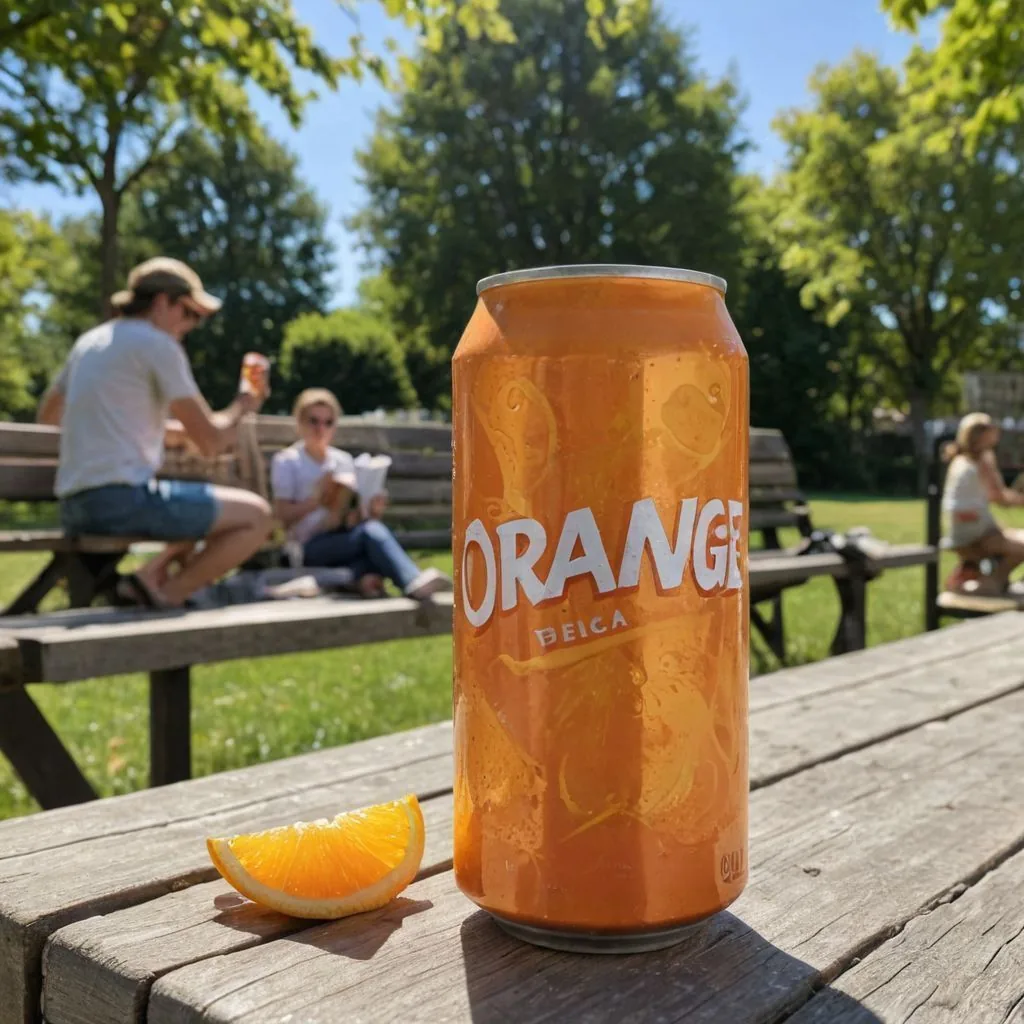
Cans outdoors
This canned drink was placed on a picnic table on Caspa AI. Beer, cider and hard seltzer cans go through the same steps: one photo of the can, then the scene.
How it works
From one bottle photo to a full listing in three steps.
Upload one product photo
Photograph the bottle label-on, on a plain background, after wiping off fingerprints. Caspa keeps the label, capsule and glass color as they are.
Pick a scene or describe one
Choose white or a template, or type it: “pinot noir on a rustic dinner table, candles, two glasses poured”.
Download or make a video
Download images for your listings, upscaled to 4K if you need it, or turn one into a product video on Growth or Scale.
Wine and bottle photography shot list
What a buyer looks for before choosing a bottle online.
The bottle
- Front label, straight on and readable
- Back label with ABV, volume and origin
- Capsule, cork or cap
- Full height, nothing cropped
The pour
- Poured into the right glass for the drink
- The liquid’s color against a light background
- Bubbles or a head for sparkling wine and beer
- Garnish and mixer for spirits
Range and gifting
- The full range in one lineup
- Gift box or tube beside the bottle
- Cans and bottles of the same beer side by side
- Every vintage or flavor shot the same way
Shoot yourself: the back label, the closure and the pour. The liquid’s color and the label text are what buyers compare.
Make with Caspa: the white-background packshot, bar and table scenes, gift sets and seasonal shots for every bottle, starting from those photos.
Marketplace rules for wine, beer and spirits images
Main-image rules as of October 2026. Marketplaces update them, so check before you list.
Amazon. The main image is the bottle alone on pure white (RGB 255, 255, 255), filling at least 85% of the frame; pours, scenes and gift sets go in the other images. Amazon image rules
Etsy. Etsy’s Help Center lists alcohol among the items that can’t be sold on Etsy, so plan these shots for your own store and other channels. Etsy photo rules
Shopify. Shopify sets no background rule. Square images at 2048 x 2048 pixels usually display best, and one aspect ratio for every main image keeps collection pages even. Shopify image sizes
Drink photography guides
For the bottle shots you take yourself.
Questions about AI wine and spirits photography
Any other questions? Get in touch.
Yes. Caspa keeps the text on labels and packaging as it is in your photo, so the name, vintage and ABV read the same in every scene. Start with a sharp, straight-on photo of the label.
Shoot beside a window with the light coming from one side, hold a sheet of white card on the other side to fill the shadow, then step back and zoom in slightly so the glass doesn’t mirror you or your phone.
No. Etsy’s Help Center lists alcohol among the items that can’t be sold on Etsy (as of October 2026). Use these images on your own store and on channels that allow alcohol.
Yes. Upload a photo of the can or the pack like any other product. Caspa can also place several products in one image, so a can beside its bottle, or a full range, fits in one shot.
Yes, on the Growth and Scale plans. Caspa turns a single photo of your bottle into a short product video for product pages, ads and social.
Every new account gets 10 free credits, no credit card required. Starter costs $59 a month, or $39 a month billed yearly, for 500 credits and images only. Growth adds video: $99 a month, or $66 billed yearly, for 1,000 credits. Every plan includes a commercial use license, and new subscriptions have a 30-day money-back guarantee. See all plans.