
AI Shoe Product Photography
Shoe photography without a studio day. Upload one photo of a sneaker, boot or heel and get a white-background main image, on-foot shots and street scenes, with the stitching and logo kept as they are.
10 free credits · No credit card required
What you can make from one shoe photo
Six kinds of shot, all from the same product photo.
White-background main image
One shoe on pure white with the toe pointing left, the main image Amazon asks for, or the pair side by side for your own store.
On-foot shots
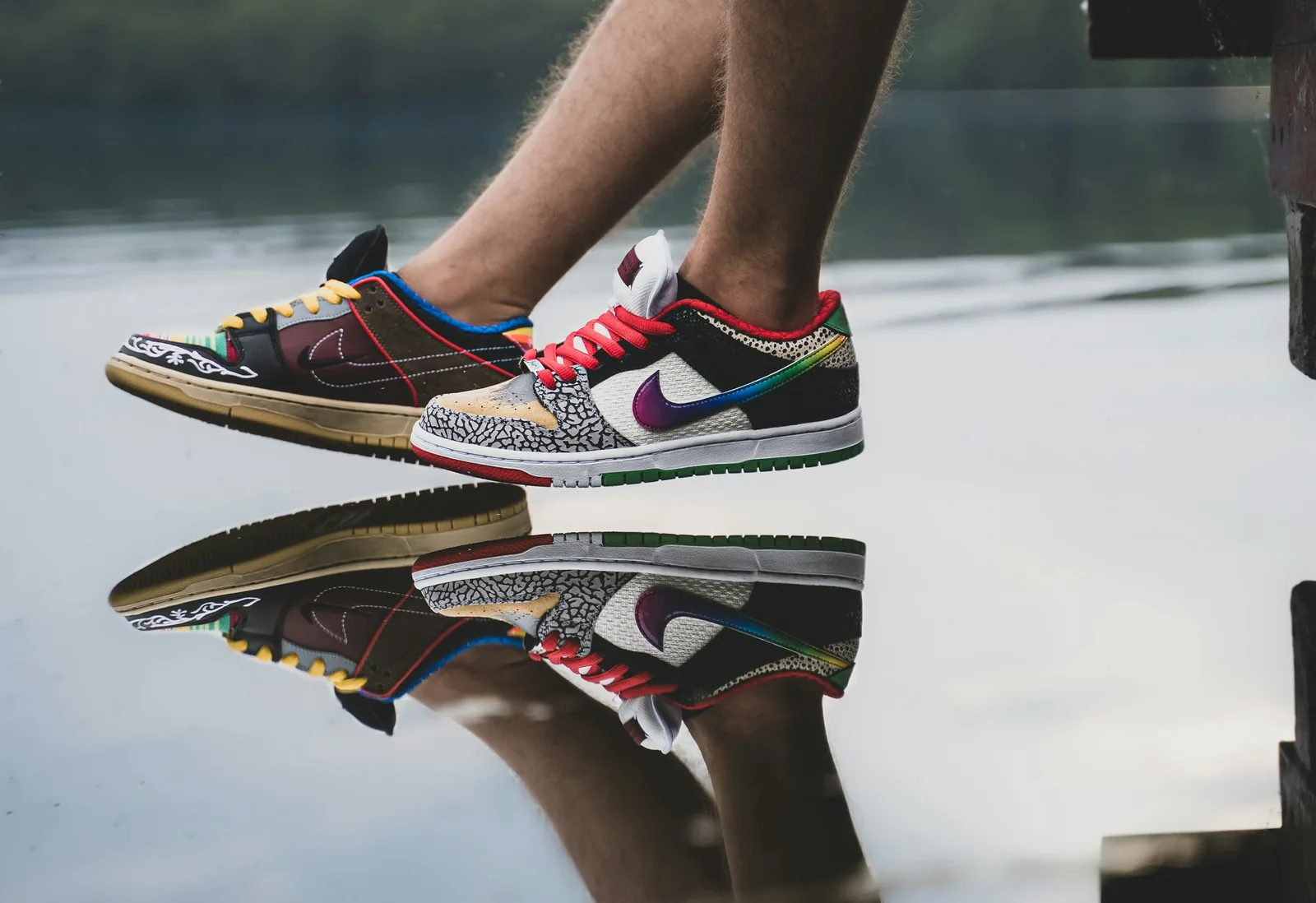
An AI model wearing the pair, cropped at the ankle or full length, so shoppers see the shape on a foot and with clothes.
Street and outdoor scenes
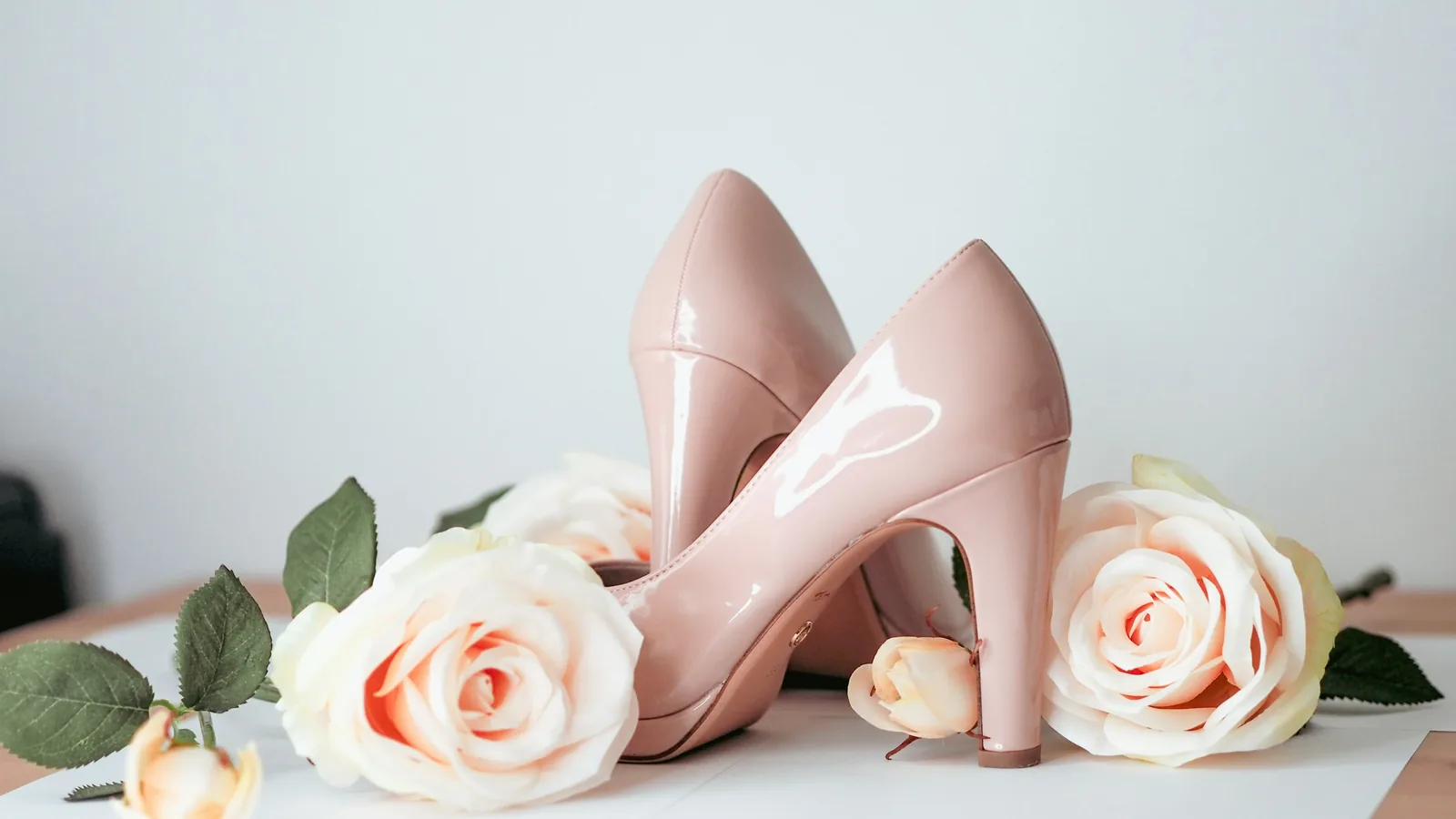
Sneakers on a wet city pavement, hiking boots on a trail, heels on a marble floor. Pick a scene or describe your own.
Flat lays with the outfit
The pair from above with jeans, socks or a bag. Caspa can place several of your products in one photo.
Feature infographics
Callouts for the upper, midsole, heel drop and fit, for Amazon secondary images and A+ content.
Short product video
Turn a shoe photo into a short clip for product pages, ads and social, on the Growth and Scale plans.
How it works
From one shoe photo to a full listing in three steps.
Upload one product photo
A phone photo of the shoe on a plain floor or wall is enough. Shoot the side you want shoppers to see. Caspa keeps the shoe as it is.
Pick a scene or describe one
Choose white, a model or a template, or type what you want: “white leather sneaker on a skate park ledge, late afternoon”.
Download or make a video
Download images for your listings, upscaled to 4K if you need it, or turn one into a product video on Growth or Scale.
Shoe photography shot list
What a shopper needs to see before buying a pair they can’t try on.
Angles
- Outer side profile, toe pointing left
- Three-quarter front view
- Back of the heel and heel counter
- Top-down view of the pair for width and toe shape
Details
- Sole and tread pattern
- Stitching, eyelets and lace tips, sharp enough to zoom
- Insole and the branding inside
- Material up close: suede nap, leather grain, knit
Fit and scale
- On foot, standing and mid-step
- Heel or platform height from the side
- Worn with jeans or a dress, for proportion
- Every colorway shot at the same angle
Shoot yourself: the sole, the insole and close-ups of stitching and materials. They are the product, and shoppers zoom in on them.
Make with Caspa: the white-background main image, on-foot shots, street scenes and ad creatives for every colorway, starting from those photos.
Marketplace rules for shoe images
Main-image rules as of October 2026. Marketplaces update them, so check before you list.
Amazon. Amazon’s shoe guidelines want one shoe on pure white (RGB 255, 255, 255) in the main image, seen from a three-quarter angle with the toe pointing left, with no model, mannequin or shoe box. On-foot and street shots go in the other slots. Amazon image rules
Etsy. Every listing needs at least one unedited photo of the actual shoes against a real background. On the other photos Etsy allows AI edits such as new backgrounds, as long as the item still looks like what the buyer receives. Etsy recommends 2,000 pixels or more on each side. Etsy photo rules
Shopify. Shopify sets no background rule. Square images at 2048 x 2048 pixels usually display best, and one aspect ratio for every main image keeps collection pages even. Shopify image sizes
Shoe photography guides
Shooting the pairs yourself first? These cover posing, angles and light.
Questions about AI shoe photography
Any other questions? Get in touch.
No. Caspa places your shoe into a new scene and keeps the product as it is, including logos and printed text. Only the background, model and setting change.
Yes. Start from a photo of one shoe at a three-quarter angle with the toe pointing left, then use background removal and replacement to put it on pure white. Keep models, mannequins and the shoe box out of that image, because Amazon’s shoe guidelines rule them out.
Yes. Add an AI model and describe the shot, for example a close crop at the ankle or a full outfit. Use on-foot images for the secondary slots, ads and social, since Amazon’s main image has to be the shoe alone.
One sharp photo per angle, in even light, on a plain floor or wall. A phone camera is fine. Shoot each view you want to sell with (side, back, sole) separately, so every image shows the real shoe.
Yes, on the Growth and Scale plans. Caspa turns a single photo of your shoe into a short product video for product pages, ads and social.
Every new account gets 10 free credits, no credit card required. Starter costs $59 a month, or $39 a month billed yearly, for 500 credits and images only. Growth adds video: $99 a month, or $66 billed yearly, for 1,000 credits. Every plan includes a commercial use license, and new subscriptions have a 30-day money-back guarantee. See all plans.