
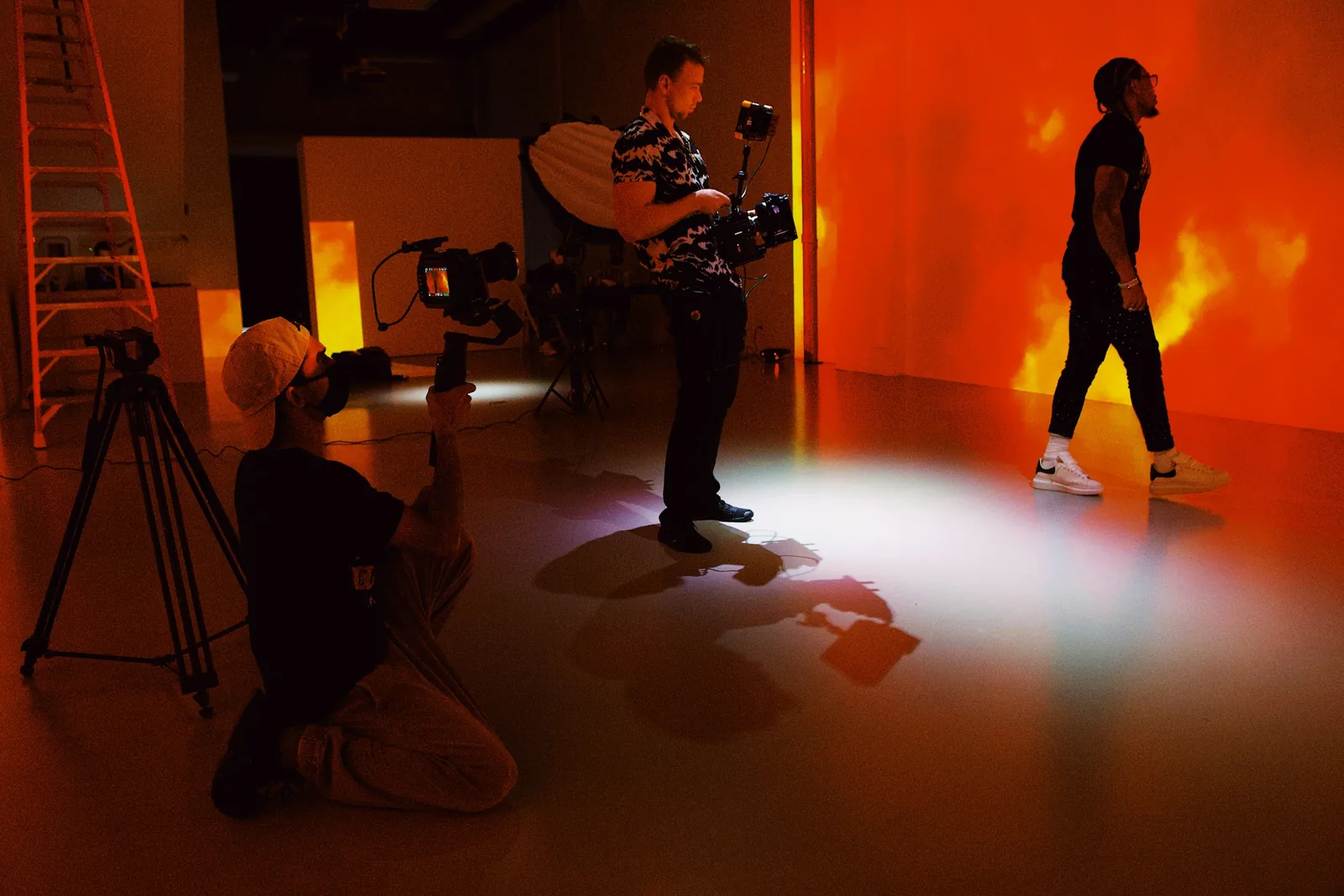
Ecommerce fashion photography is fashion photography with one job: selling specific garments online, accurately and consistently, across every product in a store. This guide is for fashion brands running their own catalog shoots: how it differs from editorial work, how to plan a shoot and write a style guide, when to use models or mannequins, how to direct for fit, and how to edit and publish the images so they load fast and get found.
If you want the hands-on basics first (prep, flat lays, lighting a garment), start with our clothing photography guide.
How Ecommerce Fashion Photography Differs
Runway, editorial and campaign photography build a brand's image; the clothes can be part of a mood. Ecommerce photography has to let a shopper judge the exact garment they will receive. That means:
- Accuracy: true colour, visible fabric texture and an honest view of the fit.
- Consistency: the same background, light, crop and poses across hundreds of products, so the store reads as one catalog.
- Volume: several images for every product and colourway, every season.
- Several outputs: a main image, back and side views, details, a lifestyle shot, and often a short video, sized for your store, marketplaces and ads.
Our fashion photography examples show where each type of fashion photography fits.
Plan the Shoot
- Group products by setup: on-model, ghost mannequin and flat lay items get shot in separate blocks, so lights and sets change as rarely as possible.
- Write a shot list per category. Tops: front, back, side, detail. Dresses: add a movement shot. Outerwear: open and closed, plus the lining. Denim: front and back fit, plus a wash close-up. Accessories: on the body and alone.
- Prepare samples: steamed, tagged with the product code and in a sample size that fits your models; bring pins and clips.
- Cast for your customers: if you sell a wide size range, show more than one size on a model, and choose models who reflect your customers.
- Plan the day: a call sheet with looks per hour, who is on set (photographer, stylist, hair and makeup, someone to check images) and the order of shots.
Write a Photography Style Guide
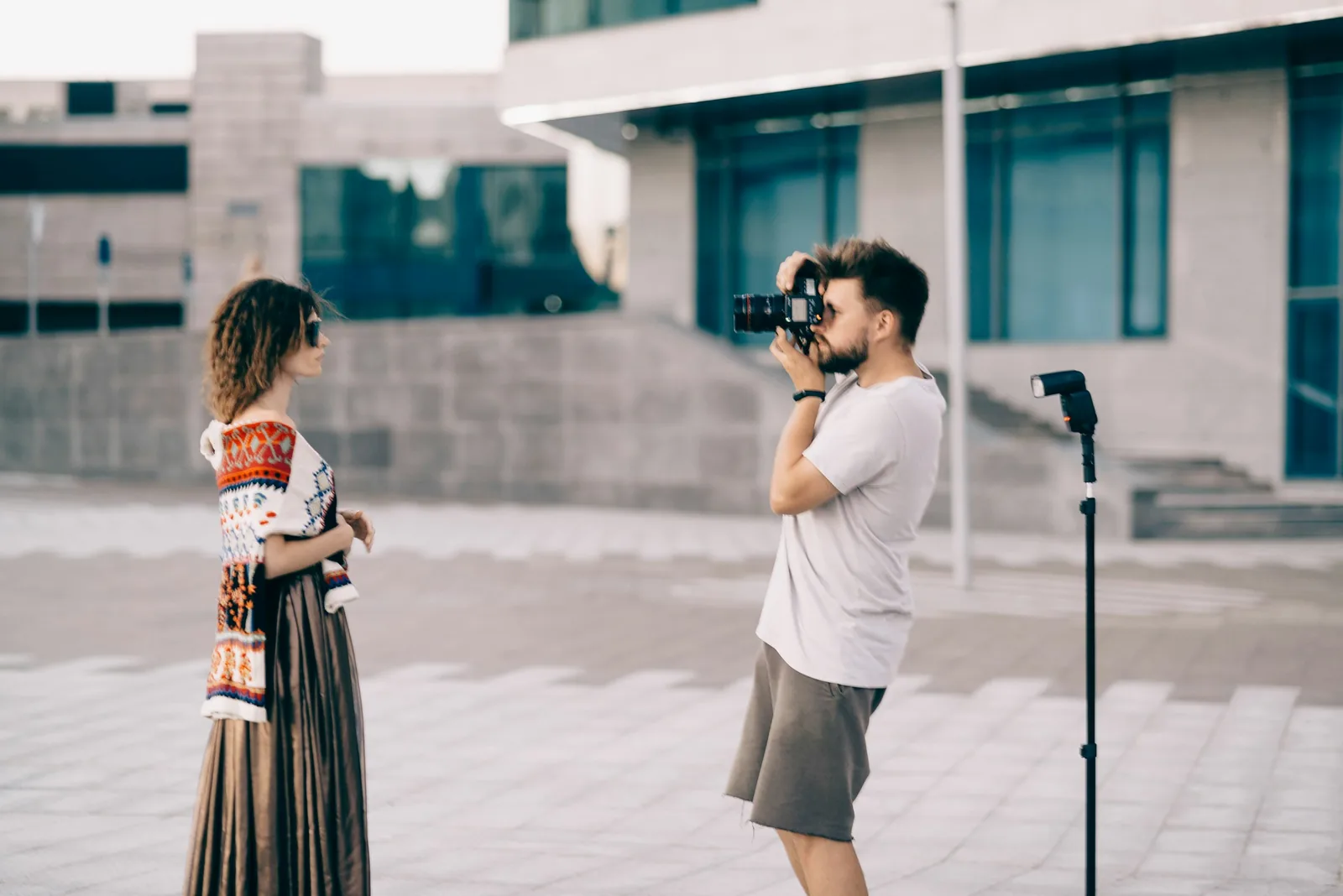
A style guide is what keeps a catalog consistent when the photographer, the model or the season changes. Write down:
- The background colour and a diagram of the lighting setup.
- Camera height, distance, lens and the floor marks for the model.
- Crops: full length or cropped, head in or out, and the margin around the garment.
- Poses for each category and the order of images on the product page.
- File format, size, colour profile and naming convention.
- Retouching rules: what to remove (lint, creases, pins) and what never to change (fit, length, colour).
Add a reference image for each category, and check new shoots against it.
Model, Mannequin, Flat Lay or AI Model?
| Option | Strengths | Trade-offs |
|---|---|---|
| Model | Shows fit, drape, movement and scale | Model fees, usage rights, hair and makeup, slower shoots |
| Ghost mannequin | Consistent shape, lower cost per item | Needs compositing; no sense of how it looks on a body |
| Flat lay | Fastest and cheapest; good for prints and basics | Shows no fit |
| AI models | On-model images from one product photo, on models of any ethnicity, with no booking | Check every image against the real garment before publishing |
Many brands mix them: ghost mannequin or flat lay for the main image, on-model shots for fit, and AI models to cover more colourways or more body types. Caspa's AI fashion photography generates on-model images from a single product photo and keeps the garment unchanged.
Direct Models for Fit
- Start every product with a neutral front pose, arms relaxed and slightly away from the body so the waist and silhouette show.
- Follow with a three-quarter turn, a side and a back view in the same order every time.
- Use hands in pockets to show pockets, a step or a turn for dresses and wide-leg trousers, and a seated pose for stretch denim.
- Avoid poses that hide the garment: crossed arms, hair over a neckline, bags over a waistband.
- Note the model's height and the size they wear, and put it in the product description.
Lighting and Camera Settings for Consistency
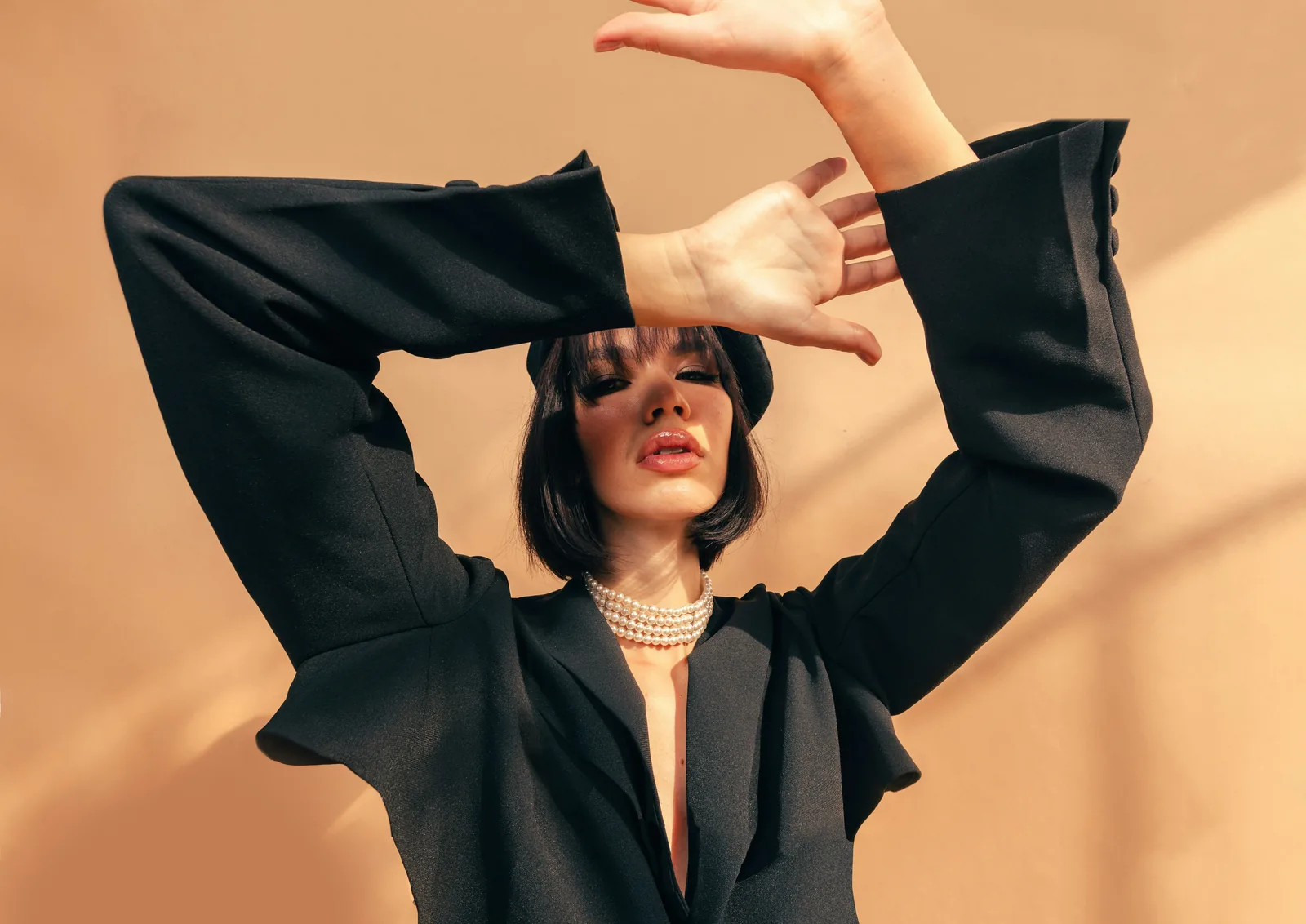
- Studio light: a large key light at about 45 degrees and slightly above, a fill or reflector opposite, and separate lights on the background if it needs to be pure white. Use the same diagram every shoot day.
- Lens: 70mm to 135mm for full-length shots keeps proportions natural; wide lenses stretch bodies and garments.
- Settings: f/8 to f/11 for edge-to-edge sharpness in the studio, ISO 100 to 200, and a custom white balance set from a grey card at the start of each set.
- Shoot tethered to a laptop so someone can check focus, colour and styling on a big screen while the model is still in the look.
- Outdoors: early morning and late afternoon light is soft and flattering for lifestyle images; use a reflector to fill shadows.
Editing Workflow
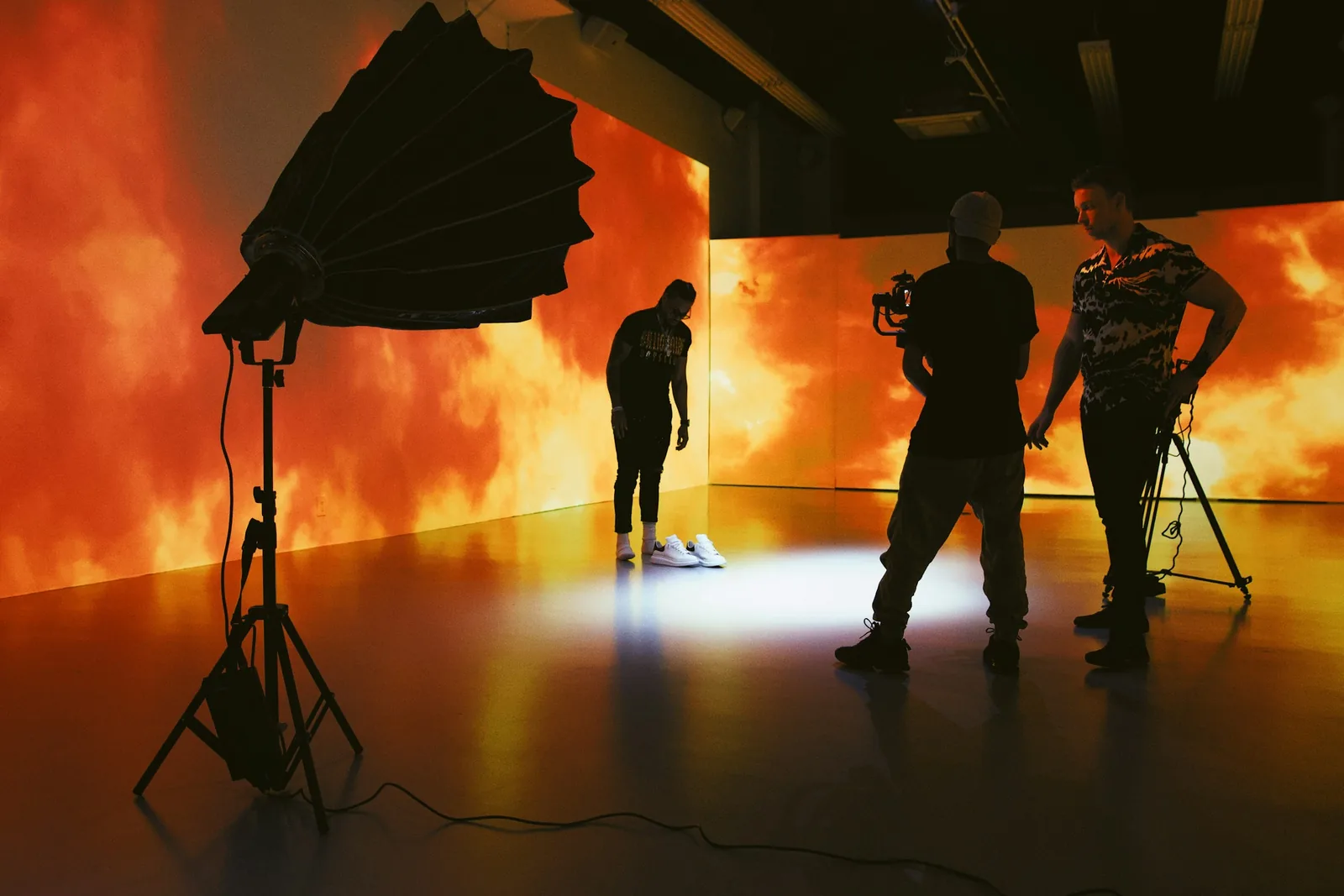
- Batch colour first: apply white balance and exposure to a whole set in Lightroom, then compare key images with the physical sample.
- Retouch to the style guide in Photoshop or a cheaper alternative such as Affinity Photo or GIMP: lint, creases, pins and clips out; fit and colour untouched.
- Composite ghost mannequin shots and clean backgrounds.
- Crop with templates or actions so every product sits in the same place in the frame.
- Export with presets for each channel: your store, each marketplace, and social.
Our guide on how to edit product photos covers the individual steps.
Publish: Image Quality, Speed and SEO
- Large, zoomable images and several views per product, with the colourway in each image matching the selected option.
- Fast pages: compress images, use modern formats such as WebP, and lazy-load images below the fold.
- Descriptive file names such as womens-linen-shirt-white-front.jpg instead of IMG_4821.jpg.
- Alt text that describes the garment, colour and view, for accessibility and image search.
- Product feeds and sitemaps that include your images, so they can appear in image and shopping results.
Sizes and formats for each channel are in our ecommerce image size guide and our marketplace image requirements pages.
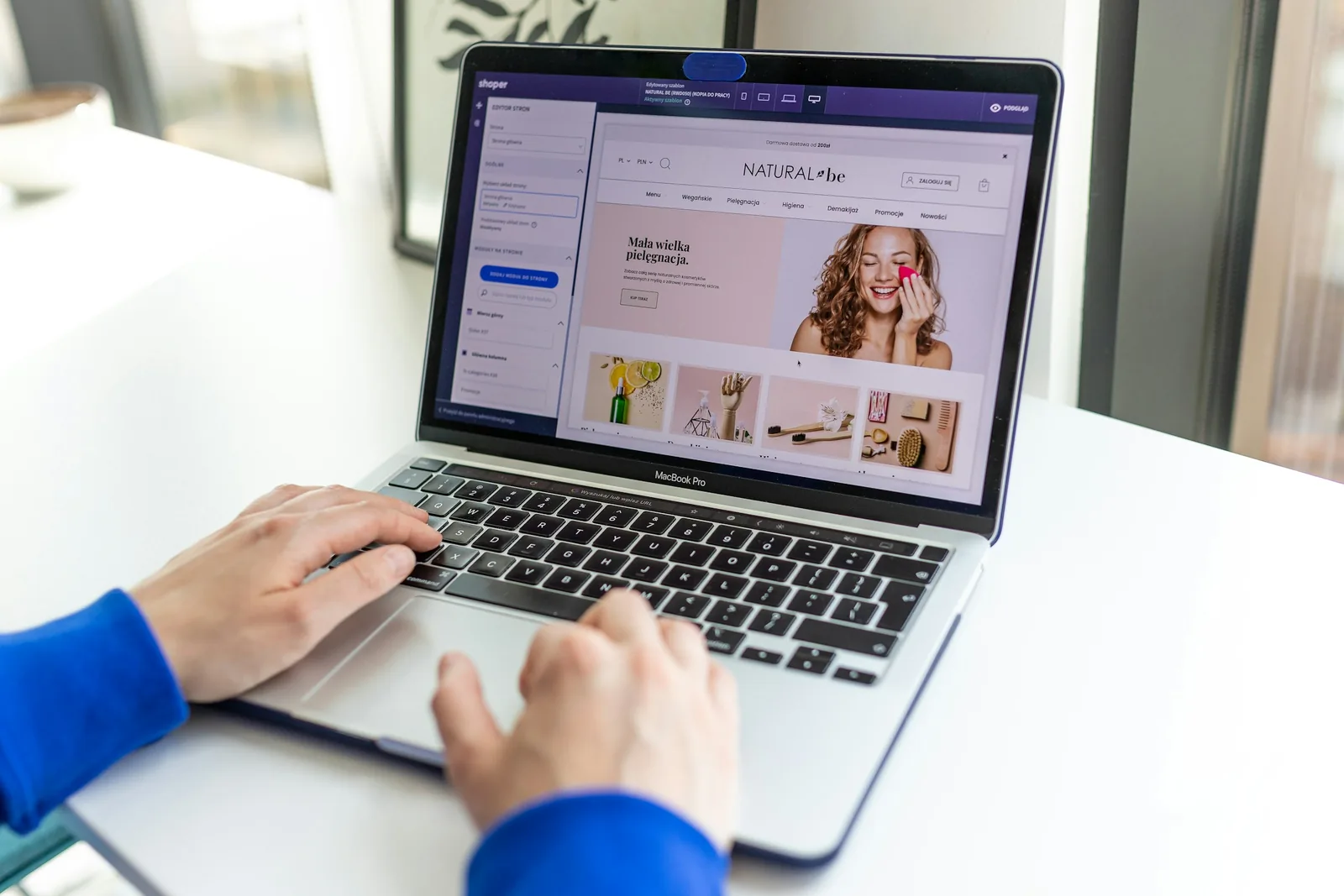
Accurate photos are also your best defence against returns: colour that matches and fit you can see mean fewer "not as pictured" returns. Our fashion ecommerce return rate post goes into why fashion returns are high and what helps.
Frequently Asked Questions
What is ecommerce fashion photography?
Ecommerce fashion photography is the photography of clothing, shoes and accessories for selling them online. It focuses on accuracy and consistency: true colour, visible fabric and fit, and the same backgrounds, light, crops and poses across the whole catalog.
How do you keep fashion product photos consistent?
Write a style guide with the background, lighting diagram, camera height, lens, crops, poses, image order and retouching rules, mark the floor and tripod positions, set white balance from a grey card each session, and check new images against reference shots.
Should I use models or mannequins for clothing photos?
Use models when fit, drape and movement matter, which is most of fashion. Ghost mannequins and flat lays are cheaper and very consistent for main images and basics. Many brands combine them, and AI models can add on-model images from a single product photo.
What lens is best for ecommerce fashion photography?
A 70mm to 135mm lens for full-length model shots keeps proportions natural, and a 50mm lens works for flat lays, details and half-body shots. Avoid wide lenses close to the model, which distort bodies and garments.
How many photos should a clothing product have?
Enough to show it from every side and up close: usually a main image, back and side views, one or two detail shots and an on-model or lifestyle image, plus one image per colourway. Check each marketplace's limits before you upload.
Scale Your Catalog With AI Models
Shoot each garment once, flat, on a hanger or on a mannequin, and upload it to Caspa. You can generate on-model catalog images and lifestyle scenes with models of any ethnicity, for every colourway, while the garment itself stays unchanged.
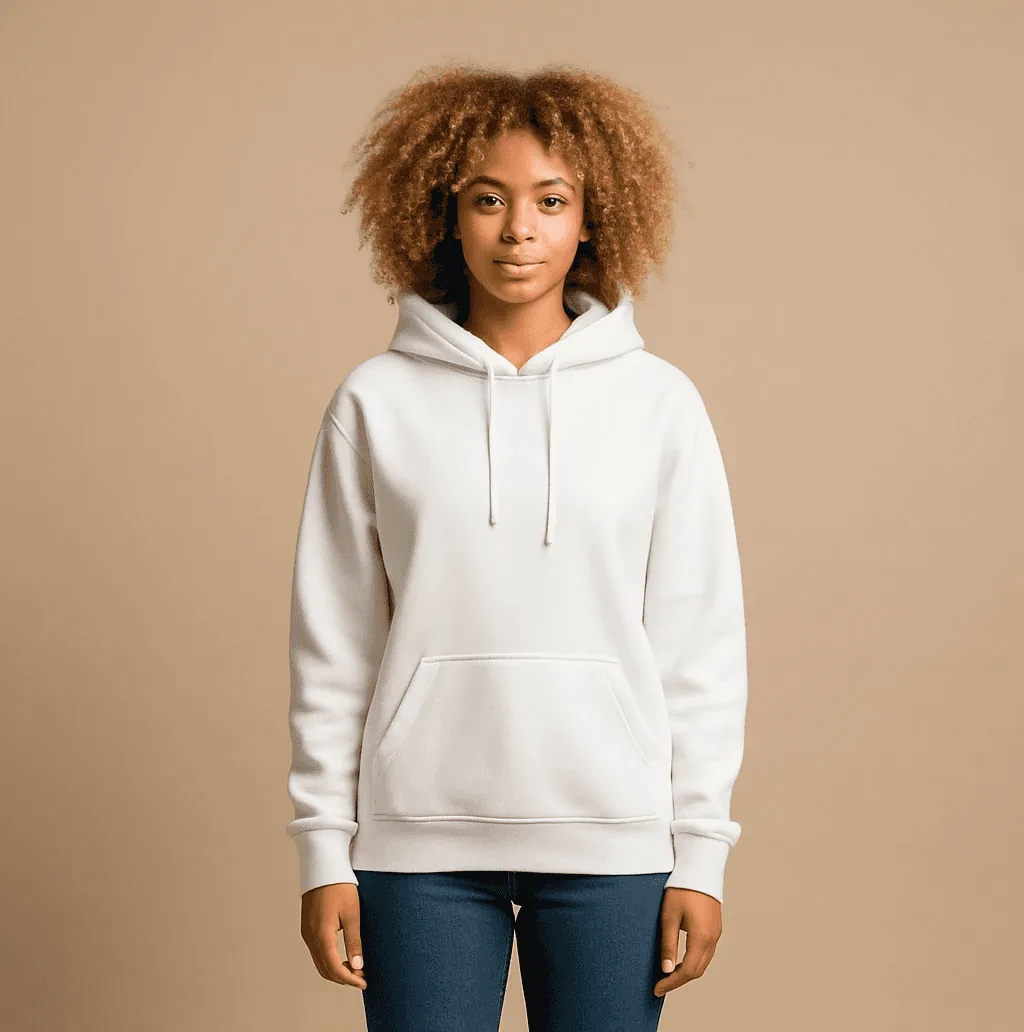
Every new account gets 10 free credits, no credit card required. See more on the AI clothing photography page.