
Recolor Image Online
Change the color of a product, or one part of it, and keep everything else in the photo exactly as it was.
Drop a product photo here
JPG, PNG or WebP. You can also paste one.
Previews are up to 1024 pixels and carry a Caspa watermark.
Any Caspa plan removes it and gives you the full-size image.
How to recolor an image
Add your photo
Upload a product photo or try one of the samples. A plain background works best, but photos with a scene work too.
Pick the color
Choose a swatch, use the color picker or type a hex code. To change one part only, name it: the strap, the cap, the legs.
Get your preview
Only the part you chose changes color. Its shape, texture and shading come from your photo, and so do the logos, print and every other part.
Recolor examples
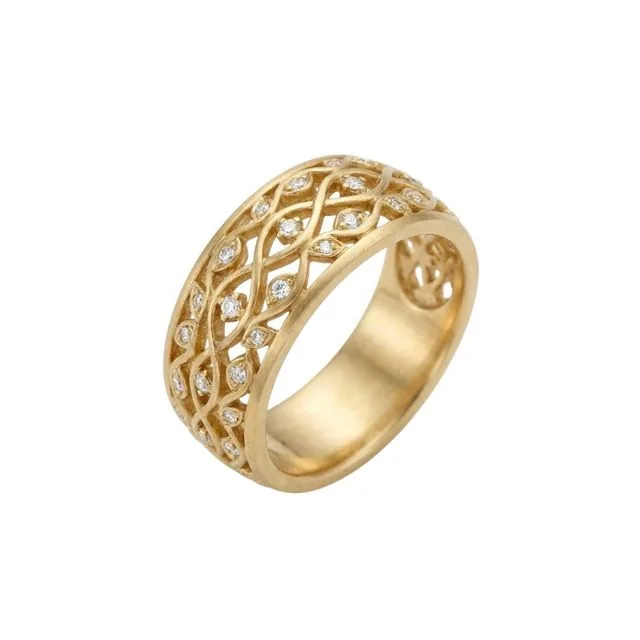
Real results from this tool, from the product photos on the left.
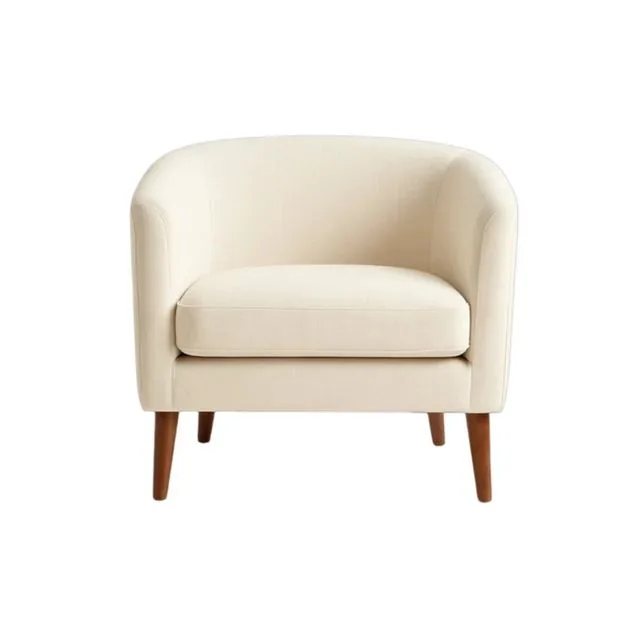 Before
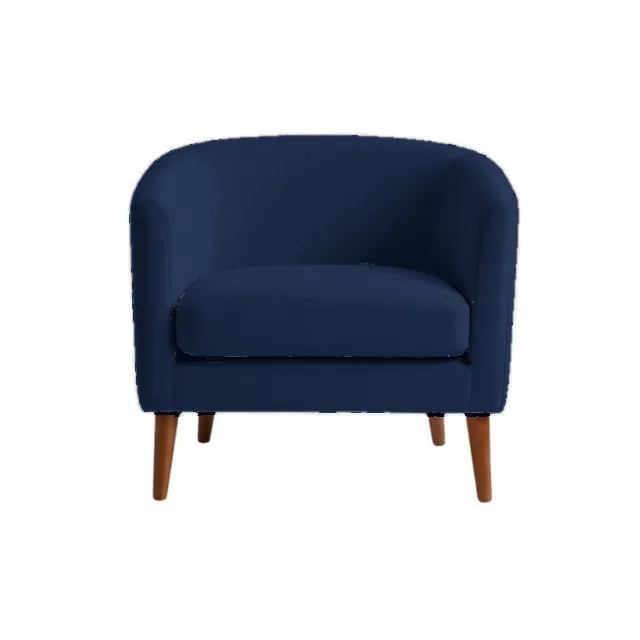 AfterBefore
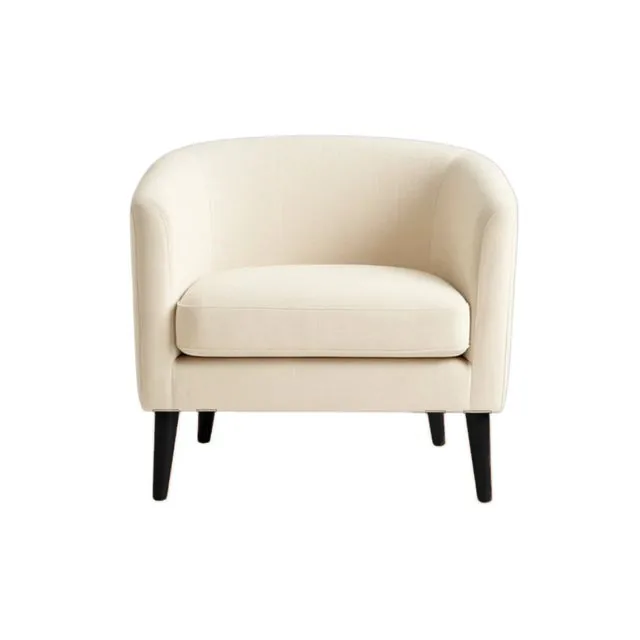 After
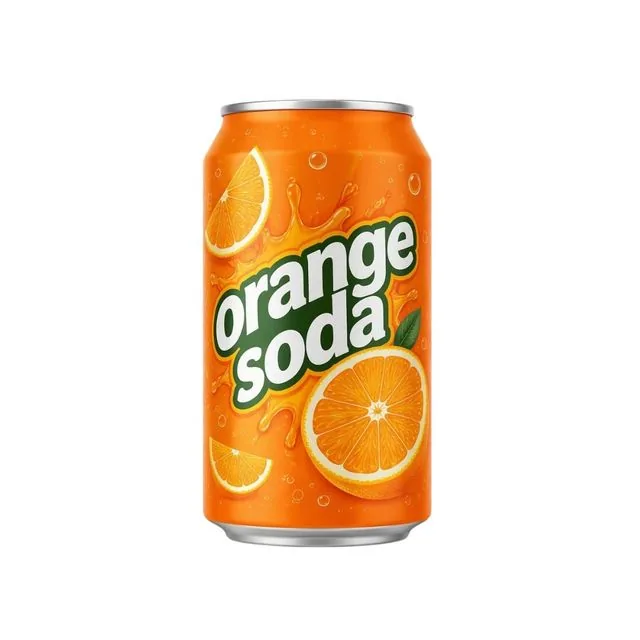 Before
 After
 Before
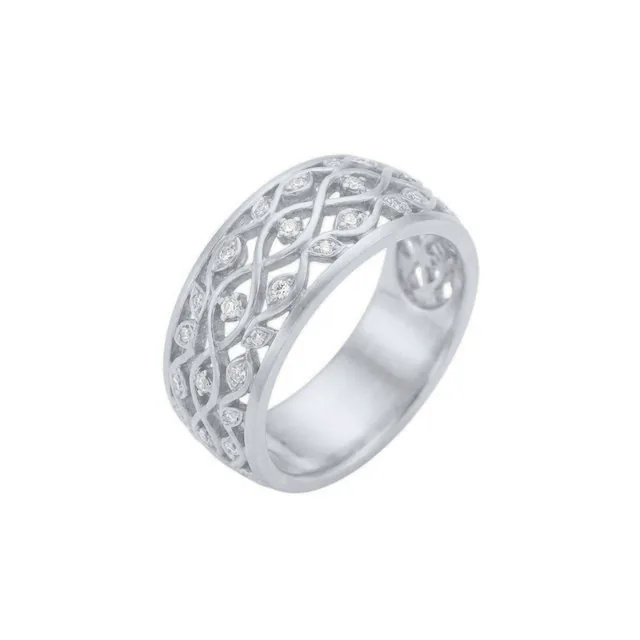 After
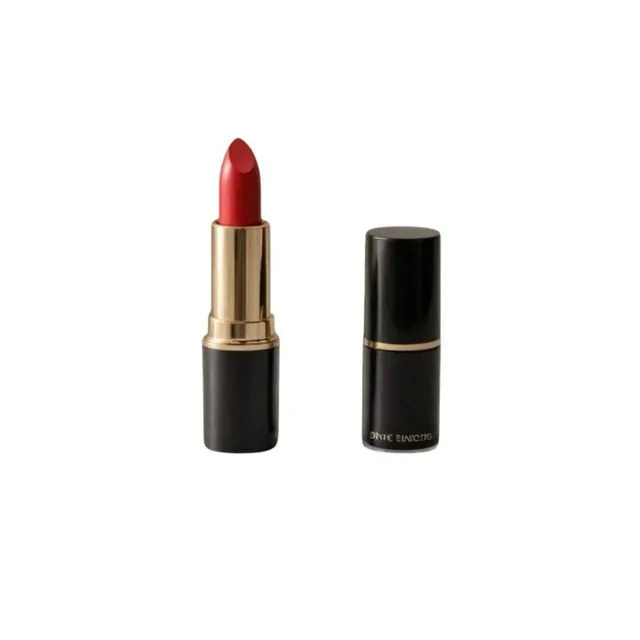 Before
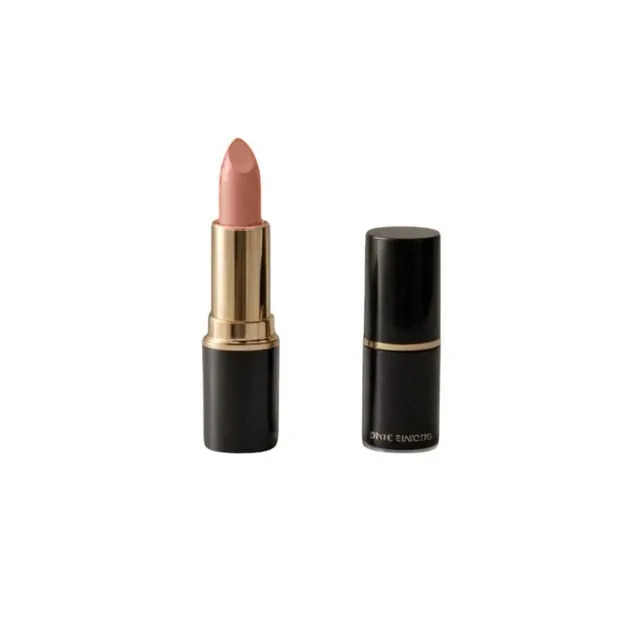 After
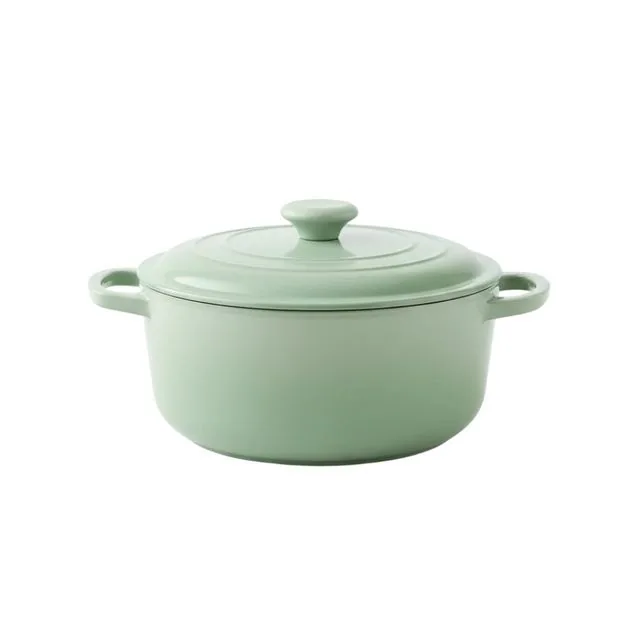 Before
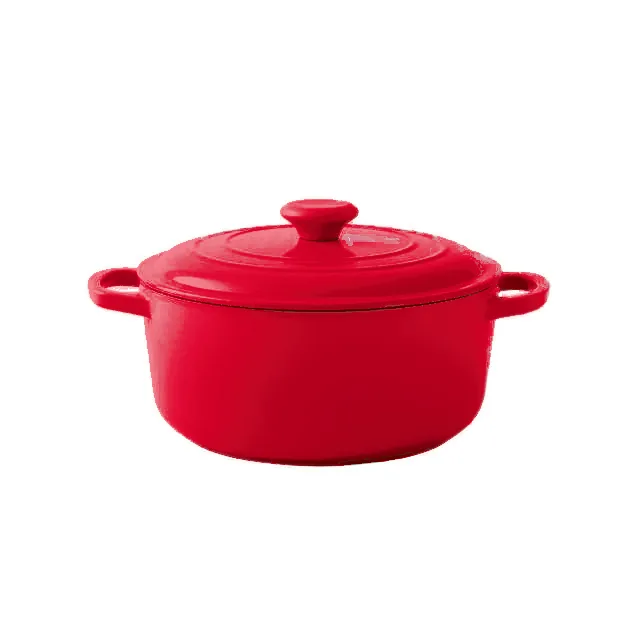 After
What stays the same
- The outline. The product isn't redrawn, so its shape and size don't move by a pixel.
- Texture and light. The weave of a fabric, the reflections on metal and the shadows all come from your photo.
- Logos, labels and print. Anything in another color keeps its original pixels, so text stays sharp and spelled right.
- The background. Nothing outside the product changes.
- Your color. The recolored part is matched to the swatch or hex code you picked, with the product's own shading on top.
Recolor image FAQ
Yes. You can make a preview without an account. Each preview is up to 1024 pixels on the long side and carries a Caspa watermark. Downloading it without the watermark is free too: sign up or log in, and the preview is saved to your Caspa account without it. Free previews and free downloads without the watermark are limited; on a Caspa plan every image is full size, with no watermark.
Type the part in the "Only this part" box in plain words: the strap, the cap, the sole, the cushion. Leave the box empty to change the product's main color.
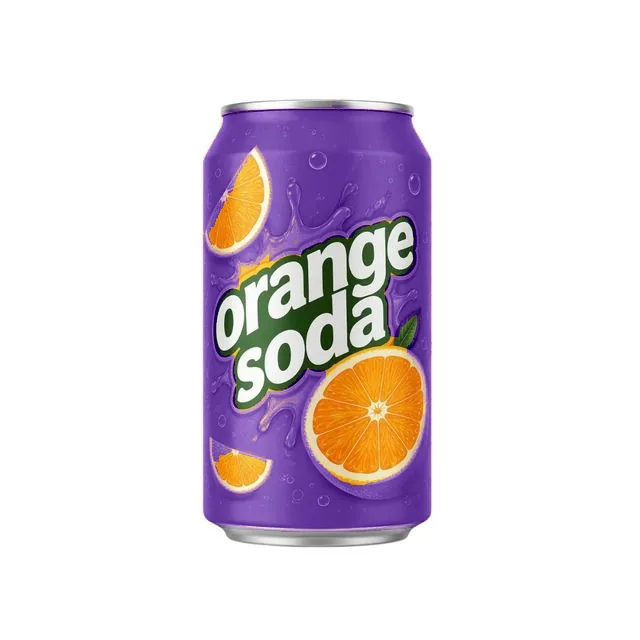
No. Text, logos, prints and parts in other colors keep their original pixels. On the soda can above, the lettering and the fruit are untouched.
The recolored part is matched to your color, so its average shade lands close to the hex code, with the product's own highlights and shadows on top. Compare it with a physical sample before you publish it.
Parts in one solid color: fabric, leather, plastic, ceramic, enamel and metal. Busy patterns in several colors are harder, so change one color area at a time.
Only for colors you actually sell. Amazon asks for images that show the product's real color, and TikTok Shop doesn't allow images that change a product's color. A recolored photo helps you show a color you stock before you've photographed it, so check it against the real item first. Each marketplace's rules are on our image requirements page.
Your photo is sent to the AI model that makes the edit and isn't saved to an account. The preview stays on our server for 15 minutes so this page can show it, then it's deleted. If you choose the free download without the watermark, we keep the preview for a day so it can be saved to the Caspa account you sign up or log in with.
The AI didn't recolor anything it recognized as that part. Try another word for it (the band, the handle, the base) or leave the box empty.
Turn one product photo into a full listing
Caspa makes studio shots, lifestyle scenes and on-model images from the photo you already have, at up to 4K.
Get startedEvery plan comes with a 30-day money-back guarantee.