
AI Image Extender
Extend a photo to the shape a marketplace or app asks for, without cropping it. The new area matches your photo, and the photo itself doesn't change.
Drop a photo here
JPG, PNG or WebP. You can also paste one.
Your photo is already this shape.
Previews are up to 1024 pixels and carry a Caspa watermark.
Any Caspa plan removes it and gives you the full-size image.
How to extend an image
Add your photo
Upload a photo or try a sample. Product shots on a plain background and photos of a whole scene both work.
Pick a shape
Choose the shape your marketplace or app asks for. Tick "Add space around the photo" to zoom out as well.
Get your preview
A plain background is continued pixel for pixel in a second. A scene is extended by AI, then your own photo goes back on top, so the product is never redrawn.
AI image extender examples
Real results from this tool. The two scenes are Caspa product photos; the white backgrounds needed no AI at all.
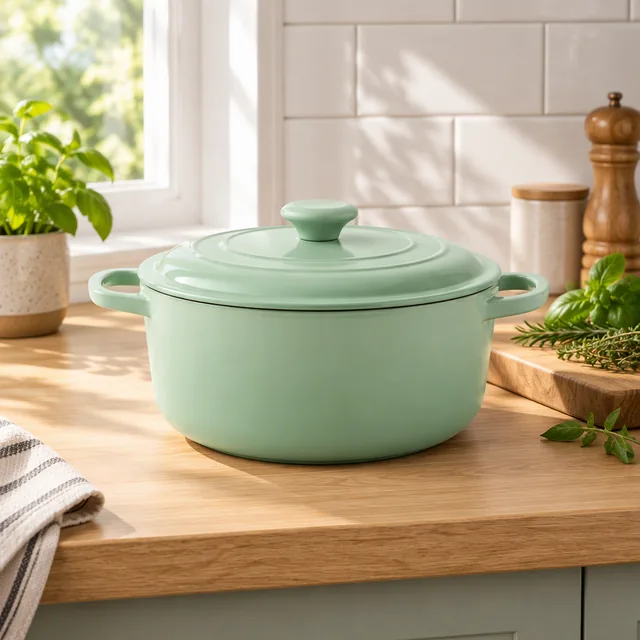 Before
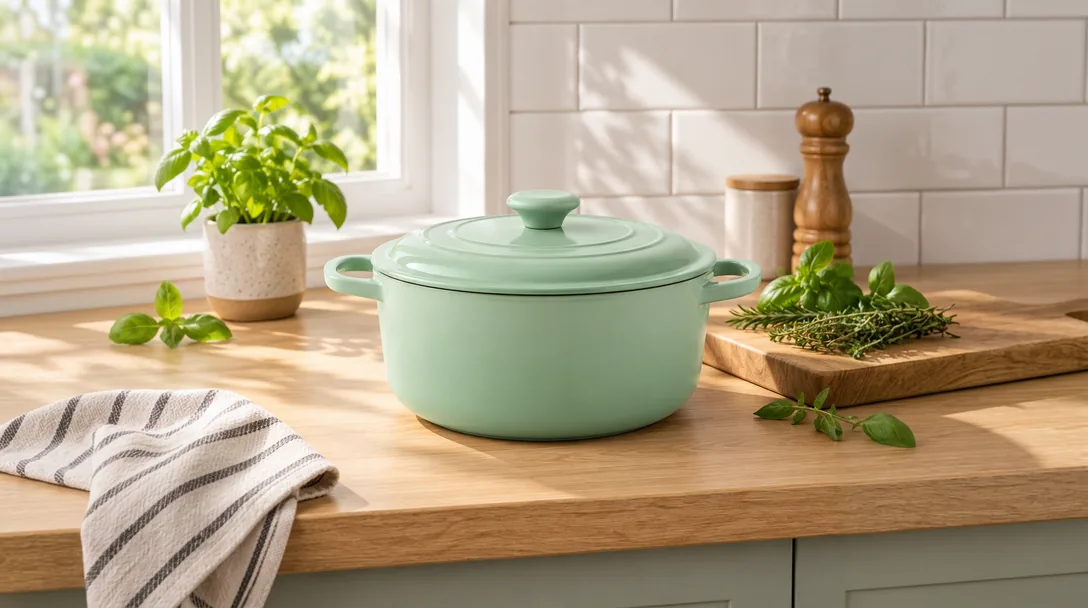 After
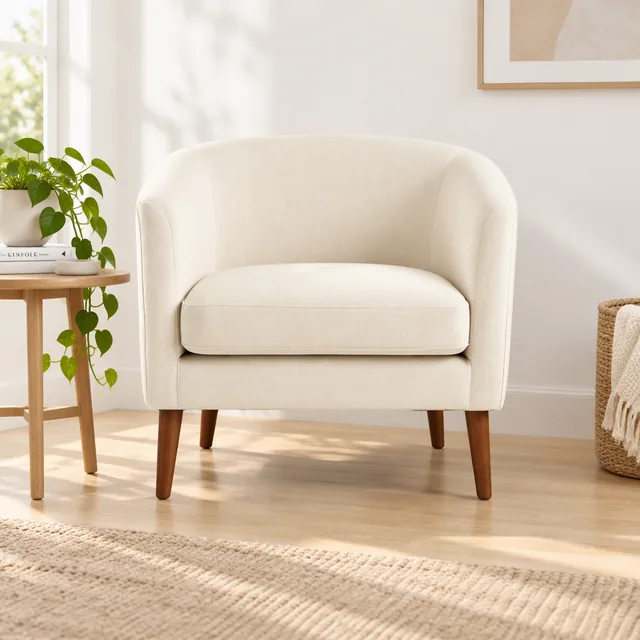 Before
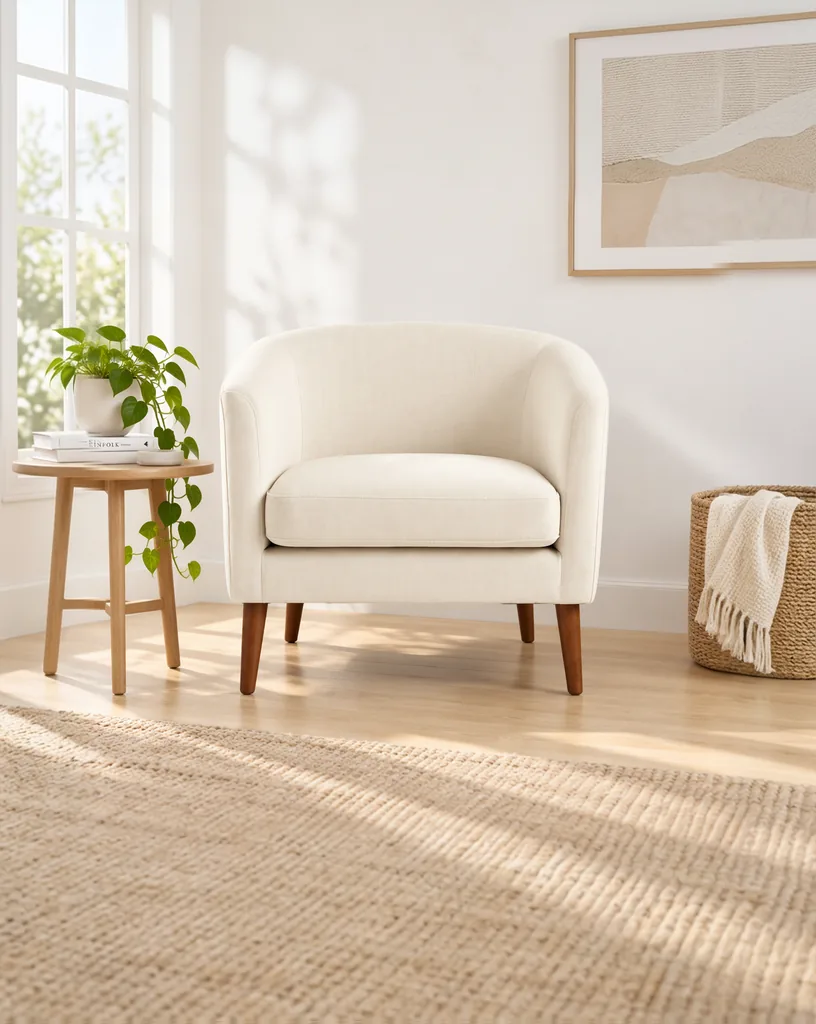 After
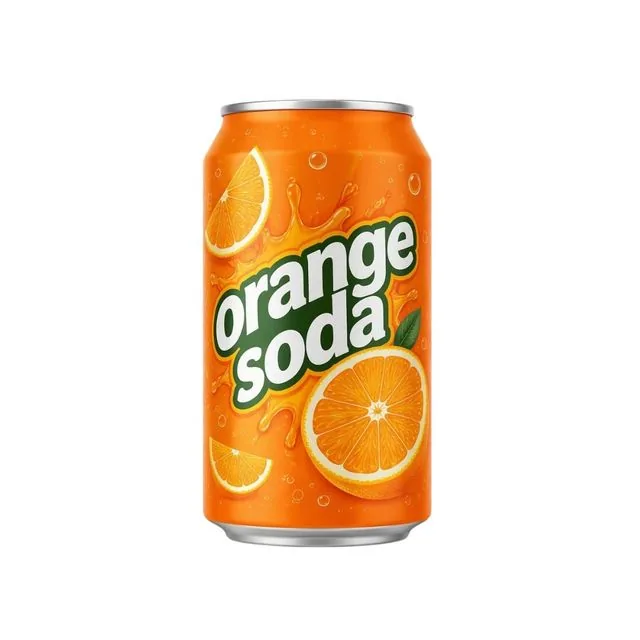 Before
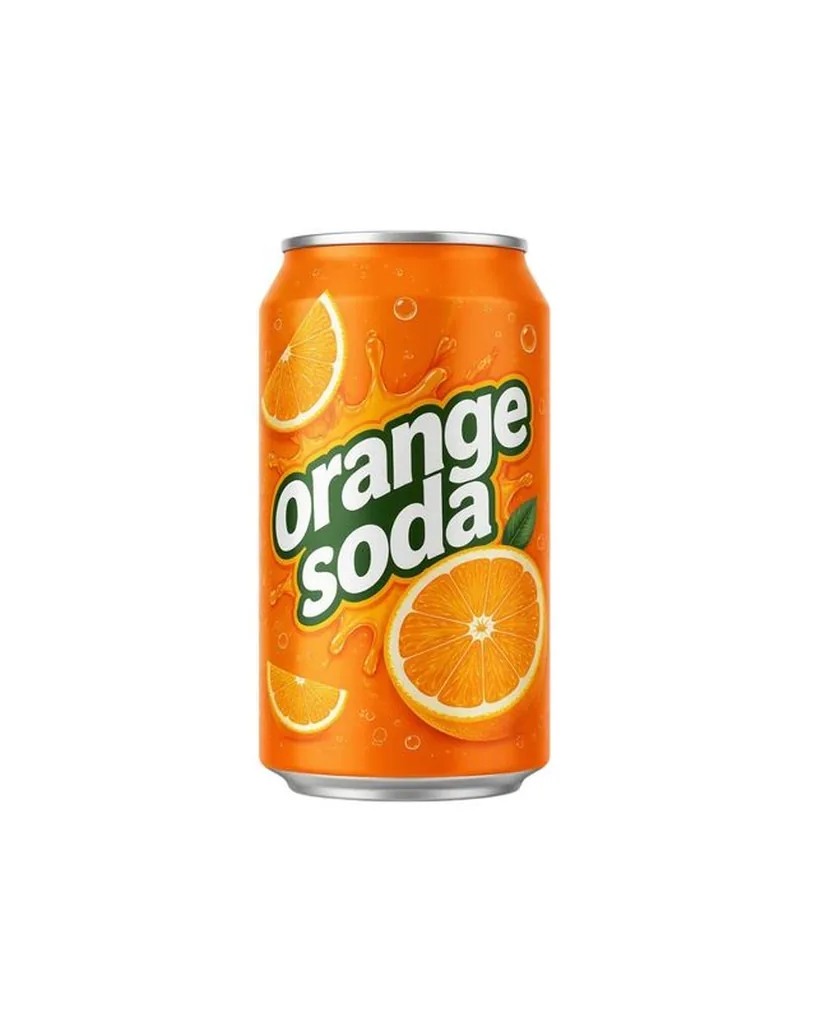 After
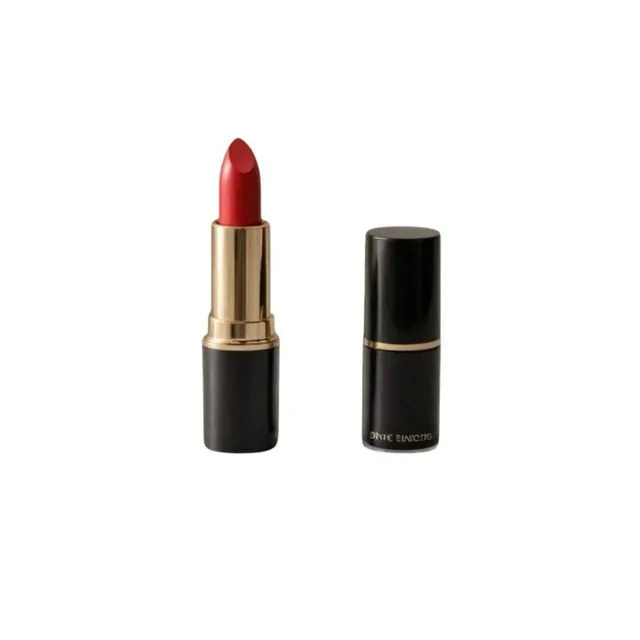 Before
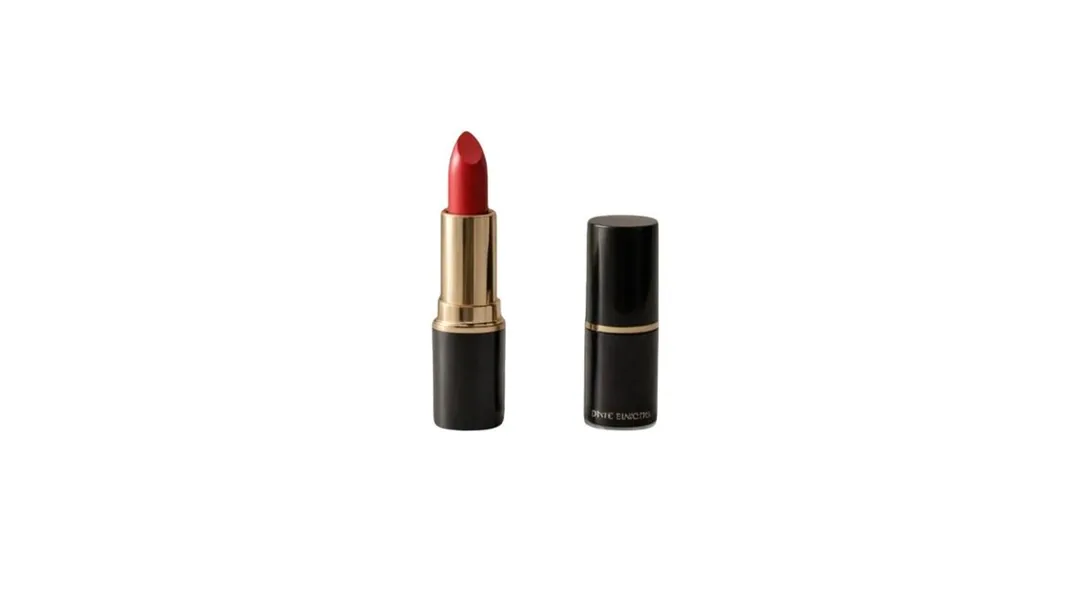 After
Extend, crop or stretch?
| To change the shape by | What happens to the photo |
|---|---|
| Cropping | Part of the photo is cut away, often part of the product or the space around it. |
| Stretching | The product is pulled out of shape, so it no longer looks like the real item. |
| Adding bars | Flat bands of color frame the photo and look unfinished. |
| Extending | The whole photo stays, and new background that matches it fills the rest of the shape. |
Shapes marketplaces ask for
From each marketplace's own image rules, checked October 2026.
| Marketplace | Shape and size |
|---|---|
| Amazon | No fixed shape. 1,000 pixels or more on the longest side for zoom, with the product filling 85% of the main image. A square image of 1,000 x 1,000 or more meets both. |
| Shopify | Square 2048 x 2048 for square images, and one ratio for every featured image. |
| Etsy | First photo landscape or square, at least 2000 pixels wide and tall. |
| eBay | 1:1 or 16:9 look best, about 1600 x 1600. |
| Walmart | 1:1, with 2200 x 2200 recommended. |
| TikTok Shop | Square, over 600 x 600. |
AI image extender FAQ
Yes. You can make a preview without an account. Each preview is up to 1024 pixels on the long side and carries a Caspa watermark. Downloading it without the watermark is free too: sign up or log in, and the preview is saved to your Caspa account without it. Free previews and free downloads without the watermark are limited; on a Caspa plan every image is full size, with no watermark.
No. Your photo stays where it is, pixel for pixel, except a thin band along its edge where it blends into the new area. Only the new area is generated.
Yes. Pick Story 9:16 for Instagram and TikTok stories and Reels, or Portrait 4:5 for the Instagram feed. The extender adds room above and below the photo.
Cropping to a new shape cuts part of the photo away, and resizing to it stretches the product out of shape. Extending keeps the whole photo and adds matching background around it.
Product shots on a plain background are extended instantly and exactly. Photos of a scene work well when the edges show surfaces such as walls, floors, tables or sky. A product cut off at the edge of the photo is the hardest case.
Your photo is sent to the AI model that makes the edit and isn't saved to an account. The preview stays on our server for 15 minutes so this page can show it, then it's deleted. If you choose the free download without the watermark, we keep the preview for a day so it can be saved to the Caspa account you sign up or log in with.
We check every AI result. If the AI moved or redrew your photo instead of extending it, the seam would show, so we don't use that result. Try again or pick another shape.
Make listing photos in every shape
Caspa creates studio, lifestyle and on-model photos from your product photo, in square, portrait and wide formats, at up to 4K.
Get startedEvery plan comes with a 30-day money-back guarantee.