
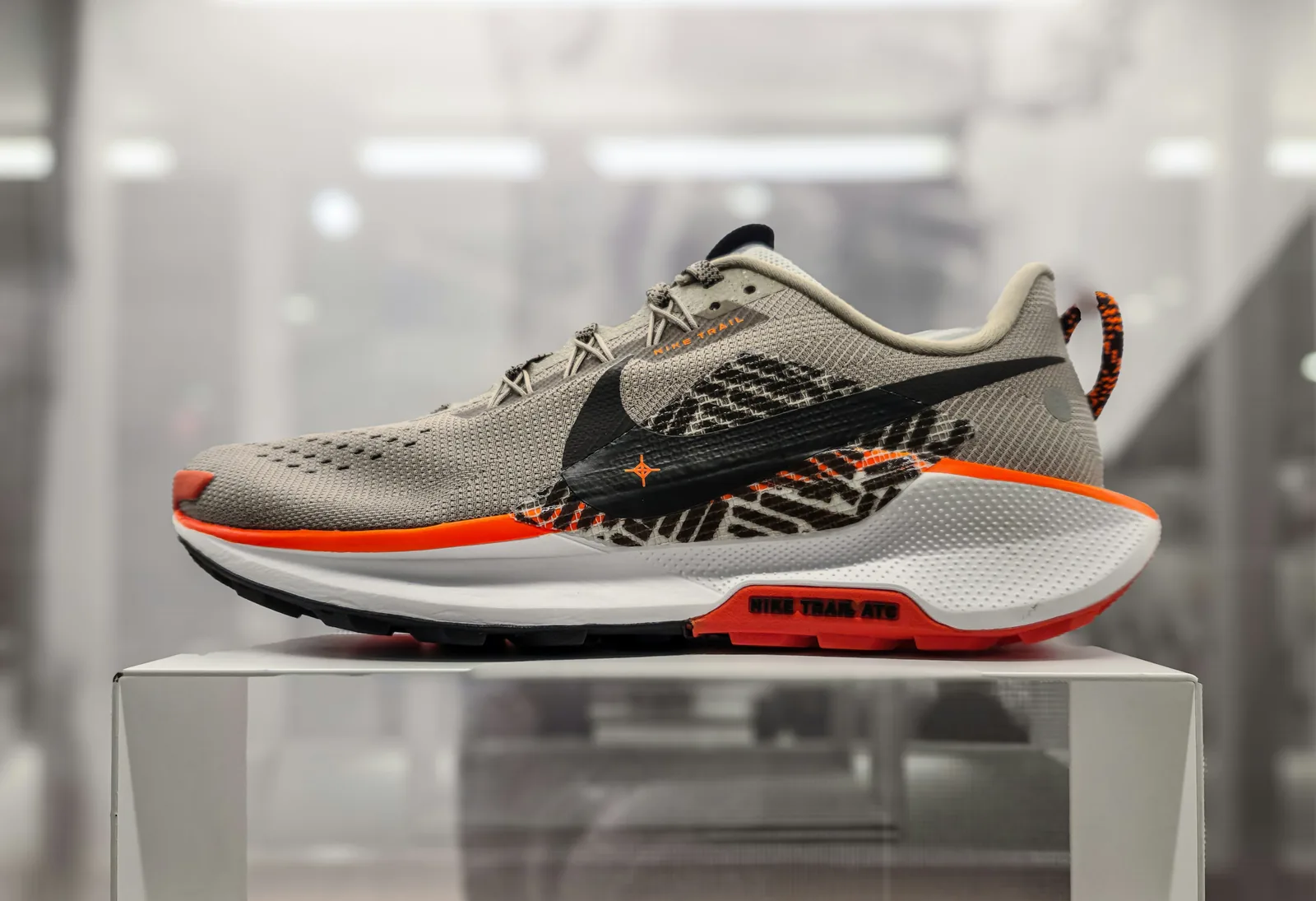
This guide shows you how to photograph shoes to sell online, whether you run a footwear brand or resell sneakers and boots on marketplaces: how to prep a pair, light it, pose it on set, and which angles every listing needs. Everything here is about the shoe as a product, shot so a buyer can judge shape, material, condition and size.
In this guide
- What you need
- Step 1: Prep the shoes
- Step 2: Set up the shot
- Step 3: Light the shoes
- Step 4: Pose the shoes and shoot every angle
- Step 5: Camera and phone settings
- Step 6: Worn and lifestyle shots
- Step 7: Keep the catalog consistent
- Step 8: Edit and export
- Common mistakes
- FAQ
What You Need to Photograph Shoes
- Camera or phone on a tripod. A 50mm to 100mm lens (or a phone's 2x lens) keeps proportions natural; a 100mm macro lens helps with stitching and texture close-ups.
- Light: a large window, or two softboxes or LED panels.
- Background: a white or light gray paper sweep, plus a few surfaces for styled shots (wood, concrete tiles, fabric).
- Light control: white foam boards as reflectors, a black board to add contrast.
- Shaping and posing: shoe trees or tissue paper, clear fishing line, museum putty or double-sided tape.
- Cleaning kit: leather polish and cloth, a soft brush, a lint roller, compressed air.
Our guides to the best camera for product photography and the best light for product photography cover the gear choices in more depth.
Step 1: Prep the Shoes
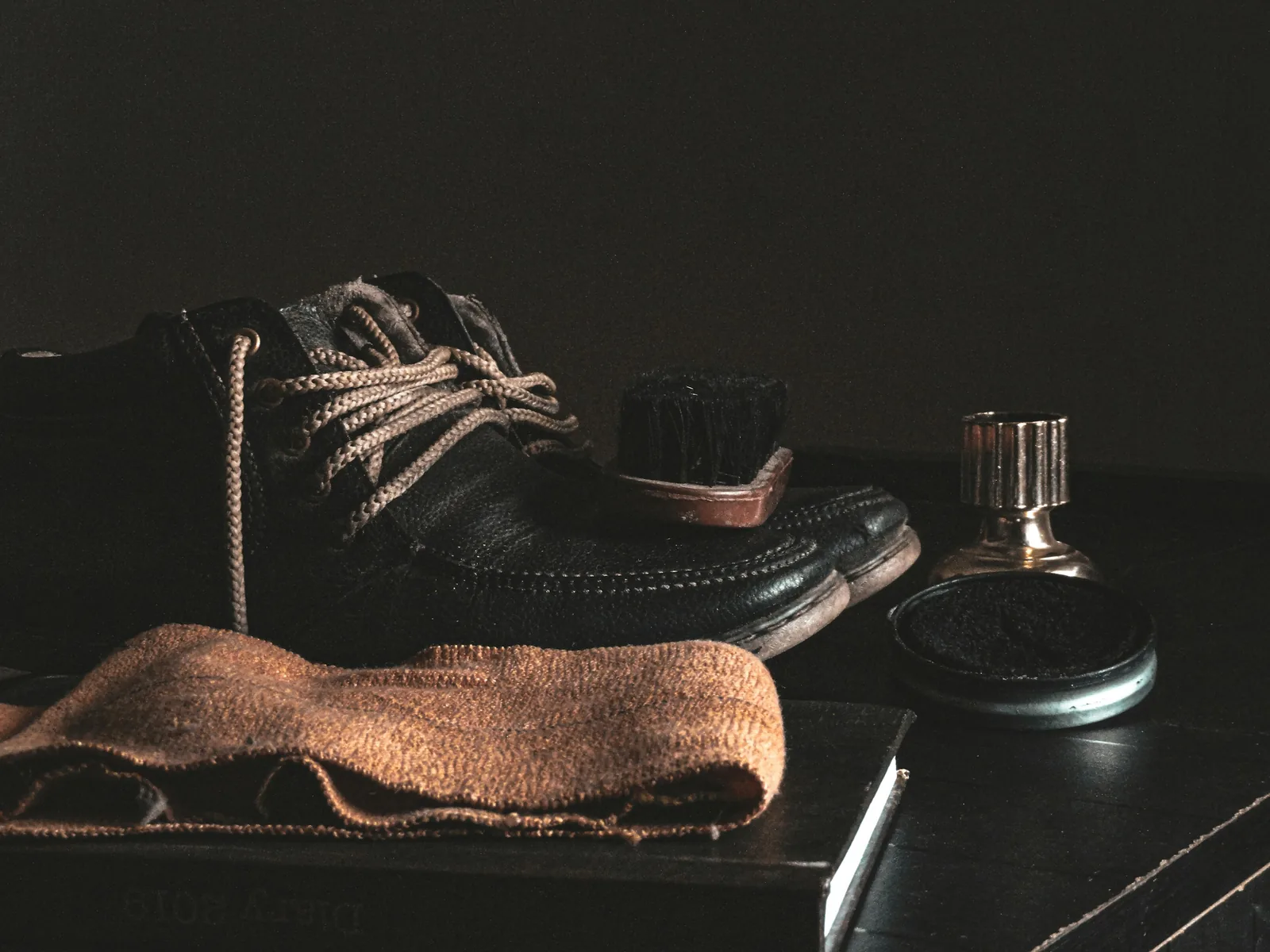
- Inspect each pair for loose threads, scuffs, glue marks and creases. The camera exaggerates small defects.
- Clean and polish. Polish leather to remove scuffs, brush suede in one direction, and run a lint roller over canvas and knit. Clean the soles and the edges of the midsole too; they show in side shots.
- Re-lace neatly. Use the same lacing style for every pair and tuck or tie the laces the same way each time.
- Stuff the shoes with tissue paper or shoe trees so they hold the shape they have when worn. Use rolled card or boot shapers for tall boots.
- Remove stickers and stray tags, unless they matter to the buyer (see the reseller tips below).
- Do a last check under the shooting light, which shows dust that room light hides. Keep a cloth and compressed air on set.
Step 2: Set Up the Shot
Tape a white or light gray sweep to a wall and let it curve onto a table, so there is no line behind the shoe. Place the shoe a little in front of the curve, put the camera on a tripod, and set it level with the middle of the shoe for profile shots. Mark the shoe position and the tripod legs with tape: every product should be shot from the same distance and height so the catalog lines up. For a step-by-step budget setup, see our DIY product photography setup guide.
Step 3: Light the Shoes
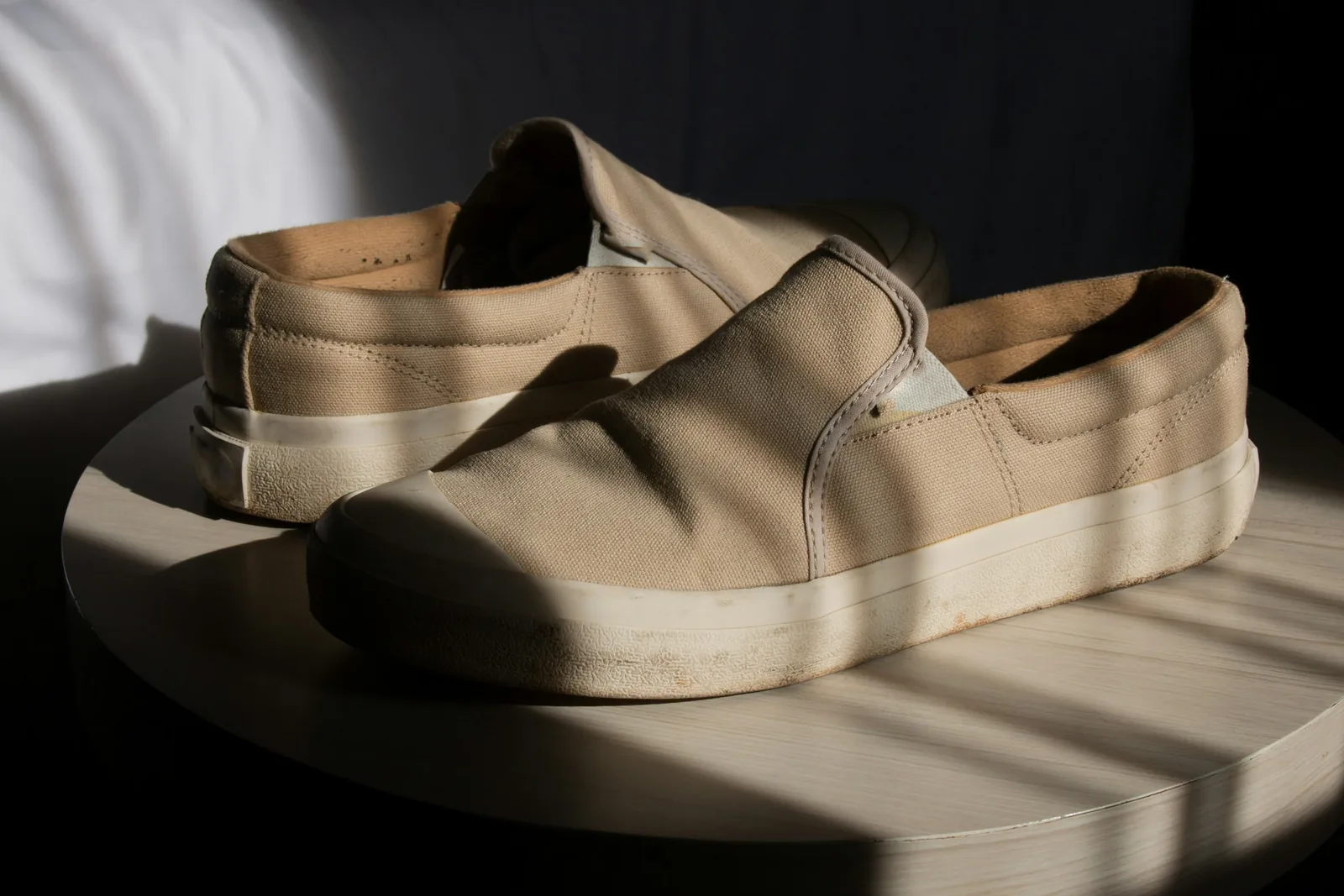
- Start with soft light. A large window on an overcast day, or a window diffused with a sheer curtain, gives even light with soft shadows. Avoid direct sun, which leaves hard shadows and blown highlights on white leather.
- With lights, use a key and a fill. Put a softbox at about 45 degrees to the shoe as the main light and a second light or a white board on the other side to fill the shadows.
- Use side light for texture. Light skimming across the shoe brings out suede nap, mesh and leather grain.
- Add a backlight or rim light to separate dark shoes from a dark background and to outline the silhouette.
- Keep the color accurate. Do not mix daylight and warm room lights, set the white balance for your light, and choose lights with a high color rendering index (CRI 95 or above) if color is critical.
- Control shine. Patent leather and glossy finishes need large, diffused light sources; move the light until the hot spots become long, even highlights.
Step 4: Pose the Shoes and Shoot Every Angle
Buyers cannot pick the shoe up, so the photos have to turn it around for them. Shoot these angles for every style, in the same order each time:
- Side profile (outer side). The most important angle and the usual main image: it shows the silhouette, the heel-to-front line, the sole and the branding. Keep the camera level with the shoe and point every shoe in the same direction.
- Three-quarter front view. The shoe turned about 45 degrees towards the camera. It shows depth and is a strong alternative main image for sneakers and fashion styles.
- Top-down view. Shows lacing, eyelets, the tongue, the width and the overall shape.
- Front view. Shows the shape and width of the front of the shoe.
- Back view. Shows heel height, pull tabs, the heel counter and any branding on the back.
- Sole. Shows the tread pattern and, for used pairs, the wear. Lay the shoe on its side or hold it up with putty.
- Inner side. Worth a frame when the inside panel differs from the outside.
- Close-ups. Stitching, material texture, logos, hardware and the lining.
- The pair. The classic pose: one shoe in side profile, the second slightly behind and angled towards the camera, so one frame shows both the side and the front.
Posing Tricks That Keep Shoes Looking Real
- Never photograph a pair lying flat on its side as the main image: it looks lifeless and hides the shape.
- Lift sandal straps and loose laces with clear fishing line so they sit as they would when worn, then remove the line in editing if it shows.
- Stand heels upright with a small piece of putty under the heel, out of sight.
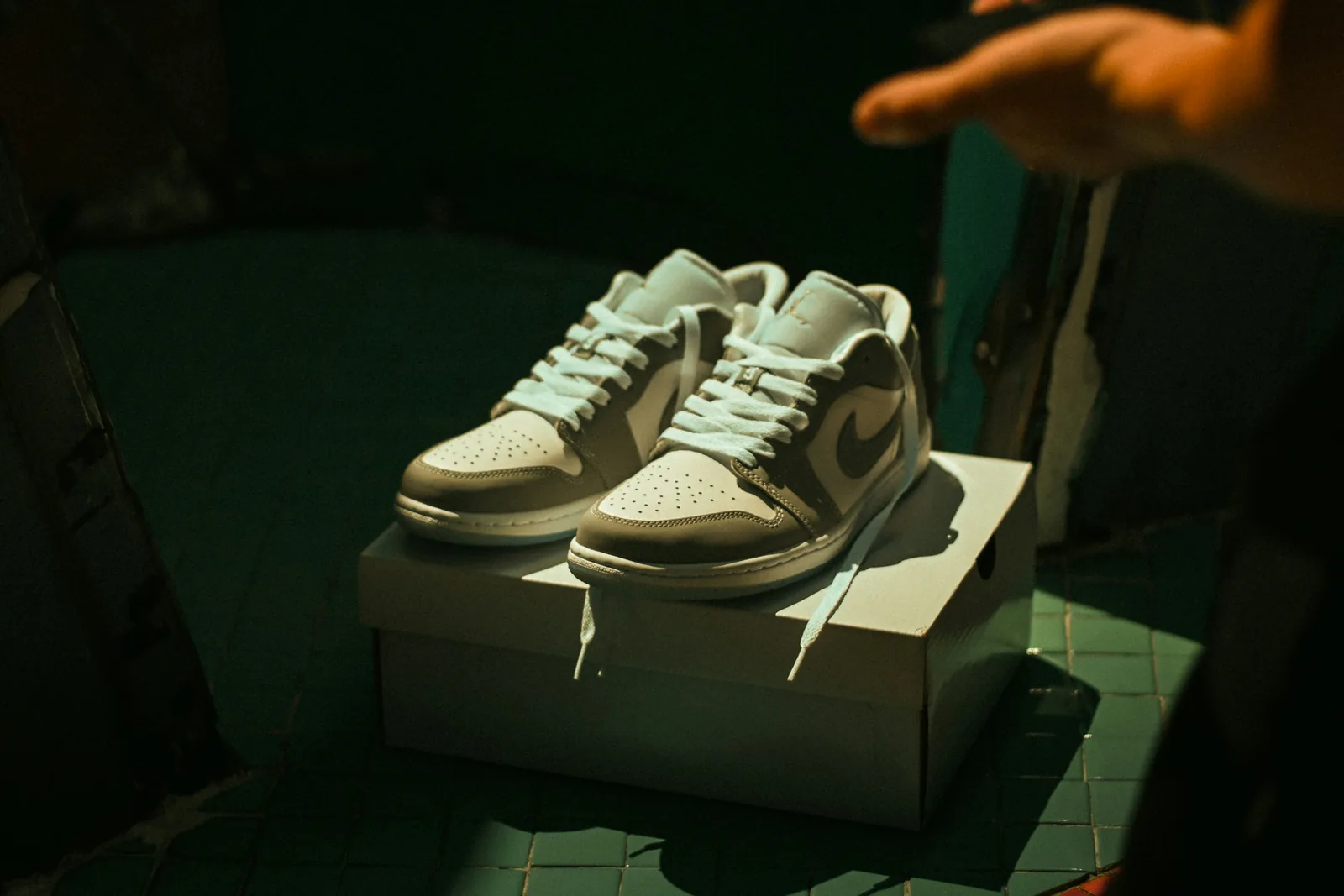
- Stack sneakers on their own box, a riser or a block for a simple display look.
- Suspend a single shoe on fishing line for a floating ad-style shot.
- Use a mirror or a glossy surface to show two angles, or a reflection, in one frame.
Step 5: Camera and Phone Settings
- Aperture: f/8 to f/11 for listing images, so the whole shoe is sharp from front to heel. Save wide apertures such as f/2.8 for lifestyle shots with a blurred background.
- ISO: 100 to 200 on a tripod, for clean detail in dark leather and suede.
- Focal length: stay at 50mm or longer and step back. A wide lens close to the shoe stretches the front and makes it look bigger than it is.
- White balance and format: set the white balance for your light and shoot RAW if you can.
- On a phone: use the 2x lens, tap and hold on the shoe to lock focus and exposure, keep portrait mode for lifestyle shots only (it can blur the edges of the shoe), and use the timer on a tripod.
Step 6: Worn and Lifestyle Shots
Clean product shots sell the details; worn and lifestyle shots sell fit, proportion and style. Keep the focus on the shoes:
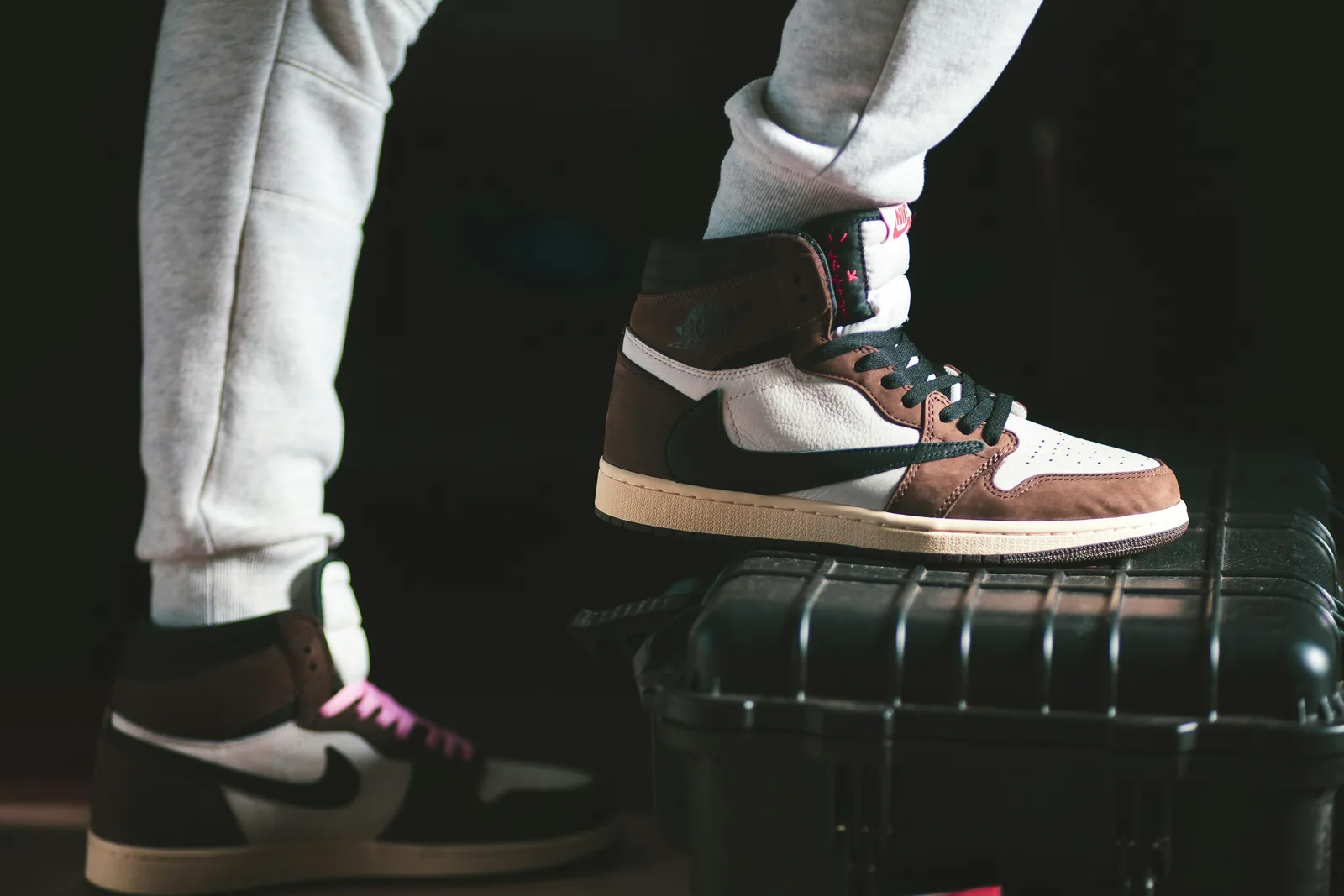
- Worn shots: a model in plain clothing, cropped tight so the shoes fill most of the frame, in a natural stance such as a step, a seated pose or a walk. Show the front and the side.
- Locations and surfaces that match the shoe: a trail for running shoes, concrete for streetwear, a wooden floor for loafers, soft fabric for evening shoes.
- Movement: walking, running or jumping shots suit athletic and casual styles. Use a fast shutter speed or burst mode.
- Flat lays: the pair from above with a few matching pieces such as socks, a bag or jeans.
- Artistic shots: a single backlight on a black background, a reflection on a wet or glossy floor, or a mirror showing two sides.
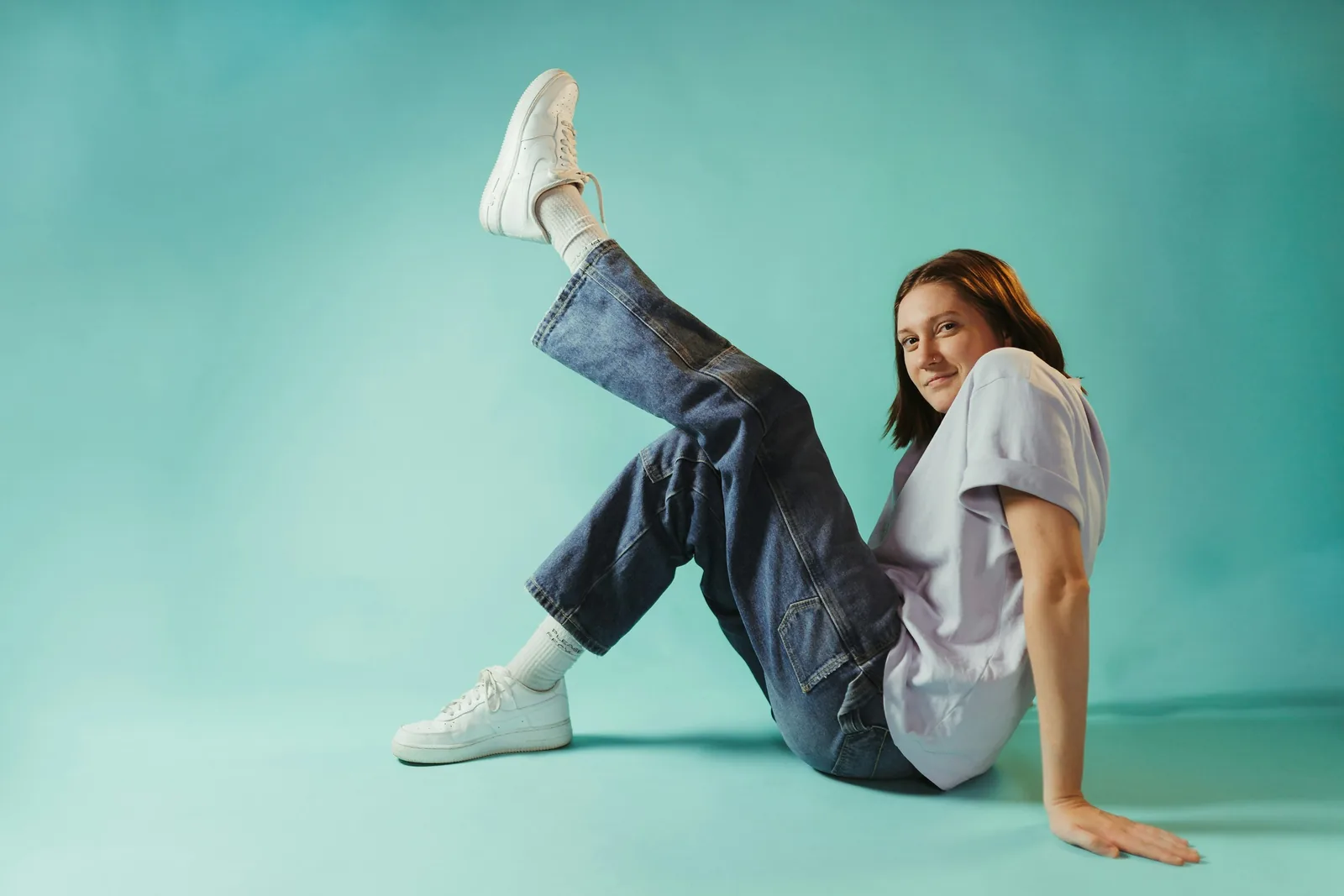
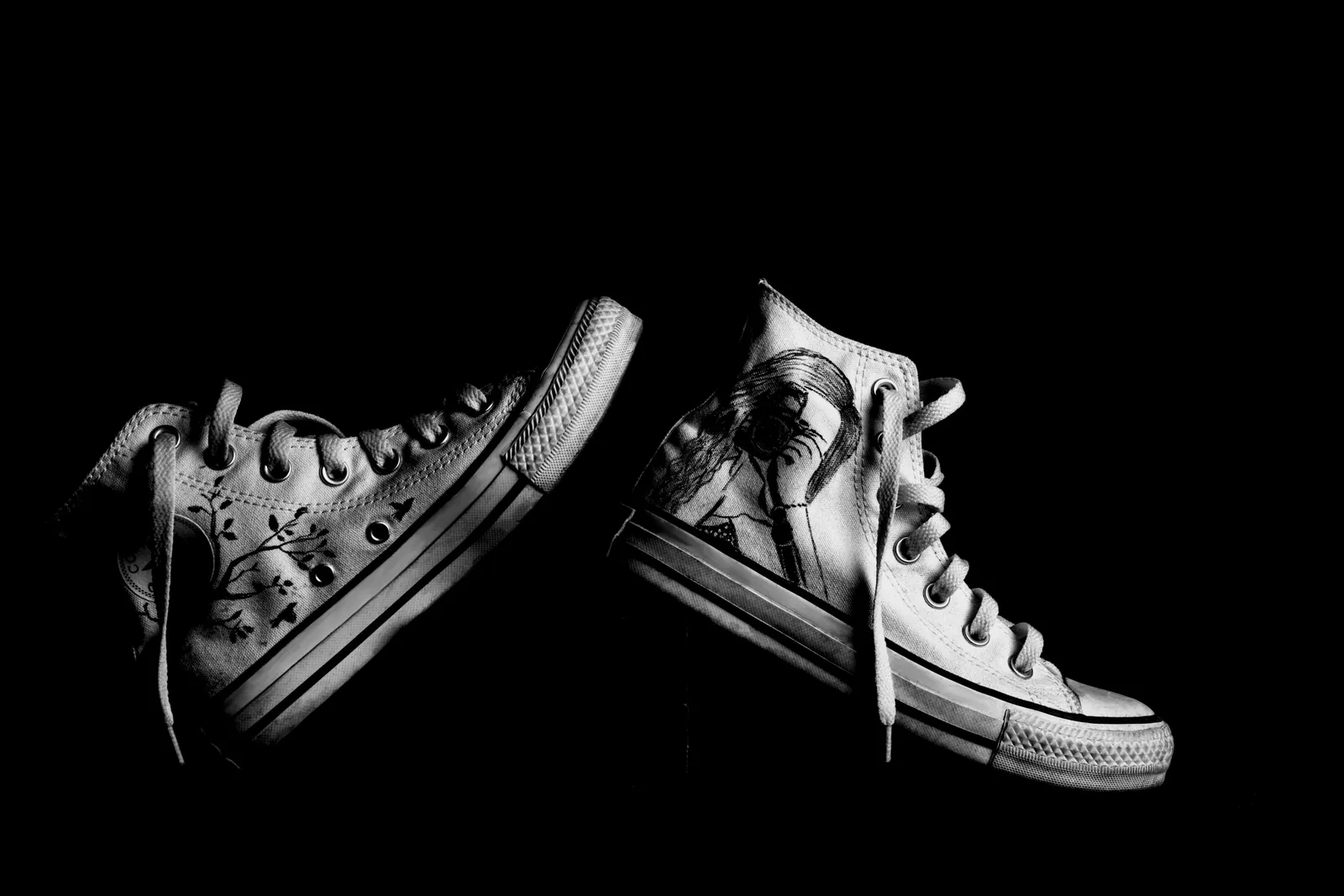
No model or location budget? Photograph the shoe on white, then create worn and lifestyle versions with Caspa's AI shoe photography, which keeps the shoe itself unchanged.
Step 7: Keep the Catalog Consistent
A collection page shows your shoes side by side, so small differences stand out. Use the same angles in the same order, the same distance and crop, the same background and the same white balance for every style. If you want brand color in the photos, add it through subtle props such as a colored riser or backdrop panel rather than busy backgrounds, and pick contrast with care: light shoes stand out against darker surfaces and dark shoes against light ones.
Step 8: Edit and Export
- Check color against the real pair and correct the white balance. A shade that is slightly off is a common reason for returns.
- Remove dust, lint and marks on the background, and clean up the sweep to an even white or gray.
- Balance brightness and contrast so white leather keeps its detail and dark suede does not turn black.
- Keep a soft shadow under the shoe so it looks grounded rather than cut out.
- Do not retouch away wear on used pairs; show it.
- Export every image at the same size and crop. Our ecommerce image size guide and the marketplace image requirements pages list current sizes, and how to edit product photos covers the editing steps.
Extra Shots for Resellers
If you sell used or collectible pairs, buyers also want proof of what they are buying. Add photos of the size label inside the shoe, the box label, any tags, the insoles and the soles, plus a close-up of every flaw. Clear, honest condition photos reduce questions and disputes.
Common Shoe Photography Mistakes
- Shoes lying flat and shapeless because they were not stuffed.
- Only one or two angles, so buyers cannot judge the shape.
- Different crops and distances from one product to the next.
- Soft focus on the heel or the front because the aperture was too wide.
- Distortion from a wide lens held close.
- Color that does not match the real shoe.
- Busy props or backgrounds that compete with the shoe.
For more on footwear specifically, read our shoe product photography guide, and for the basics that apply to any product, how to take product photos. Selling clothing as well? See our clothing photography guide.
Frequently Asked Questions
How do you pose shoes for product photos?
Stuff the shoes so they hold their shape, lace them neatly, and stand them upright. For a single shoe, shoot a side profile with the camera level with the shoe. For a pair, put one shoe in profile and the second slightly behind it, angled towards the camera. Use putty or fishing line to hold heels and straps in place.
What is the best angle to photograph shoes?
The side profile of the outer side is the most important angle, because it shows the silhouette, sole and branding. A three-quarter front view is a strong alternative main image for sneakers. Add top, front, back, sole and close-up shots so buyers see the whole shoe.
What background is best for shoe photography?
A white or light gray seamless background for listing images, because it keeps attention on the shoe and suits most marketplaces. For styled and social images, pick a surface that matches the shoe, such as concrete for streetwear or wood for leather shoes, and keep enough contrast between shoe and background.
How do you take pictures of shoes to sell with a phone?
Place the shoes next to a window with soft daylight, on a white sweep, with the phone on a small tripod. Use the 2x lens from a little distance, lock focus and exposure on the shoe, avoid flash and portrait mode, and shoot every angle in the same order.
How many photos should a shoe listing have?
Enough to show the shoe from every side: side profile, three-quarter front, top, front, back, sole and at least one close-up, plus a worn or lifestyle shot. Used pairs also need the size label, box and any flaws. Check each marketplace's image limit before you upload.
How do you keep shoes in shape for photos?
Fill them with tissue paper or shoe trees, use rolled card or boot shapers in tall boots, and lift straps or laces with clear fishing line. The goal is the shape the shoe has when it is worn.
Make Shoe Photos From One Product Shot
Once you have one clean side-profile or three-quarter shot on white, Caspa can create the rest of the listing: lifestyle scenes such as a street, a studio set or a trail, and on-model shots that show fit and styling. The shoe itself stays unchanged, so the details you photographed carry into every image.
Every plan comes with a 30-day money-back guarantee.