
Amazon image requirements decide whether your product shows up at all: if no main image meets them, Amazon may remove the listing from search until you upload one that does. Below are Amazon's product image requirements as published in Seller Central, checked on October 27, 2026, with a checklist and the reasons Amazon gives when it suppresses images.
Short answer: the main image needs a pure white background (RGB 255, 255, 255), the product filling 85% of the frame, shown once and whole, with no text, logos, props or packaging. Files must be JPEG, TIFF, PNG or non-animated GIF, between 500 and 10,000 pixels on the longest side. Use 1,000 pixels or more so shoppers can zoom. Amazon requires one main image and recommends at least six more, plus a video.
- Image size and file specs
- Main image requirements
- Rules for additional images
- AI-generated people: the disclosure tag
- Checklist before you upload
- Why Amazon suppresses images
- How to make compliant images
- Titles and bullet points
- FAQ
Amazon image size and file specs
These are Amazon's technical requirements. A file that fails them can't be uploaded.
| Spec | Requirement |
|---|---|
| File formats | JPEG (.jpg or .jpeg), TIFF (.tif or .tiff), PNG or non-animated GIF. Amazon recommends JPEG. EPS, BMP, PDF and application files such as PSD are not accepted. |
| Image size | 500 to 10,000 pixels on the longest side. Files under 500 pixels can't be uploaded. |
| Recommended size | 1,000 pixels or more on the longest side, which turns on zoom. Amazon says not to enlarge small images artificially. |
| Aspect ratio | No fixed ratio in Amazon's product image guide. |
| Resolution | At least 72 dpi. |
| Image quality | Clear, not pixelated, no jagged edges. |
| Color mode | RGB preferred. Convert CMYK to RGB. Grayscale only for products that are gray or silver metal. Don't rely on ICC color profiles. |
| Compression | As little as possible: JPEGs saved once at the highest quality, TIFFs uncompressed, layers removed. |
| Main image background | Pure white, RGB 255, 255, 255. |
| Product in the frame | 85% of the image. |
| Number of images | At least one compliant main image. Amazon recommends at least six additional images and one video. |
| File names | For bulk upload: product identifier, variant code and extension separated by periods, for example B000123456.MAIN.jpg. Spaces or dashes stop the upload. |
| Video | MP4 or MOV, up to 5 GB, up to 1080p, 16:9 horizontal or 9:16 vertical, 1 to 12 minutes. Thumbnail in JPEG, PNG, GIF or BMP under 5 MB. Your seller account must be active for more than three months. |
| Time to appear | Up to 24 hours after upload. |
Amazon main image requirements
The main image (variant code MAIN) is the one shoppers see in search results. Amazon's rules for it:
- Pure white background, RGB 255, 255, 255.
- The product takes up 85% of the image.
- The whole product is in the frame, with nothing cut off.
- The product appears once: the front only, not the front and back side by side.
- One unit, plus only the accessories that come with it.
- No text, logos, graphics or watermarks.
- No packaging, unless it is part of the product (Amazon's examples are a carrying case or a gift basket).
- No props or accessories that aren't included, and no mannequin of any kind, including clear ones and hangers.
- A realistic, professional photo that shows the product's real scale, quantity and color. No placeholders.
- A lifestyle image as the main image only for the limited product types Amazon allows, with no text or extra logos.
Category rules that catch sellers out:
- Footwear: a single shoe, facing left, at a 45-degree angle. More on posing shoes in how to pose shoes for sale.
- Adult clothing: on a model who is standing, not sitting, kneeling, leaning or lying down.
- Clothing accessories and multipacks: flat, without a model. See flat lay clothing photography.
- Children's and baby undergarments, leotards and swimwear: lying flat, without models, in every image.
Rules for additional images
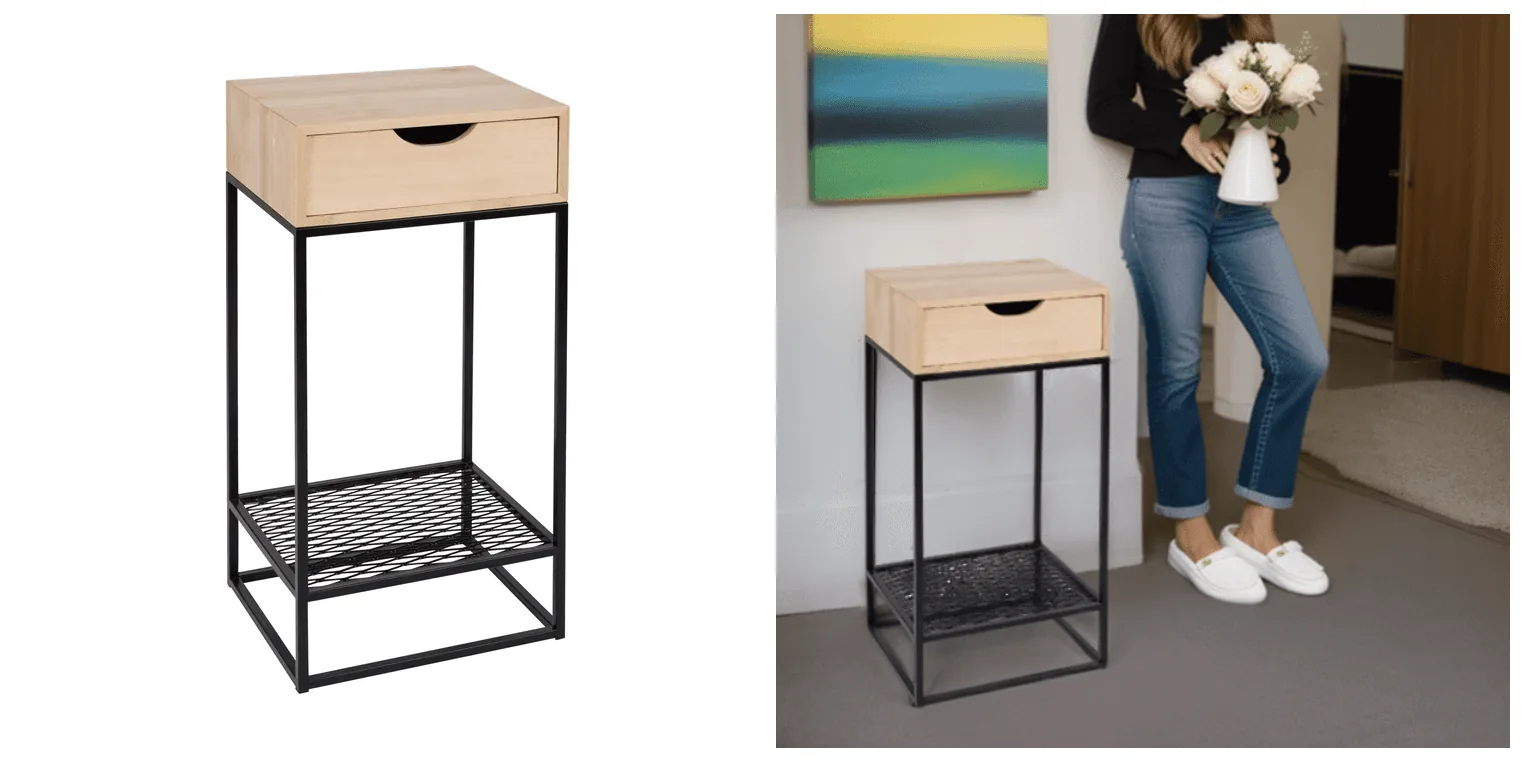
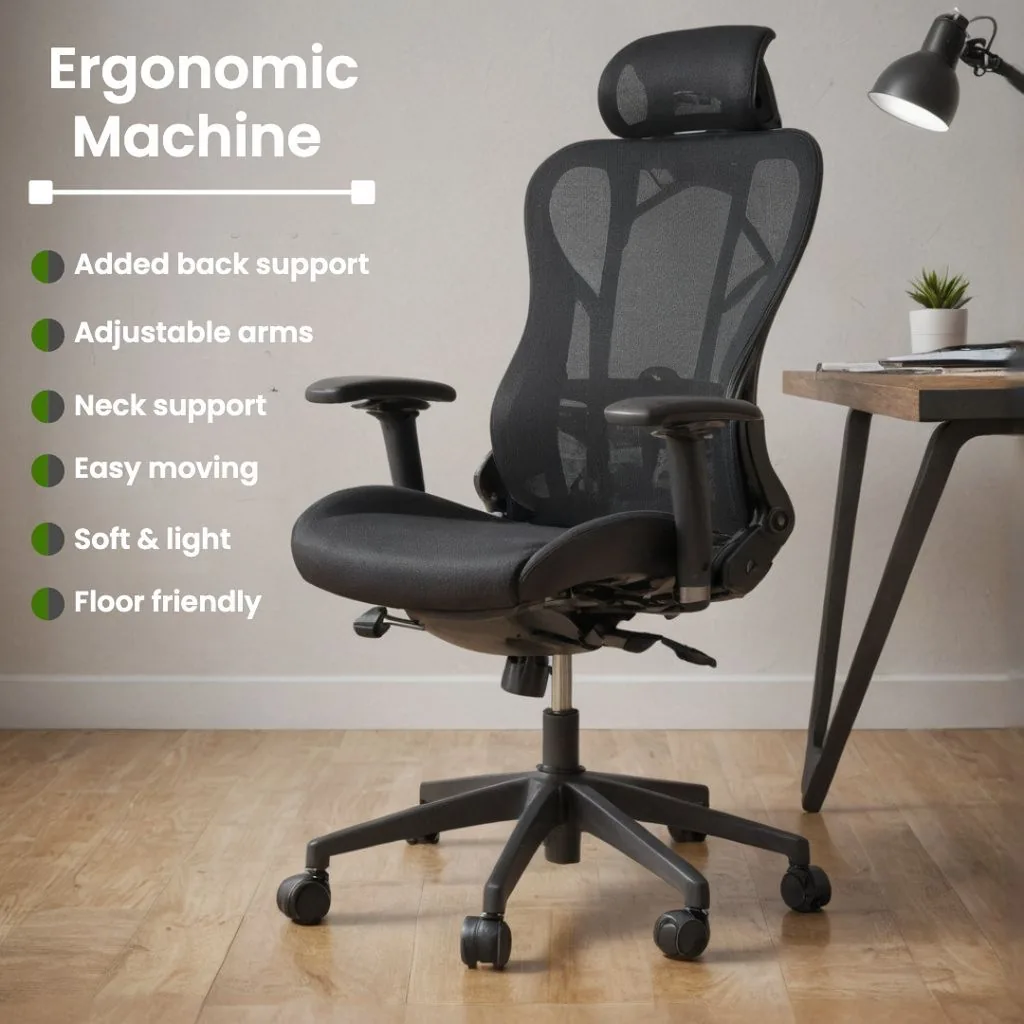
The other slots are for angles, the product in use, details, accessories and scale. Text and infographics are allowed here, within the rules Amazon applies to every image:
- Show the product you are selling, and match the title: same color, count and size.
- No customer reviews, star ratings, claims such as "free shipping", or seller-specific information.
- No Amazon logos or trademarks, and no Amazon badges such as "Amazon's Choice", "Best seller" or "Top seller".
- No nudity or sexually suggestive images, including drawings.
- Swatch images (variant code SWCH) carry no text or pricing.
Each slot has a variant code: PT01 to PT99 for additional images, TOPP, BOTT, LEFT, RGHT, FRNT, BACK and SIDE for angle shots, SWCH for color swatches, PS01 to PS06 for safety and compliance images, and DTLS for multipack images. Image Manager suggests codes based on your category.
AI-generated people: Amazon's disclosure tag
Because some jurisdictions may require disclosure, Amazon asks sellers to tag any image or video that shows photorealistic AI-generated people before uploading it. Add the keyword contains-synthetic-performer to the file's XMP dc:subject field and Amazon adds a disclosure where it applies.
- Tag it: people generated entirely by AI, not based on a real person.
- Don't tag it: real people, even if edited with AI tools; characters from films, games or other creative works; images with no people; people who aren't photorealistic.
On a Mac, open the file in Preview, press Cmd+I, open the Keywords tab, click + and type contains-synthetic-performer. On Windows, right-click the file, choose Properties, then Details, and type it into the Tags field (not Subject). For a batch of files, Amazon's help page gives an exiftool command.
This covers on-model images made with Caspa's AI models: tag them before you upload. Scenes without people need no tag.
Amazon image checklist before you upload
- The main image background reads 255, 255, 255 in a color picker, corners included.
- The product fills about 85% of the frame and nothing is cut off.
- One unit and only what's in the box: no props, no packaging, no mannequin.
- No text, logo, badge, border or watermark on the main image.
- Longest side between 1,000 and 10,000 pixels, from a sharp original rather than an enlarged small file.
- JPEG saved once at the highest quality, in RGB, with layers flattened.
- Six or more additional images: angles, in use, details, scale, and an infographic if it helps.
- Every image matches the title: same color, same count, same size.
- Photorealistic AI-generated people tagged contains-synthetic-performer.
- Bulk uploads named like B000123456.MAIN.jpg and B000123456.PT01.jpg.
Why Amazon suppresses images
Amazon checks images against these rules. A failed main image can hide the whole listing from search until you replace it. The reasons Amazon lists most often:
| Reason | What Amazon flags |
|---|---|
| Text, logo, graphics or watermark | Any of these on the main image. |
| Non-white background | A main image background that isn't pure white (RGB 255, 255, 255). |
| Image missing | No main image, or the wrong one. |
| Additional items | Items in the main image that aren't allowed for the product type. |
| Cropped product | Part of the product is cut off. |
| Packaging or tags | The product is shown in its packaging, or with brand or swing tags. |
| Propping | Props inside, covering or surrounding the product. |
| Blurriness or pixelation | Any image, not only the main one. |
| Product too small | The product is too small in the frame, in any image. |
| Prurience | A sexually suggestive image, in any image. |
| Multiple product views | Several views of one product in an apparel main image. |
| Human model | A model in the main image of a non-clothing product, such as kids, baby, shoes, luggage, watches and jewelry. |
| Mannequin or hanger | In an apparel or accessories main image. |
| Model not standing | In an apparel main image. |
| Image and title don't match | Error 100239. |
To fix a suppressed listing, upload a compliant replacement with the MAIN variant code instead of deleting the old image, then allow up to 24 hours. Products removed from search for image issues are listed under the Fix tab in Manage Products.
How to make Amazon-compliant images
- Start with one sharp photo of the actual product: even light, the whole item, true colors, at full camera resolution. A phone is enough if the light is good. Our guides on taking product photos, lighting and a DIY setup cover the basics.
- Main image: remove the background, place the product on pure white, scale it to about 85% of a square canvas, and export a JPEG of at least 1,000 pixels on the longest side. Check the background with a color picker before uploading.
- Additional images: plan the six slots before you make them. A practical set is two or three angles, the product in use, a close-up of the material or a key detail, a size reference, and one infographic with the facts buyers ask about.
- Video: show the product in use, as MP4 or MOV up to 1080p.
- A+ Content: if your brand is registered, the description area below the gallery takes its own images. The specs are on our Amazon A+ Content page.
Where Caspa fits
Caspa starts from the product photo you already have and keeps the product itself unchanged, so labels, logos and patterns match what the buyer receives. From that one photo:
- Main image: the background remover clears your photo so the product can sit on pure white.
- Lifestyle images: the product in a real setting, for the in-use slots.
- On-model images: human models for clothing, jewelry and accessories. Tag photorealistic AI people as described above.
- Infographics and A+ content, included from the Starter plan up.
- Product video, on the Growth and Scale plans.
More on Amazon listings: Amazon product photography with Caspa. By product type: lifestyle product photography, clothing, jewelry, shoes, furniture and beauty products.
Make your Amazon image set from one product photo
Upload a product shot and get a clean main image, lifestyle and on-model images, and infographics for the additional slots.
Every new account gets 10 free credits, no credit card required. Paid plans come with a 30-day money-back guarantee.
Titles and bullet points
Two Amazon listing rules worth knowing alongside the image rules (October 2026): titles can't exceed 75 characters including spaces and can't contain promotional phrases such as "free shipping" or the characters ! $ ? _ { } ^ ¬ ¦, and Amazon asks for at least three bullet points, with length limits that vary by product type.
For the description, Caspa's Amazon product description generator drafts one from a product photo or a one-line idea.
Amazon image requirements FAQ
What size should Amazon product images be?
Between 500 and 10,000 pixels on the longest side. Amazon recommends 1,000 pixels or more, which enables zoom. There is no required aspect ratio, so a square image of 1,000 x 1,000 pixels or larger meets both numbers.
Does the Amazon main image need a pure white background?
Yes. Amazon requires RGB 255, 255, 255. A background that isn't pure white, including off-white or light gray, can trigger the "non-white background" suppression. Only a limited number of product types may use a lifestyle main image.
How much of the image should the product fill?
85%. Amazon's main image rules say to show the product as 85% of the image, with the whole product inside the frame. "Product too small" is one of the suppression reasons Amazon lists.
How many images can I add to an Amazon listing?
Every product needs one compliant main image. Amazon recommends at least six additional images and one video. Uploading doesn't guarantee display: Amazon selects and arranges images from multiple sellers of a product.
Can additional images have text or infographics?
Yes. The no-text rule covers the main image and swatch images. Additional images can carry callouts and infographics, but not customer reviews, star ratings, claims such as "free shipping", Amazon logos or Amazon badges.
Can I use AI-generated images on Amazon?
Yes, if the image accurately represents the product you sell, including its real scale, quantity and color. If an image or video shows photorealistic people generated entirely by AI, tag the file with the keyword contains-synthetic-performer in its XMP dc:subject field before uploading.
Why was my Amazon image rejected?
Files are refused at upload when they fail the technical specs, such as an unsupported format or fewer than 500 pixels on the longest side. After upload, the common suppression reasons are a non-white background, text or logos on the main image, a cropped product, packaging or tags, props, blur, a product too small in the frame, and an image that doesn't match the title.
Sources
All from Amazon Seller Central help for the US marketplace. Amazon updates these pages, so treat the details above as accurate as of October 2026.
- Product image guide, checked October 27, 2026
- Technical image file requirements, checked October 27, 2026
- Image suppression, checked October 27, 2026
- Shoppable video guide, checked October 27, 2026
- How to tag media that contains an AI-generated person, checked October 27, 2026
- Product title requirements and guidelines, checked October 27, 2026
- Product bullet point requirements, checked October 27, 2026