
Amazon Product Photography With AI
Upload one product photo. Caspa turns it into the Amazon product photography a listing needs: a clean main image, lifestyle shots, infographics and A+ content, with your product kept as it is.
10 free image credits · No credit card required

Six images, six jobs
Amazon recommends at least six images per listing, as of October 2026. Supplier photos look like every other listing, so give each slot its own job.
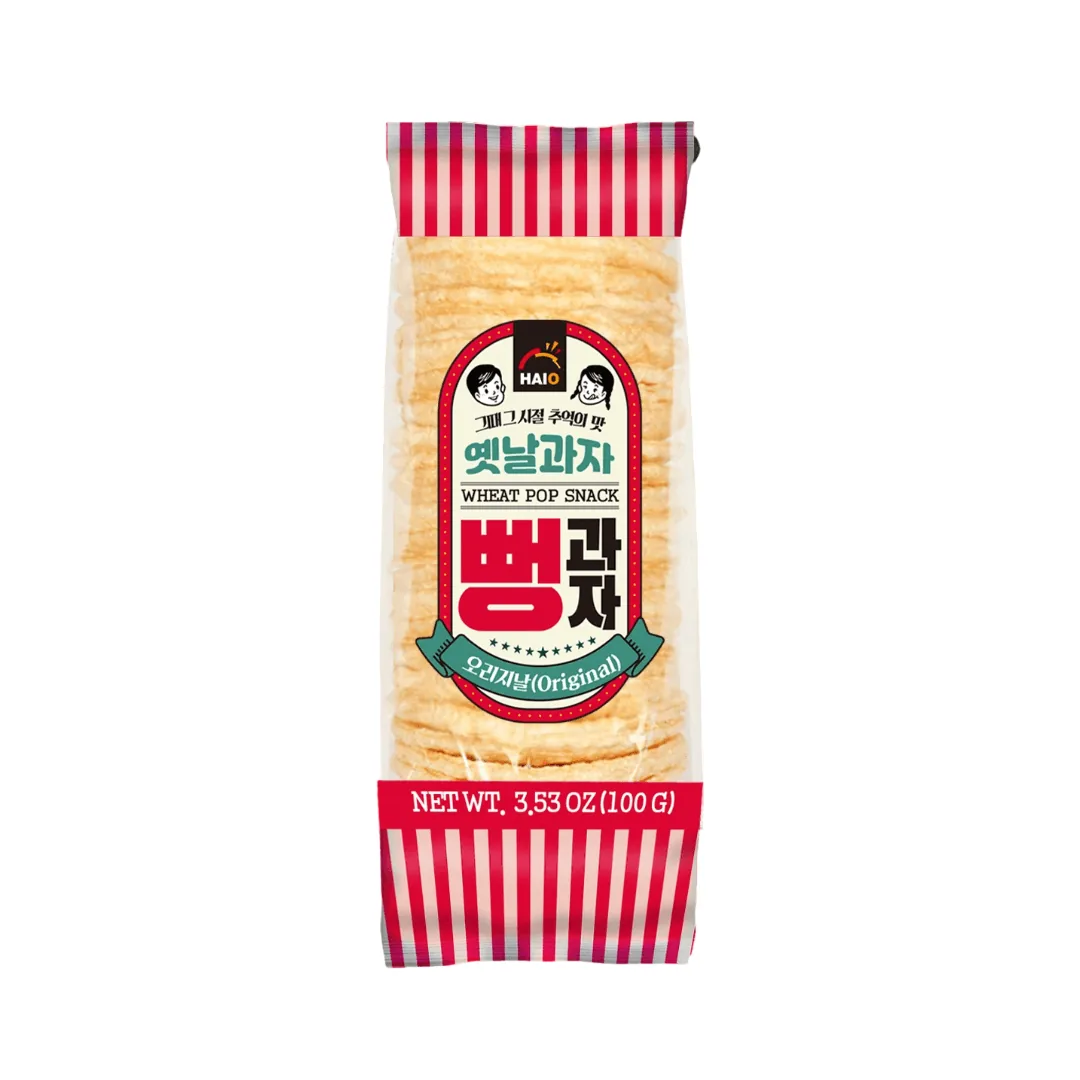
Main image
The product alone on pure white, filling the frame. It wins or loses the click in search results.
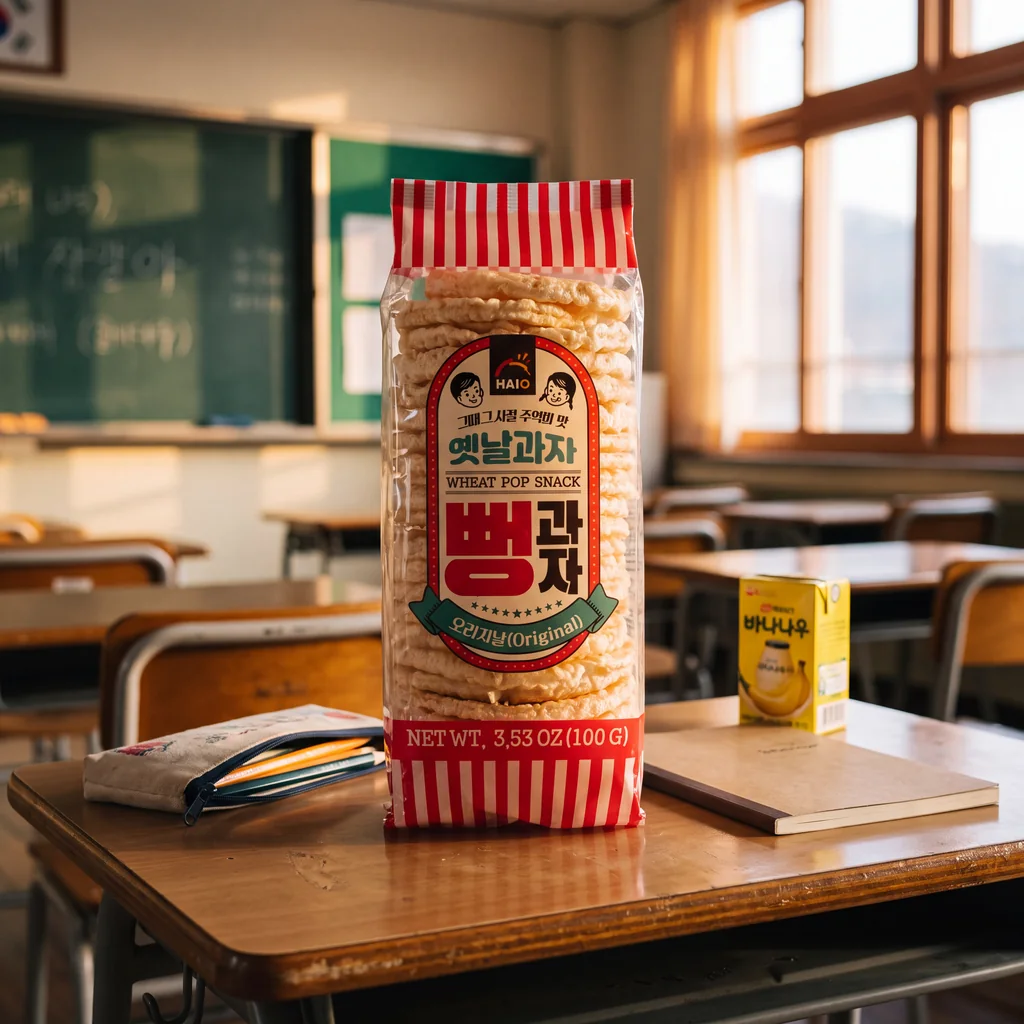
Lifestyle
The product in use, with a model who looks like your buyer. It shows who the product is for.
Detail close-up
Texture, stitching, the lid mechanism or the label. It answers questions before they're asked.
Scale
The product next to a hand, a mug or a person, so size is clear without reading the dimensions.
Infographic
Three or four benefits in large type that still reads at thumbnail size on a phone.
Variants and bundles
Every color, or exactly what's in the box, laid out clearly.
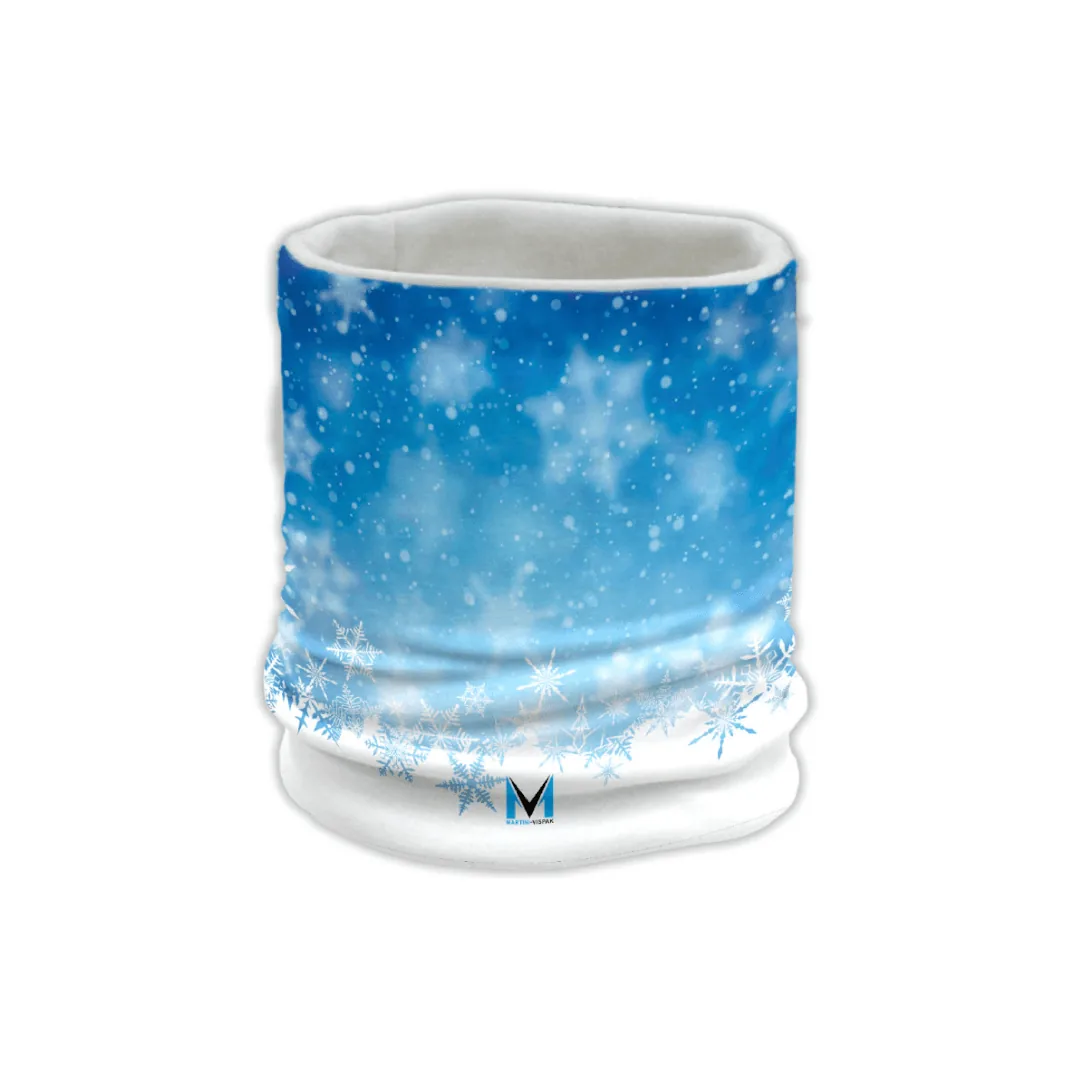
Text, pattern and logo consistency
Prints, labels and packaging text stay as they are in every image. Only the scene changes.
Test different models and crops
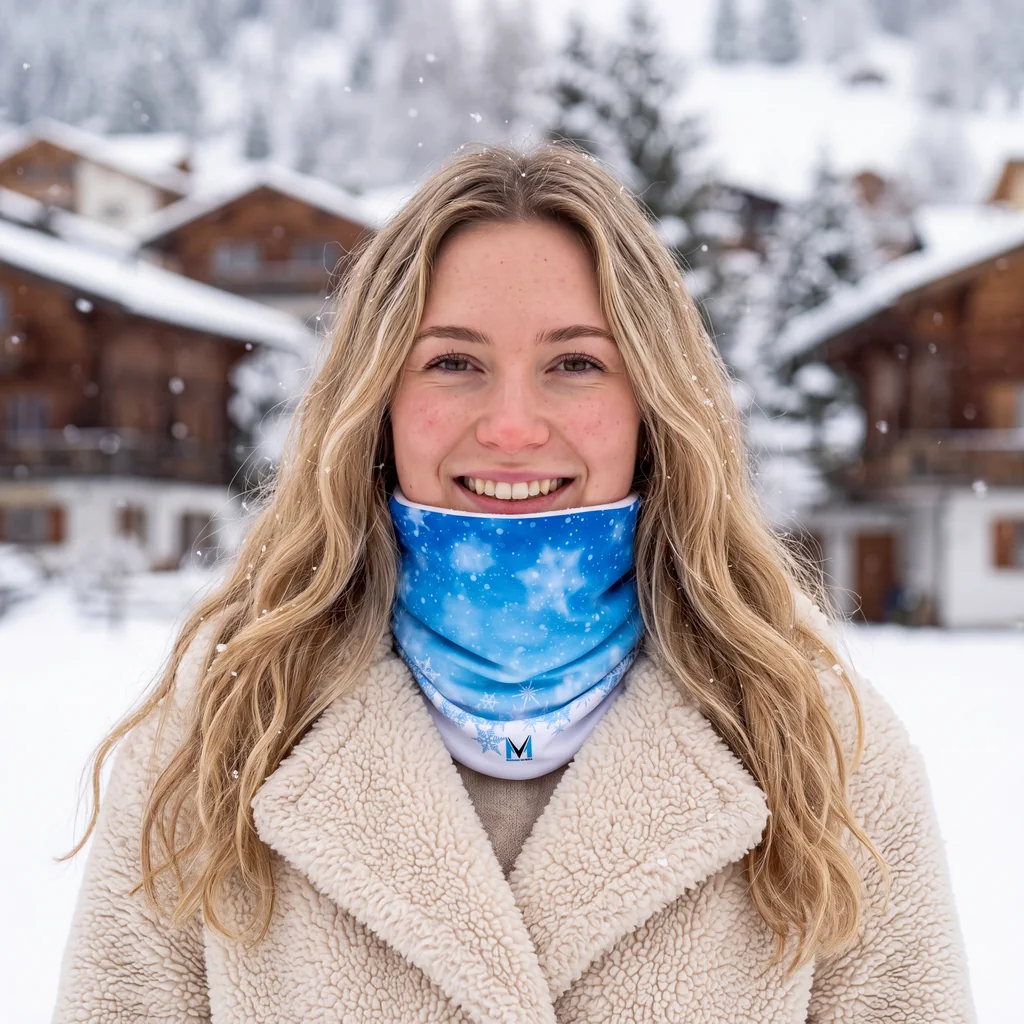
Make variants of the same slot and keep the one that sells.
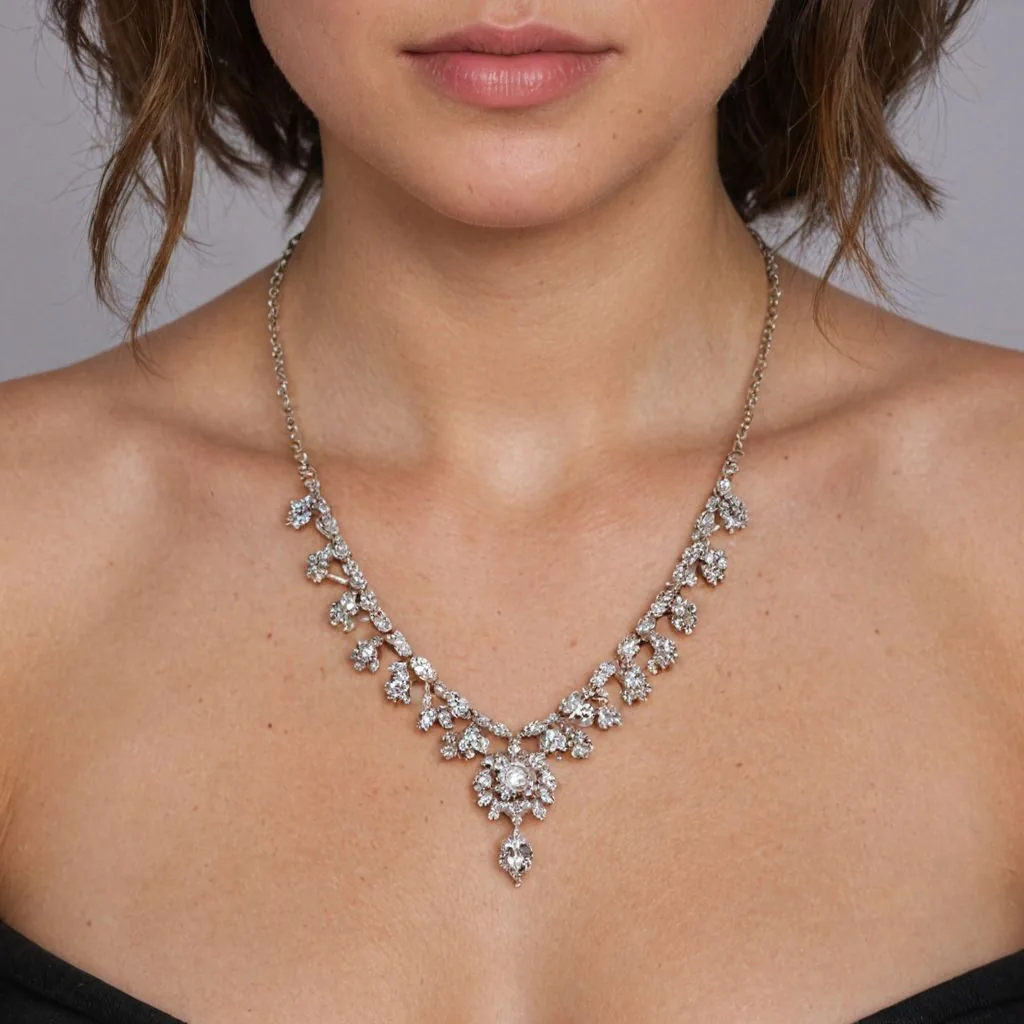
Close crop
Tight on the detail, for the image shoppers zoom into.

Mid shot
Shoulders in frame, so scale and styling read in the thumbnail.

Same shot, new model
Swap the model to match a different audience, then compare results in your ads.
How Amazon product photography works in Caspa
Three steps from one product photo to a full gallery.
Upload one product photo
A clear photo of the product on a plain background. A phone photo taken in daylight is fine.
Pick a scene or describe one
Choose a lifestyle scene, a model or an infographic template, or describe the image you want for each slot.
Download or make a video
Download, resize for your listing and upload in Seller Central. On Growth or Scale, turn any image into a short product video.
Amazon main image rules
What Amazon asks for, as of October 2026. The full checklist is in our Amazon image requirements guide.
- Background: pure white, RGB 255, 255, 255, for product shots.
- Fill: the product takes up 85% or more of the frame.
- Size: images of 1,000 pixels or more on the longest side so shoppers can zoom. Amazon accepts 500 to 10,000 pixels on the longest side and prefers JPEG.
- Count: every listing needs at least one image, and Amazon recommends six or more. Amazon image requirements
Selling beyond Amazon? See the Etsy and Shopify image requirements.
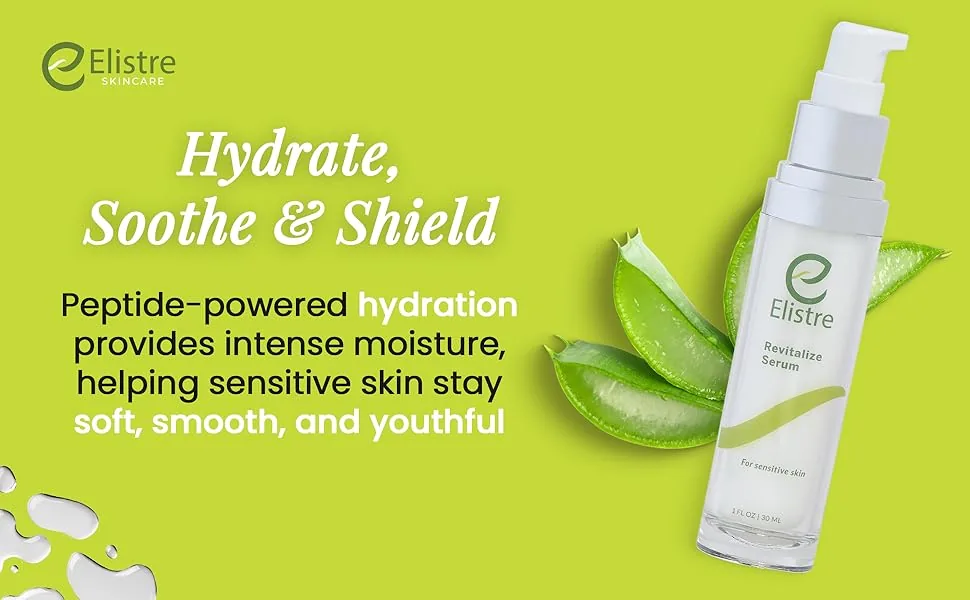
A+ content and infographics
Sellers with a Professional account and a brand in Amazon Brand Registry can add A+ content below the listing: enhanced images, text, comparison charts and video. Amazon says it is free for eligible sellers, as of October 2026.
Caspa's A+ content and infographic tools are on Starter, Growth and Scale, so the modules match the rest of your gallery. Sizes and module specs: A+ content image requirements.
Two habits of strong Amazon listings
Design for a phone screen
On mobile, an infographic shrinks to a thumbnail. Use one message per image, large type and strong contrast, and check every image at phone size before you upload.
Refresh and test
A gallery shot once and never touched goes stale. Make new variants when a competitor refreshes or reviews raise the same question, and compare them in your ads.
What sellers say

The AI generative abilities are AMAZING. The precision. The clarity. The detail. The realism. The magic eraser feature is probably one of the best I’ve seen. It’s so smooth and fluid it makes getting rid of backgrounds (or in my case, people) that I need out of the shot so easy.
Guides for Amazon sellers
From the Caspa blog: sizes, listing examples, shooting and editing.
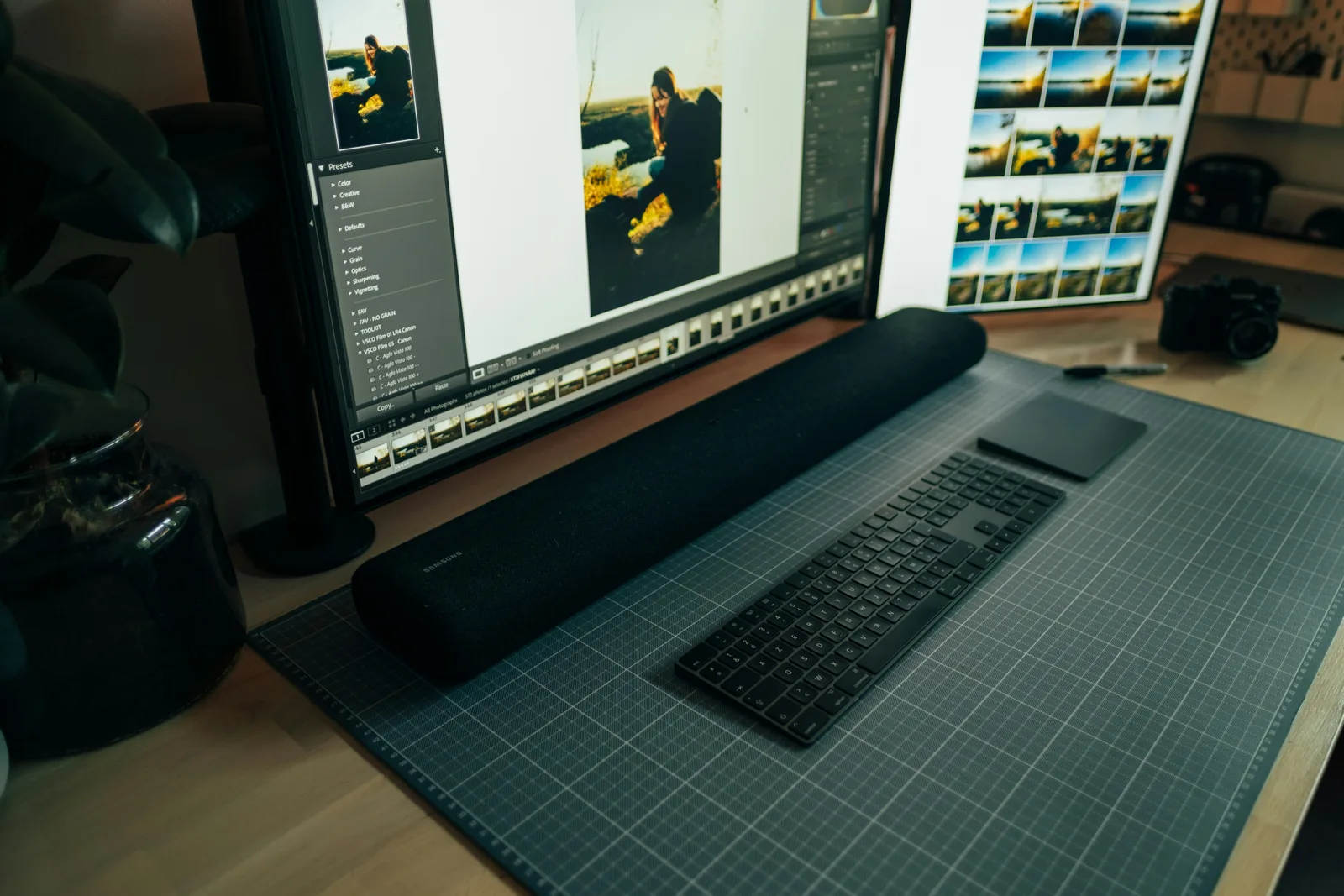
The best size for ecommerce product images

31 product listing page examples
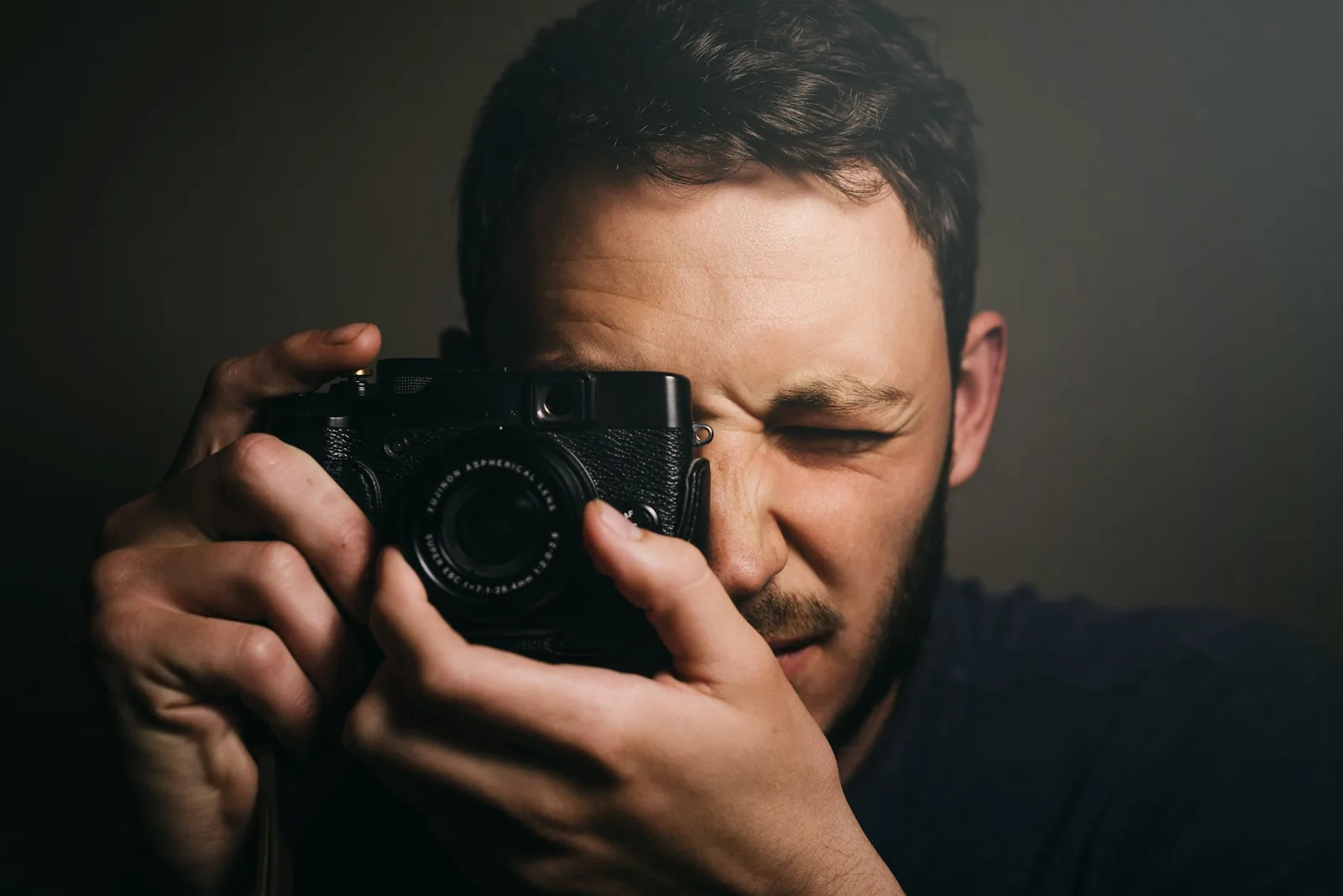
How to take the best product photos, step by step
How to edit product photos: 15 tips and 9 tools

What product photography costs

13 AI product image generators compared
By category: jewelry, clothing, beauty, food and beverage and furniture.
Frequently asked questions about Amazon product photography
Any other questions? Get in touch.
Yes. Use them in your listing gallery, in A+ content and in ads. Keep the main image to the product alone on a pure white background, and use lifestyle scenes, close-ups and infographics in the other slots.
Every listing needs at least one image, and Amazon recommends at least six, as of October 2026. A strong set: a main image, two lifestyle shots, a detail close-up, a scale shot and an infographic.
Amazon prefers images of 1,000 pixels or more on the longest side so shoppers can zoom, and accepts 500 to 10,000 pixels on the longest side. JPEG is preferred. Caspa can upscale images up to 4K and resize them for your listing.
Yes. A+ content and infographic tools are included on Starter, Growth and Scale. To publish A+ content, your brand needs to be eligible on Amazon.
No. A phone photo of the product on a plain background is enough. Caspa keeps the product unchanged and builds every scene around it.
Every new account gets 10 free credits, no credit card required. Starter is $59 a month ($39 a month billed yearly) for 500 credits and images only. Growth is $99 a month ($66 billed yearly) for 1,000 credits and adds video. Scale is $249 a month ($166 billed yearly) for 2,500 credits. New subscriptions have a 30-day refund on unused credits.