
AI Fashion Photography With AI Models
Upload a photo of a garment or accessory. Caspa's AI fashion photography puts it on a model you choose, in a studio, at home or on the street, with prints and logos kept as they are.
10 free image credits · No credit card required
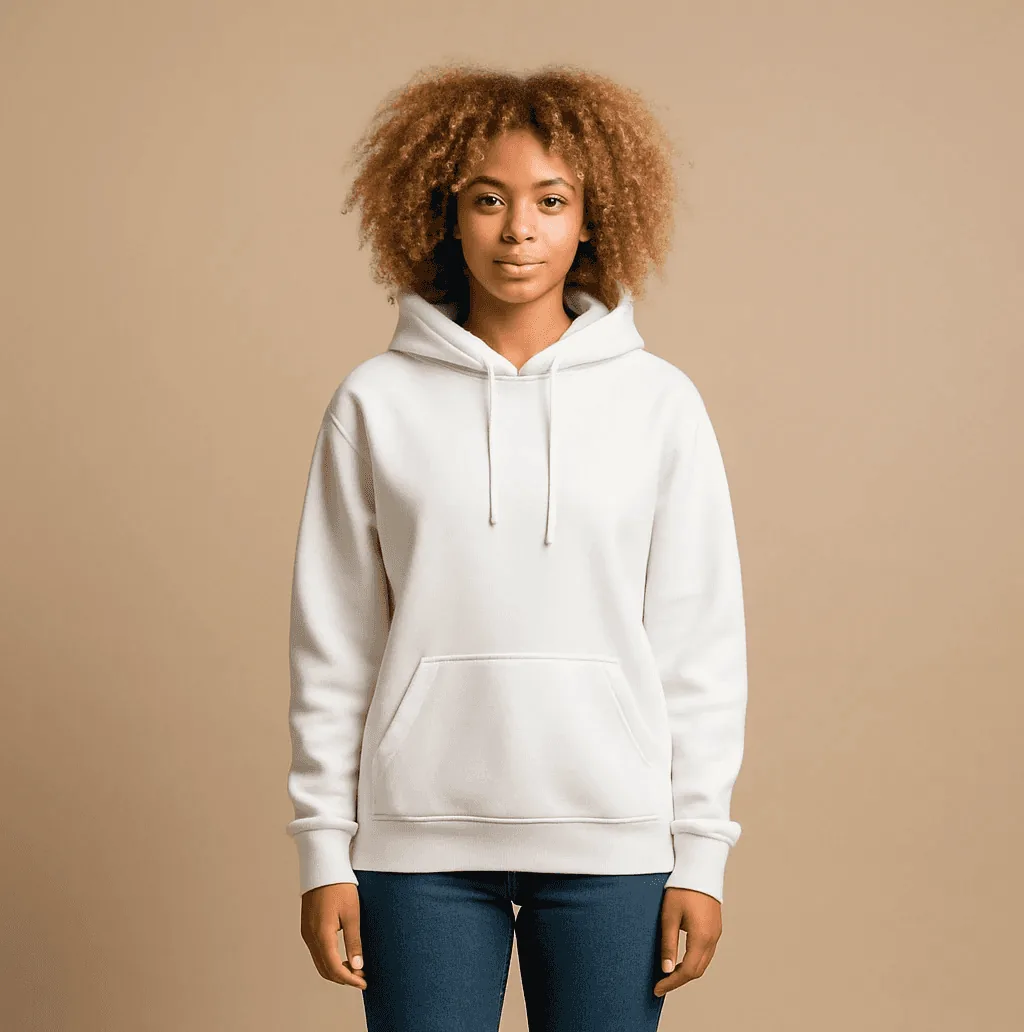
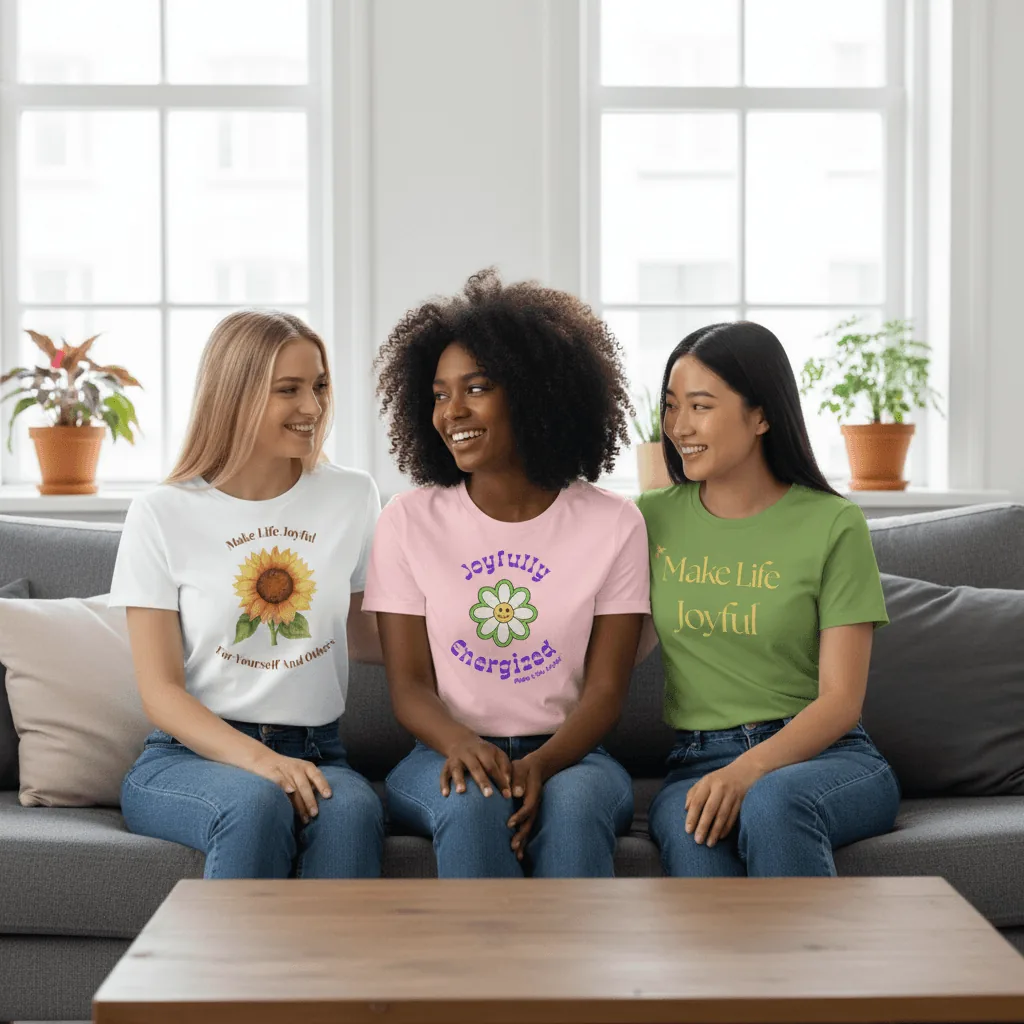
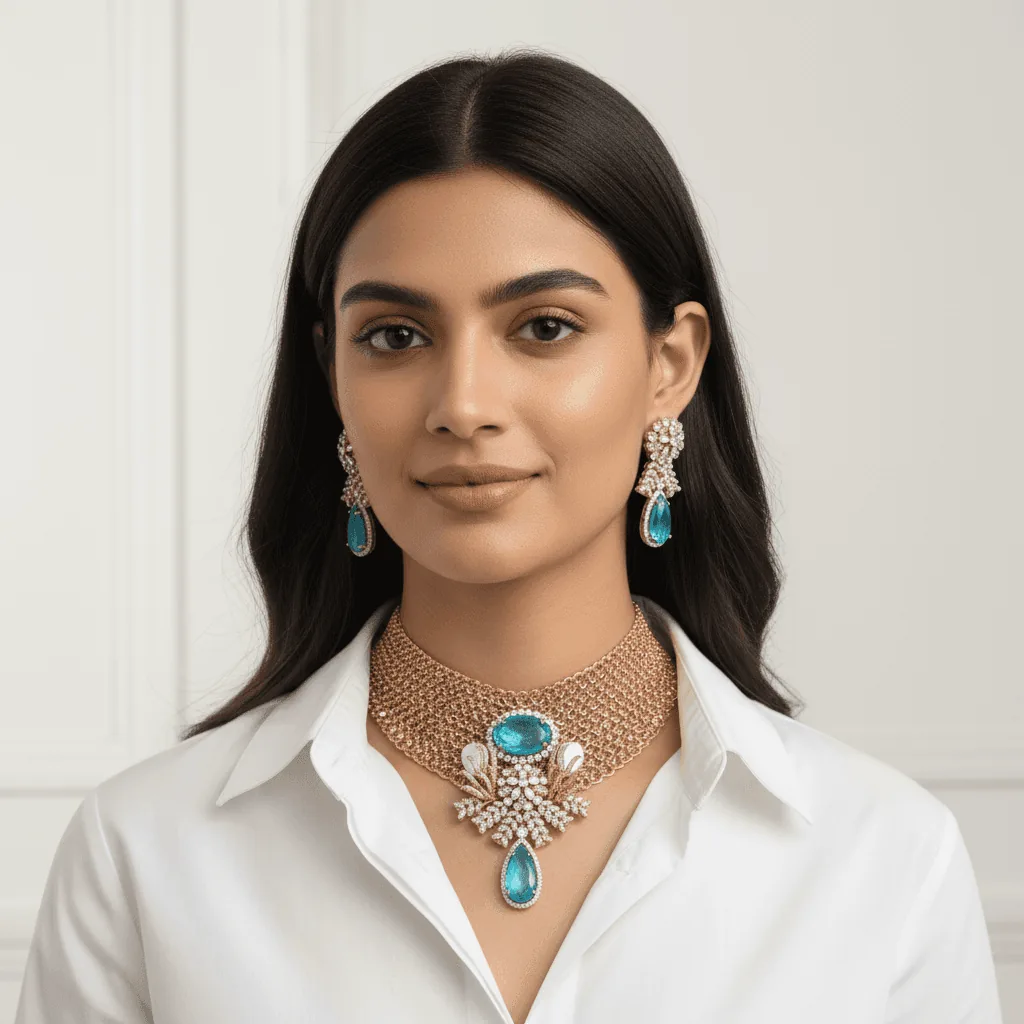
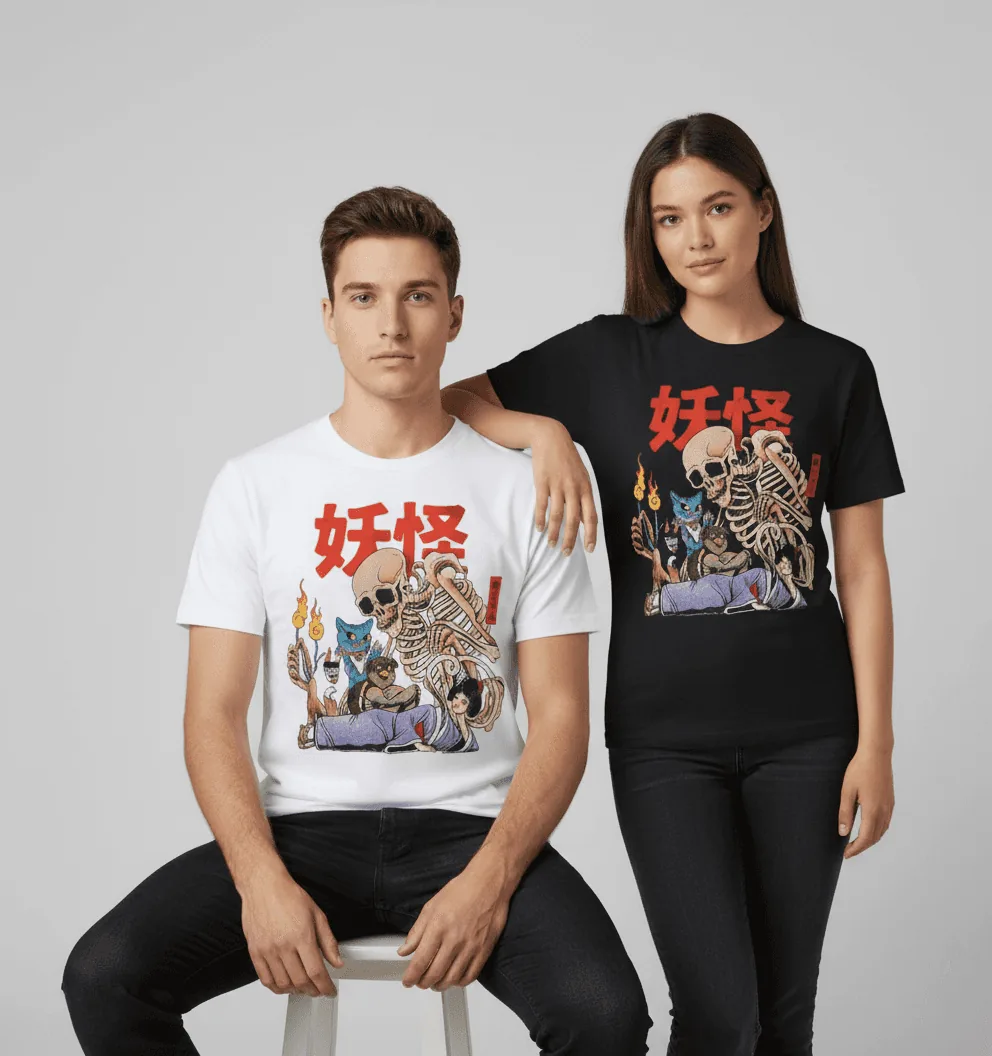
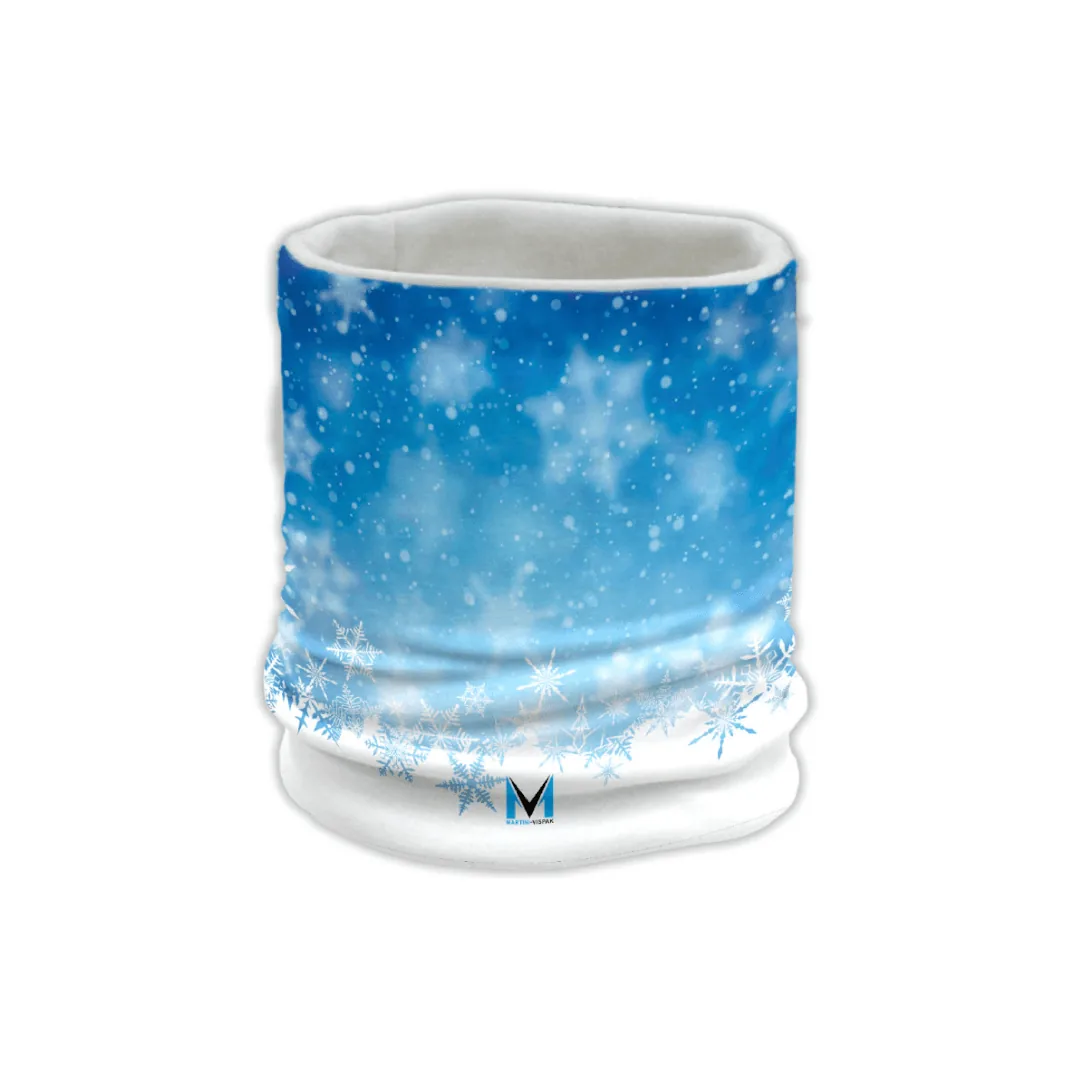
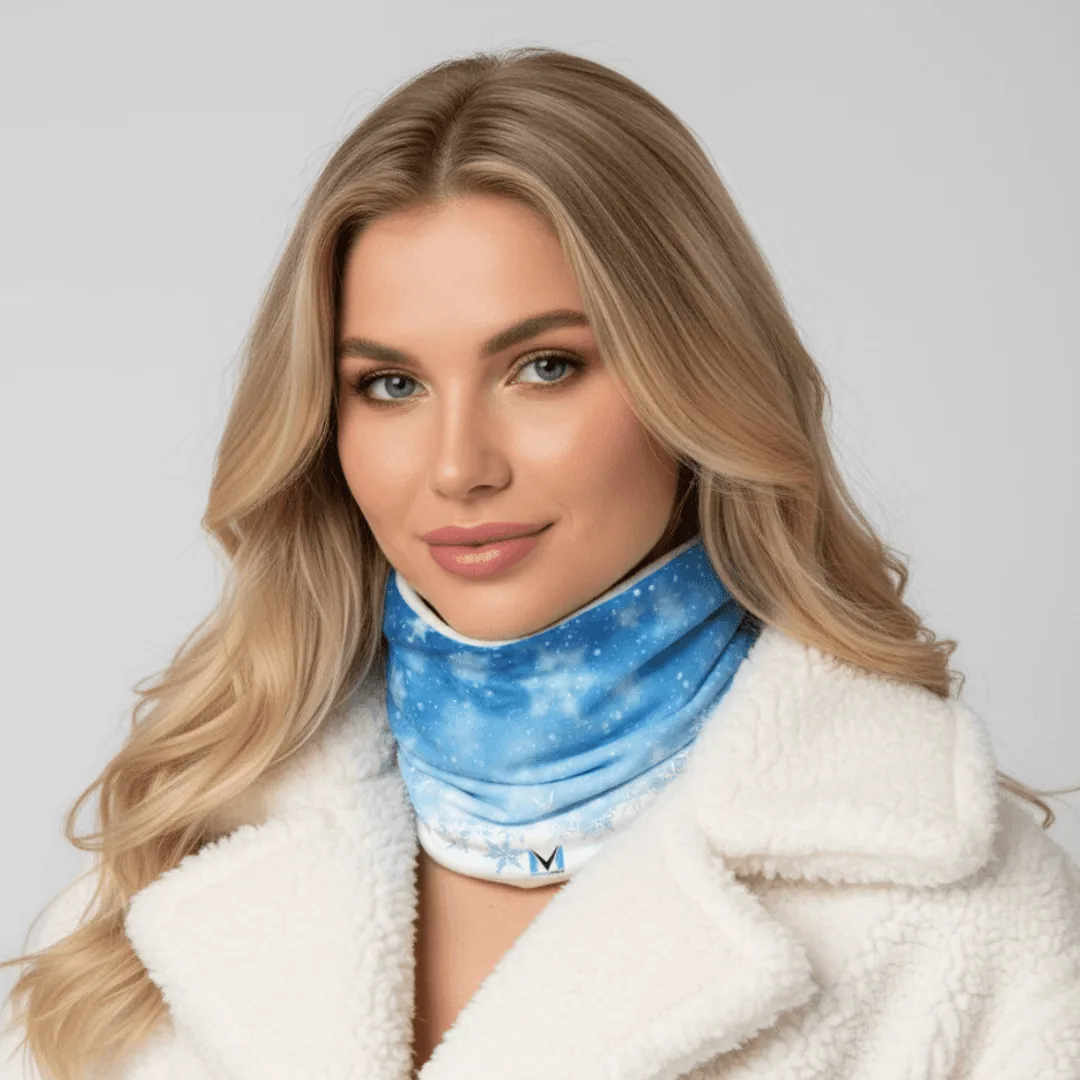
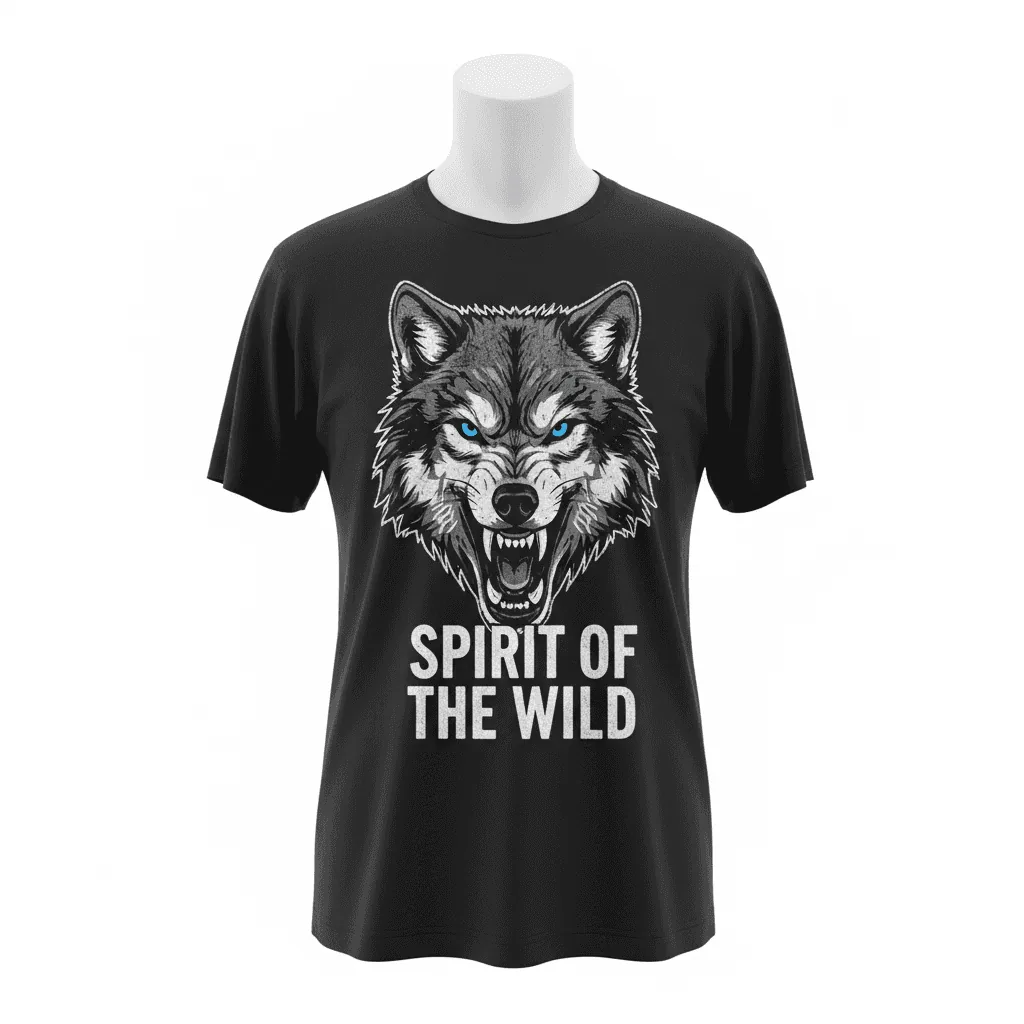
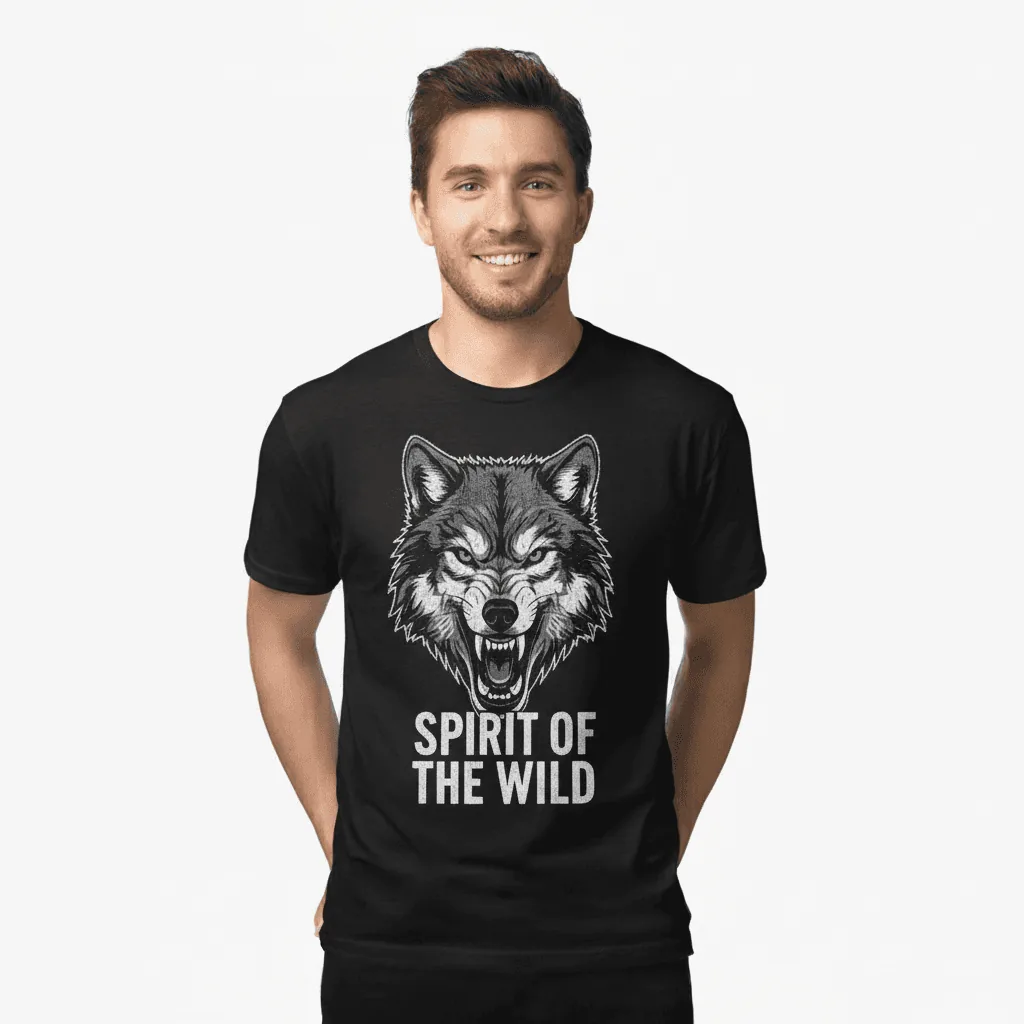
Text, pattern and logo consistency
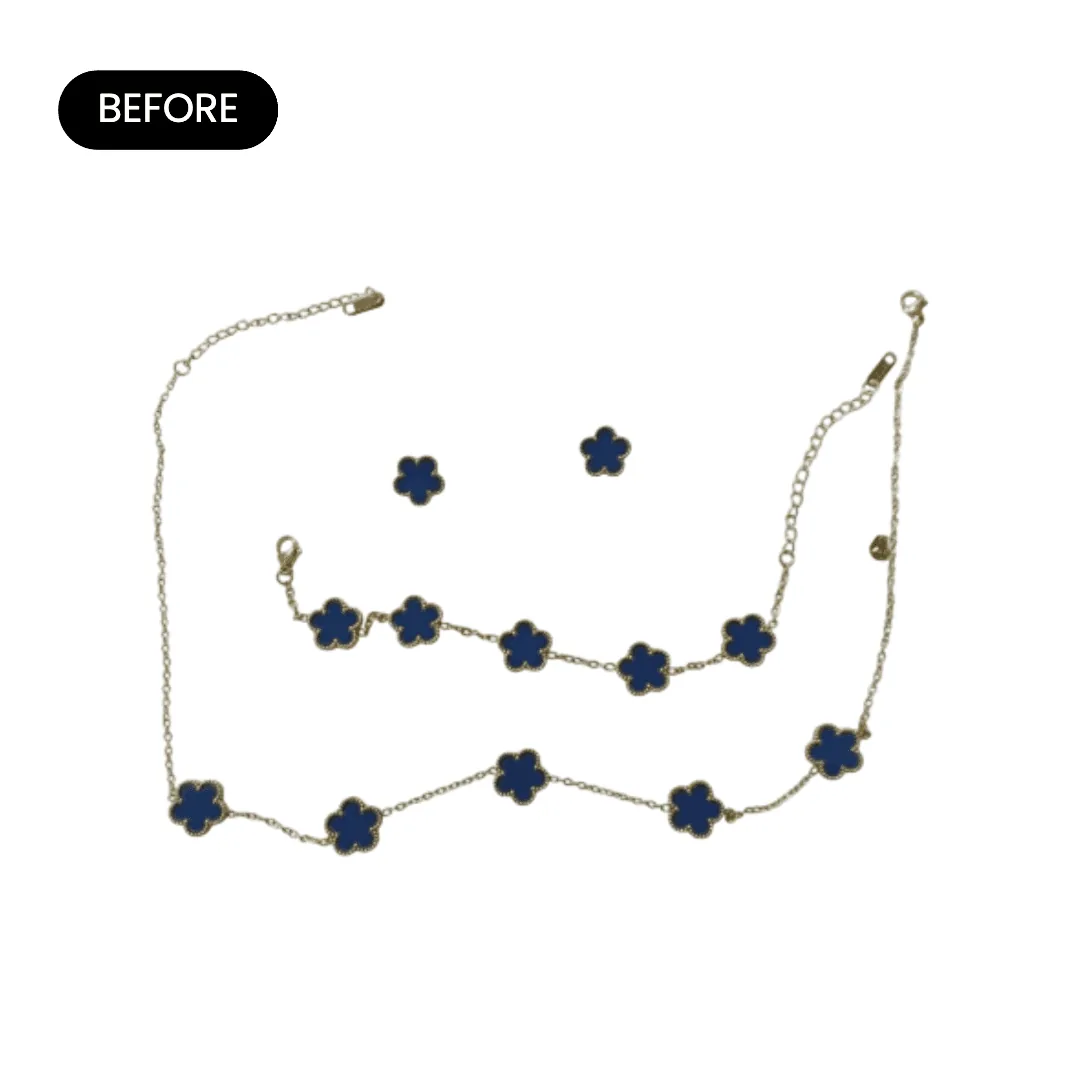
The pattern on the neck warmer and the slogan on the tee carry through to the new shots. Only the model and the setting are new.
What you can make with AI fashion photography
Shots that usually need a model, a photographer and a location, made from one product photo.
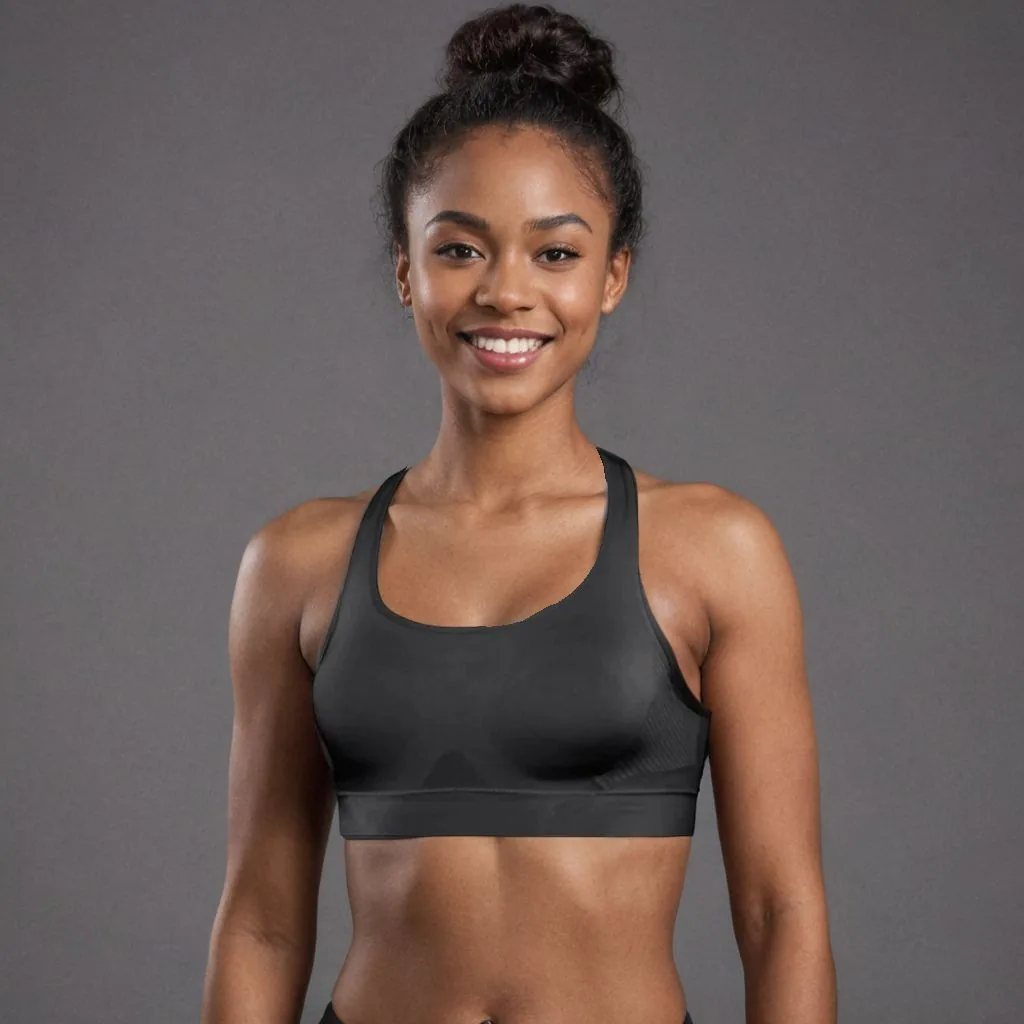
Activewear on a model
Sports bras, leggings and gym tops on a fit model against a clean studio backdrop.
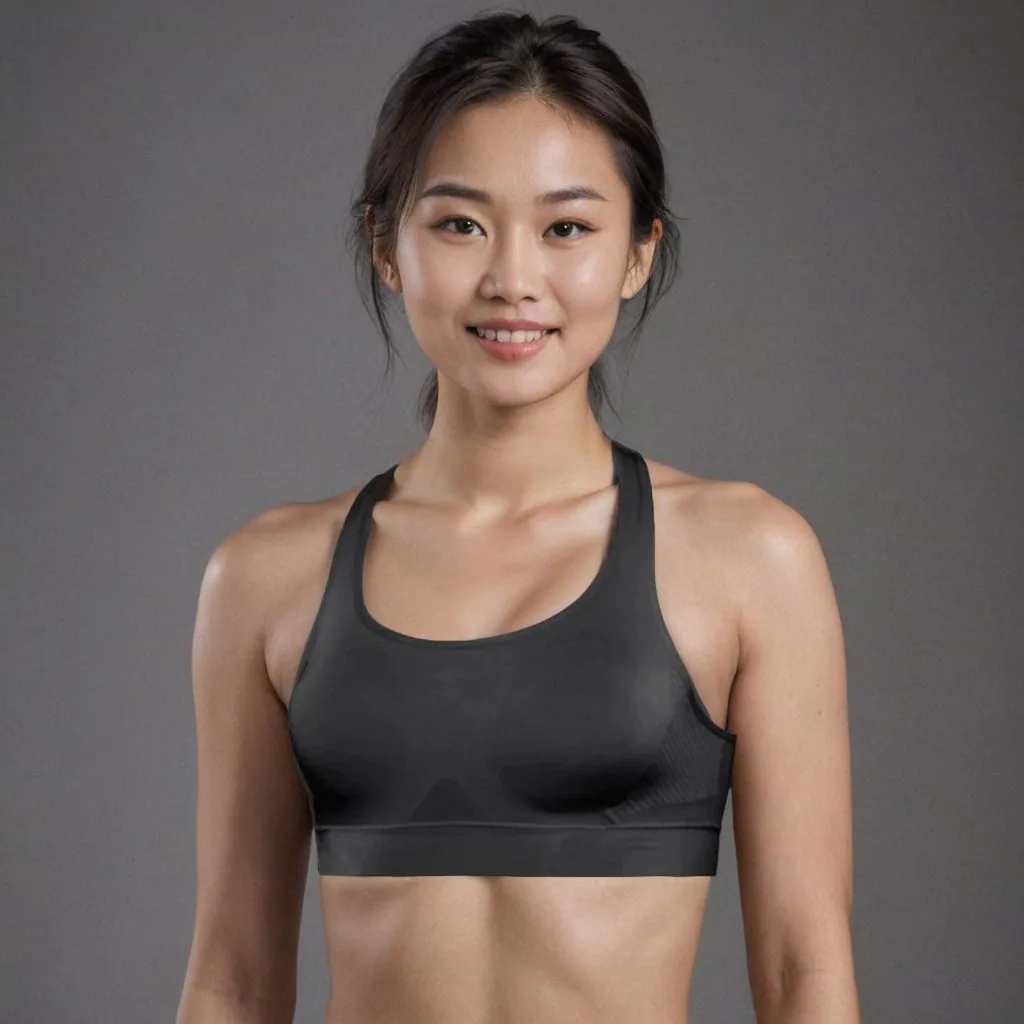
One piece, different models
Show the same product on models of different ethnicities and test which image works for each audience.
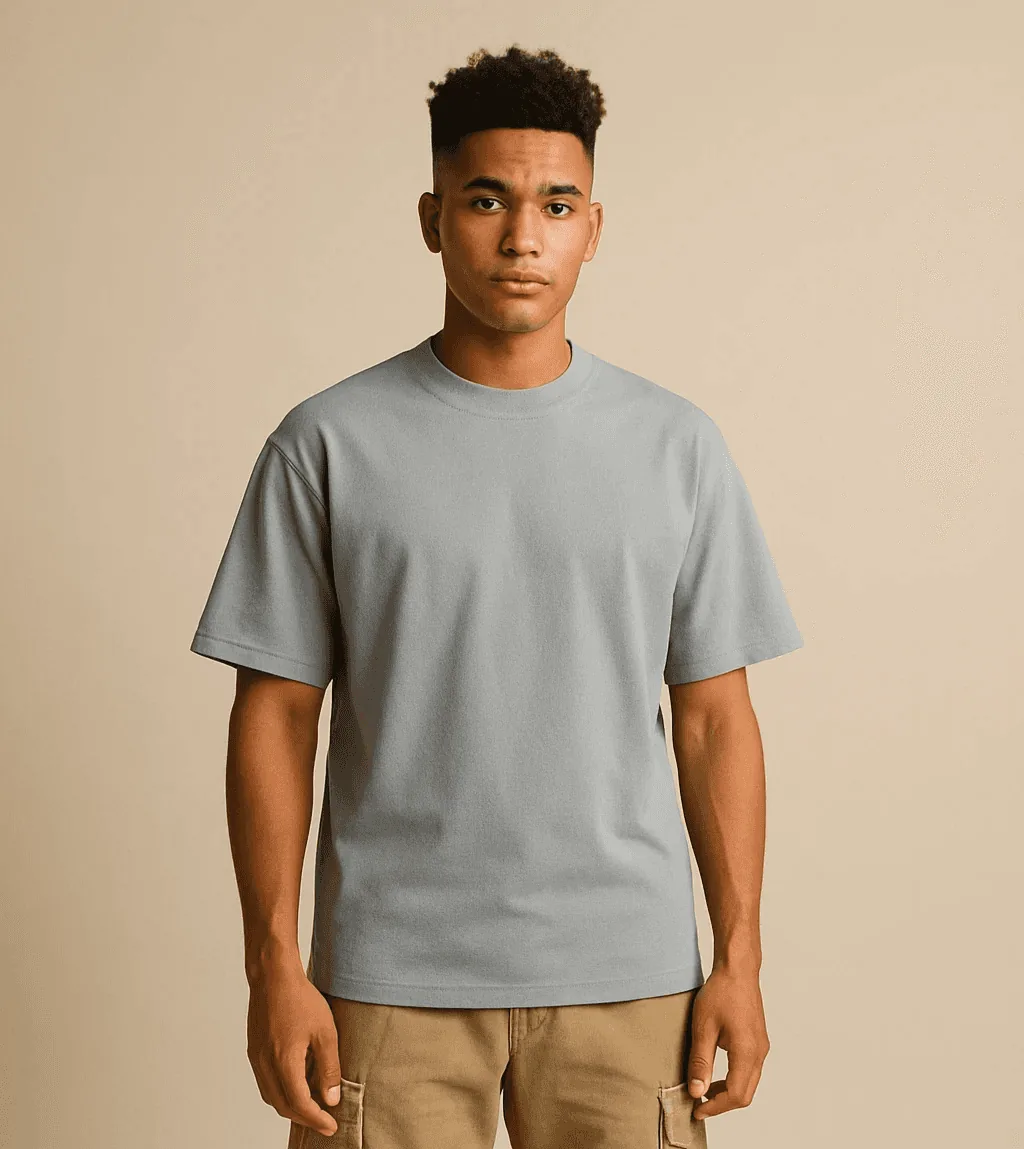
Full-length outfits
Head-to-toe shots that show the whole look and where every hem falls.
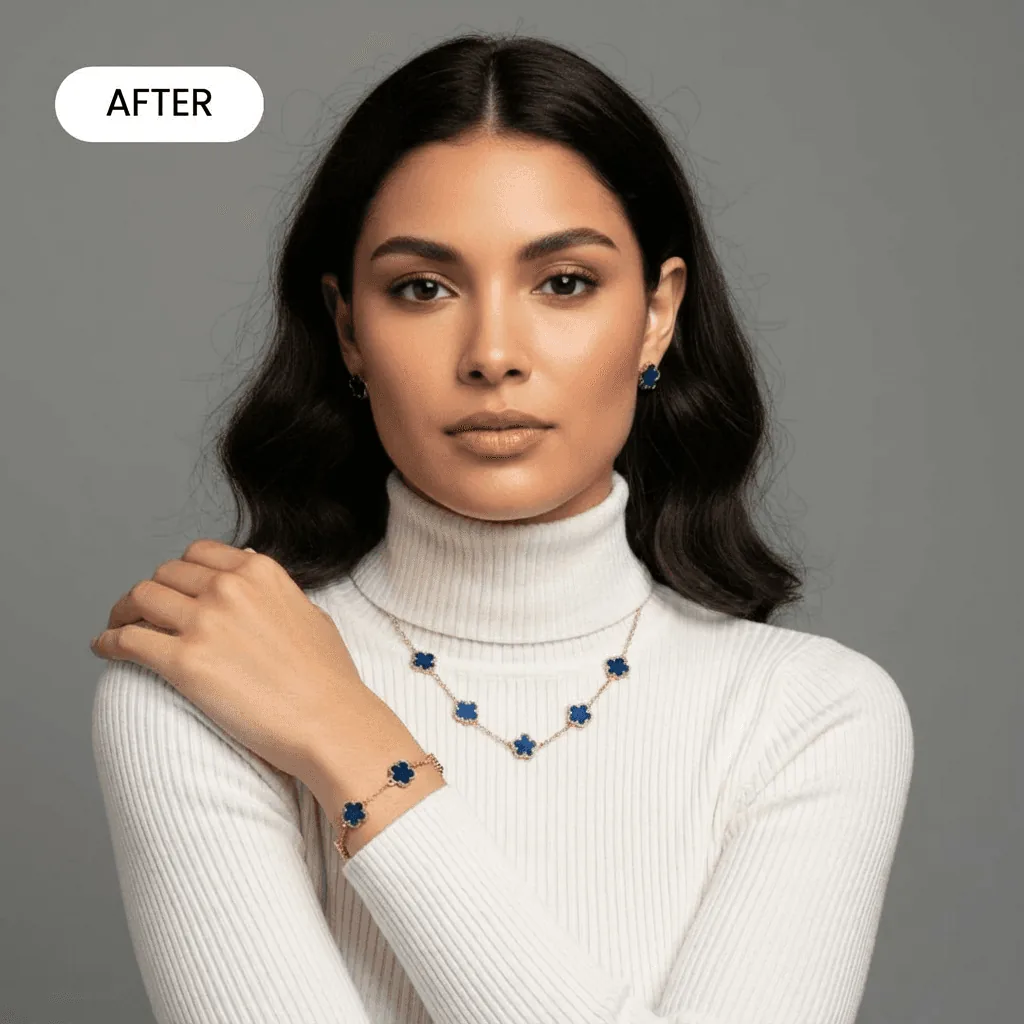
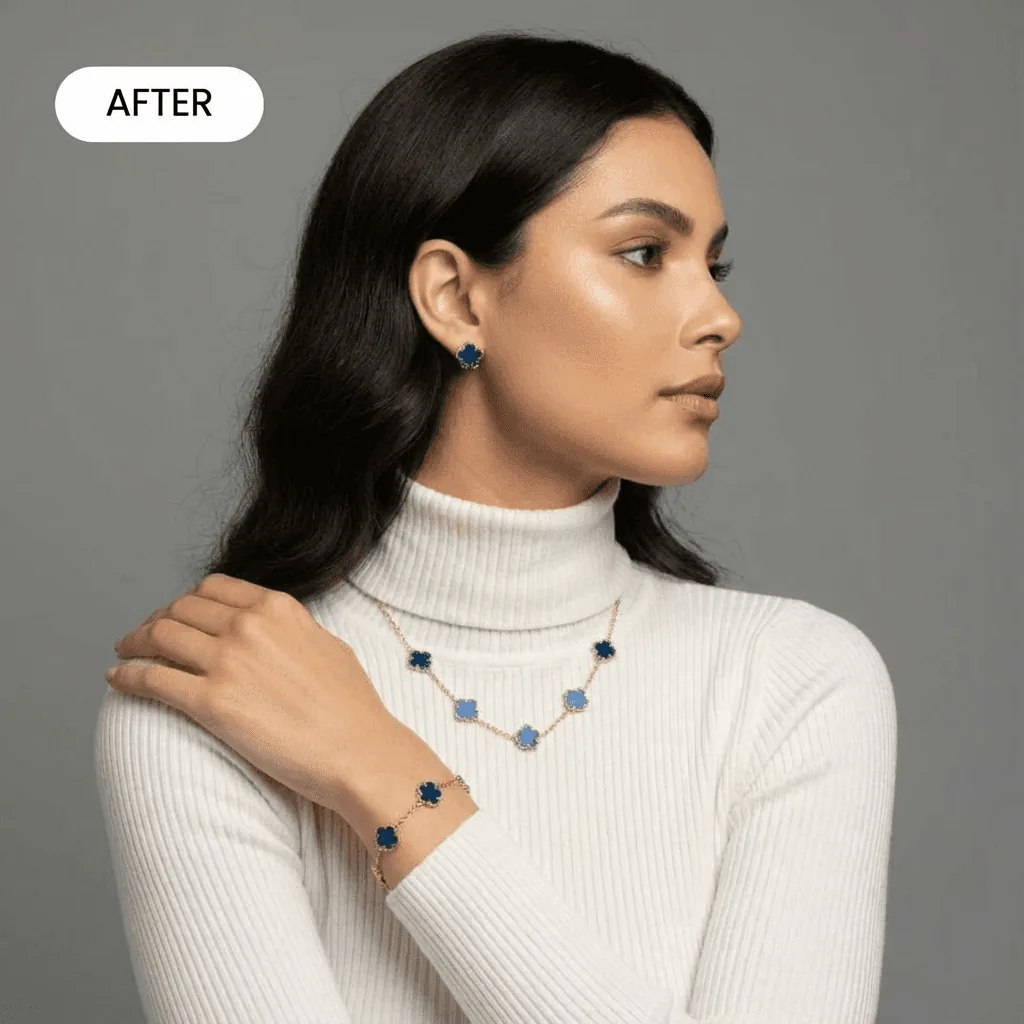
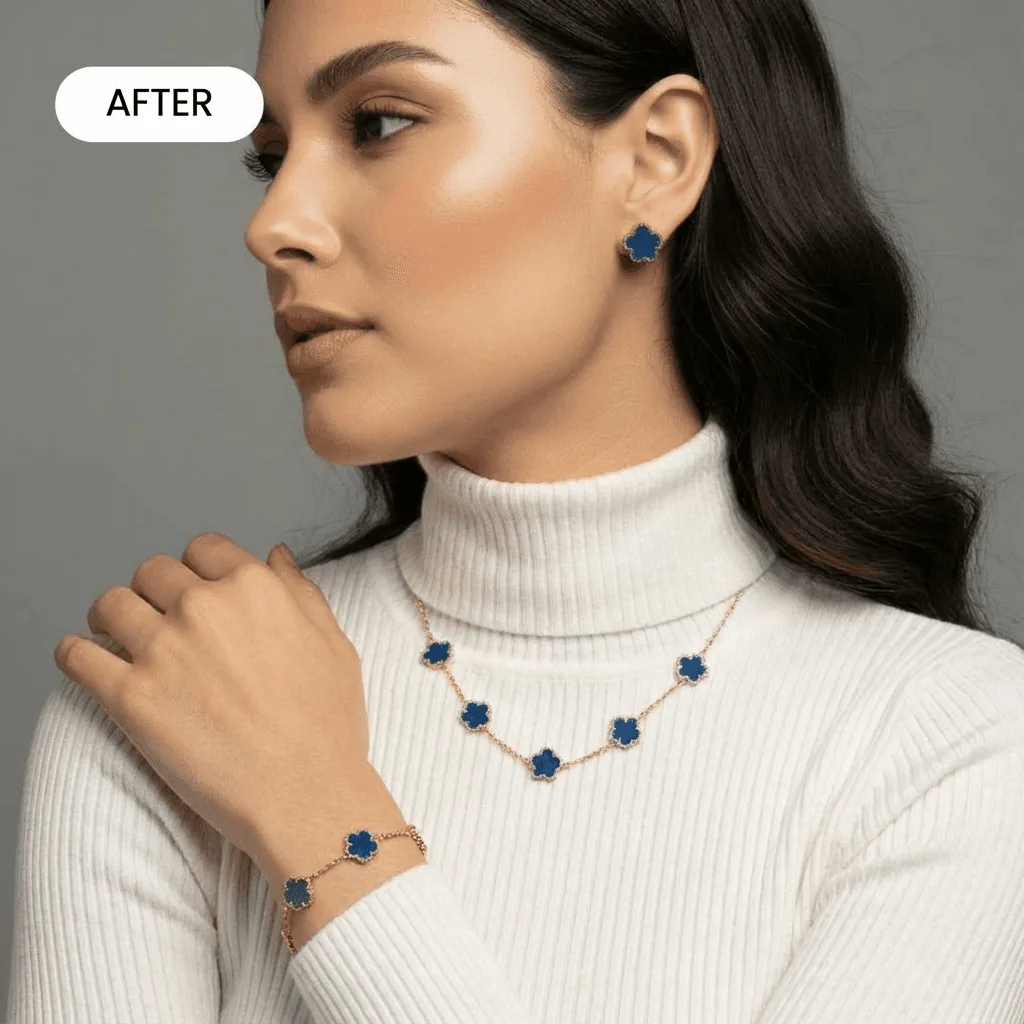
A matching set for every listing
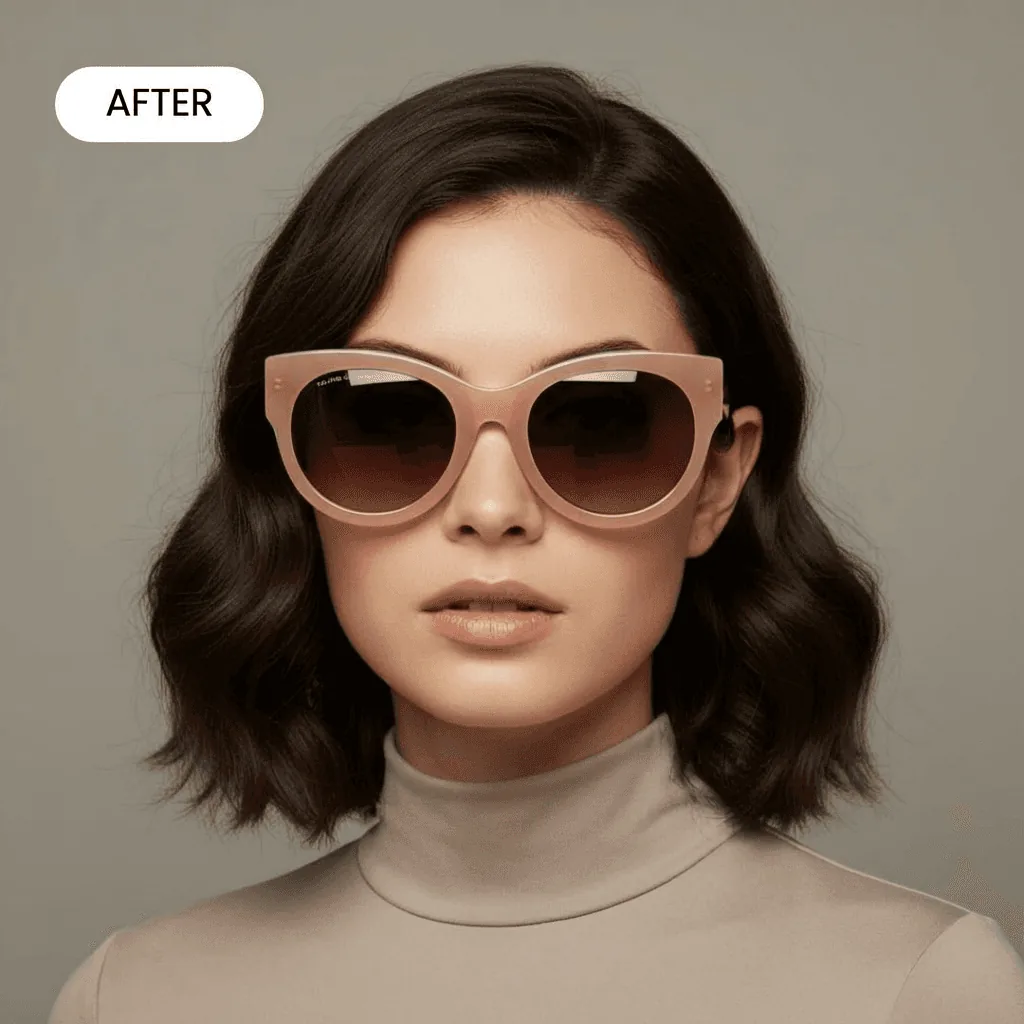
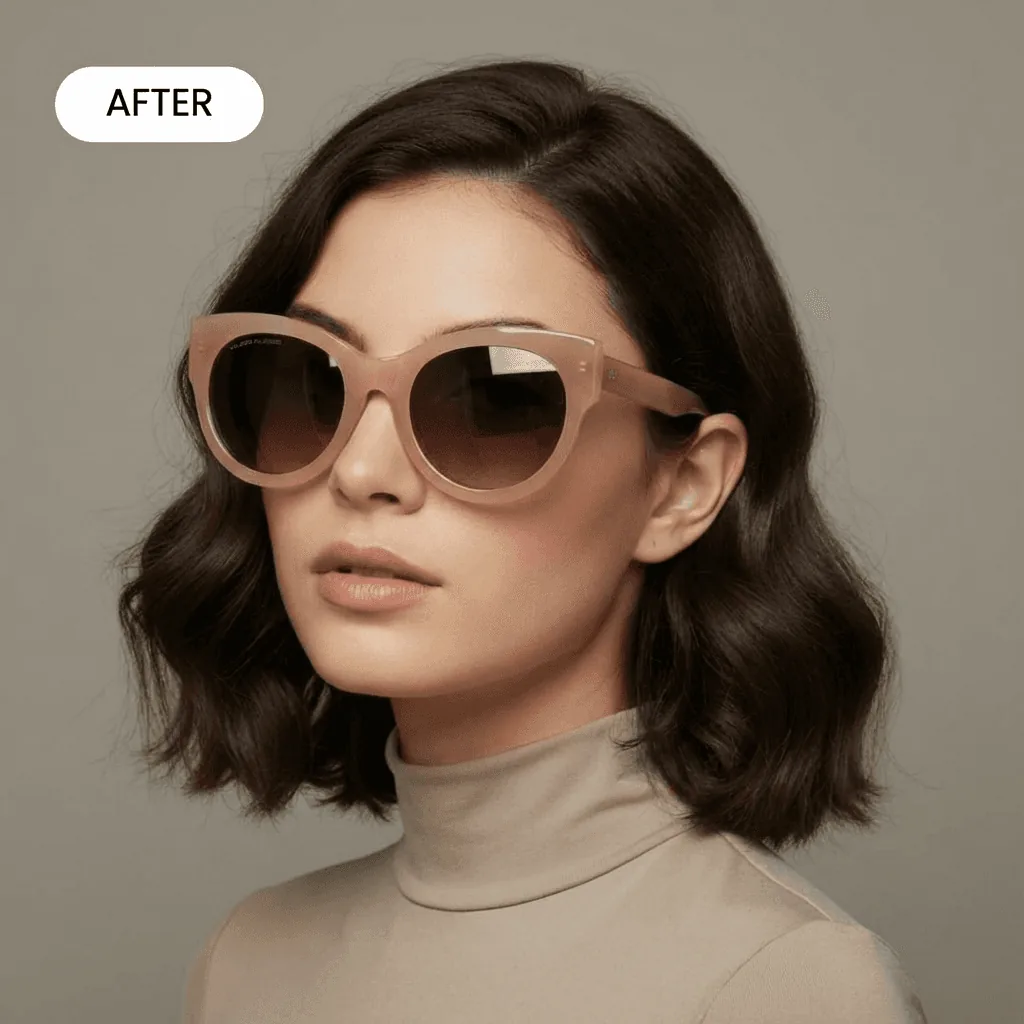
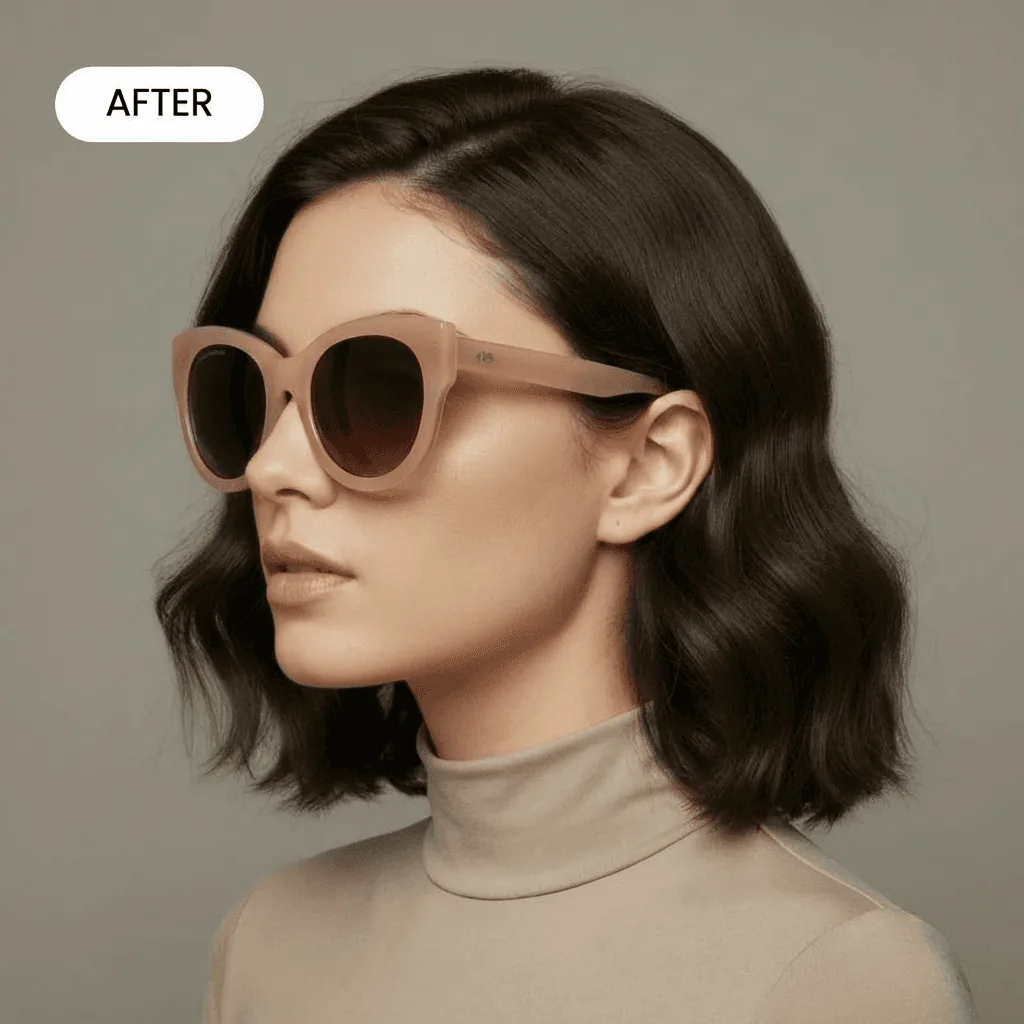
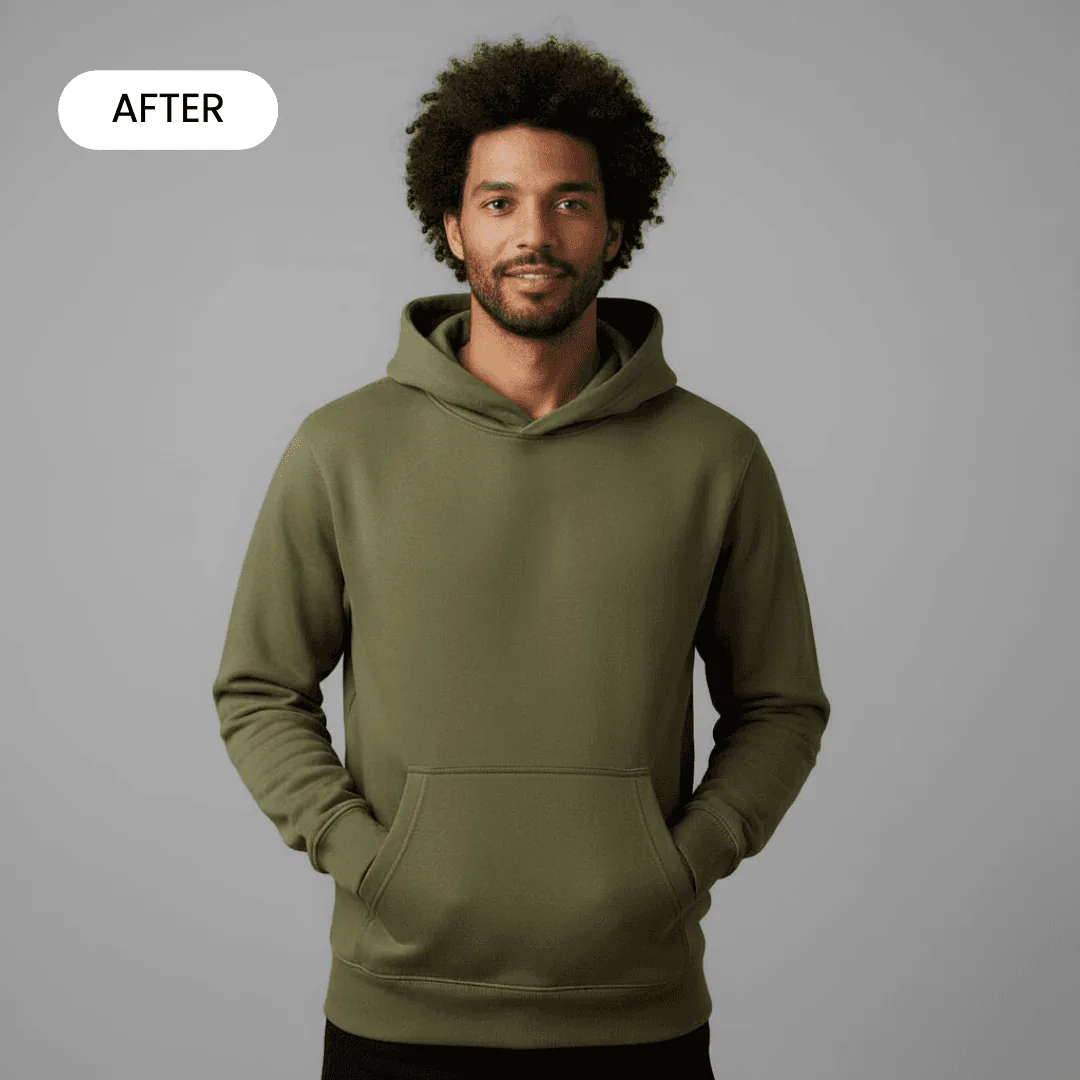
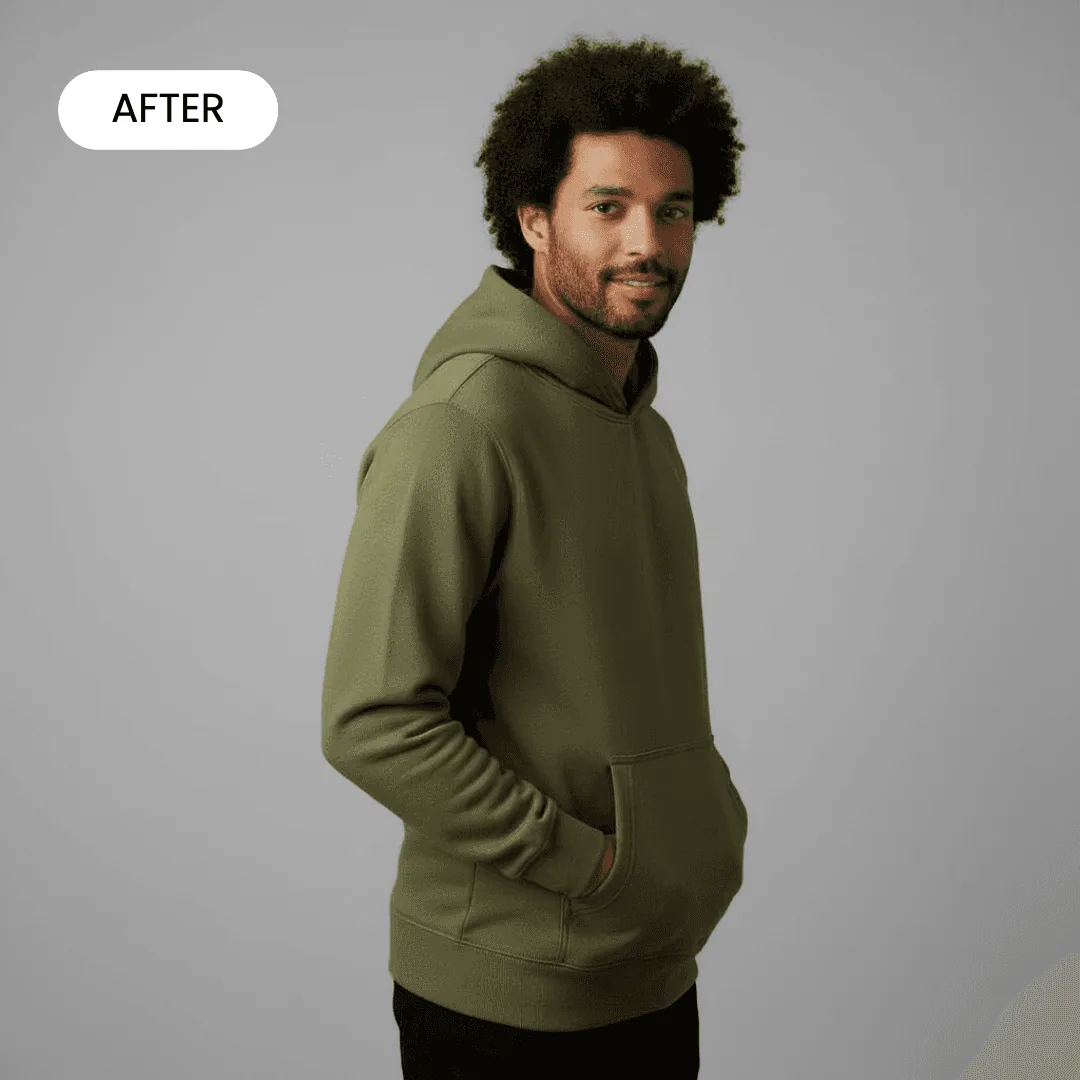
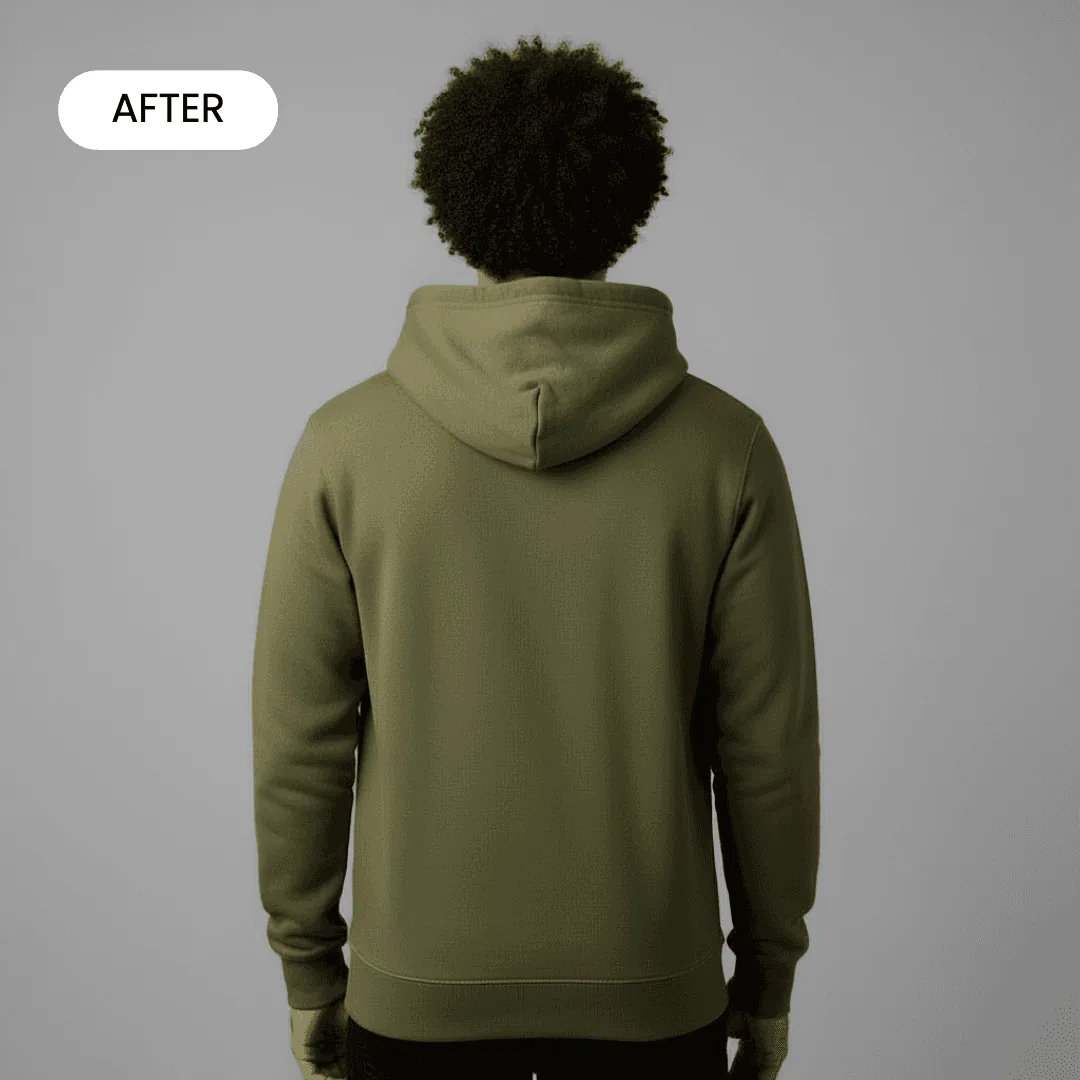
Front, side and close-up views on the same model, so every image in the gallery belongs together.
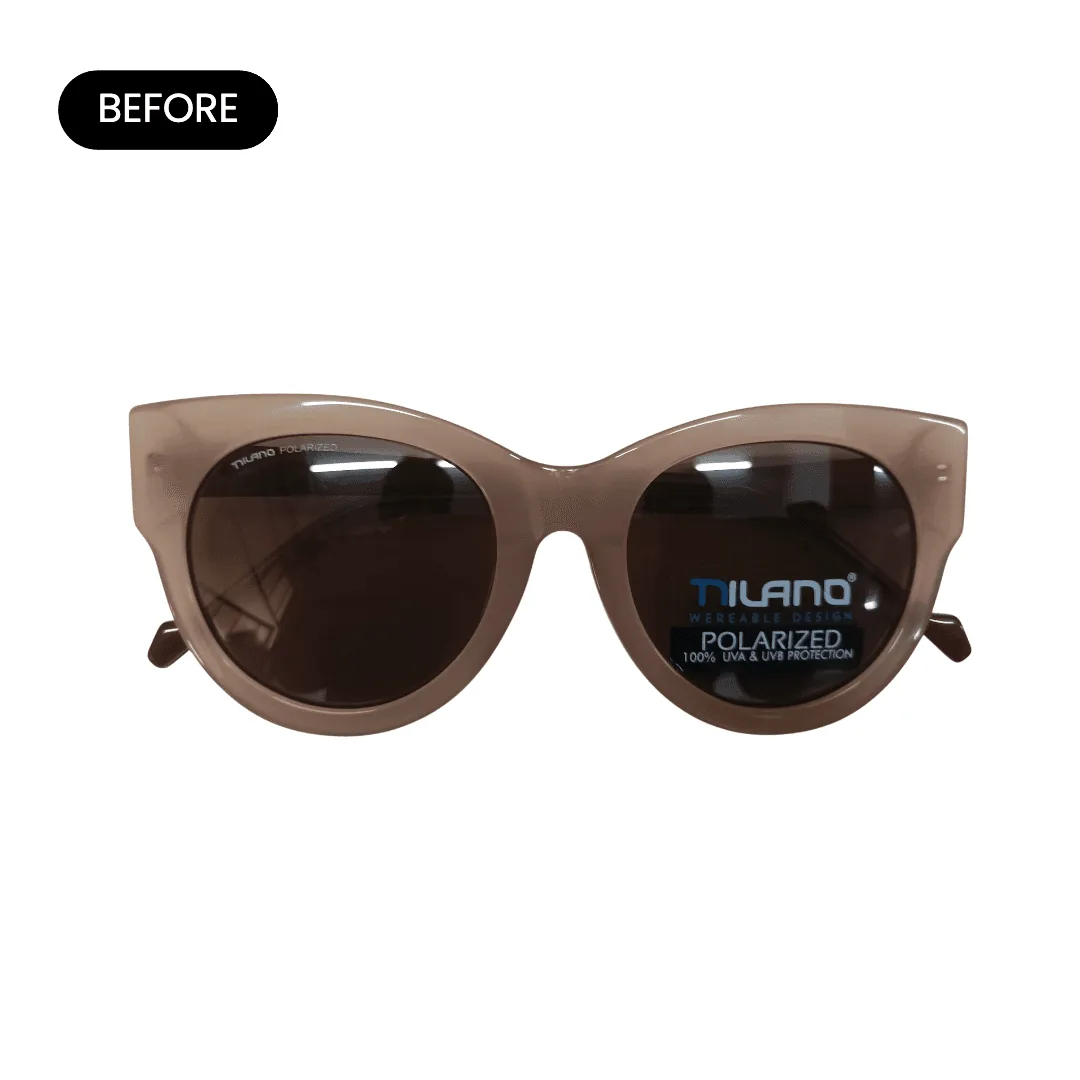
How AI fashion photography works
Three steps from a product photo to a model shot.
Upload one product photo
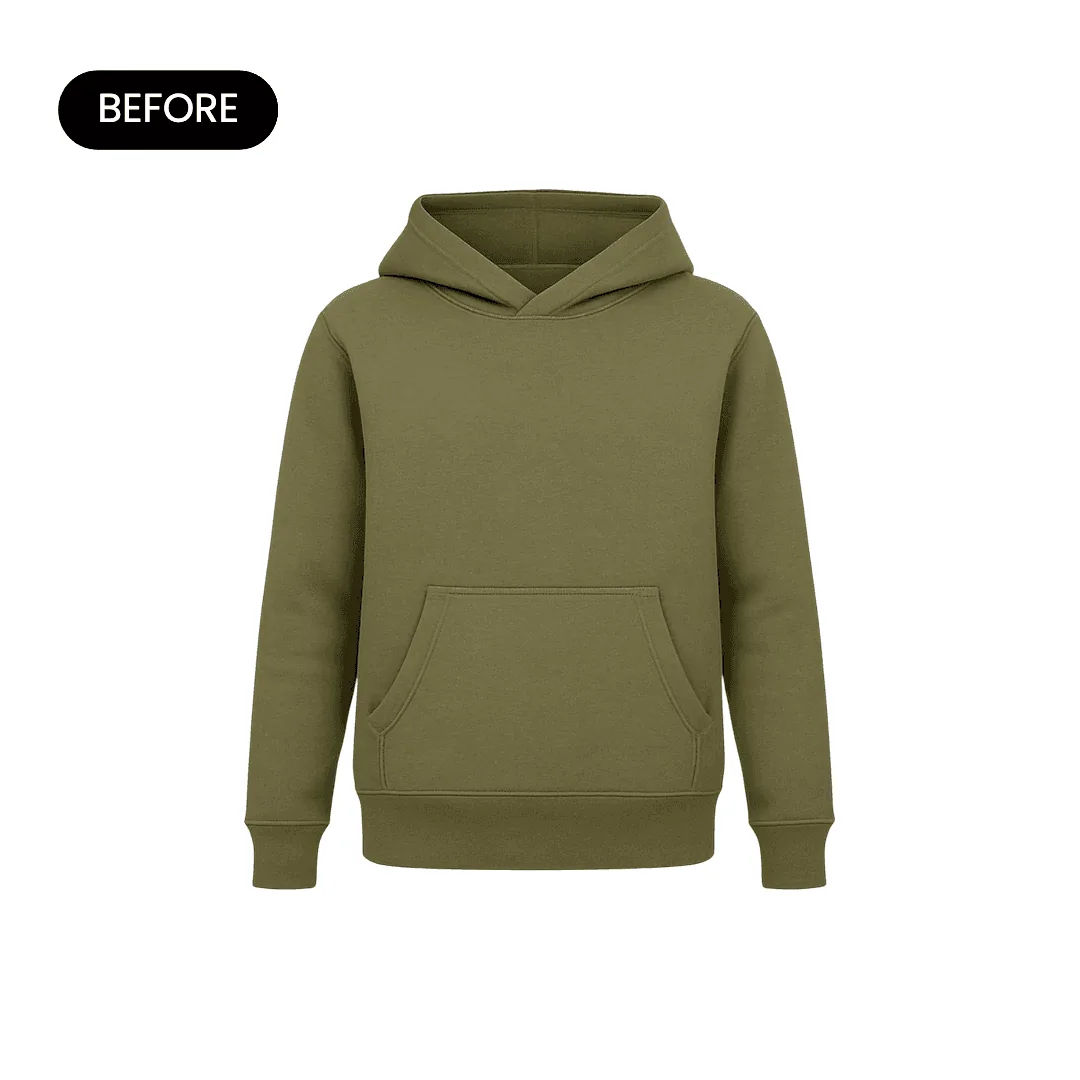
Shoot the garment flat, on a hanger or on a mannequin against a plain wall. Accessories work the same way.
Pick a scene or describe one
Choose a model, pose and setting, or describe the shot, such as a linen shirt on a model walking through a market in late afternoon light.
Download or make a video
Download for product pages, lookbooks and ads. On Growth or Scale, turn a still into a short product video that shows movement.
What fashion shoppers need to see
Brief every model shot against this list.
Fit on a body
Where the hem falls, how the shoulders sit, how the fabric drapes.
Front, back and side
Back prints, zips and side seams answer questions before shoppers have to ask.
True color
One image in neutral light, so the color that arrives matches the color on screen.
Fabric up close
Knit, weave and finish, so buyers can tell jersey from fleece.
A styled outfit
The piece with shoes and accessories, so shoppers can picture wearing it.
Accessories at scale
Sunglasses on a face, a hat on a head, a scarf around a neck.
Fashion image rules on Amazon, Etsy and Shopify
What each marketplace asks for, as of October 2026.
- Amazon: product shots on a pure white background (RGB 255, 255, 255), filling 85% or more of the frame, with images over 1,000 pixels per side so shoppers can zoom into fabric. Amazon recommends at least six images. Amazon image requirements
- Etsy: at least one unedited photo of the actual item against a real background on every listing. Model shots made with AI can fill the other slots. Etsy image requirements
- Shopify: square 2048 x 2048 px images usually display best. Keep one aspect ratio across main images so collection pages stay aligned. Shopify image requirements
What sellers say about AI fashion photography

Caspa AI is a game-changer! From its intuitive interface to its precision, the results speak for themselves. The platform consistently delivers clarity, detail, and unmatched realism.
The AI generative abilities are AMAZING. The precision. The clarity. The detail. The realism. The magic eraser feature is probably one of the best I’ve seen. It’s so smooth and fluid it makes getting rid of backgrounds (or in my case, people) that I need out of the shot so easy.
Fashion photography guides
From the Caspa blog: shoot ideas, examples and fewer returns.
What ecommerce fashion photography is and how to do it
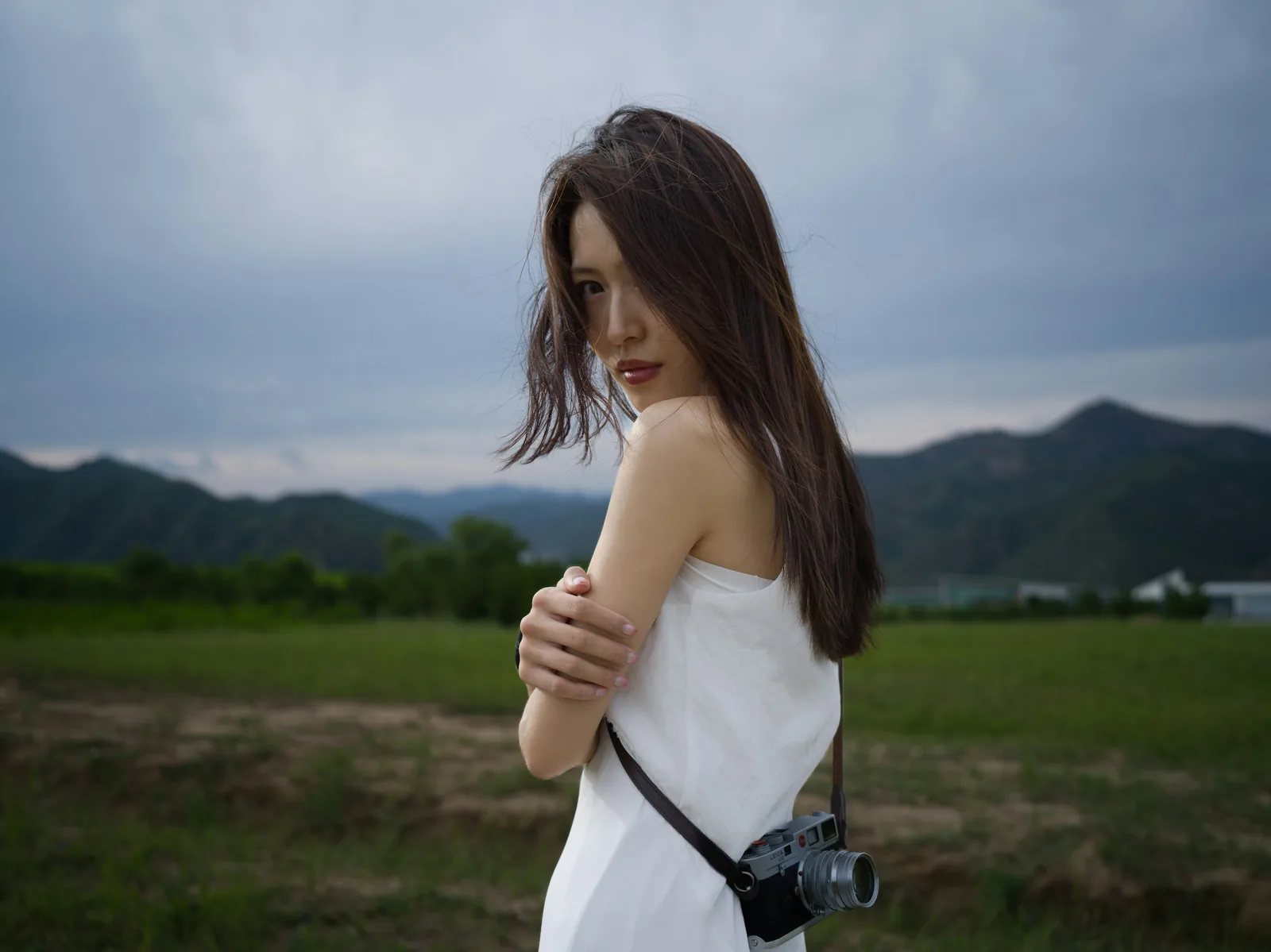
9 fashion photography examples and types
8 photoshoot ideas for clothing brands
What an AI photoshoot is and how it works
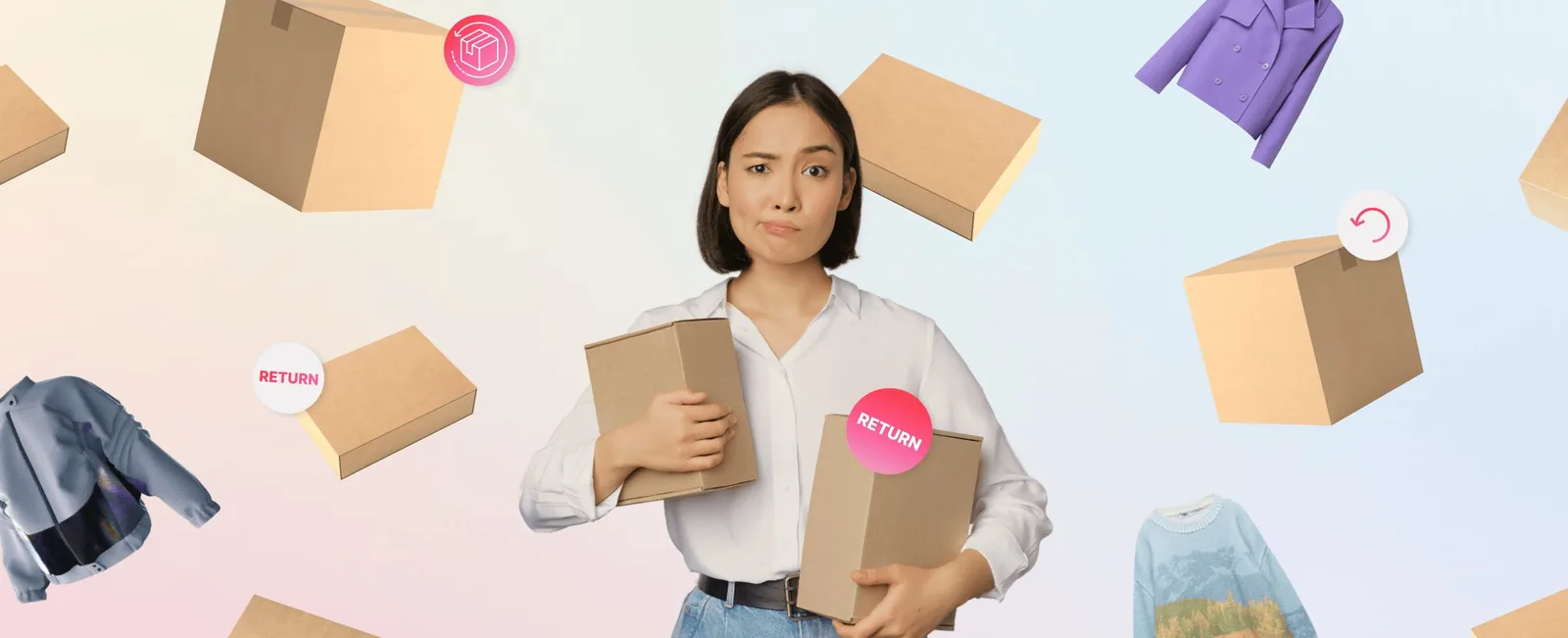
10 ways to reduce fashion return rates
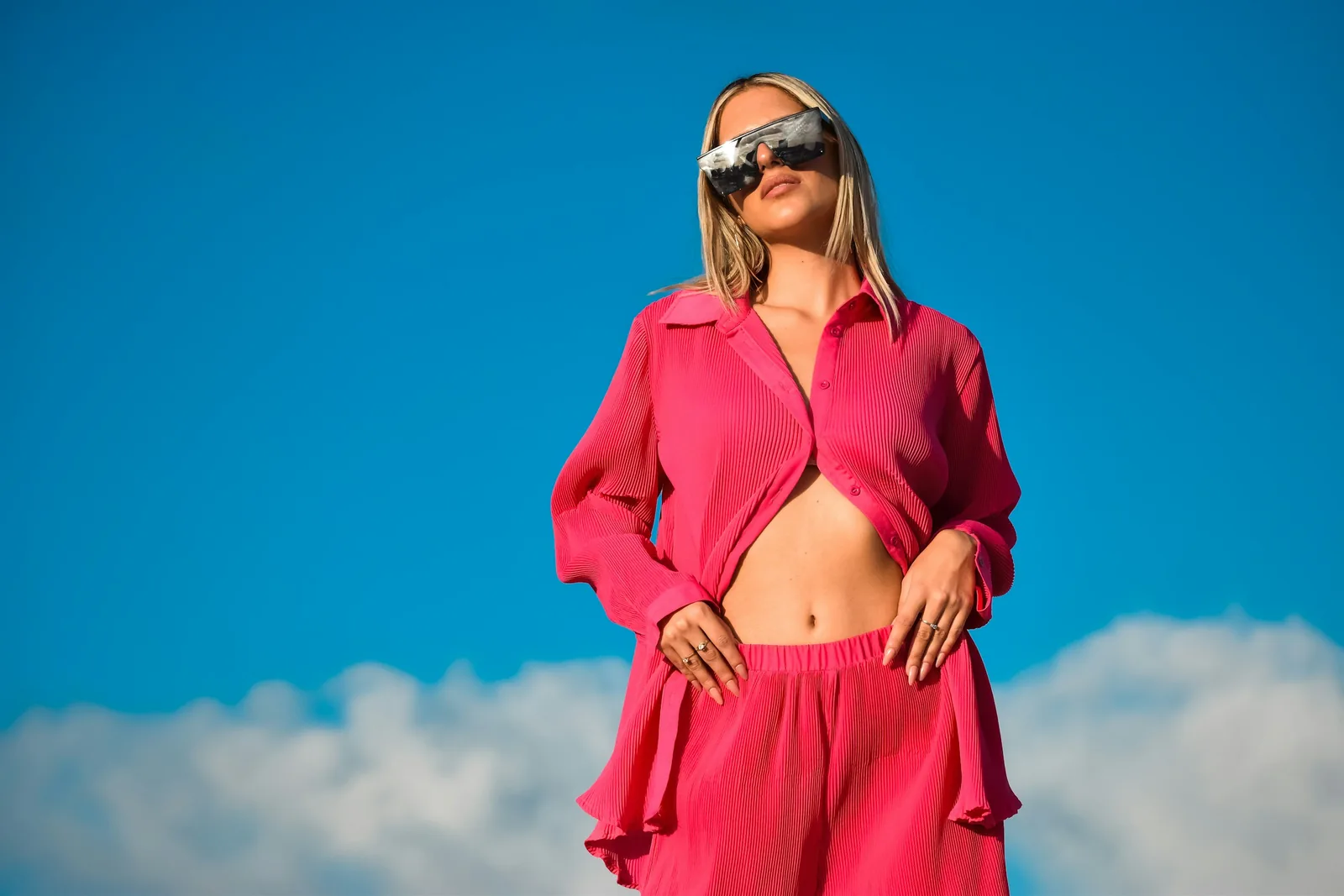
Sunglasses photography tips and techniques
More for apparel and accessories: AI clothing photography, AI shoe photography, AI bag photography and AI eyewear photography.
Frequently asked questions about AI fashion photography
Any other questions? Get in touch.
Yes. Pick an AI model or describe the person you want, including look, age range, hair and pose. Generate a few versions and keep the one that fits your brand.
Yes. Caspa keeps text, patterns and logos on your product as they are and generates the model and scene around them. Check small print at full size before you publish.
No. A flat lay, a hanger shot or a mannequin photo works. Smooth out creases first: the cleaner your upload, the cleaner the result.
Yes, like the sets above. Upload a photo of each side you want to show, because a back print or a zip can only be accurate if Caspa has seen it.
Yes, on the Growth and Scale plans. A short clip shows how a garment moves on the body, which a still image can't.
Every new account gets 10 free credits, no credit card required. Starter is $59 a month ($39 a month billed yearly) for 500 credits and images only. Growth is $99 a month ($66 billed yearly) for 1,000 credits and adds video. Scale is $249 a month ($166 billed yearly) for 2,500 credits. New subscriptions have a 30-day money-back guarantee.