
AI Lifestyle Product Photography
Upload one product photo. Caspa's AI lifestyle product photography puts it in use, at home or outdoors, with people or pets, and keeps the product as you shot it.
10 free image credits · No credit card required
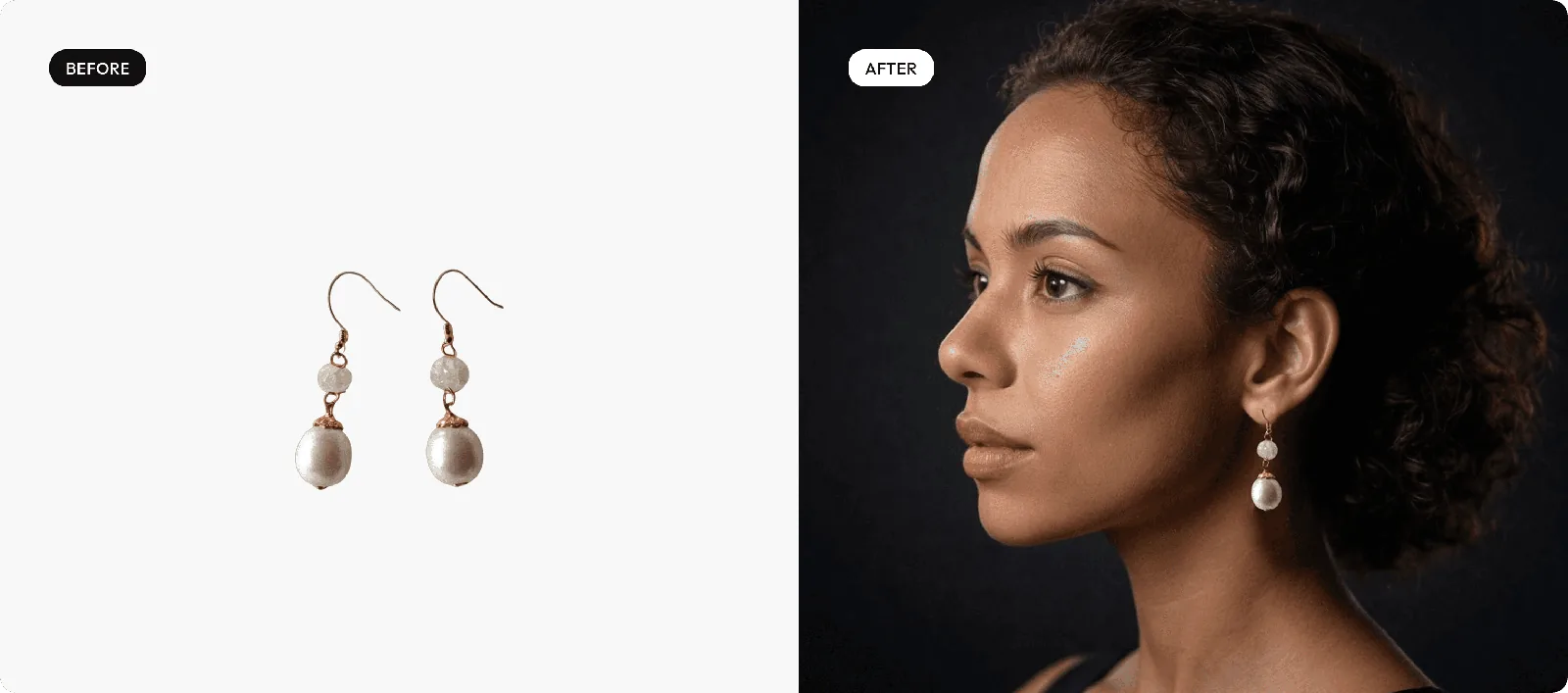
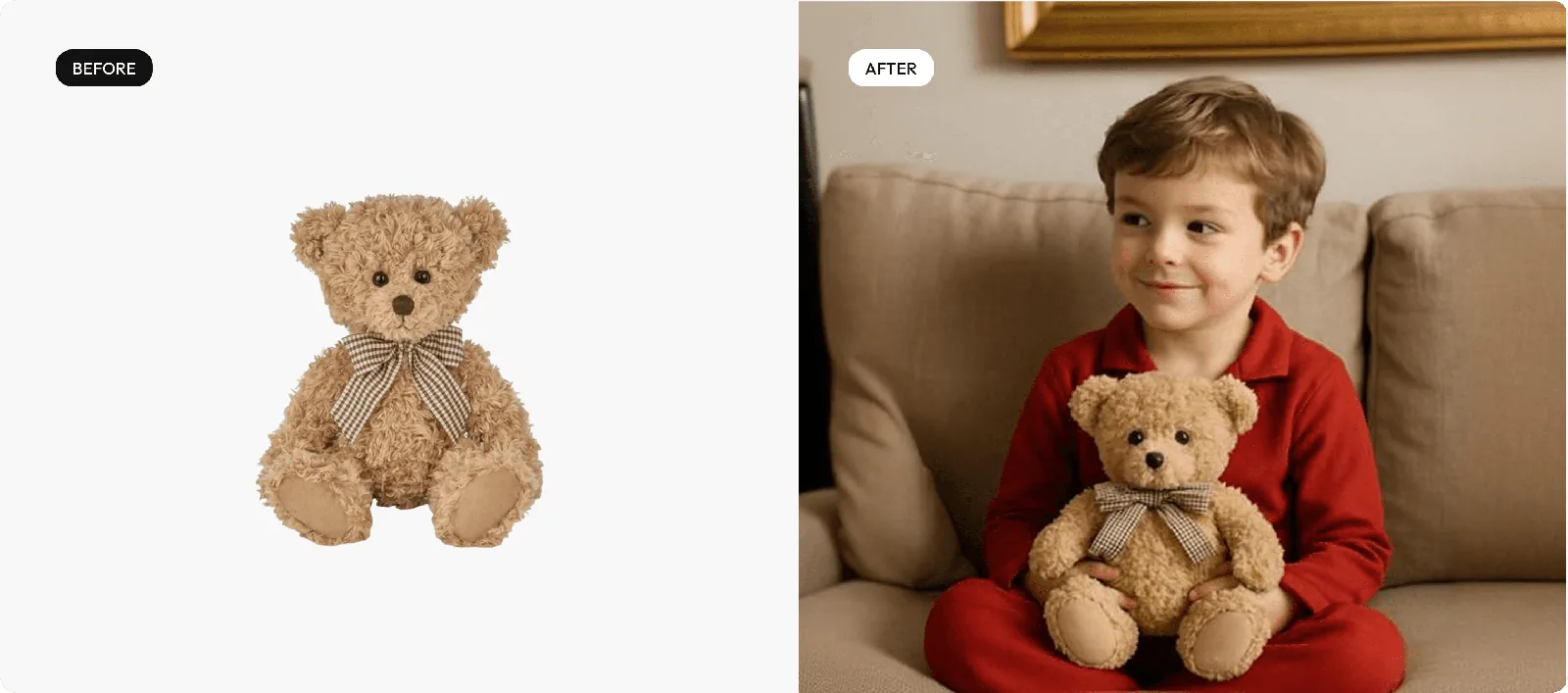
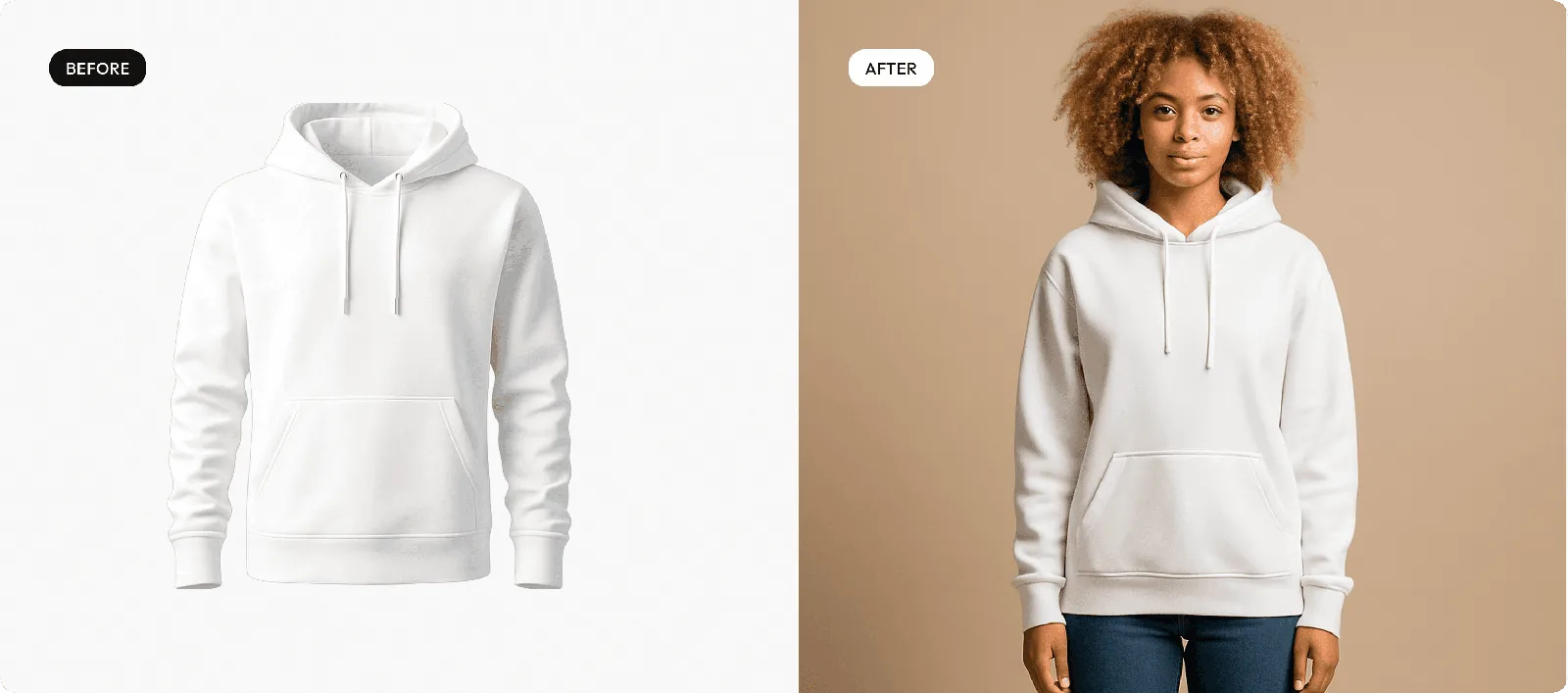
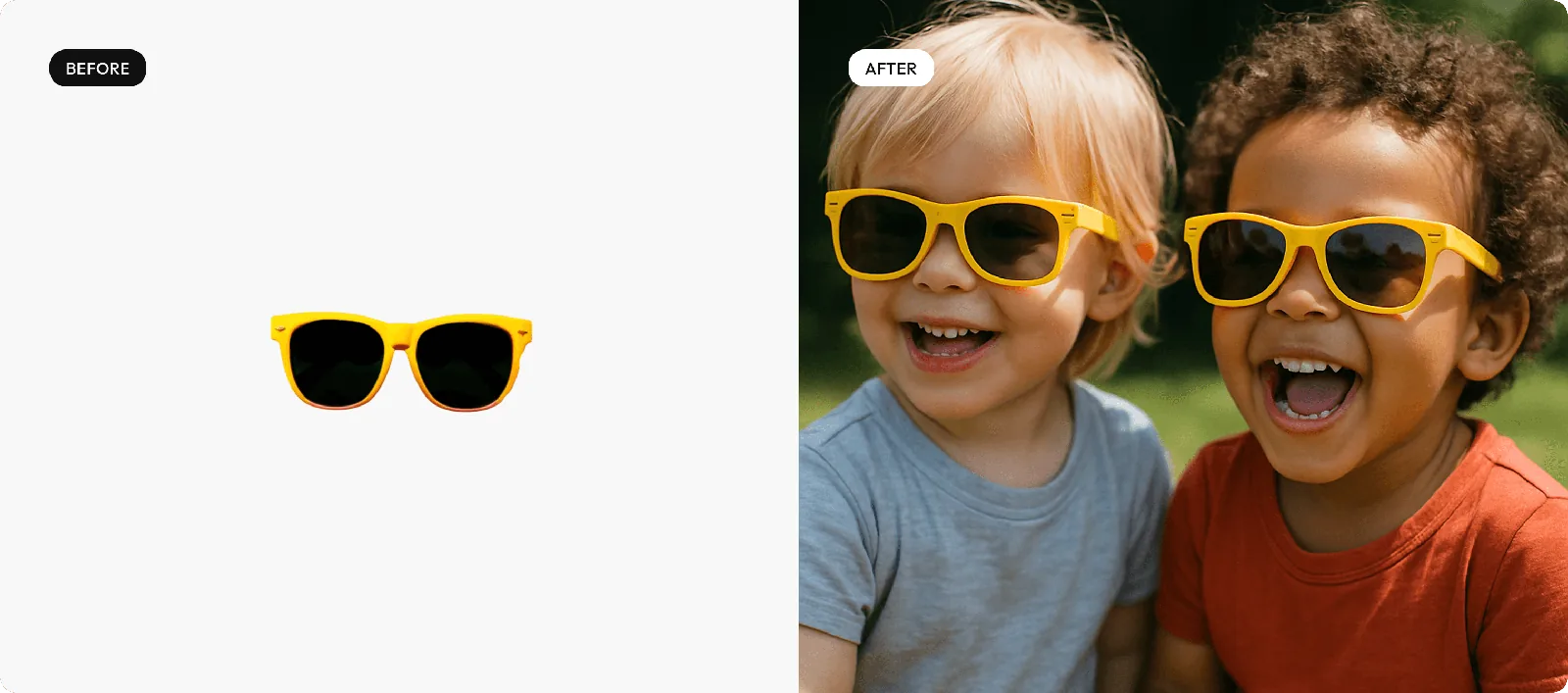
Lifestyle photos you can make
The settings shoppers picture themselves in, made from a plain product shot.

At home
Mugs, throws and gadgets in a lived-in kitchen or living room.

Outdoors and active
Bottles, apparel and gear on a trail, a beach or a city street.
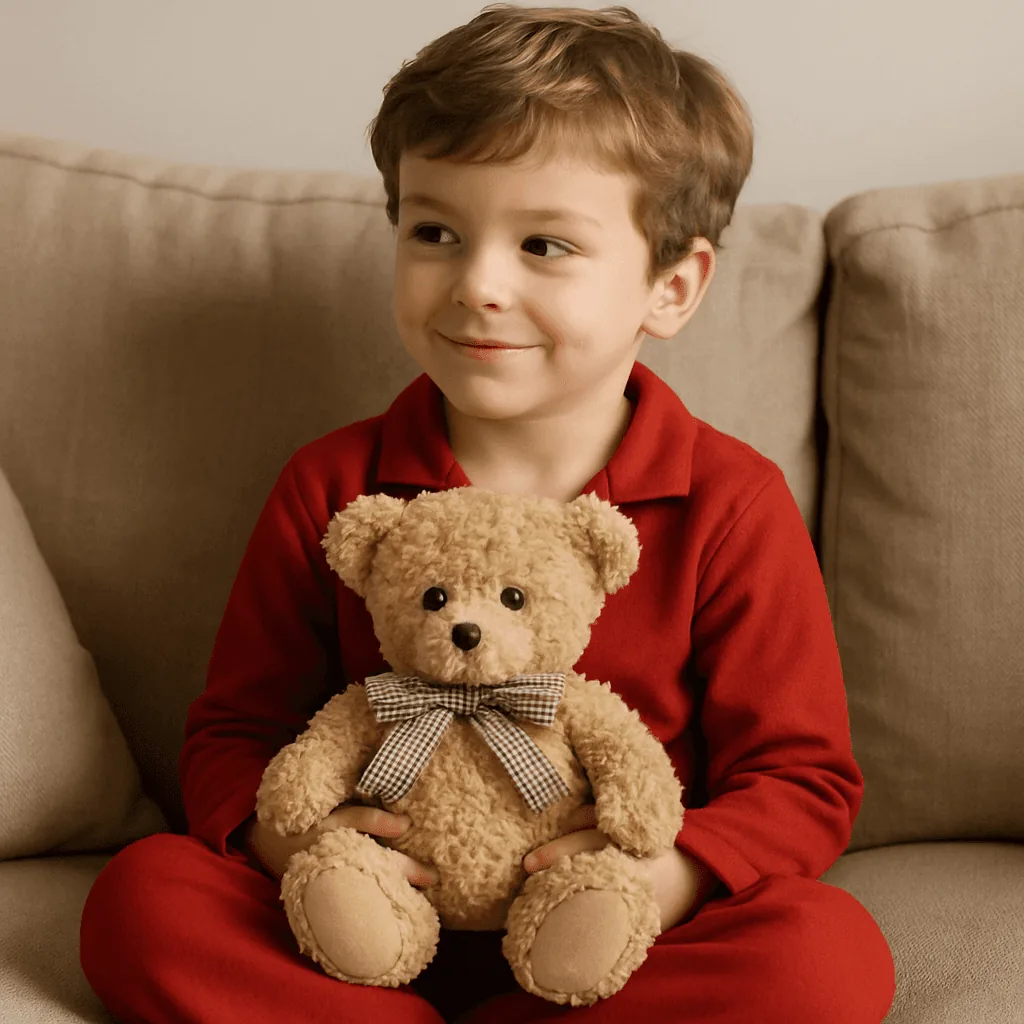
Kids and family
Toys and kidswear with children, in a setting parents recognize.
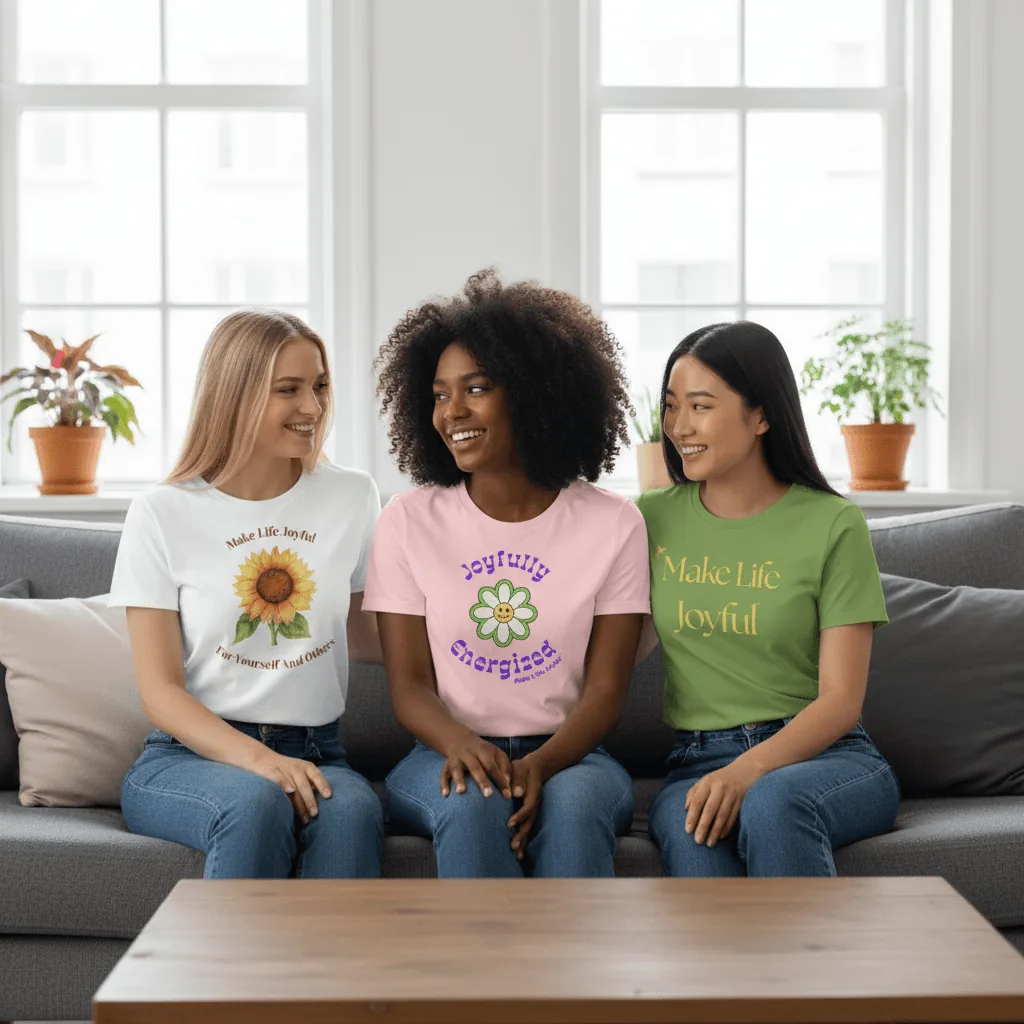
Groups and bundles
Several products and several people in one scene.
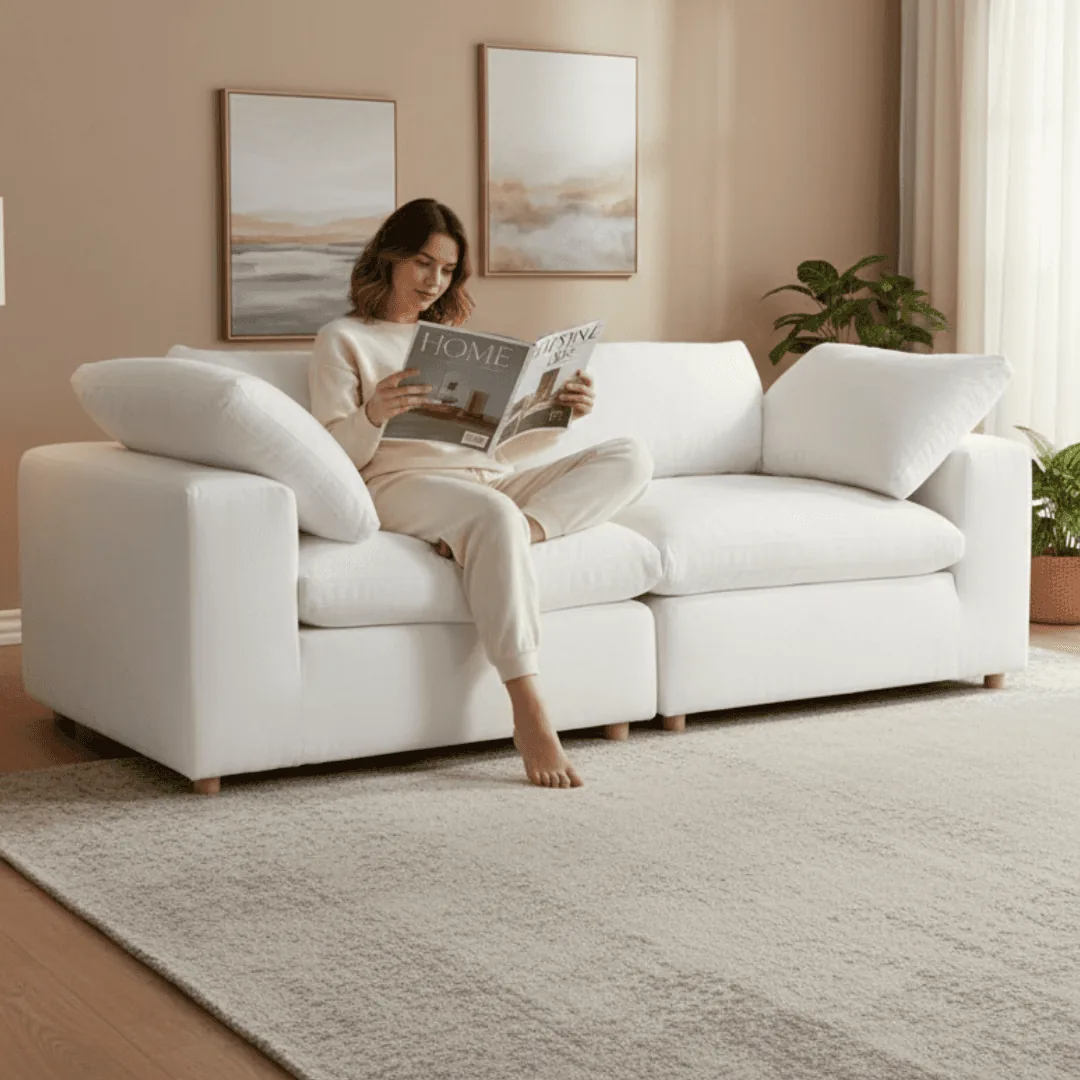
Interiors
Furniture and decor in a styled room, with someone using it.
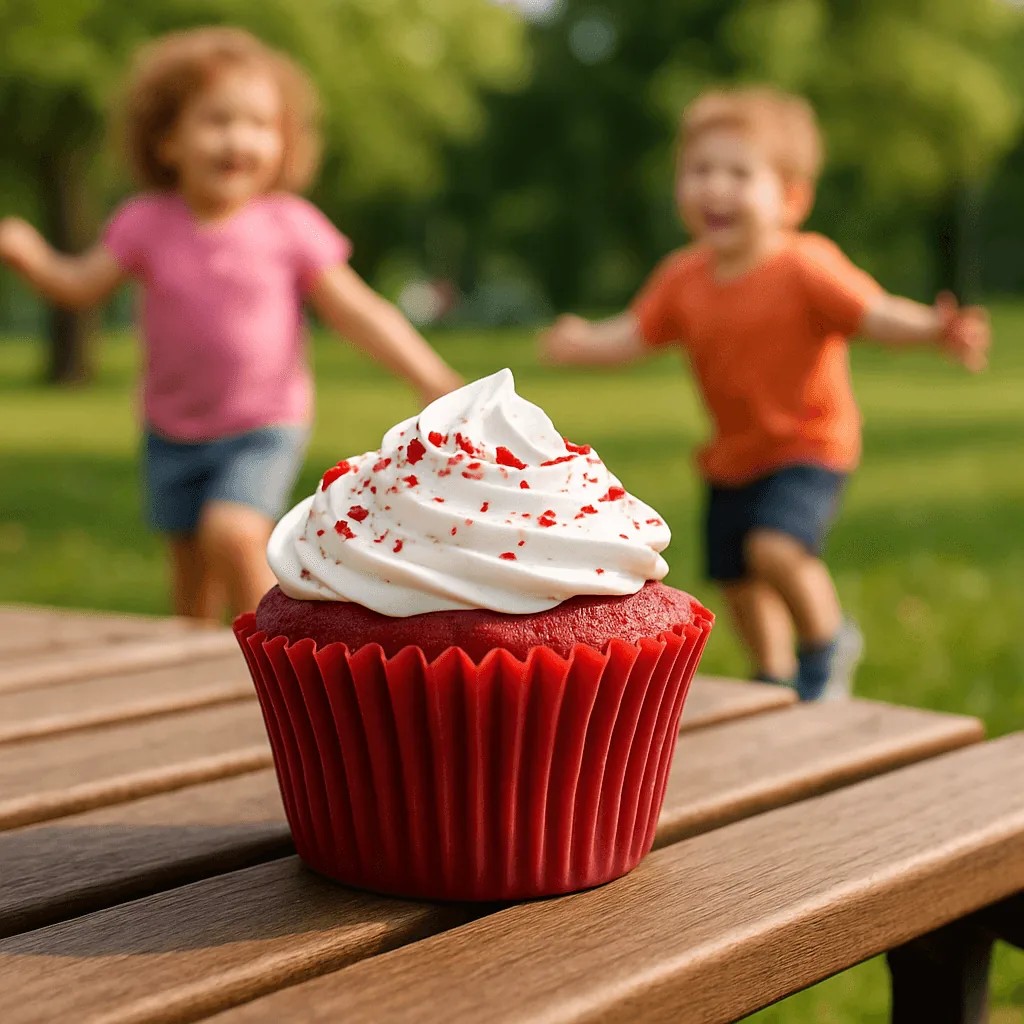
Food and drink moments
Snacks at a picnic, drinks at a bar, cakes at the table.
How AI lifestyle product photography works
Three steps from a plain product shot to a scene.
Upload one product photo
Any clear shot of the product on a plain background. A phone photo taken by a window is enough.
Pick a scene or describe one
Choose a setting and a model, or describe the moment, such as a runner refilling a steel bottle at a trailhead at sunrise.
Download or make a video
Download for product pages, ads and social. On Growth or Scale, turn a lifestyle still into a short product video.
What a good lifestyle shot shows
Use this list to brief each image in the gallery.
The product in use
Hands on it, mid-action, not just placed nearby.
The right customer
A model who looks like the person you sell to.
Scale
A hand, a table or a room, so size is obvious at a glance.
A believable setting
Somewhere your customer actually goes: their kitchen, their commute, their gym.
Room for copy
Space for a headline when the image runs as an ad or a social post.
A mix with clean shots
Lifestyle images next to a white background main image and a detail close-up.
Choosing the right scene
Start from your customer
Where are they when they reach for your product? A trail runner's bottle belongs on a trail, a candle on a coffee table at night. Describe that place, not a generic studio.
Keep the product the hero
People and props support the product; they shouldn't hide it. If the product gets lost in the frame, crop in or simplify the scene and generate again.
Shoot a series, not a single
Make three or four scenes for the same product: one at home, one in use, one with a person, one close-up. A gallery that tells a story beats one perfect shot.
Test before you commit
Run two scenes as ads or swap them on your product page for a few weeks. Keep the one your customers respond to.
Lifestyle images on Amazon, Etsy and Shopify
Where lifestyle shots fit on each marketplace, as of October 2026. Each guide has the full list.
- Amazon: keep lifestyle scenes for the secondary slots. The main image is the product on a pure white background (RGB 255, 255, 255), and Amazon recommends at least six images in total. Amazon image requirements
- Etsy: AI lifestyle scenes are fine in the gallery, but every listing needs at least one unedited photo of the actual item against a real background. Etsy image requirements
- Shopify: keep one aspect ratio across main images so collection pages line up; square 2048 x 2048 px images usually display best. Shopify image requirements
Lifestyle photography guides
From the Caspa blog: ideas, types of shots and video.
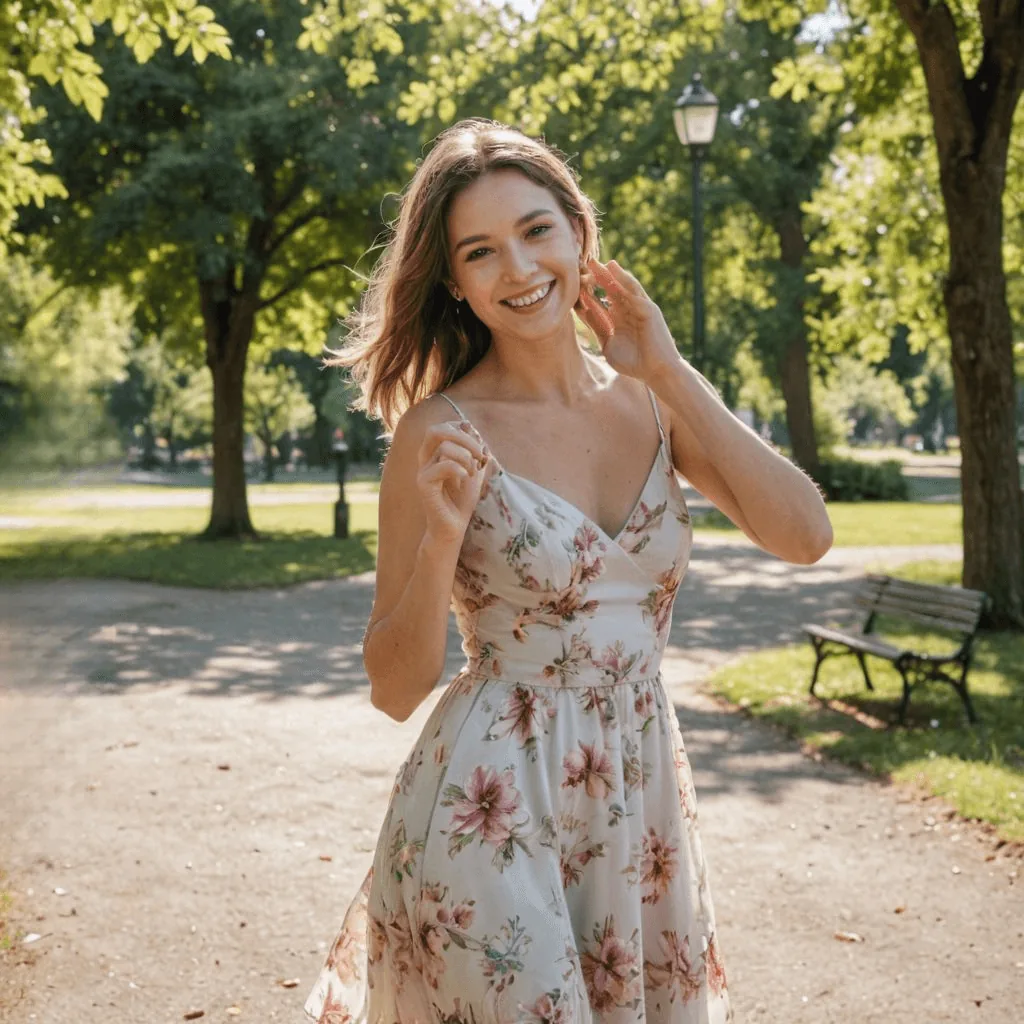
What lifestyle product photography is
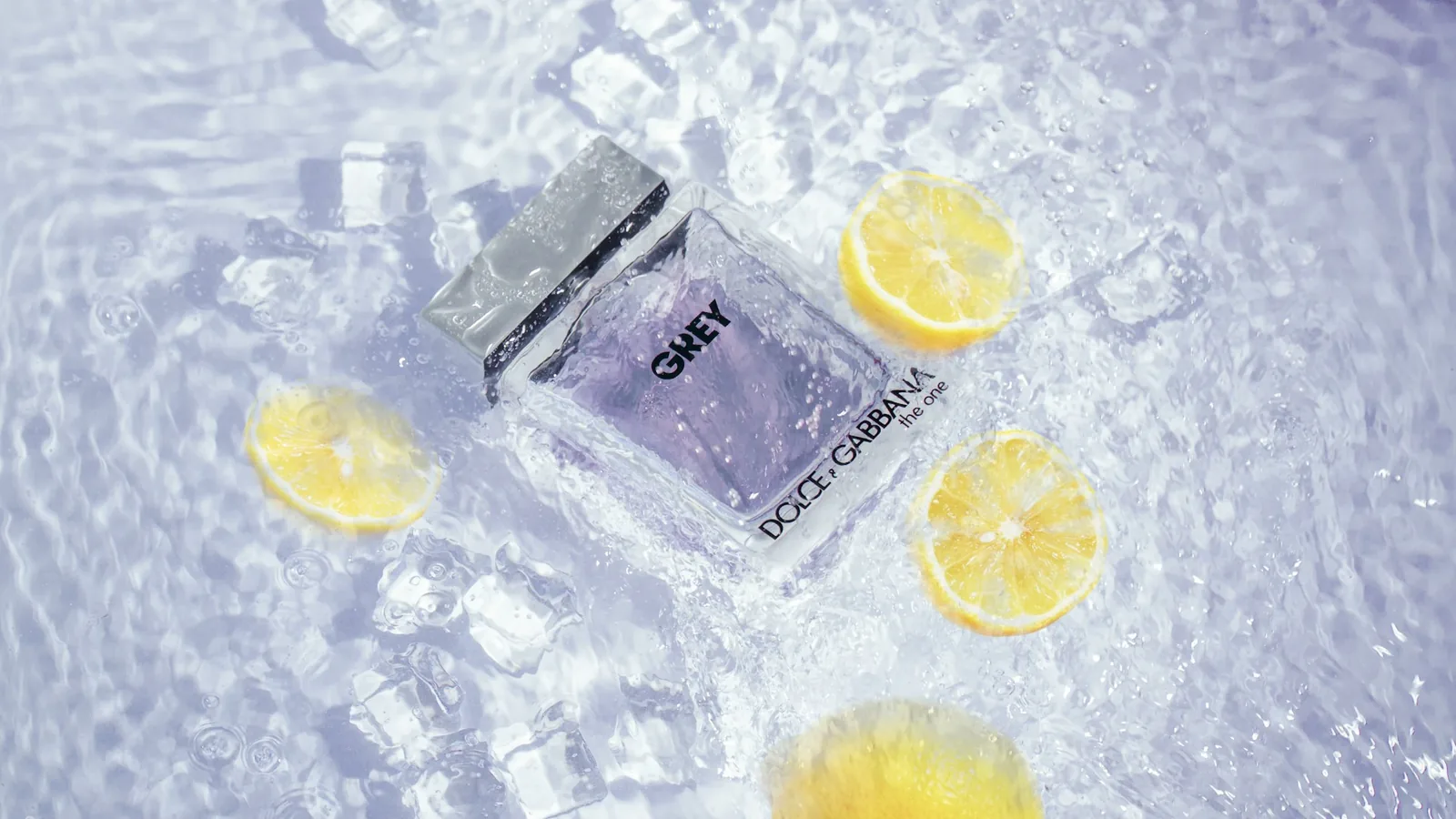
23 product photography examples and ideas
20 types of product photography for online stores
Why use AI for product photography
15 product demonstration examples
31 product video ideas
By category: furniture, food and beverage, fashion and candles.
Lifestyle product photography FAQs
Any other questions? Get in touch.
It shows a product in a real setting, often in use, instead of on a plain background. One image tells shoppers the size, the use and who it's for. Most listings pair one clean main image with several lifestyle shots.
Yes. You can combine several products in one image and add people or animals, then keep editing until every detail is right.
Yes. Caspa can add AI human models and animal models next to your product or interacting with it.
No. Caspa places your product into the new scene and keeps it unchanged unless you choose to edit it.
Product pages, marketplace secondary images, ads, social posts and emails. You can use everything you create for your business.
Every new account gets 10 free credits, no credit card required. Starter is $59 a month ($39 a month billed yearly) for 500 credits and images only. Growth is $99 a month ($66 billed yearly) for 1,000 credits and adds video. Scale is $249 a month ($166 billed yearly) for 2,500 credits. New subscriptions have a 30-day money-back guarantee.

See your product in a lifestyle scene
Upload one product photo and get your first lifestyle shots in minutes, with people, pets or just the right setting.
10 free image credits · No credit card required