
eBay picture size has a hard floor and a soft target: photos must be at least 500 pixels on the longest side, and eBay recommends about 1600 x 1600 pixels. Below are the rest of eBay's photo rules from its Help Center, checked on October 27, 2026: file limits, what the picture policy bans, and video.
Short answer: at least 500 pixels on the longest side, about 1600 x 1600 recommended, up to 12 MB per photo and up to 24 photos per listing. Photos in a 1:1 or 16:9 ratio look best. No added borders, text, artwork or watermarks, and no stock photos for used, damaged or defective items.
- eBay photo specs
- Main photo and the rest
- What eBay's picture policy bans
- Checklist before you upload
- Common reasons eBay photos fail
- FAQ
eBay picture size and photo specs
| Spec | Requirement |
|---|---|
| Minimum size | 500 pixels on the longest side (picture policy). The upload help page puts it as a minimum resolution of 500 x 500 pixels. |
| Recommended size | About 1600 x 1600 pixels. |
| Aspect ratio | 1:1 or 16:9 look best in listings, search results and other placements. |
| Maximum file size | 12 MB per photo. |
| File types | JPEG, PNG, GIF, TIFF, BMP, WEBP, HEIC or AVIF. |
| Photos per listing | At least 1, up to 24. |
| Background | An uncluttered space against a neutral backdrop; eBay says white backgrounds are generally best. |
| Not allowed | Added borders, added text, artwork or marketing material, watermarks of any type, and graphics such as badges, logos or copyright notices. |
| Stock photos | Not for used, damaged or defective items. |
| Video | 1 per listing, .mp4 or .mov, up to 150 MB, ideally a minute or less, uploaded at up to 1080p. Listings with variations don't support video, and YouTube links aren't supported. |
Main photo and the rest
eBay's guidance for the main photo:
- Show the whole item, face-on.
- For a single item, don't include variations. For a bundle, show every item for sale.
- Use a neutral, uncluttered backdrop. The listing tool's Background option can replace the background with solid white.
- On fixed price listings with no offers, you can still change the main photo.
For the other photos, eBay asks for clear close-ups of any flaws, scratches or imperfections, and suggests a coin or ruler next to the item to show its size.
What eBay's picture policy bans
- Photos that don't accurately represent the item.
- Placeholder images used to convey messages.
- Stock photos for used, damaged or defective items.
- Photos with added borders.
- Photos with added text, artwork or marketing material.
- Watermarks of any type, including ownership attributions.
eBay's images policy also asks you to take your own photos. Images copied from other websites, including manufacturers' sites, aren't allowed without explicit written permission from whoever holds the rights. Images from eBay's own product catalog are allowed.
eBay photo checklist before you upload
- Longest side about 1600 pixels, never under 500.
- Square or 16:9 framing.
- JPEG or PNG under 12 MB.
- Main photo: the whole item, face-on, on a neutral or white backdrop.
- Close-ups of any wear or flaws on used items.
- A size reference in one photo.
- No borders, text, logos, badges or watermarks.
- Your own photos or eBay catalog images, not copies from other sites.
- Video as .mp4 or .mov under 150 MB, about a minute, only on listings without variations.
Common reasons eBay photos fail
| Problem | Fix |
|---|---|
| Upload error | Use JPEG, PNG, GIF, TIFF, BMP, WEBP, HEIC or AVIF, under 12 MB. |
| Photo too small | At least 500 pixels on the longest side; aim for 1600. |
| Border, text or watermark | Upload the clean original. Put details in the description. |
| Stock photo on a used item | Photograph the actual item, flaws included. |
| Image copied from another site | Use your own photo or the eBay catalog image. |
| Video rejected | Over 150 MB, or the listing has variations. Trim or compress the file. |
Where Caspa fits on eBay
eBay's rules favor plain, honest photos, so use Caspa where it helps without crossing them:
- Clean main photos: clear a cluttered background so the item sits on white, which eBay says is generally best.
- Lifestyle and on-model photos of new items, as extra photos after the main one.
- Not for condition shots of used items: buyers need the real item, wear included.
- No infographics: eBay doesn't allow added text or artwork in photos.
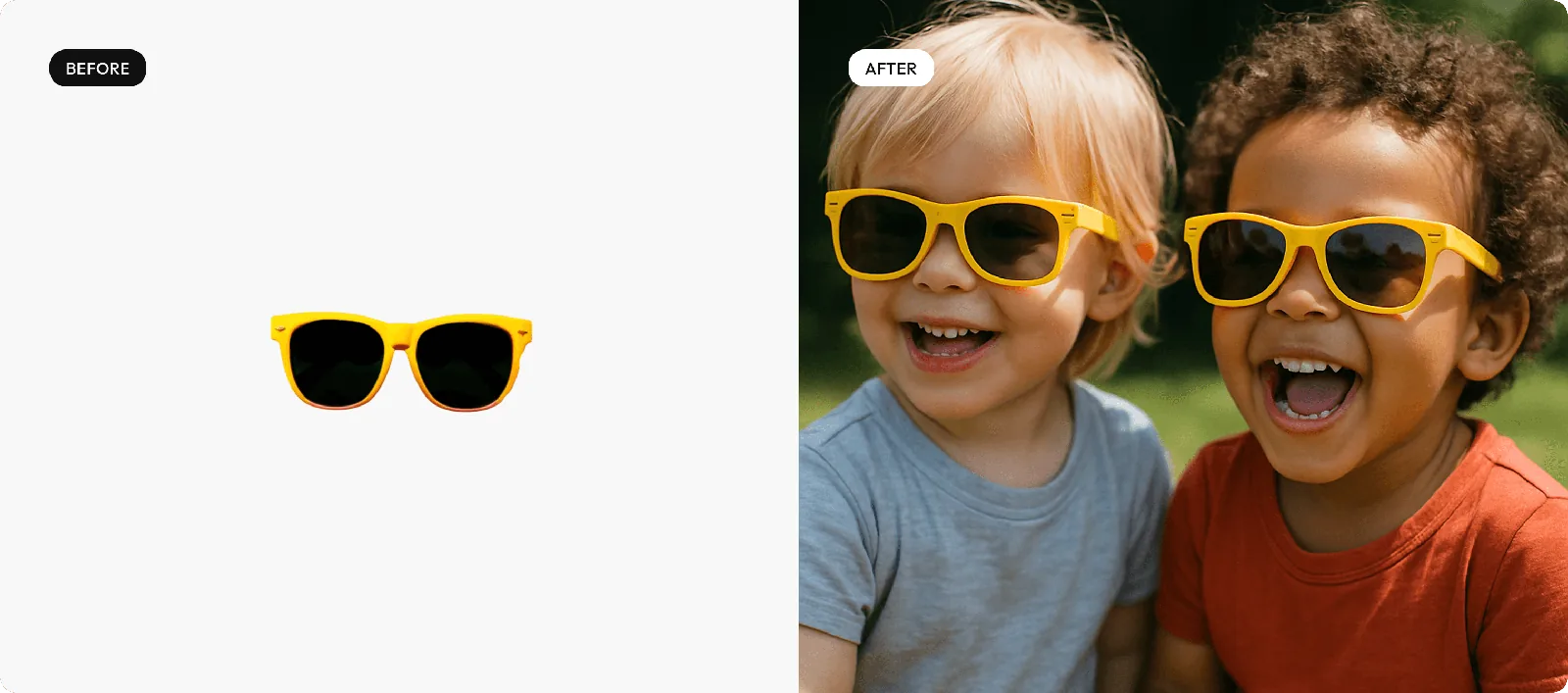
By product type: eyewear, clothing, jewelry and lifestyle product photography. Running your own store as well? See Shopify product photography. For the photo itself, start with how to take product photos.
Clean up your eBay main photos and add lifestyle shots
Upload a product photo, clear the background, or place the item in a real setting for the extra photo slots.
Every new account gets 10 free credits, no credit card required. Paid plans come with a 30-day money-back guarantee.
eBay picture size FAQ
What is the best picture size for eBay?
eBay recommends images of about 1600 x 1600 pixels. The minimum is 500 pixels on the longest side, and photos in a 1:1 or 16:9 aspect ratio look best in listings and search results.
How many photos can I put on an eBay listing?
Up to 24 pictures, and at least one is required.
What is the maximum photo file size on eBay?
12 MB per photo. Accepted formats are JPEG, PNG, GIF, TIFF, BMP, WEBP, HEIC and AVIF.
Can I add text or a watermark to eBay photos?
No. eBay's picture policy doesn't allow added borders, added text, artwork or marketing material, or watermarks of any type.
Can I use stock photos on eBay?
Not for used, damaged or defective items, which need photos of the actual item. eBay's catalog images are allowed, but images copied from other websites, including manufacturers' sites, aren't allowed without permission.
Can I add a video to an eBay listing?
Yes, one per listing: .mp4 or .mov, up to 150 MB, ideally a minute or less, uploaded at up to 1080p. Listings with variations don't support video, and YouTube links aren't supported.
Can I use AI-generated photos on eBay?
eBay's picture and images policies don't mention AI directly. The general rules still apply: photos must accurately represent the item, can't have added text or artwork, and used items need photos of the actual item.
Sources
From eBay's Help Center. eBay updates these pages, so treat the details above as accurate as of October 2026.
- Adding pictures to your listings, checked October 27, 2026
- Picture policy, checked October 27, 2026
- Adding a video to your listing, checked October 27, 2026
- Images, videos and text policy, checked October 27, 2026