
Walmart image requirements are specific: square 2200 x 2200 pixel files on a seamless white background, at least 1500 pixels for zoom, and no stock photos. Below are Walmart Marketplace's image rules from its Marketplace Learn guides, checked on October 27, 2026 (Walmart last updated its image guide on May 12, 2026).
Short answer: square 1:1 images at 2200 x 2200 pixels (at least 1500 x 1500 for zoom), in JPEG, JPG, PNG or BMP, 5 MB or less, RGB, with main images on a seamless white background (255, 255, 255). Walmart recommends at least four images per listing. Stock photos aren't allowed, and AI-generated images must be truthful, accurate and not misleading.
- Walmart image specs
- Main image and additional images
- Checklist before you upload
- What gets Walmart images rejected
- FAQ
Walmart image size and file specs
| Spec | Requirement |
|---|---|
| Pixel dimensions | 2200 x 2200 pixels. |
| Minimum for zoom | 1500 x 1500 pixels. |
| Aspect ratio | 1:1, square. |
| File types | JPEG, JPG, PNG or BMP. GIF images aren't permitted. |
| File size | 5 MB or less. |
| Color | RGB, 8 bits per pixel. |
| Background | Seamless white, RGB 255, 255, 255. |
| File name | Walmart recommends the 14-digit GTIN. |
| Swatch images | 100 x 100 pixels. |
| Number of images | A minimum of four per listing recommended. |
| Stock photos | Not allowed. Use actual product images. |
| AI-generated content | Must be accurate, truthful, rights-compliant and in line with Marketplace policies. |
| Image URLs | Must end in an image file type and use port 8080, 80, 443 or 8443. Not supported: URLs that aren't public, HTML pages, URLs with a query, and Dropbox links. |
| Video | Uploaded through the Media Library: 100 MB or less, title up to 200 characters. Rich media is restricted for some product types, including alcohol, tobacco and firearms. |
Main image and additional images
For the main image, Walmart asks for:
- A seamless white background. Images of larger items may show the item in an expected environment.
- The item cropped as close to the frame as possible, without excess background. Don't resize a small image to fill the space; it lowers quality.
- No watermarks, seller name or logo.
- No accessories that aren't included, and not too many props.
For every image:
- Match the product name, the product type and the key attributes in the name.
- Show the product or its features. Images saying the product is out of stock or sold out are prohibited.
- No duplicate images on the item page.
- In focus and professionally lit.
- No claims or promotional language about the item.
- No Walmart or other retailer or ecommerce platform logos or names.
- English only.
- Swatch images where they apply.
- If images aren't ready, use only Walmart's designated placeholder. The item won't publish until a real product image replaces it.
Some categories have extra requirements, listed in Walmart's content standards.
Walmart image checklist before you upload
- Square, 2200 x 2200 pixels, and never under 1500 x 1500.
- JPEG, PNG or BMP, 5 MB or less, RGB.
- Main image on seamless white (255, 255, 255), or an expected setting for a large item.
- Item cropped close, no logos, watermarks or seller name.
- At least four images, none duplicated.
- No claims, promotional lines, other retailers' names or logos, and no text in languages other than English.
- Real product photos, no stock images.
- File named with the 14-digit GTIN.
What gets Walmart images rejected
Walmart says noncompliance may result in products being unpublished, and it can remove images that violate its policies. The usual causes, from its guide:
| Problem | Fix |
|---|---|
| GIF file, or over 5 MB | Export a JPEG or PNG of 5 MB or less. |
| No zoom | Under 1500 x 1500 pixels. Supply 2200 x 2200. |
| Main image not on white | Use a seamless white background, unless a large item is shown in its expected setting. |
| Stock photo | Photograph the actual product. |
| Logos, watermarks or seller name | Remove them from the main image. |
| Another retailer's name or logo | Remove it, including from images reused from other marketplaces. |
| Claims or promotional language | Keep text in images factual, or leave it out. |
| Out of stock or sold out image | Replace it with a product image. |
| Image URL not accepted | Use a public URL that ends in an image file type, with no query string, on a supported port. |
Where Caspa fits on Walmart
If you already sell on Amazon, check three differences before reusing images: Walmart wants square 2200 x 2200 files, 5 MB or less, and no images that name or show other retailers. Caspa covers the images you still need:
- Main images on seamless white, from your own product photo.
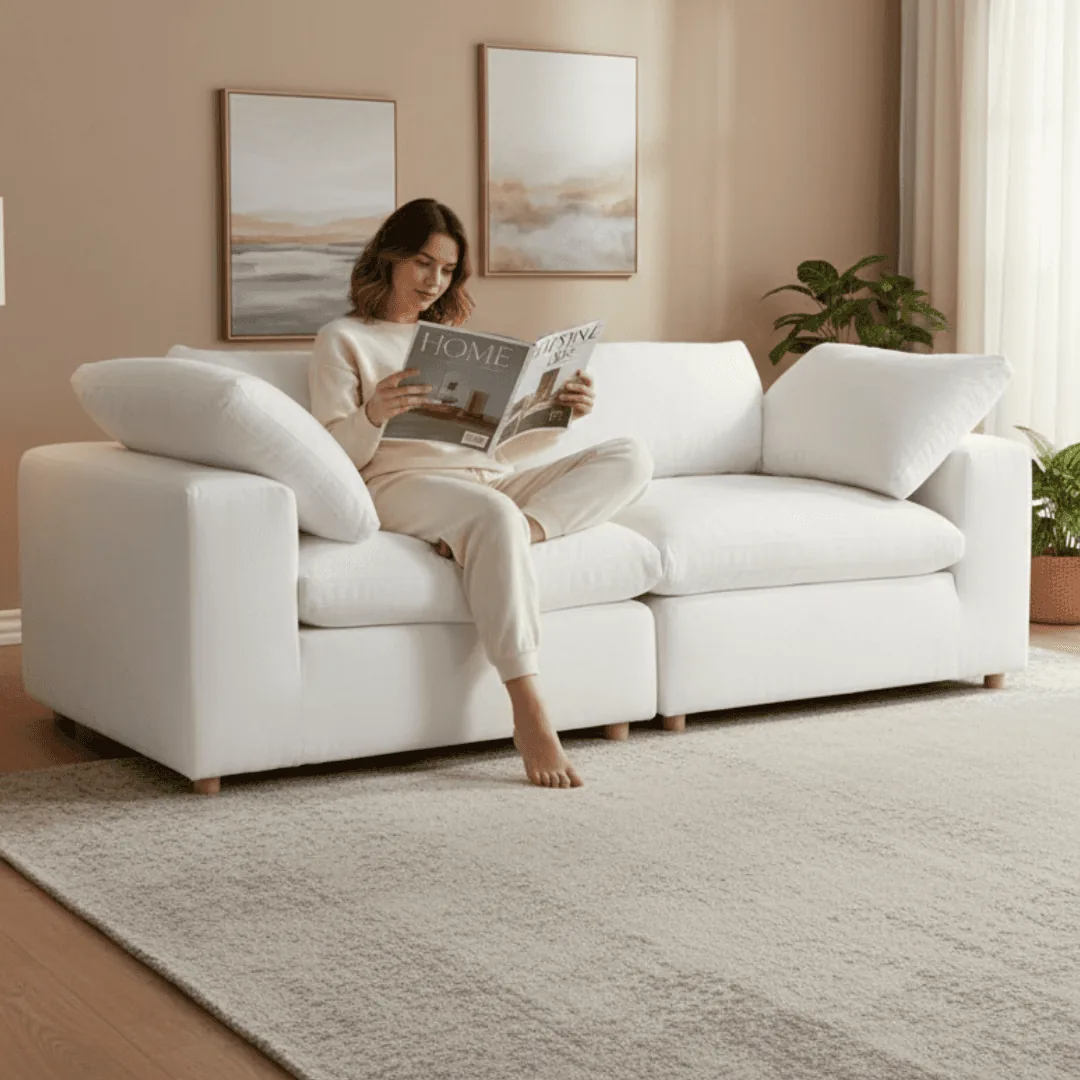
- Room scenes for large items like furniture, which Walmart says may be shown in an expected environment.
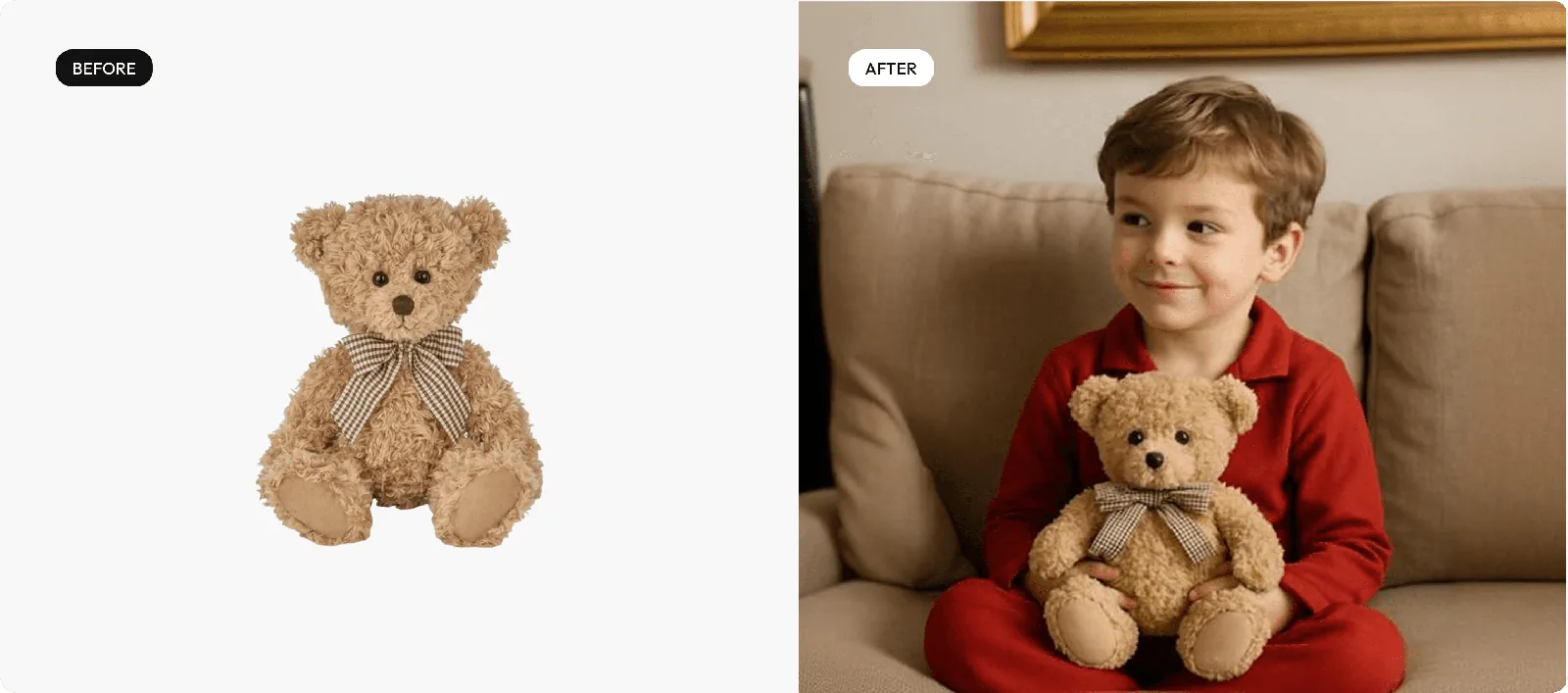
- Lifestyle images for the additional slots, with the product unchanged.
By product type: furniture, food and beverage, beauty products and lifestyle product photography. Selling on Amazon too? See Amazon product photography with Caspa and the Amazon image requirements.
Make Walmart-ready main and lifestyle images
Upload a product photo and get a white-background main image plus lifestyle scenes for the other slots.
Every new account gets 10 free credits, no credit card required. Paid plans come with a 30-day money-back guarantee.
Walmart image requirements FAQ
What size should Walmart product images be?
2200 x 2200 pixels, square (1:1). Images need at least 1500 x 1500 pixels for zoom, and swatch images are 100 x 100 pixels.
Does Walmart require a white background?
Yes for main images: seamless white, RGB 255, 255, 255. Images of larger items may show the item in an expected environment.
How many images should a Walmart listing have?
Walmart recommends a minimum of four images for each listing.
Can I use stock photos on Walmart Marketplace?
No. Walmart says you must use actual product images that accurately reflect the product being sold.
Are AI-generated images allowed on Walmart?
Walmart's guides say AI-generated content must be accurate, truthful, rights-compliant and aligned with Marketplace policies, and AI-generated images must be truthful, accurate and not misleading.
What happens if my images don't meet Walmart's requirements?
Noncompliance may result in products being unpublished, and Walmart can remove images that violate its policies.
What file formats does Walmart accept?
JPEG, JPG, PNG and BMP, 5 MB or less, in RGB with 8 bits per pixel. GIF images aren't permitted.
Sources
From Walmart Marketplace Learn. Walmart updates these guides, so treat the details above as accurate as of October 2026.
- Product detail page: Image guidelines and requirements, last updated May 12, 2026, checked October 27, 2026
- Product detail page: Rich media, last updated October 19, 2026, checked October 27, 2026
- Product detail page: Media Library, last updated October 19, 2026, checked October 27, 2026