
Make an Image Square Without Cropping
Turn a tall or wide photo into a square one for Amazon, Shopify, Walmart or eBay. Nothing is cut off or stretched: new background that matches your photo fills the space.
Drop a photo here
JPG, PNG or WebP. You can also paste one.
Shape
Square 1:1For Amazon, Shopify, Walmart, eBay and TikTok Shop. Another shape? Use the AI image extender.
Your photo is already square.
Previews are up to 1024 pixels and carry a Caspa watermark.
Any Caspa plan removes it and gives you the full-size image.
How to make an image square
Add your photo
Upload a tall or wide photo, or try one of the samples. Product shots on a plain background and photos of a whole scene both work.
Make it square
Press Make it square. Tick "Add space around the photo" as well if you want more room around the product, or if your photo is square already.
Download it
A plain background is continued pixel for pixel in a second. A scene is extended by AI, then your own photo goes back on top, so the product is never redrawn.
Square image examples
Real results from this tool, on Caspa product photos. The earrings' plain background needed no AI at all.
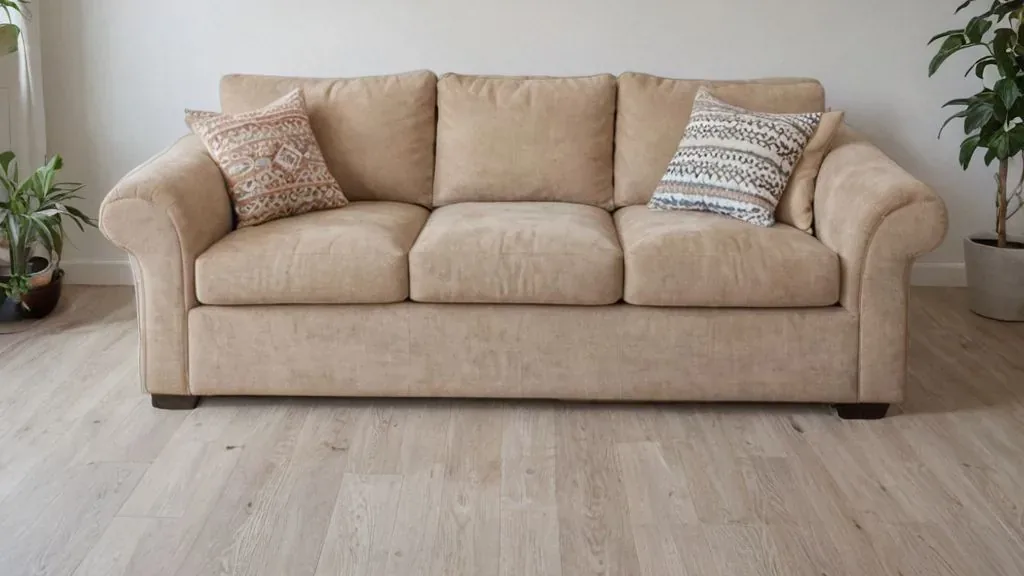 Before
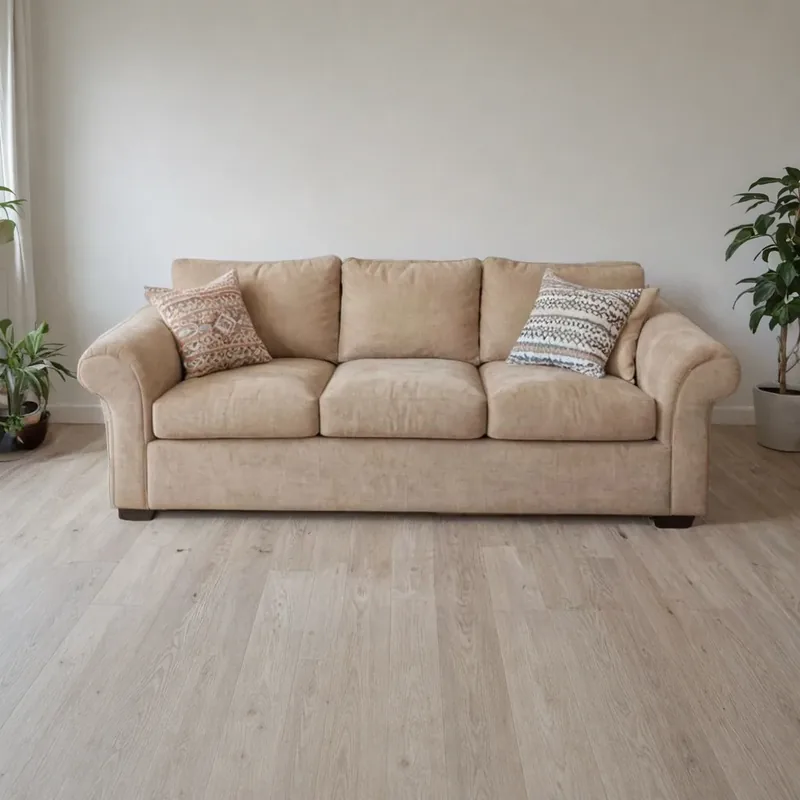 After
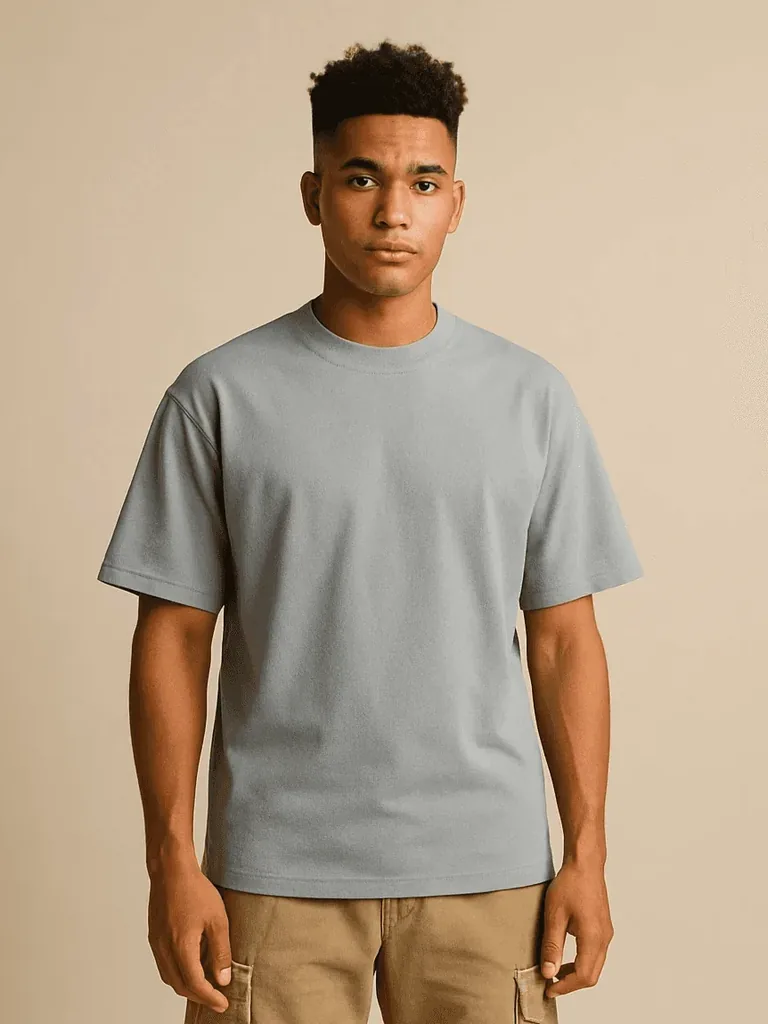 Before
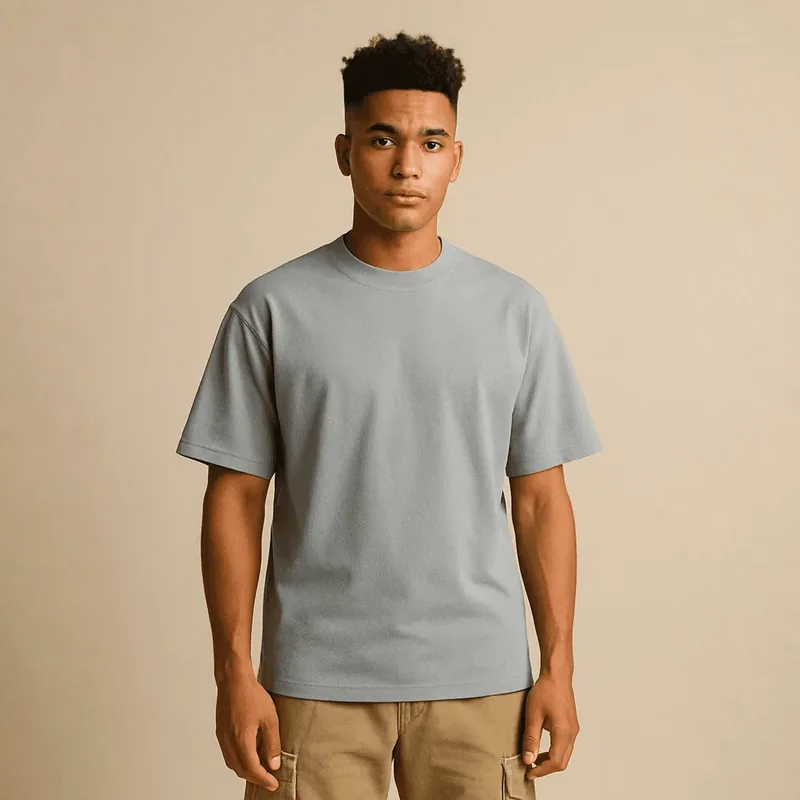 After
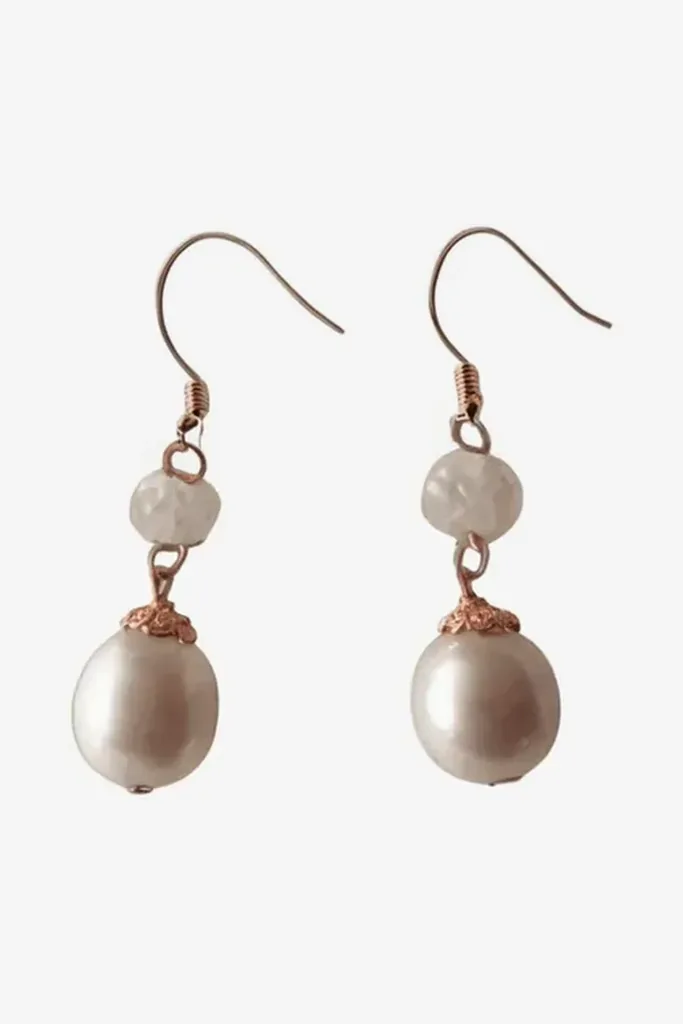 Before
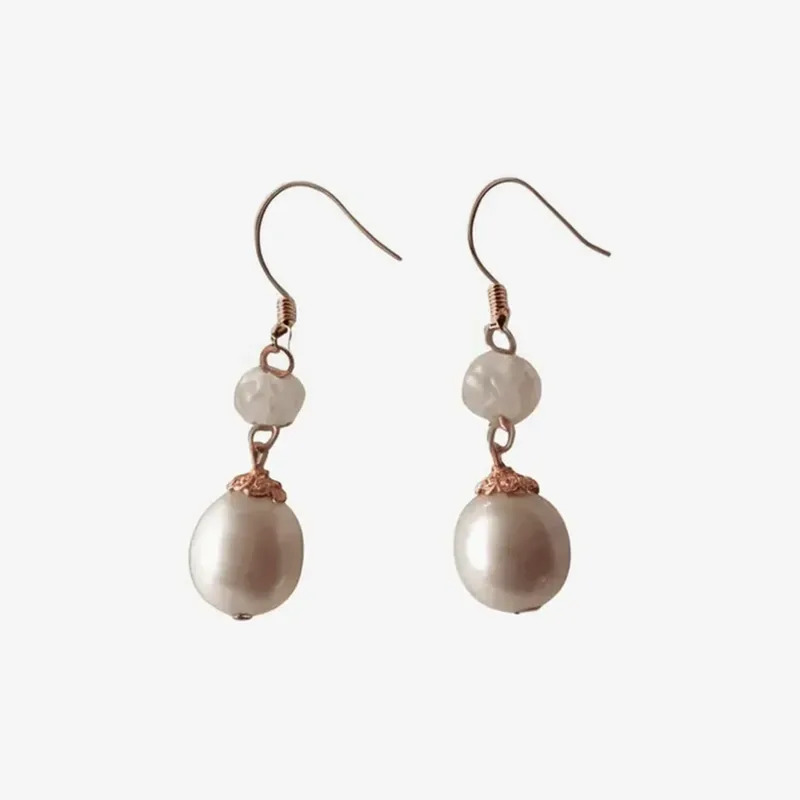 After
Four ways to make a photo square
Only one of them keeps the whole photo and the product's true shape.
| Method | What it does | When it's fine |
|---|---|---|
| Crop | Cuts the long sides down to a square, and whatever was there is gone. | When the product sits in the middle with room to spare. |
| Stretch or squash | Resizes the photo to a square, pulling the product out of shape. | Never for product photos: buyers see an item that isn't the real one. |
| Add bars | Pads the short sides with a flat color. | Only when the background is that exact color, or the bars show. |
| Extend | Keeps the whole photo and fills the new space with background that matches it. | Whenever the whole photo should stay in the square. This tool does it. |
Square image sizes for each marketplace
From each marketplace's own image rules, checked October 2026.
| Marketplace | Square size to use |
|---|---|
| Amazon | 1,000 x 1,000 pixels or more. Amazon sets no shape, but zoom needs 1,000 pixels on the longest side, and the product should fill 85% of the main image. |
| Shopify | 2048 x 2048 pixels, with one ratio for every featured image so the store's grid lines up. |
| Walmart | 1:1, with 2200 x 2200 pixels recommended. |
| eBay | About 1600 x 1600 pixels. Square and 16:9 photos look best. |
| Etsy | Square or landscape for the first photo, at least 2000 pixels wide and tall. |
| TikTok Shop | Square, larger than 600 x 600 pixels. |
Free previews from this tool are up to 1024 x 1024 pixels. Any Caspa plan gives you the full-size image.
Make image square FAQ
Add to its short sides instead of cutting its long ones. Upload your photo here and press Make it square: the tool adds matching background above and below a wide photo, or on both sides of a tall one, until it's square. The whole photo stays in.
Yes. You can make a square preview without an account. Each preview is up to 1024 x 1024 pixels and carries a Caspa watermark. Downloading it without the watermark is free too: sign up or log in, and the preview is saved to your Caspa account without it. Free previews and free downloads without the watermark are limited; on a Caspa plan every image is full size, with no watermark.
No. Your photo stays as it is, pixel for pixel, apart from a thin band along its edge where it blends into the new background. Only the added space is new.
Tick "Add space around the photo". The tool shrinks your photo a little inside the square and fills the space around it, which helps when the product sits too close to the edge.
For most marketplaces, square is the safe choice: Shopify suggests 2048 x 2048 pixels, Walmart recommends 2200 x 2200 and TikTok Shop asks for square photos. A shop whose photos share one shape also has a tidier grid. On Amazon the product should still fill 85% of the main image, so don't add extra space around a main image. Each marketplace's rules are on our image requirements pages.
Product shots on a plain background are made square instantly and exactly. Photos of a scene work well when the edges being extended show walls, floors, tables or sky. A product cut off at the edge of the photo is the hardest case.
Your photo is sent to the AI model that makes the edit and isn't saved to an account. The preview stays on our server for 15 minutes so this page can show it, then it's deleted. If you choose the free download without the watermark, we keep the preview for a day so it can be saved to the Caspa account you sign up or log in with.
Make square listing photos from one product photo
Caspa creates studio, lifestyle and on-model photos from your product photo, square or in any other shape, at up to 4K.
Get startedEvery plan comes with a 30-day money-back guarantee.