

For online sellers, the cost of editing tools adds up quickly, and Photoroom is one of the most-searched names in ecommerce product photography. Understanding exactly what each plan includes, from the free tier to the Pro subscription and API options, helps sellers avoid overpaying for features they do not need.
Photoroom works well for many use cases, but it is not the only option worth considering. Sellers who want studio-quality visuals without the overhead of traditional shoots may find a stronger fit with AI-powered product photography.
Table of Contents
- Why Choosing an AI Photo Tool Is About More Than Price
- How Photoroom Pricing Works
- When Photoroom Makes Sense and When Brands Need More
- 6 Other Product Photography Tools Worth Considering
- Common Mistakes Brands Make When Comparing AI Photo Tools
- How Caspa Helps Ecommerce Brands Create More Than Edited Images
- Get Product Photos that Increase Your Sales Today
Summary
- Subscription cost is the wrong metric for evaluating AI photo tools. The real calculation includes photographer fees, studio rentals, freelancer invoices, and the hours spent coordinating between disconnected platforms. A tool priced at $10 per month that requires three additional applications to produce one usable image is not cheap. It is expensive and slow.
- Visual quality has a direct and measurable effect on purchasing behavior. According to Justuno data cited by Rewarx, 93% of customers consider visual appearance the primary factor in buying decisions. Treating product photography as a cost to minimize rather than a conversion variable quietly reduces revenue without showing up as a line item anywhere.
- The multi-tool stack is one of the most common and costly patterns in ecommerce operations. Brands typically add a background removal tool, then a retouching app, then a freelancer for model shots, then a designer for infographics. Each feels affordable in isolation. Together, they create a workflow that costs more in time and coordination than a single capable platform would have required upfront.
- Scale exposes fragmentation faster than any other variable. GoodBuy Gear standardized over 42,000 products using AI-powered image editing and achieved a 23% higher conversion rate, a result only possible when the workflow can handle volume without breaking down. At that production level, the question shifts from whether a tool edits images well to whether it can keep pace with the business's actual production needs.
- Consumer perception of AI-generated imagery is no longer a meaningful barrier to adoption. According to Conjointly's 2025 research, consumers correctly identified AI-generated images only slightly better than chance, with accuracy rates hovering around 50-60% across the categories tested. The obstacle to scaling AI-generated content is not quality perception. It is workflow capacity.
- Choosing a tool based on current catalog size is one of the more predictable mistakes growing brands make. A platform that handles 50 SKUs cleanly may require manual workarounds at 300 SKUs and a complete rebuild at 1,000 SKUs. Scalability is not a future concern to revisit later. It is a present constraint that determines which tools are worth evaluating at all.
- Product photography platforms built for ecommerce address the fragmentation problem by consolidating background removal, model placement, infographic creation, and A+ content into a single workflow, allowing teams that previously spent 20 or more hours per week on visual production to redirect that time toward growth.
Why Choosing an AI Photo Tool Is About More Than Price
Subscription cost is the wrong starting point. The real question is how much value a tool creates compared to what it takes off your plate: photographer fees, studio rentals, editing software, freelancer invoices, and hours spent managing fragmented workflows.
"The true cost of any tool isn't its price tag — it's the photographer fees, studio rentals, and freelancer invoices it replaces." — Core Principle of AI Tool ROI
💡 Tip: Before comparing subscription prices, add up your current spending on photographers, studios, and freelancers — the savings gap will likely surprise you.
⚠️ Warning: Focusing only on monthly cost means ignoring the full financial picture — including the hidden hours lost to fragmented workflows that quietly drain your team's productivity.
| Hidden Cost | What AI Replaces |
|---|---|
| Photographer fees | AI-generated product imagery |
| Studio rentals | Virtual backgrounds & scenes |
| Editing software | Automated post-processing |
| Freelancer invoices | On-demand AI editing |
| Workflow management time | Unified, streamlined platform |

Why do the numbers point to visual quality over cost-cutting?
According to Justuno (cited by Rewarx), 93% of customers cite product appearance as their primary purchase driver. Yet many online stores treat product photography as a cost to minimize rather than a sales lever. Slashing your visual production budget to the point of quality degradation does not save money—it suppresses conversion rates.
How does a fragmented tool stack end up costing more?
The pattern repeats: a team uses a low-cost background removal tool, adds a separate editor for retouching, pays a freelancer for model shots, then resizes everything for social and marketplace formats. Each tool seems cheap individually, but together they create a workflow that costs more in time and coordination than a single capable platform would have cost upfront.
What does consolidating into one platform actually change?
Product photography platforms built for ecommerce integrate background removal, model placement, infographic creation, and A+ content into one workflow. Our platform helps teams that previously spent 20+ hours per week on visual production redirect that time toward growth.
When the scale exposes the cracks
According to DHL's 2025 E-Commerce Trends Report, 70% of consumers already shop on social media, and 71% expect social platforms to become their main shopping destination by 2030. Companies must continuously produce high-quality visual content in multiple formats. A $10-per-month tool requiring three additional applications and a freelancer to generate one usable image is expensive and slow. The most cost-effective AI photo tool removes problems without creating new ones. Photoroom's pricing structure and tier unlocks demonstrate value beyond subscription cost.
Related Reading
- Ecommerce Product Photography
- Ai Tools for E-commerce
- Printify Alternatives
- Ecommerce Product Photography Services
- E-commerce AI Tools
- Printful Alternatives
- Best Ai Tools for E-commerce
- How To Sell On Shopify
- Redbubble Alternatives
- Ecommerce Product Videos
- Automated Product Photography
- Ecommerce Product Imagery
- Visual Merchandising Ecommerce
- Photoroom Cost
How Photoroom Pricing Works
Photoroom offers six pricing tiers—Free, Pro, Max, Ultra, Enterprise, and API—designed to grow with your business. According to WearView's 2026 Photoroom pricing analysis, each tier works for different production amounts and workflow complexity.
"Photoroom structures its six pricing tiers to match every stage of business growth—from free hobbyist use to enterprise-scale workflows." — WearView, 2026
| Tier | Best For |
|---|---|
| Free | Casual / beginner use |
| Pro | Growing creators |
| Max | High-volume producers |
| Ultra | Power users |
| Enterprise | Large-scale teams |
| API | Developers & automation |
🎯 Key Point: With six distinct tiers, Photoroom ensures there is a plan suited to every level of production volume and workflow complexity—from solo creators to enterprise teams.
🔑 Takeaway: Choosing the right Photoroom pricing tier isn't just about cost—it's about matching your production scale and workflow needs to unlock maximum value.

What each plan actually unlocks
The Free plan includes basic background removal, simple retouching, and access to templates. It suits occasional sellers testing the platform but hits limits once you need batch exports or high-resolution downloads. The Pro plan offers Ghost Mannequin, Virtual Model, Product Staging, and access to over 1,000 templates. Eesel.ai's complete guide to Photoroom pricing notes that the Pro plan costs $9.99 per month, billed annually, positioning it as an accessible entry point for resellers and solopreneurs who produce listings regularly.
What do Max and Ultra add for higher-volume sellers?
Max and Ultra address volume constraints. Max adds faster processing, priority support, and higher AI credit limits for ecommerce brands managing dozens of product lines. Ultra further scales those limits for high-volume catalogs, where batch size and processing speed directly affect product launch timelines. Each tier solves a specific production bottleneck that the tier below cannot.
How does consolidating tools into one workflow cut production time?
Most ecommerce teams start with separate tools: one for background removal, another for retouching, and a freelancer for model or staging work. This approach breaks down as catalogs grow and turnaround times tighten. Platforms like Caspa consolidate these steps—handling photography, model placement, infographics, and background removal in a single workflow—thereby significantly reducing production time rather than reducing one software line item.
How team access and API pricing factor in
Pro subscribers can add up to two team members at no extra cost, creating a three-person workspace without separate seat fees. This suits small creative teams where one person shoots, one edits, and one manages listings. For developers and agencies processing images at scale, the API tier uses a credit-based model, keeping costs proportional to actual usage rather than a fixed monthly commitment. The right plan matches your actual production rhythm without forcing workarounds. Understanding each tier's cost is only part of the equation.
When Photoroom Makes Sense and When Brands Need More
Photoroom earns its place for sellers moving fast with small teams who need clean, consistent images without a steep learning curve. For resellers, marketplace sellers, and early-stage ecommerce brands, the platform's background removal, retouching, and templates handle core workload efficiently.
"For lean teams prioritizing speed and consistency, the right tool isn't always the most powerful one — it's the one that removes friction at scale." — Product Strategy Insight
🎯 Key Point: Photoroom is purpose-built for high-volume, low-complexity workflows — making it an ideal fit for resellers and marketplace sellers who need fast turnaround without sacrificing image quality.
💡 Tip: If your team is early-stage and juggling multiple storefronts, lean into Photoroom's templates to maintain visual consistency across every listing — without the overhead of a dedicated design team.
| Business Type | Photoroom Fit | When You Need More |
|---|---|---|
| Resellers & Marketplace Sellers | ✅ Strong fit — fast, repeatable edits | When scaling to brand-level creative |
| Early-Stage Ecommerce Brands | ✅ Good starting point | When brand identity demands custom styling |
| Established DTC Brands | ⚠️ Limited — lacks advanced controls | When campaign-quality visuals are essential |

When the volume changes, the math
The failure point arrives quietly. A brand that started with 20 SKUs now manages 200, and what once took an afternoon now takes a week. You need lifestyle scenes for Instagram, infographic-style images for Amazon A+ content, model shots for apparel pages, and banner assets for email campaigns. Photoroom's subscription cost remains constant, but production costs measured in hours across disconnected tools keep climbing. According to the Photoroom Blog, GoodBuy Gear standardized over 42,000 products using AI-powered image editing and achieved a 23% higher conversion rate—a result only possible when the workflow scales without breaking.
The multi-tool trap
Most growing brands add tool after tool: one subscription for background removal, another for upscaling, a freelancer for lifestyle shots, a designer for infographics. As channels multiply, the stack becomes expensive, slow, and inconsistent. Brand guidelines drift. Turnaround times stretch. Images on your Amazon listing look different from those in your email campaign, and customers notice even when they cannot articulate why. Platforms like Caspa address this by consolidating photography, model placement, infographic creation, and background editing into a single workflow, cutting production costs while maintaining visual identity consistency across every channel.
What the content demand actually looks like at scale
According to Photoroom's Clothing Industry Trends Report 2025, over 80% of online shoppers say product photos are the most important factor in their purchase decision. A growing brand might need five to ten unique image variations per product, per channel. At that volume, the question shifts from "does this tool edit images well?" to "can this tool keep up with our production needs?"
Where Photoroom's value proposition ends
Photoroom is built for editing and enhancement, not full-scale content production. Its pricing structure reflects this scope, which works well for individual creators and small businesses. For brands running paid ads, managing growing catalogs, and producing content across five or more channels simultaneously, Photoroom's limitations become apparent. Knowing where a tool's limits lie can inform your next steps. What you do with that information depends on where your business is heading.
6 Other Product Photography Tools Worth Considering
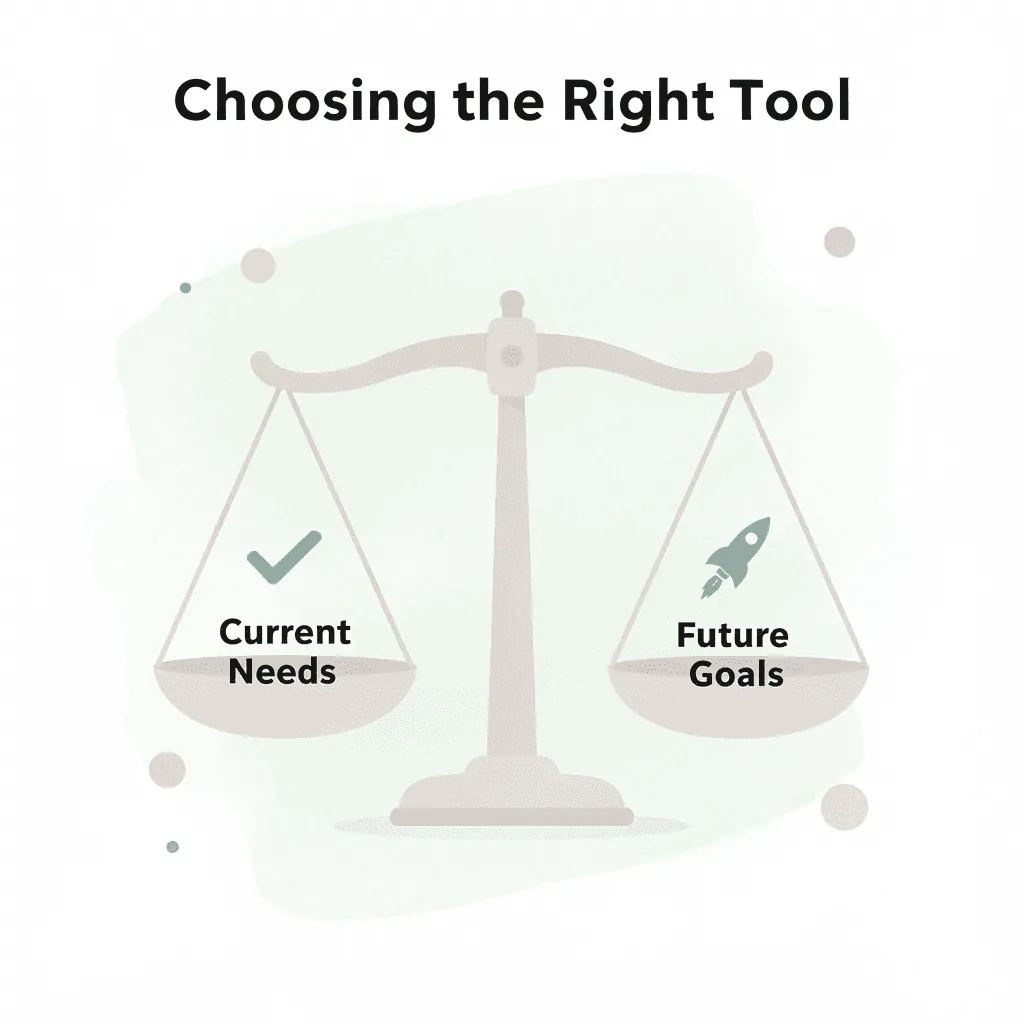
Pick tools that match where your business is right now, not where you hope it will be someday. When what you need today doesn't match what you want tomorrow, that's when choosing the wrong tools costs you real money.
"Choosing the wrong tools costs you money — the gap between today's needs and tomorrow's ambitions is where budgets go to die." — Key Business Insight
💡 Tip: Start with tools that solve your immediate pain points first. You can always upgrade as your business scales — but you can't recover wasted spend on tools you weren't ready for.
| Business Stage | What to Prioritize | Risk of Over-Buying |
|---|---|---|
| Just Starting Out | Affordable, easy-to-use tools | Paying for features you'll never use |
| Growing Business | Scalability + integrations | Locking into the wrong ecosystem early |
| Established Brand | Advanced automation + volume | Switching costs if needs weren't assessed |
⚠️ Warning: Don't let future goals drive today's purchasing decisions. Overinvesting in tools before you're ready is one of the most common — and costly — mistakes product businesses make.
1. Caspa
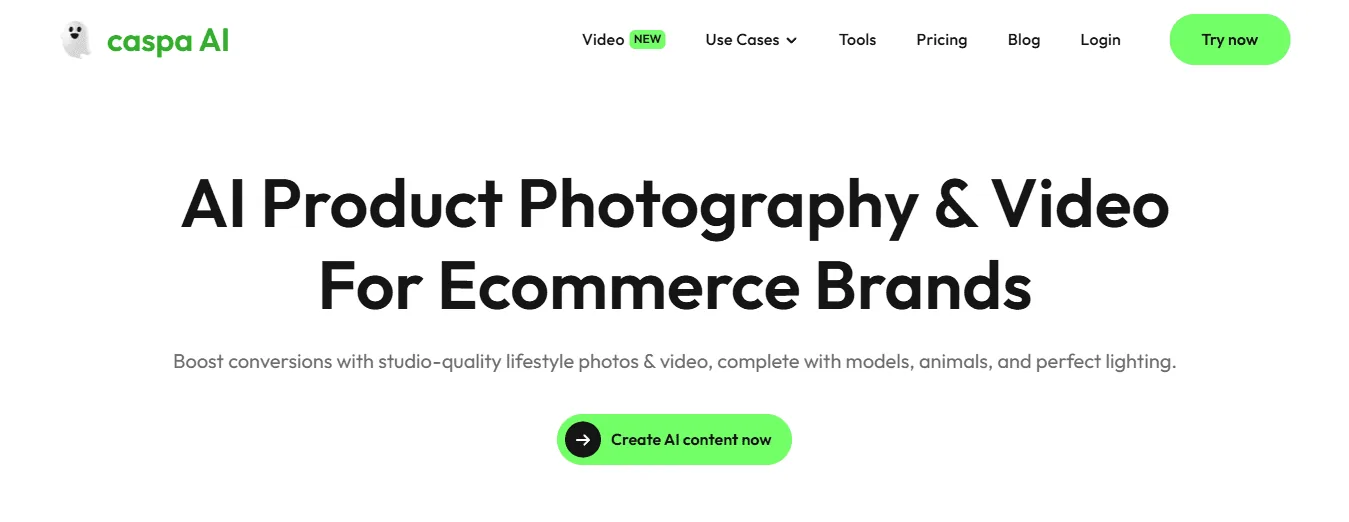
Product photography platforms built around AI have transformed what's possible for brands creating content at scale. Caspa combines background removal, image upscaling, custom stock photos, and ultra-realistic product shots with human models on a single platform, eliminating the need for separate subscriptions for each capability. According to the Tolstoy Blog's 2026 product photography research, e-commerce brands using AI product photography tools can reduce photo production costs by up to 80%.
How does Caspa streamline multi-tool production workflows?
Most brands send new product assets through three or four different tools before publishing. As product and channel requirements multiply, this process becomes a bottleneck, producing inconsistent outputs and rising per-asset costs. Caspa handles the full production chain in one place, compressing turnaround from days to hours while maintaining visual consistency across channels.
2. Flair AI

Flair AI prioritizes speed over depth. Its scene-building templates enable startups and early-stage brands to create lifestyle images and social media creatives without design experience, though this comes at the cost of flexibility for complex, catalog-scale assets requiring precise visual standards.
3. Photoroom

Photoroom excels at quickly removing backgrounds and cleaning up images for individual sellers and small businesses. It works well in marketplace listing workflows where speed takes priority over creative options. While subscription tiers add more features, the platform focuses primarily on editing rather than production.
4. Canva
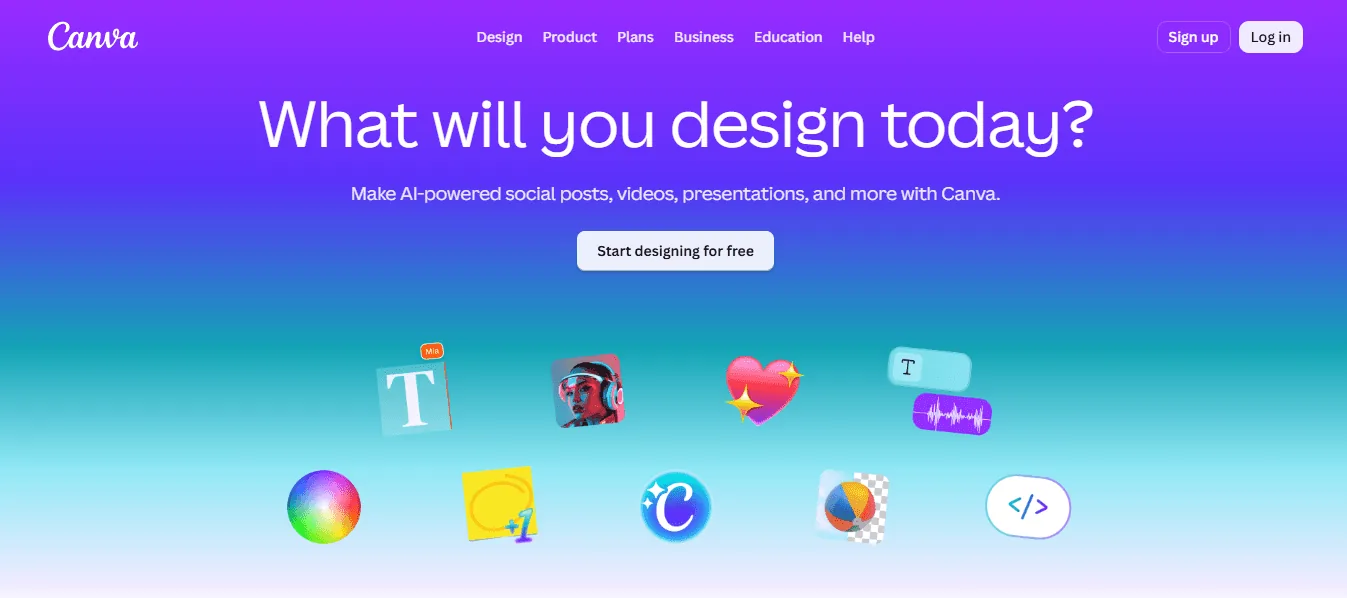
Canva is a graphic design tool with photography features, not a photography tool with design capabilities. For marketing teams creating social media graphics, presentation decks, and campaign banners, its template library and real-time collaboration features prove valuable. It falls short for brands requiring realistic images rather than designed compositions. Editing tools each solve one problem well and require you to solve the other problems elsewhere. This works with a small amount of content but breaks down once your content calendar grows faster than you can manage multiple platforms simultaneously.
5. Pixready
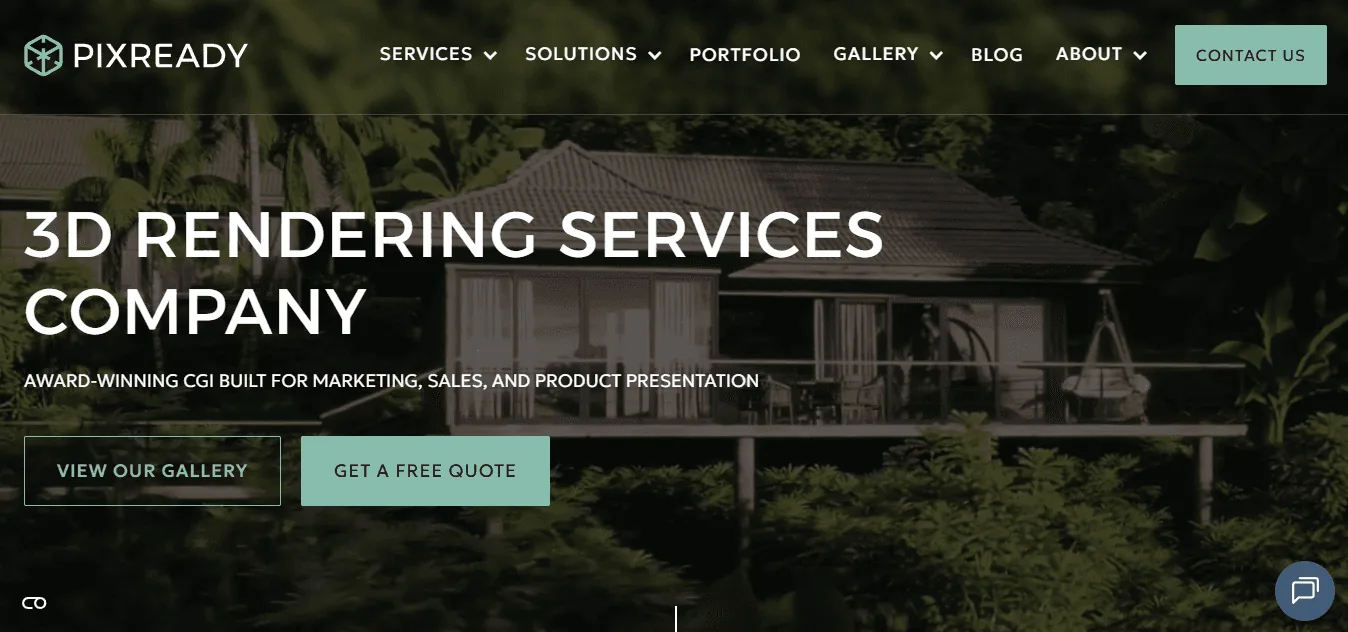
Pixready addresses a specific ecommerce need: photorealistic 3D rendering for products that are difficult or expensive to photograph repeatedly. Furniture brands, home décor companies, and manufacturers of customizable products use it to display multiple color options and material finishes without the need for new photography. The output quality is high, though the service requires more setup time and technical coordination than AI-powered photography platforms.
6. Fotorise
Fotorise takes a CGI-first approach, focusing on highly detailed visual assets and custom lifestyle scenes built through digital rendering. It works well for established manufacturers and larger ecommerce brands that manage extensive product lines, where consistency across hundreds of SKUs is critical. The Fuel's Ultimate Guide to POD Product Photography Gear notes that high-quality images can increase conversion rates by up to 33%, making the investment easier to justify at enterprise scale.
What are the trade-offs of using a CGI-based workflow?
CGI tools like Pixready and Fotorise are powerful but not self-service. Brands work with the provider's team to build assets, resulting in longer lead times and higher per-project costs than with AI platforms. With AI platforms, a single team member can generate and publish content in one session.
Does your current tool match where your business is heading?
The critical difference between choosing well and choosing poorly is not how many features a tool has, but whether the tool's output ceiling matches your production floor. A solo Etsy seller needs clean, fast background removal. A brand running paid acquisition across five channels, managing seasonal catalog refreshes, and producing A+ content for Amazon needs a platform that handles all those outputs without requiring a separate login for each.
When does a single-purpose tool start to break down?
When content volume is low and SKU counts are manageable, any of these tools work well. The problem emerges when growth accelerates, and single-purpose tools cannot keep pace. Brands often discover they've paid for multiple subscriptions that still don't add up to a complete solution. The best tool removes the most friction between having a product and having a published, conversion-ready image. As your catalog grows, the tool that worked well at 50 SKUs may become the thing slowing you down at 500.
How do you know when you have outgrown your setup?
Knowing when you've outgrown your current setup before it costs you real money is where most brands fail.
Related Reading
- How To Sell On Amazon
- Printful Vs Printify
- Shopify Vs Woocommerce
- Ai For Product Photos
- Ai Generated Product Images
- Ai Product Photo Generator
- Amazon Vs Shopify
- Ai Product Video Generator
- Ai For Ecommerce
- Ai Clothing Model
- Shopify Vs Bigcommerce
- Printful Review
- Shopify Vs Amazon
- Ai Model For Clothing
- Ai Product Video
- Ai Fashion Model
- Printful Pricing
- Best Amazon Seller Tools
Common Mistakes Brands Make When Comparing AI Photo Tools
Brands usually compare AI photo tools by putting pricing pages and feature lists next to each other, choosing the option with the most features for the lowest price. This logical instinct often backfires, locking them into tools that drain time and budget months later.
"Choosing the tool with the most features at the lowest price is the most common — and most costly — mistake brands make when evaluating AI photo tools."
⚠️ Warning: A feature-heavy, low-cost tool that looks like a bargain on a pricing page can quietly become your most expensive decision once hidden costs, workflow friction, and output quality issues compound over time.
💡 Tip: Before comparing pricing tiers or feature checklists, define your brand's actual use case — the right tool is the one that fits your workflow, not just your budget.
| Comparison Approach | What Brands Do | The Real Risk |
|---|---|---|
| Feature Count | Pick the tool with the most features | Paying for features you'll never use |
| Lowest Price | Choose the cheapest pricing tier | Hidden costs that scale fast |
| Surface-Level Demo | Judge the output from one test image | Missing consistency issues at volume |
| Peer Recommendations | Copy a competitor's tool stack | Ignoring your unique brand requirements |

Why does the real cost hide below the subscription line?
The failure point is rarely the subscription fee itself. A tool priced at $19 per month that still requires a separate upscaling app, a freelance editor for model shots, and a stock library subscription is not a $19 solution: it's a $200 problem wearing a $19 label. When evaluating Photoroom pricing or comparable platforms, map the full production chain, not the line item on your credit card statement.
How do coordination costs compound across growing catalogs?
The same problem emerges when catalogs grow and ad campaigns accelerate: teams underestimate the coordination required. Moving files between four different tools, reformatting outputs, and ensuring consistency across platforms create substantial delays and costs over three months. Most teams add another tool to solve this, which worsens the underlying fragmentation.
When features become a distraction
Focusing too much on editing instead of creating new content is costly. Editing tools improve existing content, but online stores need to create new content continuously: fresh lifestyle photos, seasonal designs, channel-specific formats, and infographics. A brand that edits photos well but cannot produce visual content at scale will fall behind.
Platforms like product photography combine generation and editing into a single workflow, covering model placement, background creation, infographic design, and video production. Our platform helps brands consolidate visual content creation, shifting the question from "which tool costs the least?" to "how many tools could one platform replace?"
The scalability assumption that breaks things
According to Conjointly's 2025 research on AI image perception, consumers correctly identified AI-generated images only slightly better than chance, with accuracy rates of around 50 to 60 percent across the image categories tested. This eliminates a key concern for brands: customers won't notice. The barrier to scaling AI-generated content is no longer quality perception but workflow capacity.
Brands that choose tools based only on current catalog size hit the same wall. A tool that handles 50 SKUs cleanly may require manual workarounds at 300 SKUs and a complete rebuild at 1,000 SKUs. Scalability determines which tools merit evaluation. The right question during comparison is not "does this work for us now?" but "does this still work when our volume triples?" Once you understand what separates tools that scale from ones that stall, the next question becomes the one that changes your results.
How Caspa Helps Ecommerce Brands Create More Than Edited Images
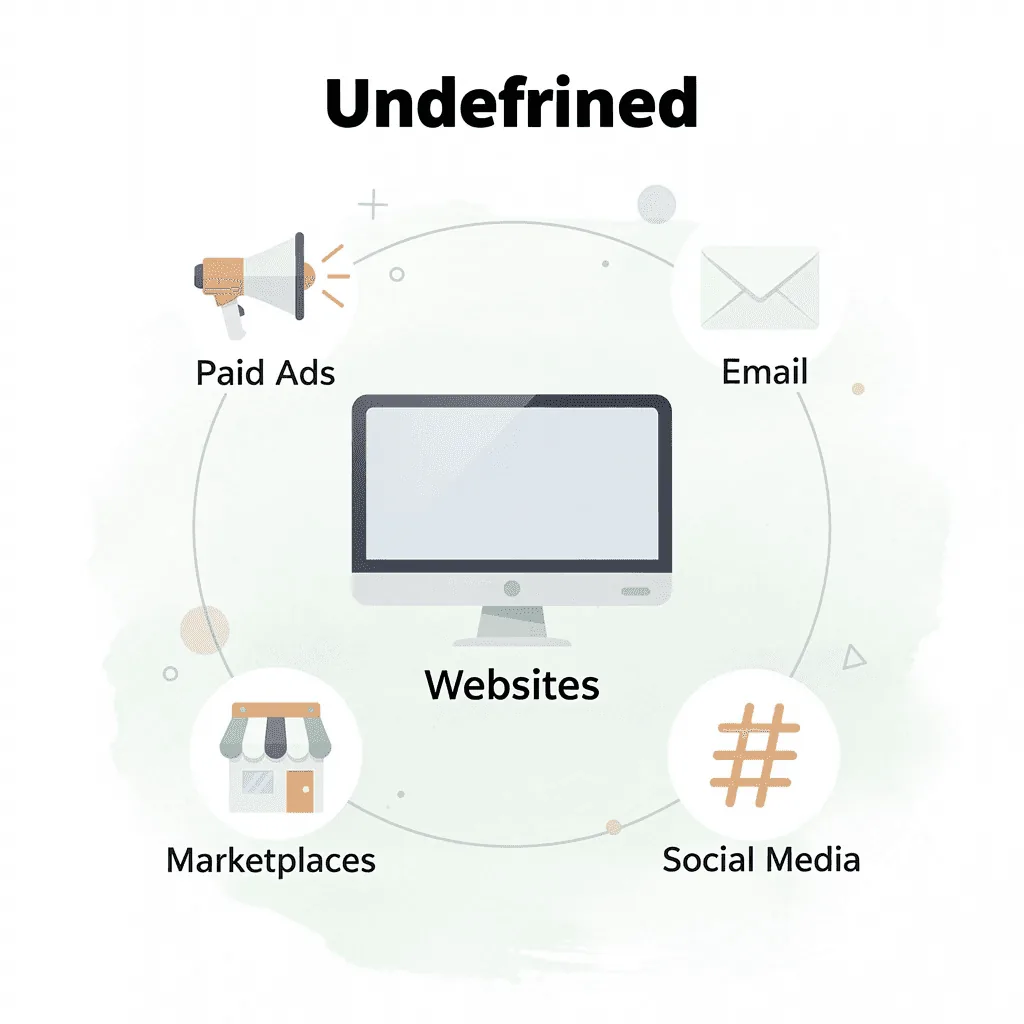
Growing ecommerce brands need more than background removal and basic editing. Product content fuels websites, marketplaces, email campaigns, paid ads, and social media—every channel demands a steady stream of fresh visuals. Brands need the ability to create fresh content quickly and consistently to stay competitive.
"Product content fuels websites, marketplaces, email campaigns, paid ads, and social media — brands need the ability to create fresh content quickly and consistently."
🎯 Key Point: A fragmented content workflow is a strategic liability that holds ecommerce brands back from scaling.
💡 Tip: If your team is juggling multiple tools to produce product visuals, your workflow needs consolidation.
Caspa is an all-in-one AI product photography platform that helps brands move beyond simple image editing. Instead of relying on multiple tools, photographers, and models that traditionally consume up to 20% of revenue, our platform lets brands manage their entire product visualization workflow from a single solution.
"Traditional photography workflows — spanning photographers, models, and editing tools — can consume up to 20% of revenue, making AI-powered alternatives a critical cost-saving lever."
| Traditional Workflow | Caspa Platform |
|---|---|
| Multiple tools & vendors | Single unified platform |
| Photographers & models required | AI-generated visuals |
| Up to 20% of revenue is spent | Dramatically reduced costs |
| Slow, inconsistent output | Fast, consistent content |
| Siloed editing & production | End-to-end workflow management |
🔑 Takeaway: Spending up to 20% of revenue on traditional photography isn't just expensive — it's unsustainable for growing ecommerce brands trying to scale content across every channel.
What can Caspa produce for ecommerce teams?
With Caspa, businesses can create realistic product photos featuring human models, edit existing photos, remove backgrounds, enlarge and clarify images, and generate custom stock photos in seconds. This enables teams to produce content for Shopify stores, Amazon listings, email campaigns, Meta ads, TikTok, Instagram, and other channels without having to plan expensive photo shoots or use multiple applications.
How does workflow consolidation reduce costs and delays?
Workflow consolidation is a significant advantage. Many ecommerce teams use separate tools for editing, background removal, stock photos, and image enhancement. Caspa brings these capabilities together, reducing delays and costs while helping brands produce more assets. Speed matters for product launches, seasonal campaigns, and advertising creatives. Caspa enables teams to experiment with different scenes, styles, and model variations without waiting days or weeks for traditional production cycles, allowing brands to respond faster to trends.
How does Caspa help brands scale content production sustainably?
Caspa helps brands create more content without a proportional increase in creative spending. Rather than treating product photography as isolated, one-time projects, our solution enables businesses to build a repeatable system that supports growth and maintains consistency across all channels.
Get Product Photos that Increase Your Sales Today
The real question: Are your visuals converting the traffic you already have?
"Your product photos are your silent sales team — working 24/7 to either win customers or lose them to a competitor." — E-commerce Best Practices
🎯 Key Point: High-converting visuals are not a luxury — they are the single most impactful lever you can pull to increase revenue from your existing traffic.
If you're comparing Photoroom pricing for studio-quality product images, try product photography. In your first session, transform existing photos into polished assets, experiment with AI-generated scenes and human models, and see how our creative workflow reduces production costs without sacrificing output quality.
💡 Tip: Don't wait to overhaul your entire catalog — even upgrading your top 3 product images can produce immediate improvements in click-through rates and conversions.
| Feature | Traditional Studio | Caspa AI |
|---|---|---|
| Production Speed | Days to weeks | First session results |
| Cost | High overhead | Reduced production costs |
| AI-Generated Scenes | ❌ Not available | ✅ Included |
| Human Model Integration | Expensive add-on | ✅ Built-in |
| Asset Flexibility | Limited | Fully customizable |
⚠️ Warning: Driving more traffic to a page with weak product visuals is a costly mistake — fix your creative assets first to make every visit count.

Related Reading
- Printful Vs Gelato
- Amazon Ai Tools
- Amazon Merch On Demand
- T-shirt Mockup Ai
- Advertising Product Photography
- Teespring Vs Printful
- Merch On Demand
- Flat Lay Product Photography
- Teespring Alternatives
- Ai Product Photo Editor
- Best Background For Product Photography
- Luxury Product Photography
- Redbubble Vs Printful
- Ai Clothing Model Generator
- Placeit Alternative
- Ai Fashion Model Generator
- Ecommerce Product Video
- Printify Vs Gelato
- Ai Product Video Maker
- Placeit Pricing
- Ai Clothing Mockup Generator